

Refreshing an established page is usually lower risk than replacing it when the edit protects the value the URL already has. Start with evidence: identify a page with meaningful search or business value, then improve what is genuinely outdated or incomplete. Brand Vision treats this as part of a broader SEO agency workflow, not a reason to rewrite content simply because it is old.
1) Choose pages with a real reason to refresh
Use Search Console, analytics, conversion data, and backlink context to find pages whose performance or usefulness has changed. Declining clicks, outdated facts, or mismatched intent are stronger reasons to act than a fixed ranking-position rule. There is no universal “positions 4–15” quick-win formula. A content strategy can separate high-value updates from routine maintenance, while a marketing consultation can weigh business value alongside search opportunity. A ranking of the best link-building firms can remain one input when outreach is relevant. Use Google Search Console to compare date ranges, queries, clicks, impressions, and CTR.
- Prioritize pages with meaningful existing value and a clear problem to solve.
- Avoid treating one ranking band as a guaranteed shortcut to growth.

2) Reconfirm search intent before you edit
Search results and user expectations change. Recheck what the query is asking for now instead of mechanically copying competing formats. A refresh may need clearer explanations, updated evidence, or a better section order. Google’s people-first guidance remains the right filter (Google Search Central).
- Check whether the page still answers the dominant intent behind its important queries.
- Change structure only when it helps readers complete the task more easily.
3) Preserve URLs and canonical signals unless a move is necessary
Keep the existing URL when the page still serves the same purpose. If the content must move permanently, use a 301 redirect and update internal links, canonical references, and discovery signals. A technical SEO review is useful when the change affects redirects, canonicals, templates, or indexing. Google’s general people-first guidance also supports avoiding unnecessary changes made mainly for search engines (Google Search Central).
- Keep the current URL when the page’s purpose remains substantially the same.
- When a move is required, update redirects, internal links, canonicals, and sitemap references together.

4) Improve the answer, not just the wording
A useful refresh adds missing context, removes obsolete material, updates evidence, and improves scanning. Nielsen Norman Group’s web-reading research supports designing for scanning rather than assuming every visitor reads linearly (Nielsen Norman Group). The goal is not to pad the page. It is to make the answer easier to understand and use.
- Replace vague or outdated passages with current, specific information.
- Use headings and lists where they genuinely improve navigation and comprehension.
5) Update titles, descriptions, and structured data carefully
Revise titles and descriptions when they no longer reflect the query or answer. Structured data should match visible content and current Google-supported search features (Google Search Central). That matters because HowTo rich results were deprecated in 2023, and Google stopped showing FAQ rich results in May 2026 before removing the FAQ feature documentation in June 2026 (Google Search updates). Do not add FAQ or HowTo markup simply to chase an enhancement that no longer appears in Google Search.
- Make metadata describe the refreshed page accurately rather than exaggerating freshness.
- Use supported structured data only when the visible content and eligibility requirements match.

6) Update facts, dates, sources, and market context
Replace stale statistics, screenshots, pricing, laws, and references when they matter. A visible updated date should reflect a substantial change. Google warns against changing dates merely to make pages appear fresh (Google Search Central). For large B2B libraries, this review should also check whether examples still fit the buyer journey and sector context; that is especially relevant for B2B marketing content with long consideration cycles.
- Update consequential facts and cite sources that actually support the revised claim.
- Change visible dates only when the page received a meaningful update.
7) Improve performance without turning speed into a rewrite excuse
A refresh is a good time to review image formats, dimensions, lazy loading, layout stability, and heavy embeds. Core Web Vitals still use LCP, INP, and CLS, with “good” thresholds of 2.5 seconds, 200 milliseconds, and 0.1 respectively at the 75th percentile (web.dev). Broader performance and user-behavior research is also available through Think with Google. If the template itself is the bottleneck, the solution may belong in web design rather than in the article copy.
- Compress and size images appropriately, and reserve dimensions to reduce layout shift.
- Measure real-user performance where possible instead of assuming one lab score tells the whole story.

8) Strengthen internal links and resolve genuine overlap
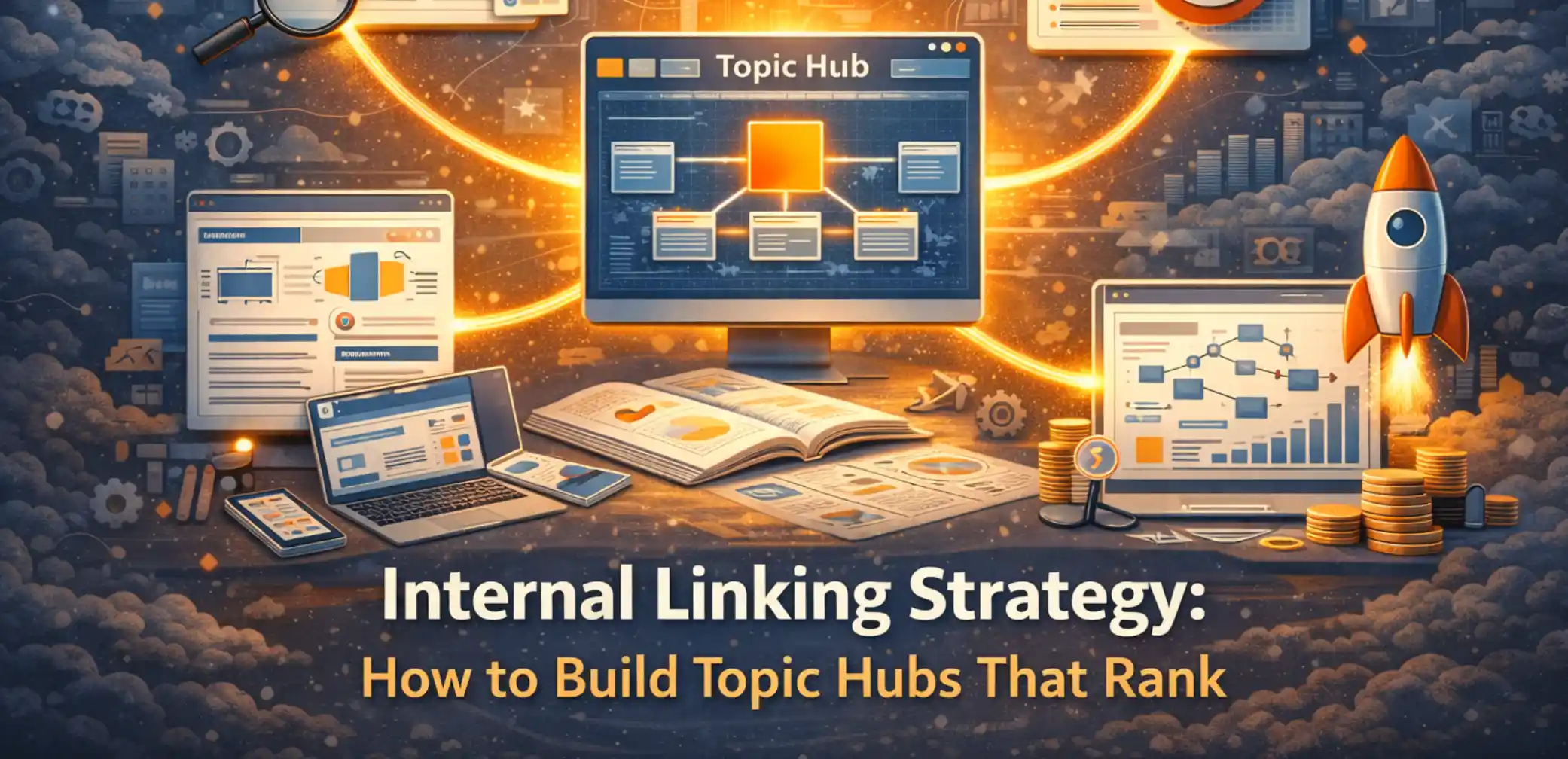
Add descriptive internal links from relevant pages to the refreshed asset and useful supporting content. If two pages truly compete for the same purpose, choose which URL should lead and consolidate only when that improves the architecture. Canonical tags are part of duplicate-URL management (Google Search Central). Brand Vision’s guide to internal linking strategy covers hub-and-supporting-page relationships in more detail.
- Use anchors that explain what the destination page offers.
- Consolidate only when pages materially overlap in intent or purpose.
9) Use sitemap lastmod accurately
You do not need to “ping” Google every time a page changes. Keep the sitemap accessible and make sure lastmod reflects the last significant update to the page, such as changes to primary content, structured data, or important links. Google says accurate lastmod values can help it schedule recrawls, but the signal loses value when dates do not match reality (Google Search Central; Google sitemap guidance).
- Update lastmod for significant changes, not routine deploys or footer edits.
- Keep the sitemap current rather than repeatedly resubmitting an unchanged file.
10) Request recrawling selectively and monitor without promising a deadline
For important URLs, Search Console’s URL Inspection tool can request recrawling after a substantial update. Google says crawling can take from a few days to a few weeks and does not guarantee immediate indexing or ranking changes (Google Search Console; Google recrawl guidance). Monitor clicks, impressions, query coverage, conversions, and indexing status long enough to separate normal volatility from a meaningful change. An SEO audit can help when a refresh exposes broader crawl, indexing, or template problems.
- Use request indexing for selected high-priority pages, not as a routine guarantee of speed.
- Judge results against the page’s previous performance and business purpose.
11) Add media when it answers the question faster
Videos, diagrams, and screenshots can improve an explanation when they reduce effort for the reader. Video structured data can help Google understand eligible video content when the markup accurately represents a visible video (Google Search Central). Optimize large assets so media does not undo the performance gains of the refresh; practical loading guidance is available through web.dev. Do not add FAQ markup merely because the page has an FAQ section, since FAQ rich results are no longer shown in Google Search.
- Add media for explanation, comparison, or demonstration, not decoration alone.
- Keep media dimensions, loading behavior, and structured data aligned with the visible page.

12) Avoid the changes most likely to create unnecessary risk
Do not change a successful slug without a clear reason, remove linked sections carelessly, or reset publication dates to manufacture freshness. Google’s people-first guidance discourages changes made mainly to appear fresh or satisfy a supposed preferred word count (Google Search Central). For distributed Canadian sites, a Canada branding agency can also help keep brand and content governance consistent when regional teams refresh pages independently.
- Preserve useful sections, anchors, and links unless the content has genuinely become obsolete.
- Document material changes so future editors know what was updated and why.
FAQ
What should I refresh first?
Start with pages that have business value and evidence of a problem: declining performance, outdated information, weaker intent match, or technical issues that can actually be fixed.
Will changing the date help rankings?
A date change is not a ranking tactic by itself. Update the visible date when the page has been substantially revised, not simply to make it look newer.
Should I change the URL?
Usually not when the page still serves the same purpose. If a permanent move is necessary, use a 301 and update internal links, canonicals, and sitemap references.
What technical items matter most in a refresh?
Crawlability, indexability, canonical signals, internal links, meaningful lastmod, valid structured data where supported, and real-user performance are all worth checking.
How soon will I see results?
There is no reliable fixed window. Google says recrawling can take from a few days to a few weeks, and ranking changes may take longer or may not occur at all.
Refresh the Page, Not the URL’s History
A disciplined refresh protects what still works while improving what no longer serves the reader. Keep the URL when appropriate, update the evidence, maintain accurate technical signals, strengthen useful links, and measure the outcome.
Brand Vision works across SEO, content, web, and brand systems as a branding agency with an integrated digital practice. If your content library needs a structured refresh plan, you can contact Brand Vision to map priorities and technical dependencies.
















.webp)