Current Web Design Trends for 2026: What’s Worth Building Now
The web is more crowded, more regulated, and more measurable than it was even two years ago. For leaders, current web design trends are no longer about taste. They are about trust, conversion paths, and the ability to change the site without breaking it. The teams that treat design trends as a system decision move faster and waste less.
In 2026, web design trends 2026 are being shaped by three forces: higher expectations for speed, higher expectations for accessibility, and higher expectations for on site guidance. Modern web design is also being influenced by product thinking. Websites are expected to behave like software, not brochures. That shift changes which website design trends are worth adopting, and which UI design trends and UX design trends are just surface.
.webp)
At A Glance
- The strongest web design trends 2026 favor clarity, modular layouts, and faster interactions.
- Modern design practice is moving toward design systems that scale across pages and teams.
- Website design trends that ignore accessible web design and website performance now create real risk.
- UI design trends are converging with UX design trends around guided flows, feedback, and friction removal.
- Responsive web design is expanding beyond phones to foldables, large displays, and embedded surfaces.
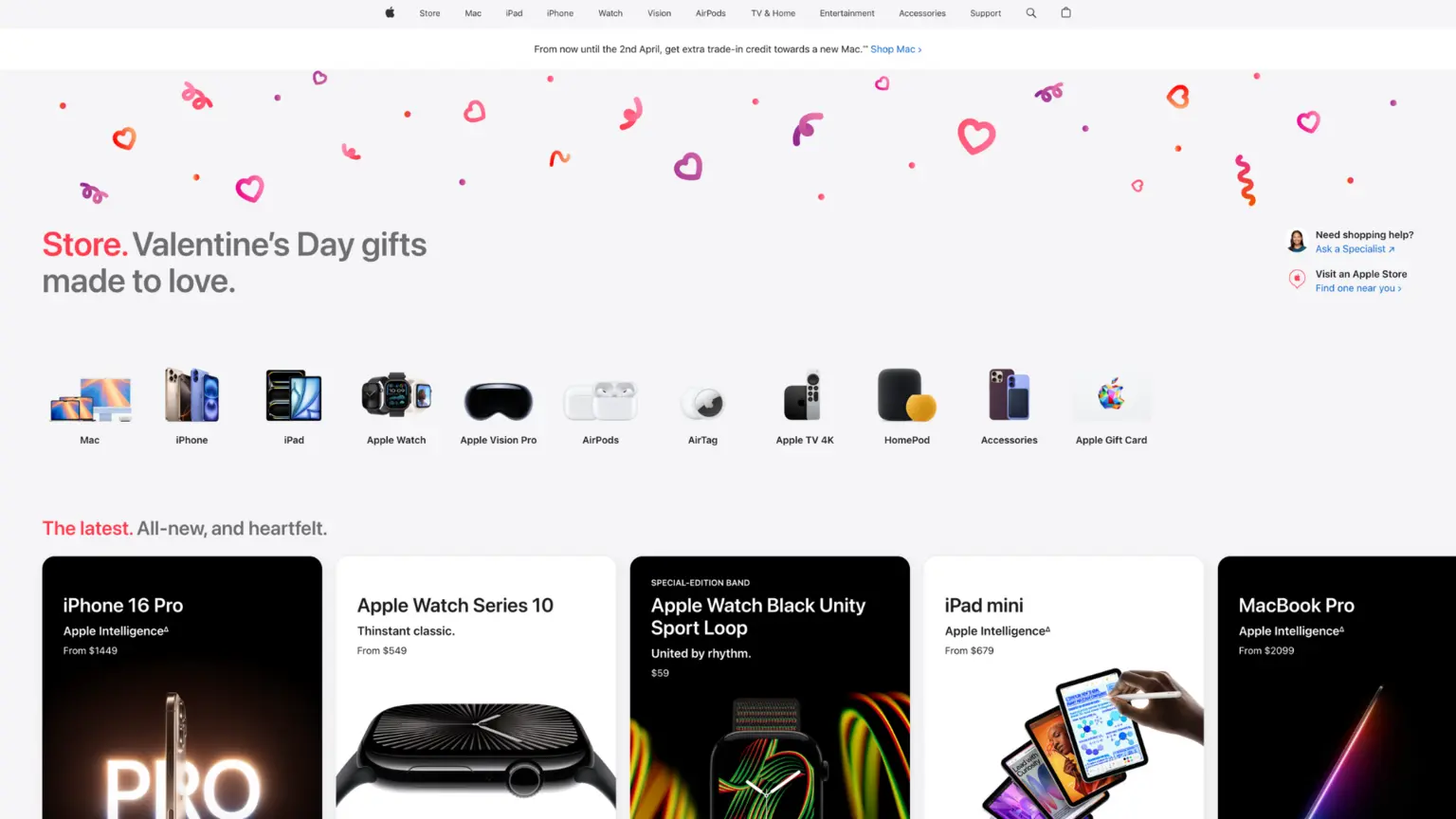
Why Web Design Trends Feel Different in 2026
Website trends are being filtered by constraints. That is the difference. Stakeholders now ask what modern web design will do for pipeline, for customer support load, and for internal speed. Website design trends that cannot be measured or maintained tend to fade fast, no matter how strong the initial visual.
UI design trends and UX design trends are also converging because the interface is now the product of a multi team system. A landing page, a help center, and a logged in dashboard cannot look and behave like separate companies. Responsive web design and accessible web design are the glue. Website performance is the proof.
The New Baseline for Modern Web Design
Modern web design is now judged on whether it feels calm at speed. Fast load, stable layout, clear hierarchy, and immediate feedback are table stakes. Performance data shows why. The HTTP Archive Web Almanac documents Core Web Vitals and the shift to INP for interactivity measurement, reinforcing that responsiveness is now a first class quality metric. That responsiveness focus shows up in the Web Almanac performance chapter and Google’s Core Web Vitals guidance.
Where Current Website Design Trends Come From
Many website design trends start as visual language, then become a component pattern, then become a system rule. The trends that survive tend to work in multiple contexts: marketing pages, product pages, and support content. That is why 2026 design patterns are less about one aesthetic and more about a set of constraints that modern web design respects.
Expressive Minimalism: Quiet Design With Strong Hierarchy
Expressive minimalism is one of the most durable web design trends 2026 because it respects attention. The layout stays restrained, but the hierarchy is strong. You see a single clear message, a deliberate path, and typography that carries tone. These website design trends work for B2B, consumer, and platform brands because they reduce decision fatigue.
This is not a return to generic minimal templates. Modern web design here uses contrast, spacing, and type scale to create personality without clutter. UI design trends in this category focus on legible typography, high contrast controls, and intentional negative space. UX design trends focus on fewer choices at once, and cleaner routes to next steps.
Where Expressive Minimalism Works
Expressive minimalism supports long form explanations, complex offers, and high trust categories. It also improves scannability on mobile, which makes responsive web design simpler. When the structure is clear, accessible web design is easier to achieve, and website performance improves because the page carries fewer heavy elements.
Implementation Notes for Teams
- Write one primary message per page section and make it visually dominant.
- Use typography as a system, not decoration, so UI design trends stay consistent across templates.
- Keep interactive elements obvious and generous in size, which supports accessible web design.
- Treat whitespace as a layout tool that improves UX design trends like comprehension and flow.
Bento Grids and Modular Layouts: Density Without Chaos
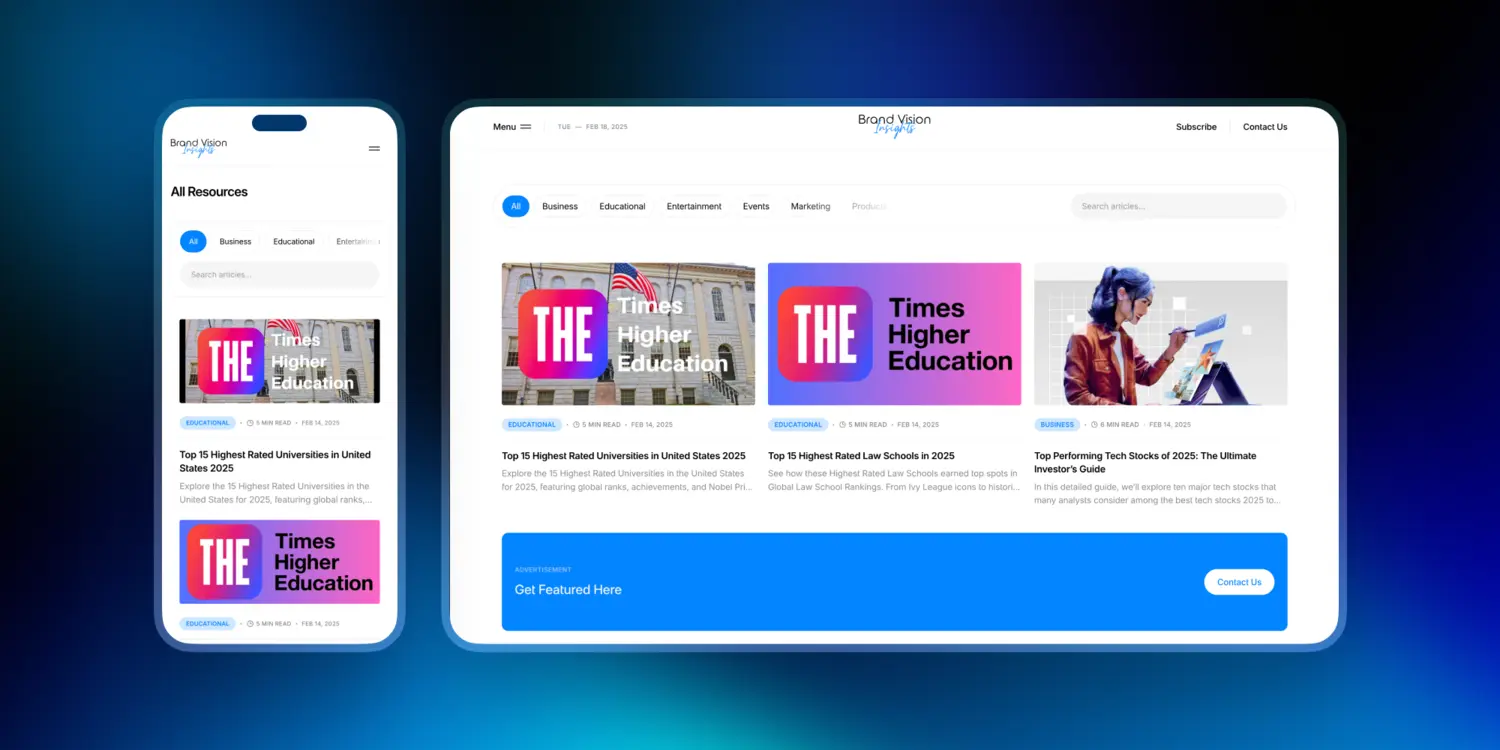
Bento grids have become one of the most visible website design trends and web design trends 2026 because they handle density well. The idea is simple: a page is a set of modular cards that can expand, collapse, and reorder without breaking the rhythm. It is a practical expression of modern web design that aligns with component systems. This pattern shows up in the broader 2026 trend conversation, including Figma’s roundup of web design trends for 2026.
UI design trends here emphasize clear card borders, subtle elevation, and consistent spacing. UX design trends focus on predictable scanning, fast comprehension, and reduced cognitive load. For responsive web design, bento grids give you a straightforward way to reflow content across breakpoints without redesigning the story each time.
Bento Grid Rules That Keep It Usable
A bento grid works when each card has one job and one action. If everything is a card, nothing is. The best web design trends in this category keep headings short, imagery purposeful, and actions specific.
- Keep cards consistent in padding and alignment so the grid does not feel noisy.
- Use one visual accent per card to support accessible web design and readability.
- Avoid hiding essential information behind hover states, especially for responsive web design.
How Modular Layouts Improve Governance
Modular layouts are not only a design trend. They are a governance tool. When your website design trends are built on repeatable components, teams can ship changes without creating inconsistency. That reduces review time and supports website performance because components can be optimized once and reused.
Motion Design and Microinteractions: Feedback, Not Decoration
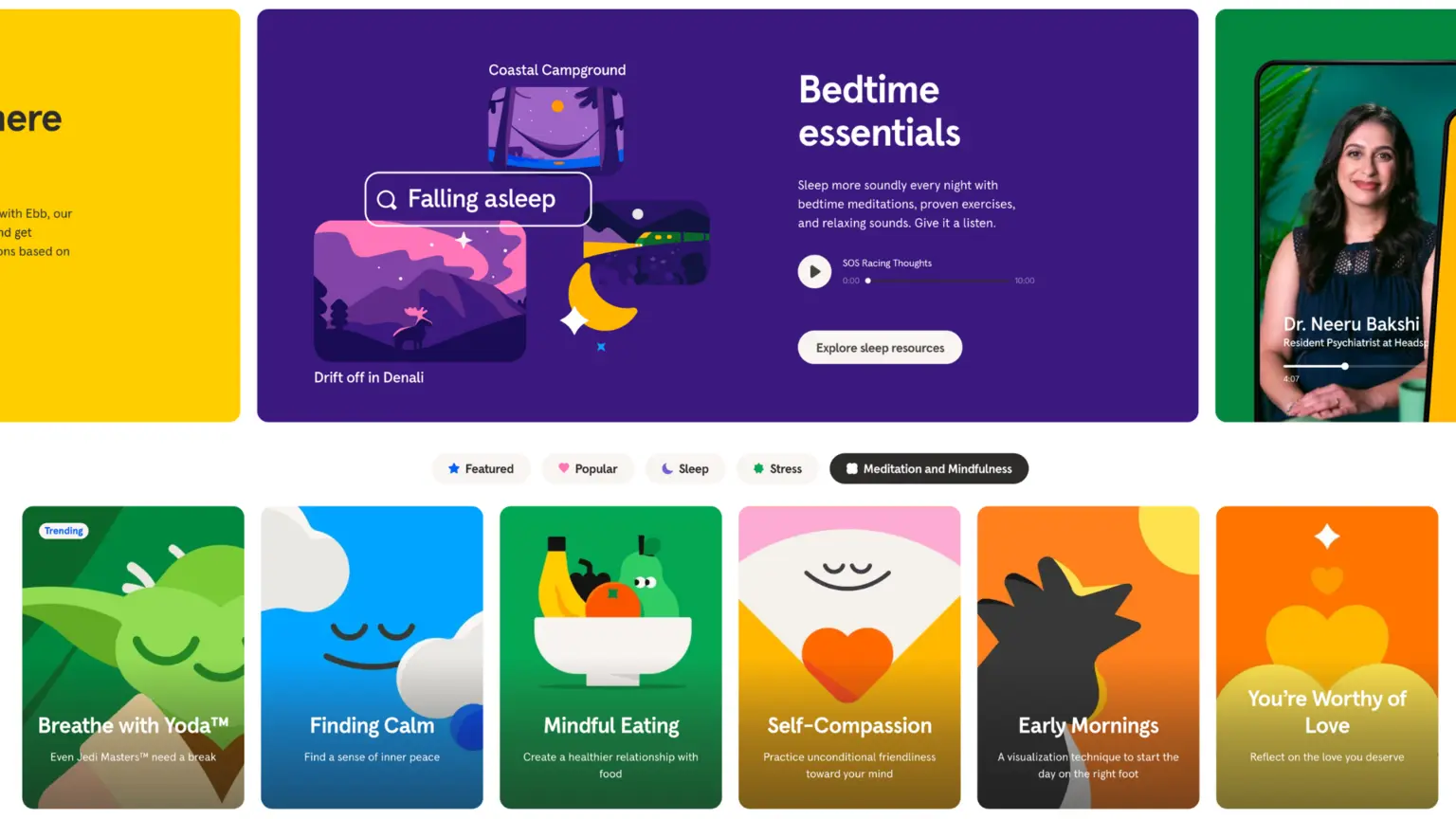
Motion is now a standard part of 2026 web design, but it is being used more deliberately. The best motion in modern web design clarifies state change. It shows what just happened and what will happen next. It is a UX design trend as much as a UI design trend.
Done well, motion reduces errors. It also supports responsive web design because movement can guide attention when space is limited. Done poorly, it adds weight, hurts website performance, and can create accessibility problems for people sensitive to motion. That is why accessible web design needs to be part of motion decisions.
Microinteraction Checklist
- Use motion to confirm actions: saved, added, submitted, expanded.
- Keep animation durations short and consistent across components for UI design trends consistency.
- Respect user preferences for reduced motion, which is part of accessible web design.
- Avoid large layout shifting animations that hurt website performance.
Scroll Based Storytelling Without Friction
Scroll choreography can work when it supports comprehension, not spectacle. The strongest website design trends use scroll to reveal context, then stop. They do not trap users in forced sequences. In modern web design, scroll should never block navigation or basic scanning, especially on mobile.
Depth, Glass, and Texture: When 3D Helps Comprehension
Depth effects are back, but the role has changed. Instead of skeuomorphic realism, today’s UI design trends use depth to clarify layers and focus. Soft glass effects, blur, and subtle shadows can help users separate navigation from content, or primary actions from secondary. Used with restraint, this is modern web design with better legibility.
The risk is performance and readability. Heavy blur and large transparent layers can degrade website performance. They can also reduce contrast, which harms accessible web design. The trend is useful when it improves hierarchy, not when it turns the interface into decoration.
Where Depth Helps UX Design Trends
Depth can improve UX design trends when you need to communicate states: modals, drawers, sticky tools, and progressive disclosure. It also helps when your bento grid includes interactive cards and you need a clear active state.
Where Depth Backfires
- Low contrast text on blur backgrounds, which undermines accessible web design.
- Large GPU heavy effects across multiple sections, which can damage website performance.
- Decorative 3D that competes with copy, which distracts from the conversion path.
AI Inside the Interface: Search, Support, and Personalization
AI is now a layer inside many modern web design systems. The trend is not that every site needs a chatbot. The trend is that users expect faster answers and clearer next steps. Web design trends 2026 in this area show up as guided search, contextual help, and forms that adapt to intent.
This is where UI design trends and UX design trends meet operations. A helpful assistant needs a knowledge source, escalation rules, and tone control. Without that, the interface becomes noise. For responsive web design, AI tools must stay lightweight and not dominate the viewport.
On Site Assistance That Reduces Support Load
A small, well scoped assistant can reduce tickets by answering high frequency questions and guiding users to the right page. When you implement it, design the flow like a product: clear states, clear exits, and clear handoff to humans. That supports website performance and user trust.
Personalization With Boundaries
Personalization is part of website design trends because it can reduce steps. It is also risky if it feels invasive or inconsistent. Use it for sequence and relevance, not for spectacle. Modern web design uses personalization to show the right module, not to rewrite the whole page.
- Personalize navigation based on user intent, not identity.
- Keep the default experience strong so accessible web design is not dependent on personalization.
- Measure impact with simple events that do not slow website performance.
Accessible Web Design: Designing for Everyone, Not the Average
Accessible web design is no longer a specialist topic. It is one of the defining web design trends and website design trends of the decade because it intersects with compliance, reputation, and growth. The WebAIM Million 2025 report found an average of 51 detectable accessibility errors per home page across one million sites. That is a signal that many teams are still shipping avoidable problems.
Treat accessible web design as a design system requirement. It reduces rework and improves quality. It also strengthens UI design trends because accessible components are usually clearer components. UX design trends benefit because accessible flows are often the most direct flows.
What Fails Most Often
Common failures are predictable: missing text alternatives, low contrast, unclear focus states, and forms that are hard to complete with a keyboard. The W3C’s summary of what’s new in WCAG 2.2 highlights additions tied to real usage, including focus appearance and target size, which align with practical modern web design.
Design Tokens That Make Accessibility Repeatable
Accessibility becomes consistent when it is encoded. Define tokens for contrast, spacing, focus rings, and states, then enforce them in components. This approach makes UI design trends consistent and helps responsive web design because tokens scale across breakpoints.
- Set minimum contrast rules and test them early.
- Standardize focus states so keyboard use feels intentional.
- Use consistent labels and error messaging so forms support UX design trends.
Website Performance as Design: Faster Pages, Fewer Surprises
Website performance has moved from engineering concern to design constraint. Core Web Vitals reflect real user experience and are visible to teams through tooling. The practical shift is INP, because it captures the responsiveness users actually feel. Web.dev’s guidance on Interaction to Next Paint and its recommendations to optimize INP make the tradeoffs clear: long tasks and heavy scripts are now a design decision, not only an engineering one.
The Web Almanac reported that 43 percent of sites had good Core Web Vitals with INP on mobile in 2024. That still leaves most sites with room to improve. Web design trends 2026 that depend on heavy scripts or large media tend to struggle here.
Core Web Vitals and Interaction Hygiene
Treat responsiveness as a design requirement. Fewer third party scripts, lighter UI, and simpler event handling protect INP. This is where modern web design and UX design trends align with engineering reality.
- Avoid large client side frameworks when they do not add value.
- Defer non essential scripts so primary interactions stay fast.
- Prevent layout shift with reserved space and stable components.
Performance Budget Checklist
A performance budget turns website performance into an operational habit. It also makes website design trends safer to adopt because every addition has a cost.
- Set a maximum page weight for key templates.
- Limit third party tags and audit them quarterly.
- Optimize images and choose formats that keep responsive web design fast.
Responsive Web Design for New Screens: Mobile, Foldables, and Large Displays
Responsive web design is no longer only about mobile. It is about a wider set of contexts: foldables, wide monitors, in app browsers, and embedded web views. That makes responsive web design one of the most important website design trends and web design trends 2026. If your grid and typography scale cleanly, the site feels intentional everywhere.
Modern web design is moving toward layout systems that adapt without needing separate designs for each device. UI design trends such as bento grids, modular spacing, and strong typography help here. UX design trends focus on preserving tasks across contexts, so people can start on one device and finish on another.
Mobile First Without Looking Generic
Mobile first does not mean minimal by default. It means that the path, the hierarchy, and the interaction model work in small space. Start with the most important task, then expand.
- Use large tap targets and spacing, which reinforces accessible web design.
- Keep navigation predictable and avoid hidden essential paths.
- Use progressive disclosure to keep pages readable and fast.
Testing Scenarios That Catch Breakage
Responsive web design breaks most often in real world conditions: slow networks, small keyboards, and dynamic content. Test with realistic data. Confirm that focus order, forms, and menus remain usable.
- Test at common breakpoints and at in between widths.
- Test keyboard navigation and screen reader labels.
- Validate that website performance remains stable on mobile.
A Trend Filter for Decision Makers: What to Adopt and How to Govern It
Not every set of trends belongs on your site. The best approach is to treat website design trends like product bets. You need a filter that balances brand, usability, and cost. This keeps modern web design focused and keeps UI design trends from drifting into decoration.
A simple framework is Signal, Surface, System. Signal is the user need the trend addresses. Surface is the visual expression. System is how it is implemented and governed. If a trend has surface but no system, it will decay. If it has system but no signal, it will feel performative.
Signal, Surface, System in Practice
- Signal: What friction does this remove, and which metric should move.
- Surface: What the user will see, and how it aligns with brand tone.
- System: Components, tokens, content rules, and ownership so responsive web design stays consistent.
A One Quarter Adoption Plan
Choose two to three website design trends to test, not ten. Pair them with a performance and accessibility definition so you protect website performance and accessible web design.
- Pick one layout change, one interaction change, and one content change.
- Define success in terms of completion rate, support deflection, or conversion.
- Document patterns so future pages follow the same UI design trends and UX design trends.
Design Your Website to Outperform 2026 Standards
If you are evaluating web design trends 2026 for a rebuild or a refresh, it helps to start from constraints: performance budgets, accessibility targets, and the governance model. From there, the aesthetic becomes clear.
Teams that need a partner for modern web design, responsive web design, and accessible web design can work with Brand Vision. Start with their web design team that builds systems, not one off pages. You can also align design and growth goals through their UI UX design their SEO agency.
For teams planning a rebuild, a Webflow web design agency or WordPress web design agency approach can reduce long term maintenance, and a consistent visual identity keeps UI design trends coherent across channels. A fast starting point is a marketing consultation and audit.

%2520(1).png)
.png)