A product demo can be visually immaculate and still feel strangely inexpensive. The interface transitions are smooth, every frame follows the brand identity system, and then the music enters: a generic upbeat track, indifferent to what the product is actually doing.
The problem is alignment, not production value. Consider a hypothetical 52-second product demo for an inventory platform: it opens on a crowded operations dashboard, introduces an automated alert, shows a user resolving a stock problem, and ends on a calm weekly overview. The visual story moves from pressure to control.
A soundtrack that stays equally bright and busy throughout contradicts that story, and one that lands its biggest moment on a cursor movement rather than the resolution misstates the hierarchy of the interface. Sound belongs in the product demo as a UX layer that helps viewers feel sequence, emphasis, and completion, and it requires designing time with the same care used to design the screen.
Why a Polished Product Demo Can Still Feel Cheap
A polished demo can feel less considered when its soundtrack and interface emphasize different events. Viewers may not identify the mismatch, but an important visual transition without a corresponding change in sound can weaken the sense of progression. Music that celebrates before the product resolves the problem can similarly confuse the payoff.
Research on website credibility suggests people read credibility from presentation quality as part of forming an initial impression. That research does not establish how sound affects product-demo conversion. It does, however, support reviewing the demo as a coherent presentation instead of treating audio as a final decorative layer.
The mismatch often begins when a team chooses music after the edit is nearly locked. The brief becomes a list of moods such as modern, optimistic, premium, and energetic. Those words describe atmosphere, not the events in the video. A useful sonic brief also explains what changes, when it changes, and which moment should feel like the resolution.
For the illustrative inventory demo, the working brief becomes operational. Begin with restrained motion and unresolved tension. Leave room for narration to explain the stock problem, introduce momentum as the alert is acknowledged, and place the clearest musical resolution when the dashboard returns to control. End with a stable cue beneath the logo and call to action.
A brief in that form gives a composer, editor, or generation tool something to solve. Teams can use it to create and iterate on original music for a product demo, testing several directions against the same locked picture instead of judging disconnected tracks in isolation.
The brief also upgrades the question the team asks. Which song the room likes gives way to which cue makes the product story easier to follow, and the second question has an answer the whole team can check.
Map the Interface Events Before Choosing a Direction
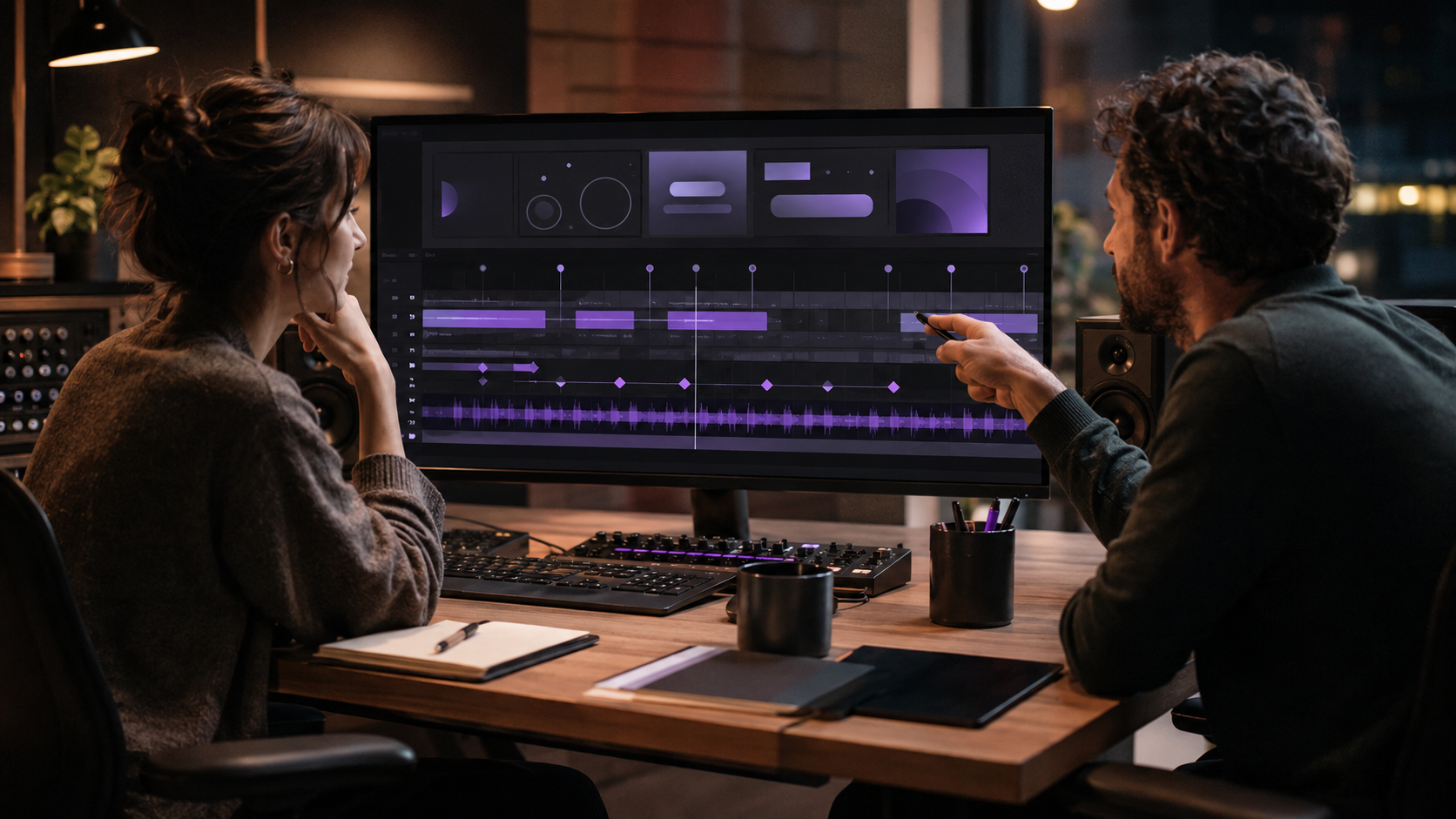
The fastest way to improve a product demo's sonic UX is annotating the edit: marking only the events that change the viewer's understanding, then deciding what the soundtrack should do around each one.
The inventory product demo maps in five beats. The opening eight seconds establish the busy dashboard and stock warning; the viewer needs to understand a real operational problem exists, and the music's job is restrained tension that never crowds the narration.
Through the 22-second mark, the alert opens and a suggested action appears. The product has identified a path forward, so the cue adds motion without spending the full payoff.
The middle stretch, roughly seconds 23 through 39, covers the user confirming and inventory updating, where momentum clarifies and the resolution gets prepared. The weekly overview turning stable around second 40 is the moment the problem is visibly under control, and it is where the main musical resolution lands.
The final seconds hold logo and call to action. The ending's job is a clean, stable close rather than the start of a new phrase, which is what lets the demo end instead of merely stopping.
The event map stops a product demo team from accenting every animation equally, since a dropdown opening is rarely as important as a successful confirmation, and it exposes timing problems early: a musical payoff that needs ten seconds cannot serve a product resolution that lasts three, so the edit or the cue must change.
The event map also aligns UX, brand, motion, and marketing reviewers around the same decisions. Research on effective distributed teams discusses the value of shared coordination practices; it does not test sonic briefs specifically. Teams developing a comparable visual timeline can also use Brand Vision's guide to planning a timed production brief for shot-by-shot structure.
Three Levels of Emphasis, Not a Sound Per Click
Music should communicate changes in state and confidence, not imitate every on-screen action. A product demo is not improved by attaching a sound to every cursor movement; that approach makes a sophisticated interface feel like a toy and competes with narration and captions.
The working hierarchy has three levels. Structural moments change the story, a problem identified, a workflow succeeding, a final result appearing, and may deserve a harmonic change, a new layer, or a clear cadence.
The other two levels earn less emphasis. Supporting moments clarify progress, such as selecting a setting, and may need steady momentum but no accent. Decorative motion adds polish without changing meaning and usually needs no audio response. This hierarchy parallels interaction design, where feedback should reflect the importance of a change in state rather than treat every action equally.
In the hypothetical inventory demo, the automated alert is structural because it introduces the solution. Confirming the action supports the workflow, while a subtle chart animation adds decoration. Giving all three equal musical weight would flatten the hierarchy already established through interface design.
Silence belongs in the system too. A brief reduction in musical density before a result can create more emphasis than another impact, and a sparse cue beneath a dense interface often feels more assured than an energetic track trying to prove value every second.
Review the Sound as Part of the Product Story
Review the sound while the team can still adjust both cue and edit points. Include someone responsible for the brand, someone who understands the product, and someone unfamiliar with the work. In technology marketing, that third perspective is useful for checking that the workflow and outcome are understandable before the team debates musical style.
The uninvolved viewer describes the product demo's story after one watch: which problem the product solved, where the experience became easier, which moment felt like the conclusion. Answers that miss the intended sequence prompt the diagnostic comparison, the picture without music and the music against the picture, which reveals whether the problem is narrative structure or sonic emphasis.
Once a cue passes review, use the same event map for shorter cuts. Music-and-video experiments in Creatune are one option for exploring different treatments, but the platform itself does not guarantee consistency between a 52-second and a 15-second demo. Review both cuts against the brief and the locked visuals.
One environment remains untested at that point: the real one.
Device checks close the review. A low pulse may disappear on phone speakers, while bright percussion can compete with narration on a laptop. Watch the demo at normal volume, quietly, and with sound muted, since autoplay placements need visuals that can stand alone. Salesforce's research considers how customers meet the brand across many contexts; that broader expectation is a reason to test formats, not a measurement of soundtrack quality.
Versions Change Structure; Scorecards Replace Mood Votes
Different placements usually need more than one mechanically trimmed file. A 52-second website demo, a 15-second paid-social cut, and a six-second teaser may share a tempo range, rhythmic motif, instrument family, and ending style. Each still needs its own structure so the soundtrack supports the information that can fit into that duration.
The rebuild respects each format's information density. The teaser establishes the motif immediately, the full product demo reserves its resolution for the completed workflow, and version names record the decisions, with website-demo-52s-v3 beating final-final-new every time.
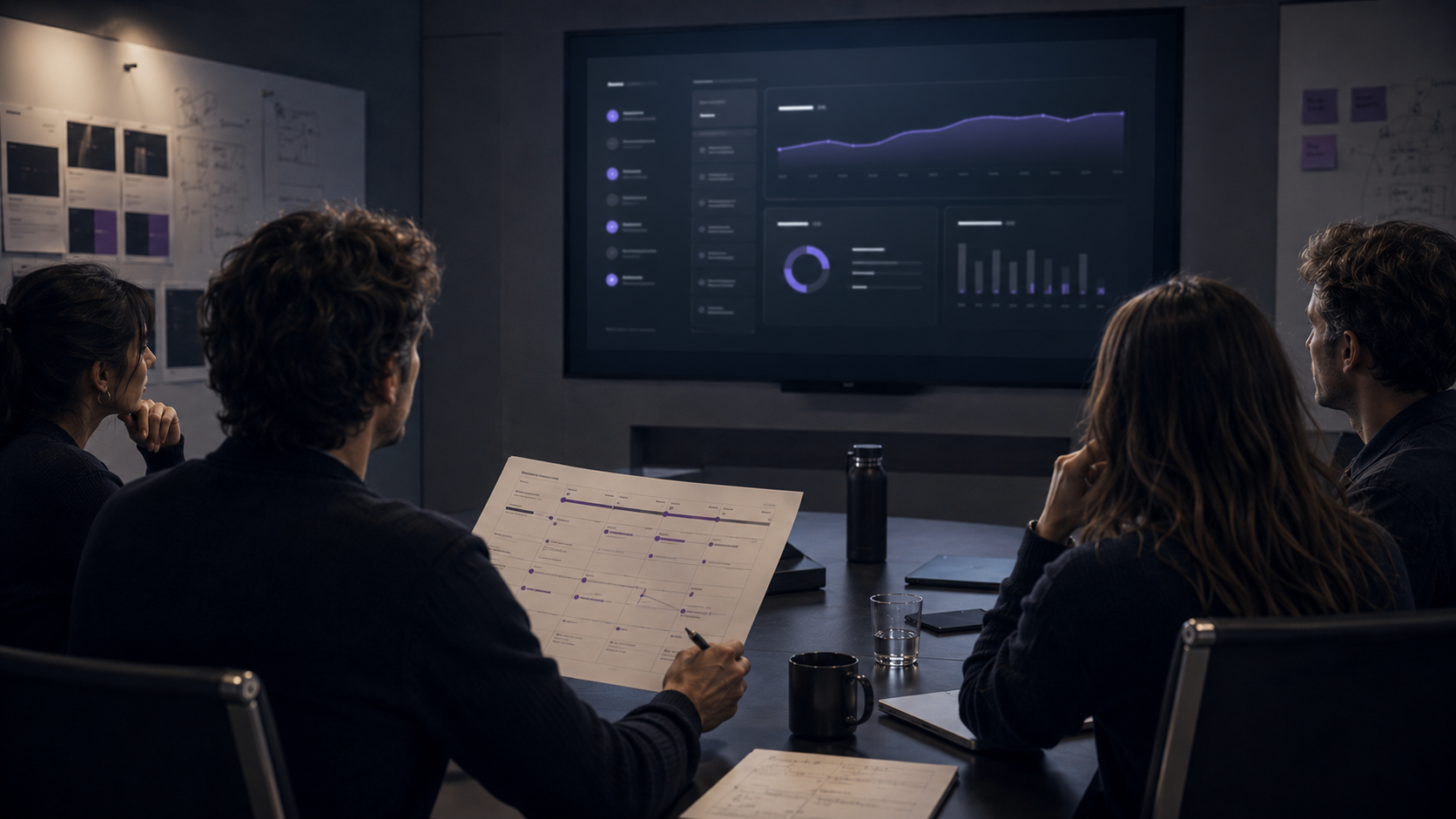
Compare candidate cues against the same picture, voice-over, loudness target, and questions. Does the opening fit the interface's tension? Is the narration clear? Does the strongest musical change match the real product payoff? Check phone and laptop playback, then confirm the ending supports the logo without sounding cut off.
A shortlist that includes a generator such as AI Music Creator gets judged against the same locked video, duration, and scorecard as every other option, since changing the questions for one candidate produces preferences rather than evidence.
The scorecard does not eliminate taste; it gives taste boundaries. Teams end up discussing a real trade-off in narration space instead of arguing over energy without a shared definition, which is the difference between a review and a vote.
Premium Is a Relationship, Not a Genre
There is no single premium tempo, instrument, or texture. A product demo feels more coherent when its parts agree about what matters: the interface establishes hierarchy in space, and the soundtrack establishes hierarchy in time. For a branding agency such as Brand Vision, the relevant contribution is aligning the brand and interface experience, not claiming that a particular music tool makes an experience premium.
For the illustrative inventory platform, success is not a grander track. It is a cue that begins with the operational problem, gives the product room to explain itself, and resolves when the dashboard does. Sound then supports the story rather than decorating it. If you're reviewing how a product's visual identity and interface work together, you can contact Brand Vision to discuss that part of the experience.