A 30-second AI video holds enough time for a compact story rather than a single generated moment: a setting established, an action introduced, tension built, and a clear ending delivered inside one sequence. Reaching that result takes more than a long descriptive prompt. The difference is planning: concept, timing, shots, references, camera movement, and audio decided before any AI video generates.
The discipline mirrors what happened across every corner of AI-assisted content creation: generation can be fast, but consistency still depends on preparation. A structured prompt is closer to a compact production brief than an expanded caption. The following workflow turns one idea into a usable plan for a short film, product commercial, music video, or other generated sequence. For a branding agency, that planning also helps keep the intended identity consistent across separate shots.

One Sentence, Then a Beat Sheet
The planning starts by reducing the entire AI video to a single sentence, which forces the subject, central action, setting, mood, and ending into view without subplots. The working formula is simple: a character or subject takes an action in a setting, leading to a change or payoff, presented in a defined visual style and mood.
A concrete example shows the compression working. "A cyclist races through a rain-covered city at night, overtakes the leading rider, and crosses the finish line as the crowd erupts" already defines the protagonist, environment, progression, ending, and emotional direction, and it converts to coherent video far more readily than a vague brief like "an exciting cinematic cycling scene."
The beat sheet divides that sentence into meaningful stages, each changing the action, emotion, visual information, or narrative situation.
For thirty seconds, the cycling example maps naturally. The first four seconds hook with a close-up of a spinning wheel cutting rain; seconds four through eight reveal the cyclist behind two competitors; the development through second sixteen carries the first overtake; the payoff through second twenty-four holds the final sprint; and the last six seconds resolve as the line is crossed.
The timing flexes with the format. A dialogue scene may breathe in two longer beats while an advertisement moves through six quick product shots, and holding each section to a defined purpose is the actual rule.
The same skeleton serves very different jobs. A product commercial might spend its development beats on three quick feature moments before one payoff demonstration, while a music-video sequence lets the audio reference guide the beats. In entertainment marketing, a teaser or release brief should also specify the audience action supported by the final beat. In every variant, the question per beat stays the same: what changed, and why does the viewer care.
Treating the sheet with the seriousness of real project management is what keeps the visual and audio directions from competing later. Every beat records what happens, how the camera presents it, what must remain consistent, and what the audience hears.
The Shot List and the Cuts Between Shots
Beats become shots next, and four to six shots is the practical starting range for a 30-second AI video, since each shot then has enough time to communicate one complete action. Dance, dialogue, and continuous physical action may want fewer; commercials, trailers, and music videos may want more, and the right count follows the complexity of each action rather than any fixed technical rule.
A useful shot record covers the time range, shot size, main subject, visible action, camera movement, environment, transition, audio cue, and continuity requirements.
In that form, an opening shot reads like production language. An extreme close-up of the bicycle's front wheel moving through a puddle across the first four seconds, camera tracking beside the wheel at road level as water sprays backward, holds the black frame, wet asphalt, blue lighting, and forward direction consistent while rain, tire noise, and low percussion begin underneath.
The cuts deserve the same deliberateness as the shots. Cutting on movement, following an object, stepping from wide to close, or letting a musical beat motivate the transition makes connected shots feel intentional even as the viewpoint changes.
The written list is also the AI video plan's shared artifact. Like the concrete documents that research on distributed teams keeps finding at the center of good coordination, a shot list gives everyone touching the project, and every later revision, one reference point instead of a memory. When a release team works with a branding agency in Los Angeles, agreeing on the campaign message and approved references before generating shots helps keep that brief consistent.
References With Assigned Roles
Text carries the plan only so far, and the next layer of precision is visual. Establishing the brand identity design process first can clarify which details must stay recognizable from shot to shot.
Reference assets communicate what text describes poorly, and organizing them is part of the plan. Some video tools accept reference images, and others can use motion or composition clips; supported file types, numbers of assets, durations, and audio features vary by model and plan. Verify the selected tool’s capabilities before writing a brief that depends on a particular mix of inputs.
More references do not automatically improve the result. Six clearly assigned assets may be easier to manage than twenty conflicting inputs, provided the chosen tool supports them.
A practical set for the cycling piece runs: one image for the cyclist's face and hairstyle, one for the uniform and bicycle, one for the street design, weather, and lighting, one video for the pedaling performance only, one for the side-tracking camera movement only, and one audio track for the musical pacing and intensity.
The reference assignments follow consistent logic. Character references keep clothing, proportions, colors, and facial details compatible; product references show shape, materials, packaging, and the design elements defined in the visual identity system; video references demonstrate one useful property, a body motion or a camera path, without smuggling in a different creative direction.
Audio holds a defined purpose like everything else in the AI video plan. A track can establish pace, mark transitions, guide emotion, carry dialogue, or introduce effects, and any sound that must land at a particular moment belongs in the corresponding timeline segment of the prompt.
The Prompt: Global Direction Down to Time Codes
A working AI video prompt moves from broad direction to precise, time-based instruction: global direction, reference assignments, timeline, continuity requirements, audio, and final priorities, in that order.
The global opening establishes the AI video's format, style, subject, location, mood, pacing, and overall continuity. For the cycling piece, that reads as a cinematic 30-second, 16:9 race sequence in a rain-covered city at night, with the lead cyclist, bicycle, uniform, street design, weather, and direction of movement held consistent across every shot, plus believable action, dramatic blue lighting, smooth cuts, and rising percussion.
The reference assignments describe which aspects of each asset to use. Limits such as "only use this clip for camera movement" can help clarify intent, but they do not guarantee that a model will preserve the character, environment, or style. Check the generated shots against the reference plan.
The time-coded body walks each range in chronological order, one main action and one primary camera direction per range, covering what viewers see, how the action develops, and what they hear. The full character description does not repeat per shot; identity and style live in the global direction, and only details that often drift, such as clothing, product shape, movement direction, and weather, get restated.
The closing priority list separates the essential from the decorative. It protects identity, geometry, natural motion, spatial continuity, and audio timing, and it excludes new characters, subtitles, abrupt location changes, and unrequested camera effects.
Assembled for the cycling concept, the example brief runs five connected shots: the road-level wheel close-up, the group reveal, the first overtake, the sprint with streetlights sweeping the riders' faces, and the finish-line resolution ending on the breathing, smiling cyclist.
The production sequence stays modular. Where the selected workflow supports separate clips, generate still references first, then produce individual shots in an AI video creation tool. That approach can make a problem easier to isolate by time range rather than forcing every revision through a single long prompt.
Modularity is also the budget's friend. When clips are generated separately, a flawed shot can be revised without necessarily replacing the other four. The actual time and cost savings depend on the tool, its pricing, and the work needed to reconnect the footage.
Review the Draft, Revise One Variable at a Time
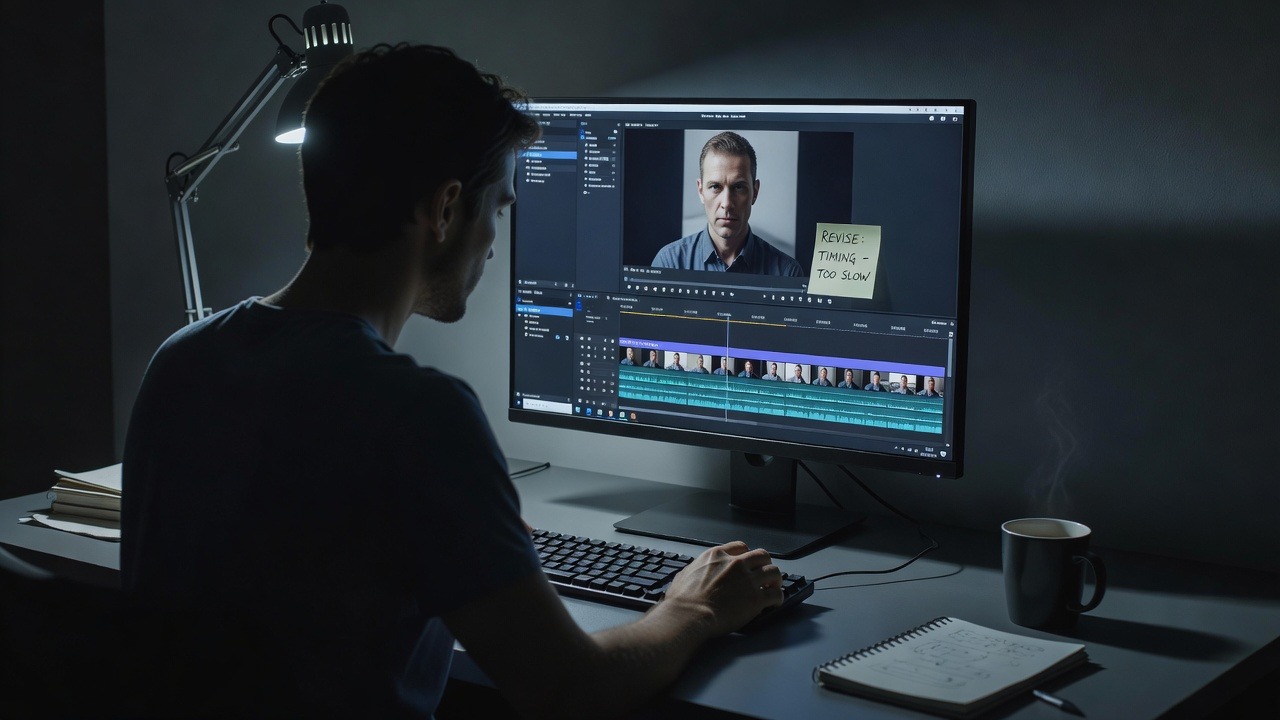
The first AI video generation is a draft, and the review runs in passes: once for the overall story, again for pacing, continuity, camera behavior, physical interaction, and audio timing.
The AI video story pass asks blunt questions. The opening either reads immediately or it does not, the payoff either registers or the sequence never earns it, and a rushed shot gets its action simplified or its time extended while an empty one gets shortened rather than padded.
The stability checklist covers the AI video details that cannot drift: face and body appearance, clothing or product design, object scale and geometry, hand and object contact, direction of movement, lighting and weather, background layout, and continuity across cuts.
Sound gets its own pass. Dialogue, music, ambience, and effects must track the same timeline as the visuals, with each screech, impact, or musical change landing exactly when its event appears on screen.
Character stability earns the most patient inspection of all. Identity holds or breaks at the hard moments, turns, occlusion, fast movement, and shot transitions, so the review lingers exactly there, comparing the face, proportions, and clothing after each stress point against the reference the prompt assigned.
The revision discipline is singular: one variable at a time. Clarifying one action, simplifying one camera movement, strengthening one reference assignment, or adjusting one time range keeps cause and effect readable, while rewriting the whole prompt at once makes the next result unexplainable in either direction.
The audience-facing details deserve the closest checks. Research on website credibility shows that people can judge quality from presentation in moments. That finding is not a direct measurement of AI video, but it is a reminder to check visible continuity and clarity before treating the film as ready to publish.
None of the checking is wasted motion, because the passes teach as they filter.
Review improves with a repeatable process. Running the same passes across projects can build the deliberate judgment discussed in a serious professional development plan. It may also make decisions easier to compare, without promising a particular reduction in review time.
The Plan Is the Prompt
Planning a 30-second AI video is writing a compact production brief: one achievable idea, divided into beats, converted into shots, with every reference holding a specific job and the visual action, camera direction, continuity, and audio combined into one readable timeline.
The AI video plan does not control every pixel, and it should not try. Its job is removing ambiguity from the story's most important decisions, and once those are clear, the first version generates, the weakest moment identifies itself, and targeted revision does the rest. The prompt may be longer, but it creates a clearer basis for testing and revision. If your team wants to align a video brief with its existing brand before production, you can discuss your brand direction with Brand Vision.











.webp)