A website call to action (CTA) is a prompt that tells a visitor what to do next, such as “View pricing,” “Request a quote,” or “Download the guide.” It can appear as a button, a text link, or the invitation beside a form. An effective CTA makes the action, its value, and the next step understandable before someone clicks.
A visually striking website can still leave visitors unsure where to go. Treat CTAs as part of the wider web design, not as persuasive words added to finished screens. This guide explains how to choose the right action, write the label, place it in context, and evaluate what happens after the click.
Choose a call to action that fits the visitor’s task
Although CTAs often appear in sales journeys, their purpose is broader than asking people to buy. They can help visitors compare services, understand a product, subscribe to useful information, or find support. A blog that does not sell anything directly can still offer a relevant guide or a useful next article.
Start by answering three questions: What is the visitor trying to accomplish? What information do they need before acting? What happens immediately after they select the CTA? A request to book a sales call may suit someone evaluating suppliers, while a first-time reader may need a product explanation or pricing page first.
Your brand strategy should clarify whom the offer serves and why it matters. The CTA then turns that promise into a specific next step. Do not ask the button label to compensate for an unclear offer, missing evidence, or a service the reader does not need.
An inviting call to action creates a mental shift from considering information to considering a next step. Think of that as the writing goal, not a predictable psychological effect or a promise of more sales. A click is useful only when it moves someone toward an appropriate outcome.
How to write clear CTA copy
Name the action and the thing the visitor receives
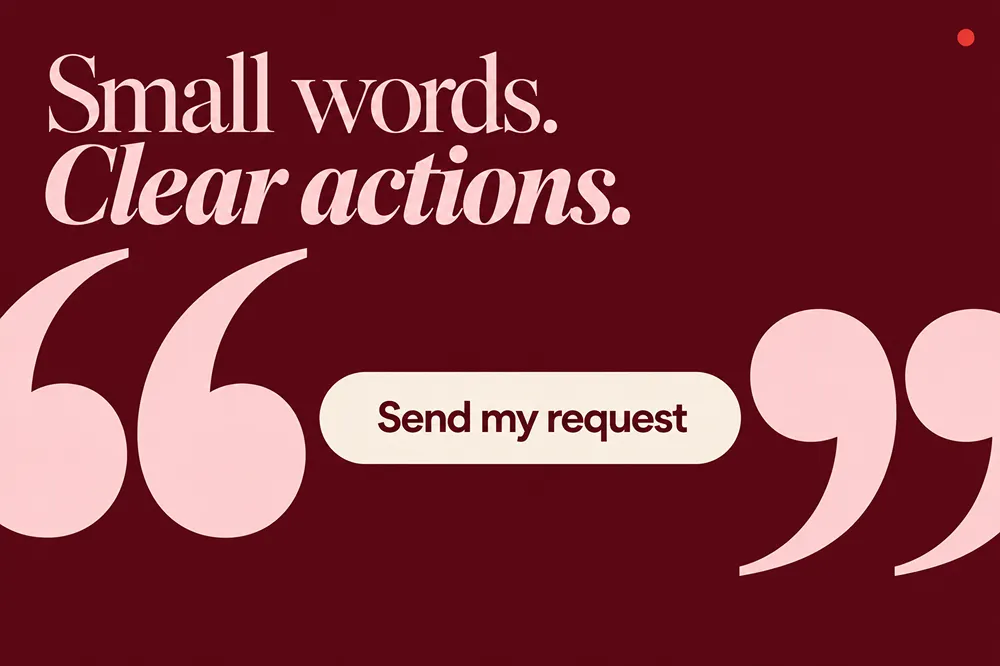
A practical starting pattern is an action verb plus a specific object: “Compare plans,” “Download the checklist,” or “Request a quote.” In many call to action examples, you see words like “Get,” “Join,” “Claim,” or “Upgrade.” The verb alone is not the strategy. “Get the installation guide” explains more than “Get more.”
The GOV.UK Design System’s button guidance recommends labels that describe the action performed. That distinction is useful on commercial websites too: “Request a demo” describes a request, while “Watch the demo” promises access to a recording. Do not use them interchangeably.
Keep the label as short as it can be without becoming vague. A button does not need to carry the entire value proposition. Put the benefit in the heading or supporting sentence, the action on the control, and any important conditions close to it. For example, a hypothetical newsletter could pair “Get practical hiring advice each month” with a “Subscribe to the newsletter” button.
Use microcopy to explain the commitment
Before an enquiry, explain whether a person is requesting a callback, choosing an appointment, or sending details for a quote. Before a trial, explain the duration and relevant payment or renewal conditions. Before a download, make it clear whether the file opens immediately or arrives after a form submission.
A user who clicks “Get a free ebook” but encounters an unexpected payment screen has received a different offer from the one advertised. Keep the promise consistent with the subsequent user flow. Do not invent scarcity, customer counts, response times, free consultations, or delivery guarantees to make a label sound stronger.
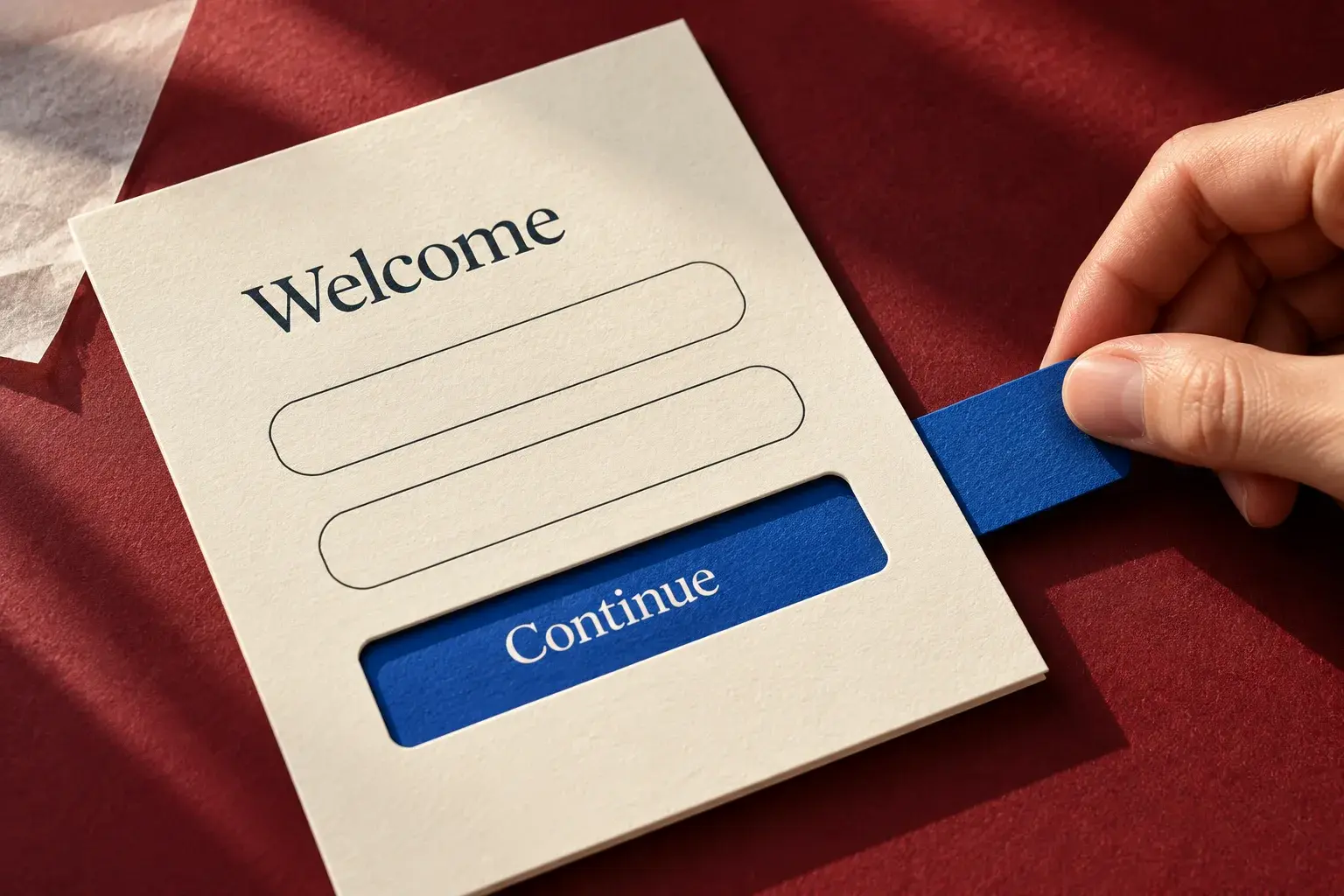
Generic labels are not always wrong. “Continue” can be clear within a well-explained sequence, but “Continue to payment” is more informative when the next step involves payment details. The surrounding context determines how much explanation is needed. For labels, helper text, and confirmations together, see the guide to UX writing and form microcopy.
Design CTAs people can notice and operate
Create emphasis without adding visual noise
A CTA should be distinguishable from the surrounding content. One approach is to highlight your call to actions with distinctive colors, fonts, and layouts that draw the eye. Apply that idea within a consistent design system, rather than giving each button a different font, shape, or color.
There is no color recommendation that can establish the best-performing CTA for every website. Start with a treatment that stands out in your actual layout and remains readable. A consistent visual identity gives you a palette and hierarchy to work with; it does not mean every element should receive equal emphasis.
Leave enough space around the CTA to distinguish it from adjacent content, and keep it visually connected to the offer it belongs to. Users can’t respond to a CTA they hardly notice. But making every element brighter or larger is not a substitute for deciding what matters most.
Check contrast, target size, and keyboard access
For ordinary button text, the WCAG Level AA minimum text-contrast criterion generally requires a ratio of at least 4.5:1 against its background. Qualifying large text uses 3:1, and the criterion includes exceptions. Measure the actual foreground and background colors rather than judging readability from a design mockup alone.
WCAG 2.2’s minimum target-size criterion generally requires pointer targets of at least 24 by 24 CSS pixels or a defined exception, including specific spacing and inline-text exceptions. This is a minimum, not an ideal size for every important button. Give standalone actions a comfortable activation area and check that adjacent targets do not overlap.
Make controls reachable by keyboard, keep the focus indicator visible, and check them with enlarged text. W3C’s accessibility design guidance covers identifiable controls, contrast, and focus. On a phone, test sticky CTAs alongside consent banners, chat widgets, and the on-screen keyboard. The mobile-first design guide explains how these checks fit into the complete page.
Where to place CTAs and when to use more than one
Place the action near the information that makes it meaningful. Someone ready to enquire should not have to hunt for the contact route. Someone who needs pricing, proof, or eligibility details should be able to review them before committing. There is no single screen position that suits both situations on every page.
A useful starting arrangement is an early CTA beside a clear offer, followed by the same action after important supporting information on a longer page. Repeat it at genuine decision points, not after every paragraph. Keep the label and destination consistent when the action is the same.
Distinguish a primary goal from a secondary route
The primary CTA supports the page’s main task. A secondary CTA serves a relevant alternative, such as “View pricing” beside “Request a demo.” Make their relative priority visible without making the secondary route hard to read or operate.
One primary goal does not require exactly one button. A long service page can repeat “Request a quote” without introducing another goal. Conversely, three equally prominent buttons leading to a purchase, a newsletter, and an unrelated download ask visitors to make different decisions.
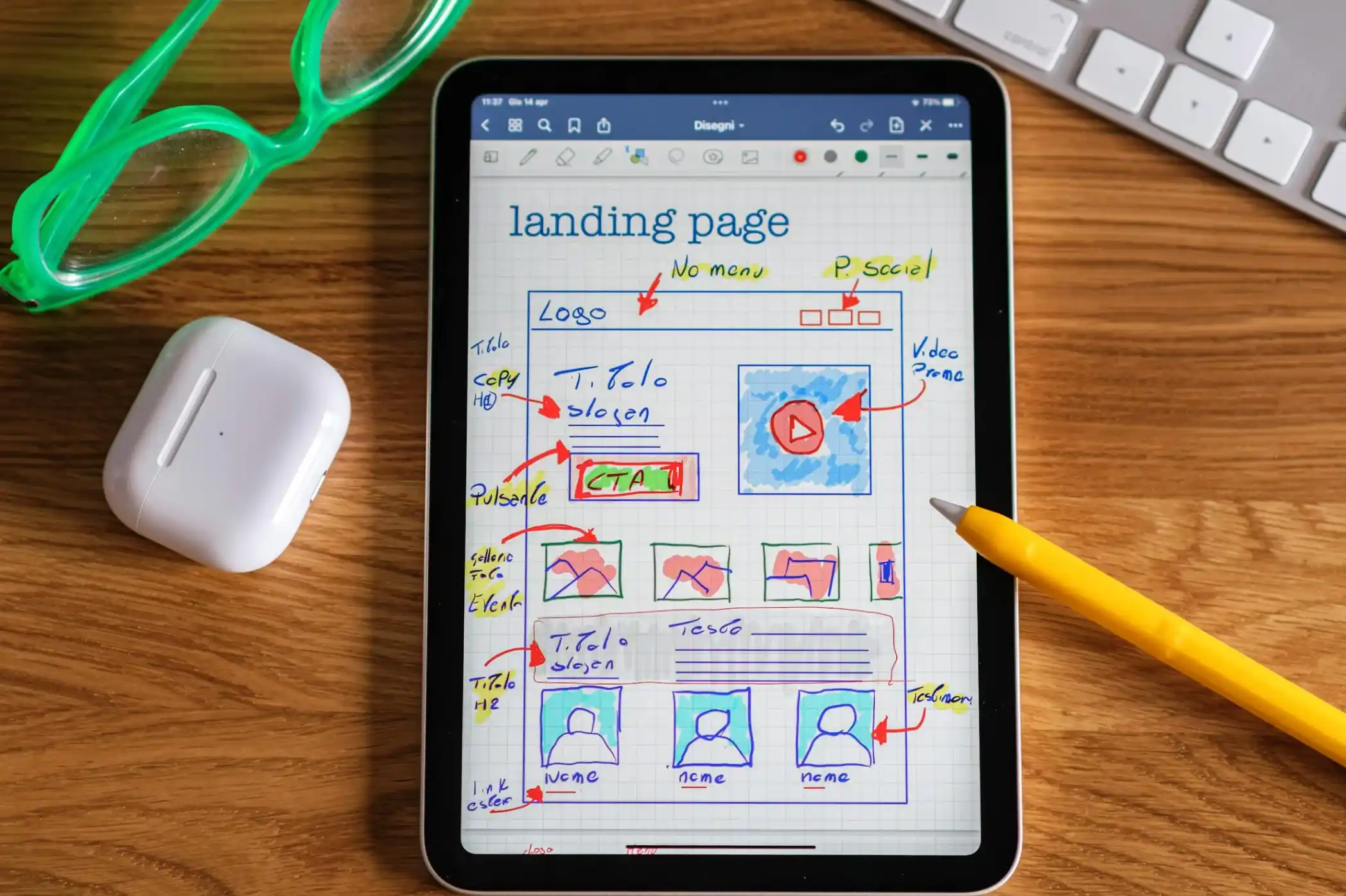
A homepage may legitimately serve several audiences, while a dedicated campaign landing page may focus on one offer. Choose the hierarchy for that page rather than applying a sitewide button quota. CTA copy works best when the rest of the page supports the same decision. See the complete guide to the seven elements of a high-converting landing page.
Website call-to-action examples by purpose
The examples below are hypothetical copy patterns, not tested winners or Brand Vision client results. Use a label only when it accurately describes the offer and destination.
Service enquiry
“Request a project quote” suits a form that collects enough information to assess a project. “Book a consultation” suits a scheduling flow. If submitting the form only asks the team to arrange a time later, “Request a consultation” is more accurate. Explain the actual response process beside the form.
Product purchase
“Add to cart” describes adding an item without implying that payment is complete. “Choose your size” may be the right step when a selection is required first. Keep shipping and return information available where it affects the decision; do not promise next-day delivery unless the customer and order qualify.
Software evaluation
“Watch the product demo” works for an available demonstration. “Start a 14-day trial” works only when that trial exists and the next steps explain its conditions. A request for a salesperson to contact the visitor is a different commitment from immediately using the product.
Newsletter or resource download
“Subscribe to the monthly briefing” sets a clearer expectation than “Join us.” “Download the planning checklist” identifies the resource. If the reader must provide an email address to receive it, explain that before they act. Do not describe an email-gated download as immediate, unrestricted access.
Event registration or donation
“Register for the workshop” should lead to the relevant event details and registration process. Do not imply limited availability unless that is true. For a nonprofit, “Donate to the meal program” identifies the purpose without inventing how many people a donation will support. Any quantified impact statement needs evidence and appropriate context.
These examples share a principle: make the immediate action specific, and put supporting information where people need it. The most persuasive-looking phrase is not necessarily the most useful one.
Make the experience after the click match the promise
Follow each CTA through to completion. Does “View pricing” open pricing information? Does the download work? Does the enquiry reach the correct team? Is a successful submission distinguishable from a failed one? A label that looks clear in isolation can still lead into a confusing journey.
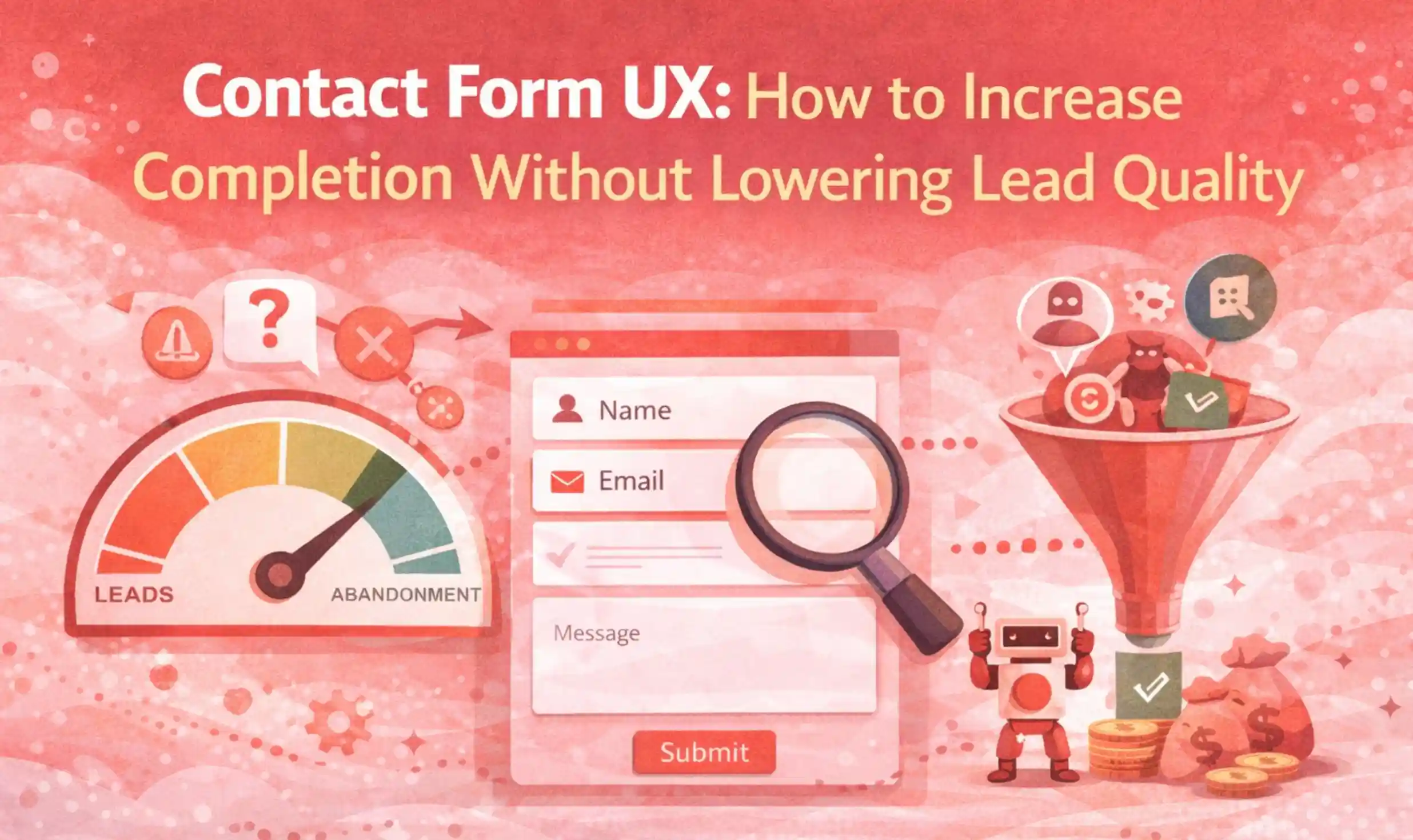
This is a broader UI/UX design problem when the destination, information order, and interaction all need attention. Review the form and confirmation as part of the same task. The contact form UX guide helps distinguish unnecessary effort from information genuinely needed to handle an enquiry.
Use the right control and explain its states
A visual CTA does not always need the same HTML element. Use a link to navigate to another page or resource, and a button to perform an action such as submitting a form or opening a dialog. The W3C button pattern distinguishes those functions and their expected keyboard behavior. Styling a control to look like a button does not establish the correct behavior by itself.
For controls with visible text, the accessible name should contain that text, as described in W3C’s Label in Name criterion. This helps people who operate controls through voice commands use the words they see. Do not replace a clear visible label with an unrelated hidden name.
Plan loading, error, and success states alongside the default button. Explain that a request is processing, make errors actionable, and show a useful confirmation when it succeeds. W3C’s form-notification guidance describes feedback for both successful and unsuccessful submissions. These details belong in interaction design, not just the final copy review.
How to measure and test a website CTA
Separate attention from completed outcomes
Define the outcome before changing the button. A click on “Request a quote” is not a submitted enquiry, and a submitted enquiry is not automatically a qualified lead. A download click is not proof that the file reached the reader.
For a user-based report, keep the population and time window consistent:
- CTA click-through rate can be calculated as unique visitors who click divided by unique visitors with a recorded CTA exposure.
- Post-click completion rate can be calculated as unique clickers who complete the intended action divided by unique clickers.
- End-to-end conversion rate can be calculated as unique eligible visitors who complete the intended action divided by all unique eligible visitors.
Define what counts as an exposure, eligibility, and completion. A page view does not prove someone scrolled far enough to see a lower-page CTA. If the measurement uses sessions instead of people, label it accordingly and use that unit consistently. Check for duplicate events and exclude test submissions.
Consider a hypothetical report with 1,000 eligible visitors in each group. One CTA produces 100 unique clickers and 20 qualified enquiries; another produces 150 clickers and 15 qualified enquiries. More people clicked the second CTA, but its qualified-enquiry rate was 1.5% rather than 2%. These invented numbers illustrate the measurement distinction, not a statistically conclusive test or a client result.
Test a specific explanation for the problem
Start with a hypothesis such as “Visitors cannot tell that the demo is a recording.” Test a descriptive label against the existing one while keeping the destination and offer unchanged. Changing “Try it free” to “Start my free month” is not a copy-only test if the trial duration also changes.
Microsoft’s experimentation guidance emphasizes a clear hypothesis, appropriate success metrics, and sufficient sample size. For a CTA test, choose the main outcome, audience, allocation method, and analysis plan before launch. In a placement test, evaluate the outcome across eligible visitors, not only the people who happened to see or click the relocated control.
Monitor errors and other adverse effects while a test runs. Do not declare a winner simply because the numbers briefly look favorable. Microsoft’s guidance on monitoring experiments explains why early results and repeated checks need appropriate statistical treatment. Follow the stopping rules supported by the test design, and report uncertainty when the evidence is inconclusive.
When traffic is too limited for a useful comparison, observe representative users attempting the task. Ask what they expect before clicking and where they become uncertain. UX research can identify misunderstandings, but a few sessions do not establish a conversion-rate lift. The broader conversion rate optimization guide places these tests within the whole buying journey.
Keep the invitation consistent across channels
Email and social posts should lead to a page that delivers the same offer. An invitation to register for a workshop should not land on a generic homepage that makes someone search for the event again.
Even offline materials, like brochures or event booths, can contain QR codes tied to calls to action, giving people a route to the relevant page on their phones. Print a useful destination label beside the code and test the complete journey from the actual material.
Consistent branding includes the promise, language, and experience across those touchpoints. Adapt the length and presentation to the channel without changing what the visitor is being offered.
A final CTA review before release
- The action matches the page’s purpose and the visitor’s likely next question.
- The label describes what happens, and relevant conditions are visible before commitment.
- Primary and secondary actions have a clear hierarchy without hiding useful choices.
- Controls work on mobile, with a keyboard, and with accessible names and readable contrast.
- The destination, form, errors, confirmation, and measurement have been checked end to end.
A useful website CTA does not need a clever slogan or artificial urgency. It needs a clear promise, an appropriate place in the page, and a next step that works. Improve the point of uncertainty you can identify, then assess completed outcomes rather than clicks alone.
For help aligning your website’s calls to action with its copy and user journey, discuss your website with Brand Vision.