Photoshop is still a reference point for professional image editing, but it is no longer the only practical option. Depending on whether you need photo retouching, RAW development, illustration, social graphics, or a browser-based editor, you can now choose among free, freemium, one-time-purchase, and subscription tools. The 20 Photoshop alternatives below keep the original list intact while updating the licensing and platform details that have changed since this article was first published.
Free and Freemium Photoshop Alternatives
1. GIMP
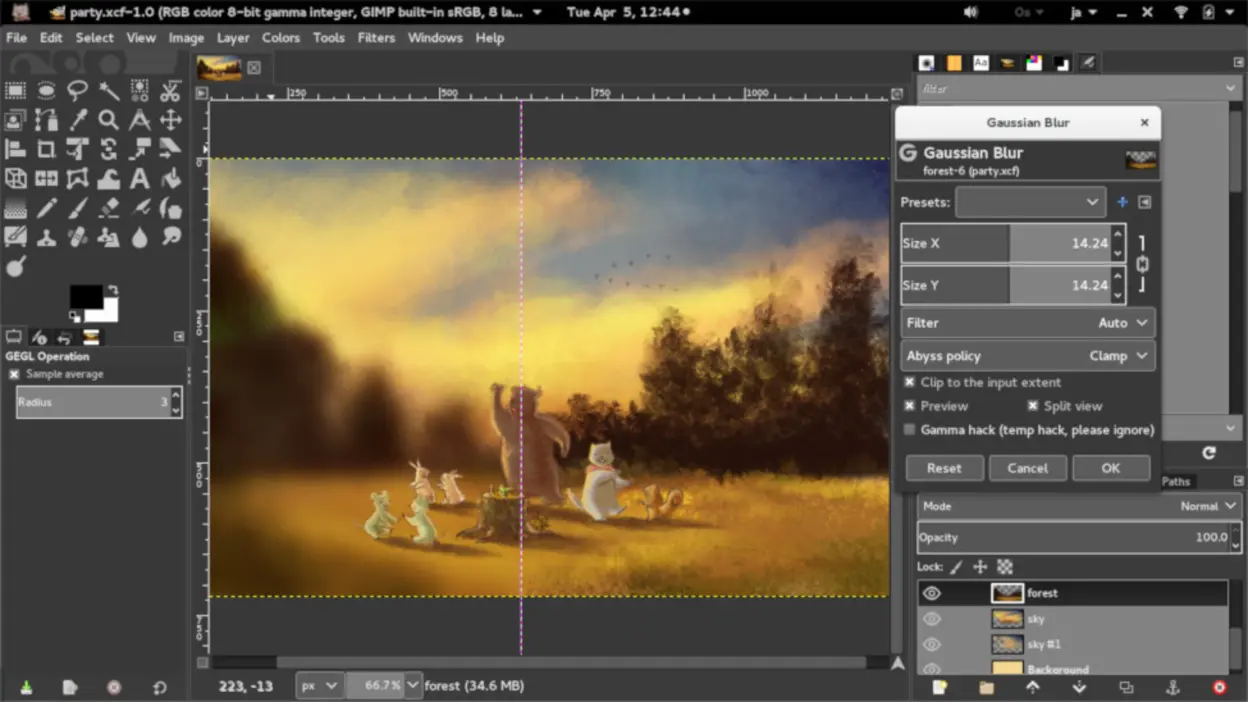
GIMP is a free, open-source desktop program (Windows, macOS, Linux) that delivers many of Photoshop’s advanced features, including layers, masks, and a wide range of brushes. In addition to covering standard image manipulations like retouching and compositing, GIMP supports extensive plugin development by a passionate community, enabling specialized tasks like batch processing or custom filters. Because it’s been in active development for over two decades, GIMP also benefits from regular updates. Most notably, version 3.0 introduced non-destructive editing capabilities that narrow the gap between it and commercial tools. Seasoned users will appreciate its depth, while those familiar with Photoshop’s complexity may find it easier to adopt GIMP compared to simpler alternatives.
- Pricing: Free.
- Highlights:
- Supports complex editing with layers, brushes, filters
- Major update (3.0) added non-destructive editing and improved PSD compatibility
2. Photopea
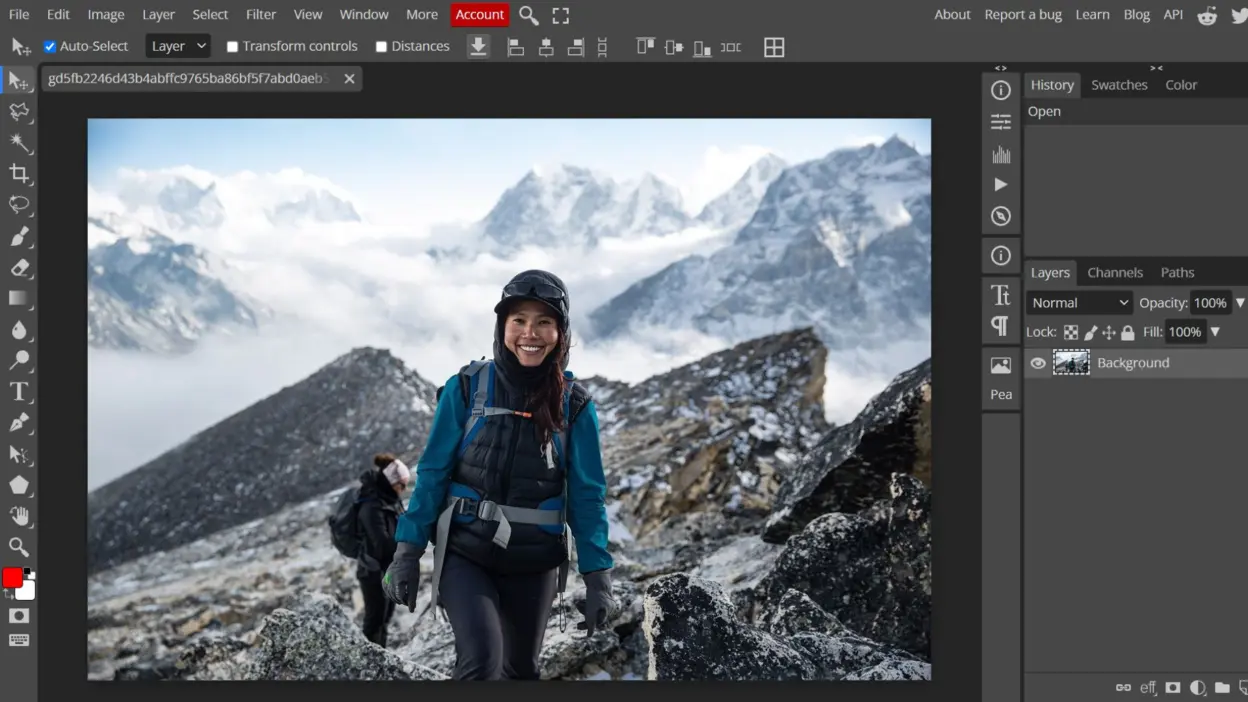
Photopea is a browser-based editor designed to closely mirror Photoshop’s look and workflow, making it feel instantly familiar to anyone who has used Adobe’s flagship product. You can open and export PSD, XCF, and Sketch files directly in your browser without installing anything, ideal for quick edits or if you’re on a device without the option to install software. Photopea’s robust toolset includes layer styles, blend modes, smart object handling, and text editing, allowing for tasks ranging from simple color corrections to advanced design mockups. As a free (ad-supported) platform, it’s particularly convenient for students, freelancers, or users who require fast, on-the-go editing without sacrificing critical features.
- Pricing: Free with an optional paid plan.
- Highlights:
- Opens and exports PSD, XCF, Sketch files in the browser
- Familiar interface with layer masks, blend modes, text tools
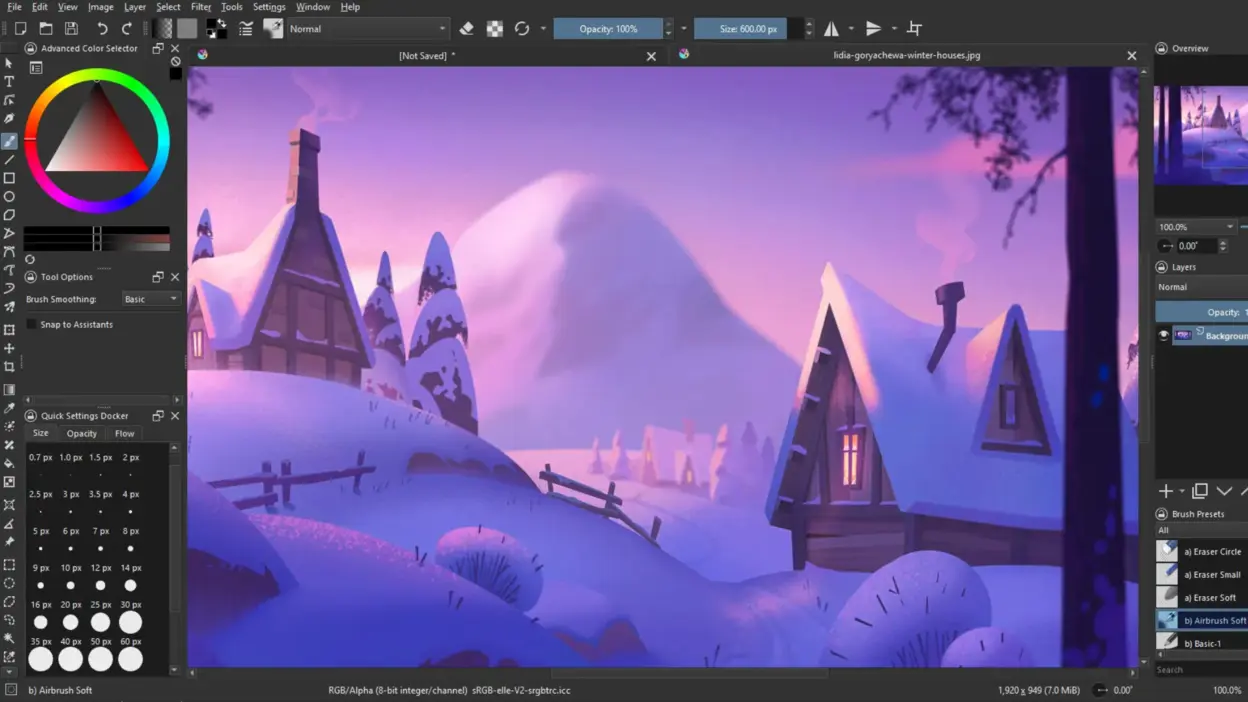
3. Krita
Krita is a highly regarded open-source art tool (Windows, macOS, Linux, and even Android tablets) that excels at digital painting and illustration. Though it does support fundamental photo editing functions, Krita is best known for its expansive brush system, which allows artists to emulate everything from pencil sketches to watercolors and oils. The intuitive user interface includes features like brush stabilizers for smoother strokes, reference panels to keep essential images nearby, and a robust layering system for advanced compositions. With specialized features like frame-by-frame animation and perspective assistants, it caters to anyone creating comics, concept art, or whimsical illustrations. Its strong user community provides free brush packs and tutorials, making it equally appealing to beginners and professionals.
- Pricing: Free.
- Highlights:
- Specialized painting interface with brush stabilizers, assistants
- Frame-by-frame animation support and vector layers
4. Paint.NET
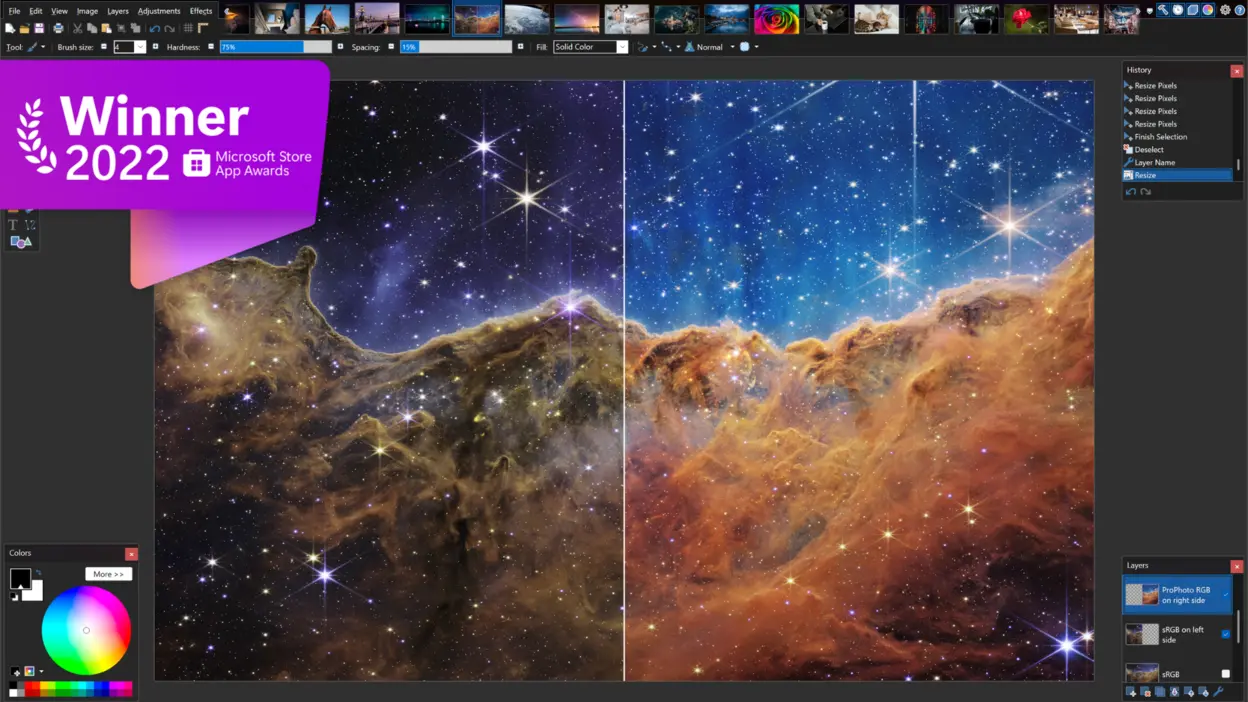
Paint.NET is a Windows-only editor that strikes a balance between simplicity and power. Originally conceived as a more advanced alternative to Microsoft Paint, it has grown into a capable tool with features such as layers, special effects, and a vibrant plugin community. Although the interface feels straightforward, there’s enough depth for tasks like photo enhancement, layer-based compositions, and even moderate retouching. The plugin ecosystem extends its abilities to include extra filters and rudimentary 3D transformations, so hobbyists can tackle more complex projects without the intimidation of heavier software like GIMP. Thanks to quick performance and minimal overhead, Paint.NET is a favorite for casual creators seeking reliability on Windows systems.
- Pricing: Free.
- Highlights:
- Easy-to-learn interface with unlimited undo
- Active community plugins for extra filters, 3D effects
5. Pixlr (X & E)
Pixlr is a versatile web-based editor offered in two versions: Pixlr X for quick, template-based designs and Pixlr E for more comprehensive image editing tasks. The software runs entirely online, meaning you can simply open a browser and start adjusting brightness, adding filters, or working with layers without installing anything. Pixlr X’s simplified toolset suits beginners or anyone needing speedy tweaks, while Pixlr E caters to more advanced users wanting finer control over retouching and design. Both incorporate AI tools for background removal or object selection, making complex tasks a breeze. This platform is particularly well-suited for bloggers, social media managers, and students seeking a cloud-based solution that’s both free and user-friendly.
- Pricing: Free tier with paid plans available.
- Highlights:
- Layered editing, AI-powered background removal
- Beginner-friendly templates in Pixlr X, advanced tools in Pixlr E
.webp)
6. Canva
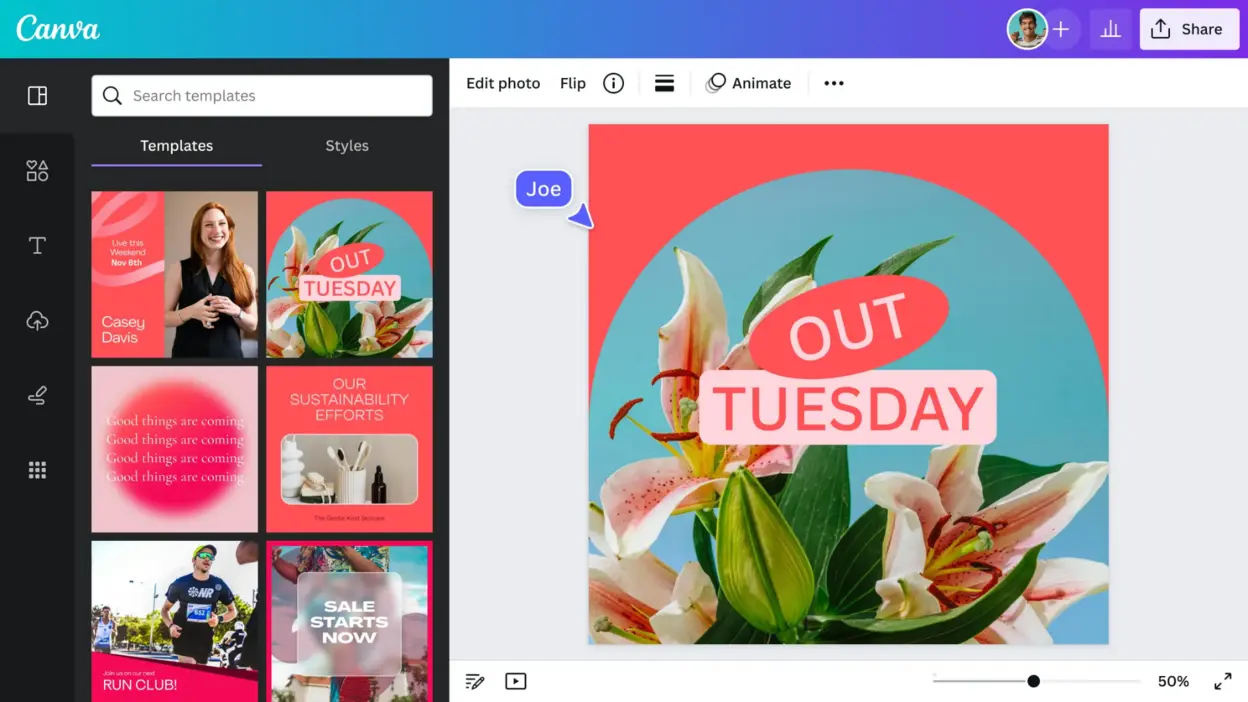
Canva is an online design platform (also with iOS/Android apps) that simplifies layout creation and photo enhancement through a drag-and-drop interface. Best known for its massive library of pre-made templates, it’s the go-to option for social media graphics, marketing materials, and quick brand graphics and marketing materials. Though not as detailed in photo manipulation as traditional editors, Canva offers easy cropping, filtering, and overlay functions that can polish images in a snap. Beginners gravitate to its user-friendly environment, while small businesses and marketing teams value its collaborative features like shared brand kits and real-time editing. The free tier is ample for casual users, while a paid subscription unlocks more stock images, advanced design elements, and time-saving extras like one-click background removal.
- Pricing: Free tier with paid plans available.
- Highlights:
- Drag-and-drop design with thousands of templates and elements
- Simple photo editing (crop, filters, text overlays)
7. Darktable
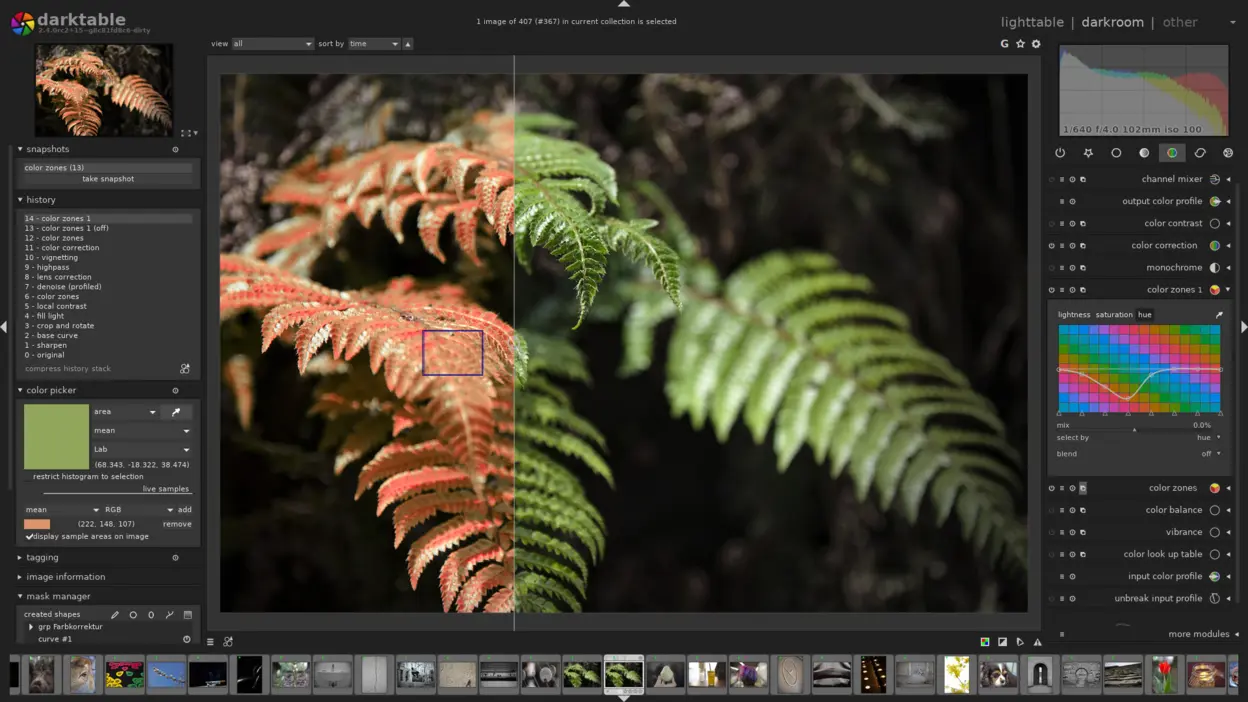
Darktable is an open-source RAW developer (Windows, macOS, Linux) that mirrors the functionality of Adobe Lightroom in many ways, focusing on managing large photo libraries and performing detailed corrections. Photographers can import entire shoots, apply lens corrections, and use the program’s non-destructive workflow to tweak exposure, colors, and contrast on RAW files. Darktable’s “darkroom” modules offer advanced color grading tools, spot removals, and localized adjustments via masks. While it doesn’t aim to replicate all of Photoshop’s pixel-level editing or design features, its power lies in smoothing and refining large batches of images for professional-quality results. Anyone who values a cost-free, high-performance photography workflow will find Darktable’s in-depth approach rewarding.
- Pricing: Free.
- Highlights:
- RAW processing, lens corrections, tethered shooting
- Modular “darkroom” approach with advanced color grading
8. Fotor
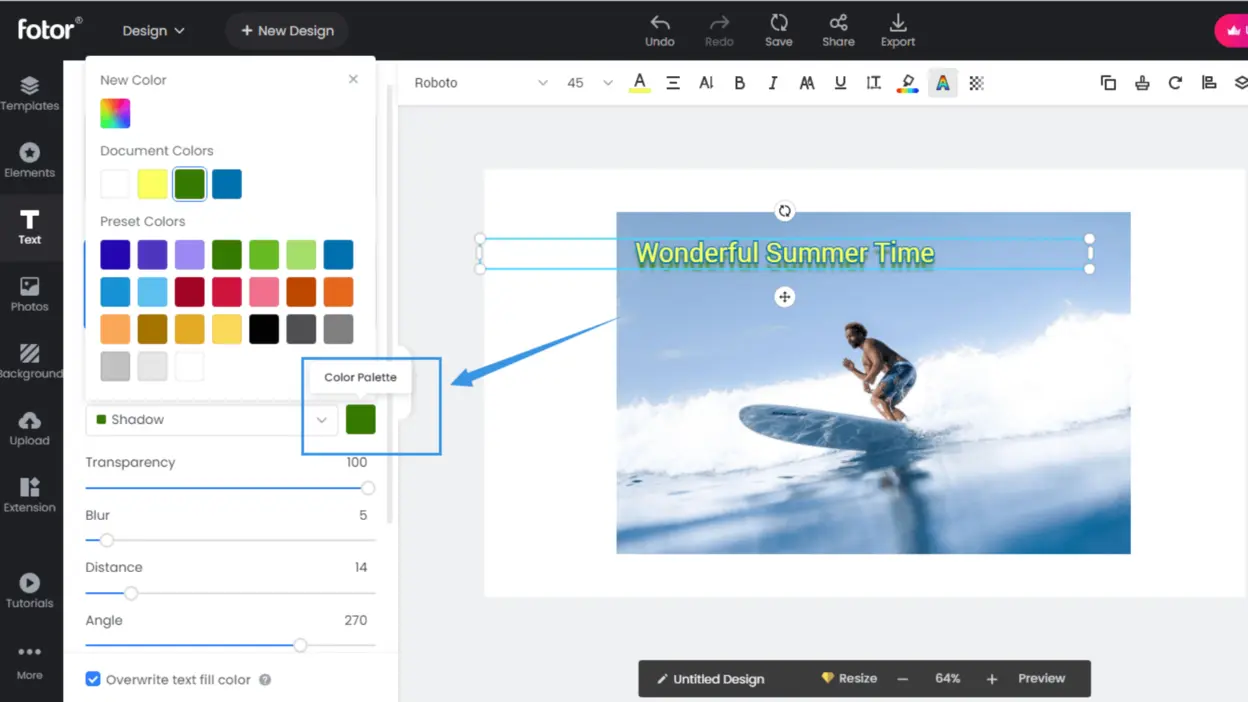
Fotor is a web-based editor (also available as mobile apps) that specializes in swift enhancements and design tasks with minimal learning curve. It features an AI-powered “1-Tap Enhance” that automatically adjusts exposure, color, and clarity, handy for users wanting quick photo improvements without wrestling with manual sliders. You’ll also find beautification tools to remove blemishes or wrinkles, plus a range of templates for collages or social posts. Bloggers, small businesses, and personal users flock to Fotor for its streamlined interface that delivers polished results in seconds. While heavier retouching or complex layering may be outside its scope, it excels at everyday edits and creative expression with minimal fuss.
- Pricing: Free tier with paid plans available.
- Highlights:
- AI 1-Tap Enhance for instant photo fixes
- Portrait retouching and basic design templates
9. Photo Pos Pro
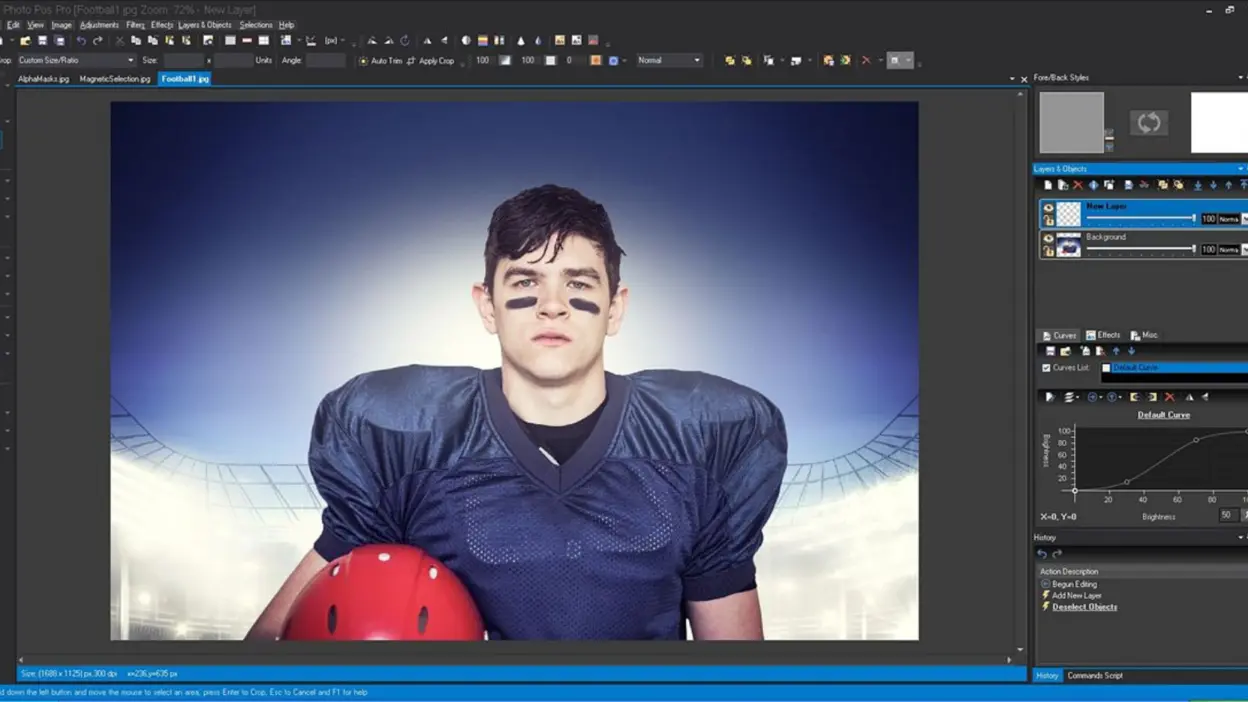
Photo Pos Pro is a Windows-based image editor that offers two distinct interface modes to accommodate different users: Novice mode provides guided wizards, while Expert mode unlocks more advanced features like layers, masks, and RAW support. This dual structure helps beginners get comfortable quickly, then seamlessly transition to deeper editing capabilities as their skills grow. The software also includes a plugin system to expand its toolkit and features an array of filters and effects for creative projects. Whether you’re dabbling in basic image corrections or venturing into complex layer-based compositions, Photo Pos Pro provides an accessible entry point that can keep up with your evolving needs.
- Pricing: Free with an optional paid upgrade.
- Highlights:
- Layer support, selection tools, plugin expansions
- Different workspaces for beginners vs. experts
10. MediBang Paint
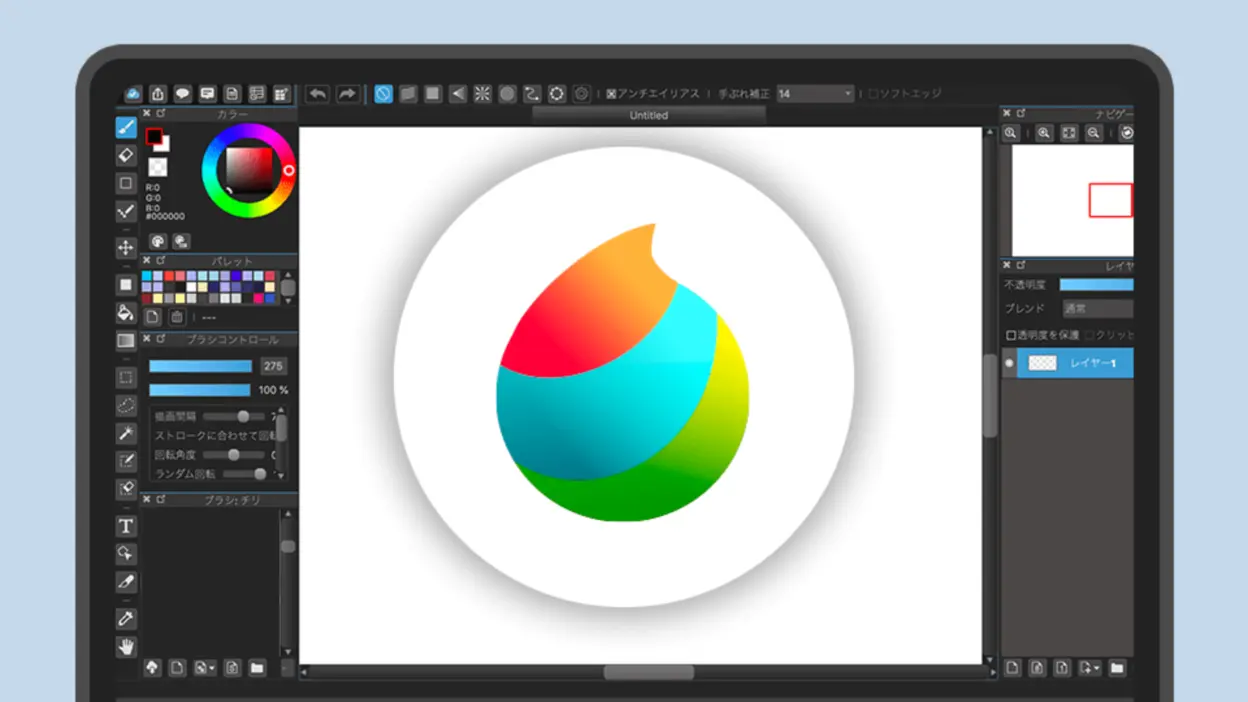
MediBang Paint is a cross-platform (Windows, macOS, iOS, Android) digital painting app that emphasizes illustration and comic creation. Bundled with brushes, pens, and special comic resources like panel templates and halftone patterns, it’s popular among manga artists and hobbyists who appreciate a straightforward layout. Cloud syncing allows you to switch between devices without losing project progress. Though it lacks the heavier photo manipulation of Photoshop, MediBang excels in delivering features that streamline drawing, like layer groups, perspective rulers, and color adjustments tailored to digital art. The lightweight design also means it runs well on modest hardware, making it a great choice for students or aspiring artists on the go.
- Pricing: Free.
- Highlights:
- Built-in tools for manga panels, perspective guides, textures
- Cross-device syncing and team collaboration via the cloud
Professional and Specialized Photoshop Alternatives
11. Affinity
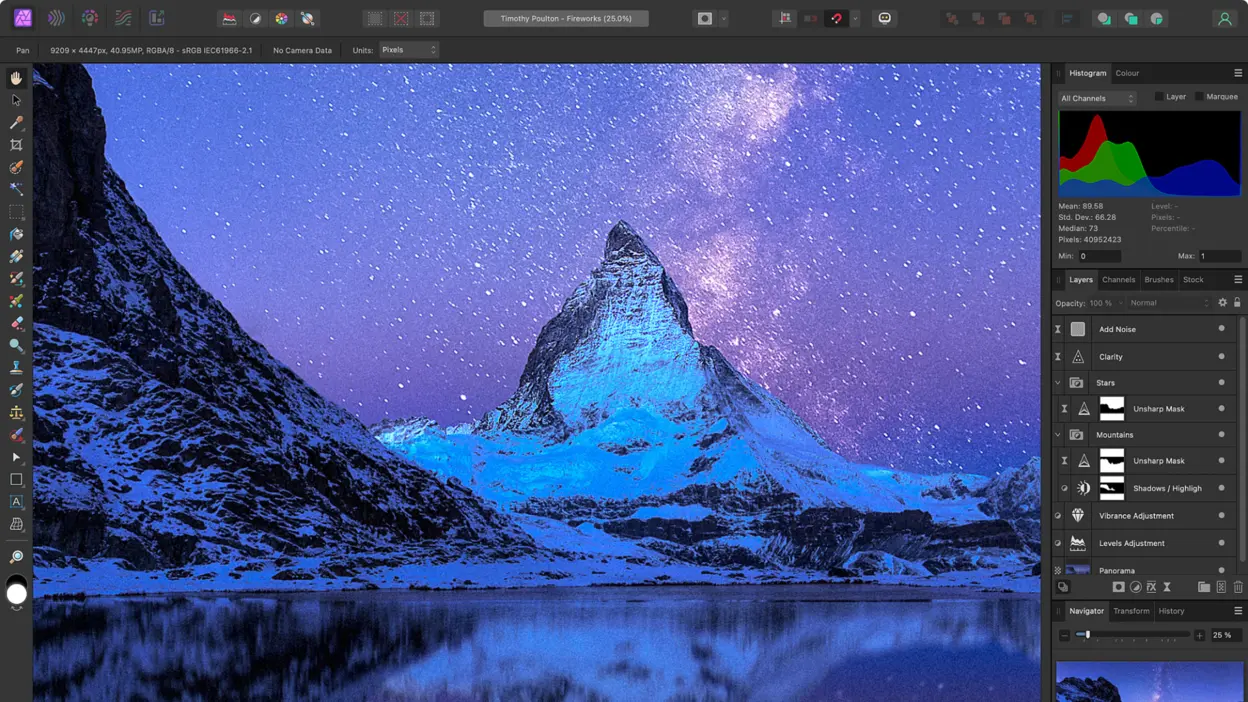
Affinity Photo built a strong reputation as a professional Photoshop alternative with advanced retouching, RAW development, adjustment layers, and GPU-accelerated performance. In October 2025, Canva relaunched the product family as the all-new Affinity, a unified professional app that brings photo editing, vector design, and page layout into one workspace and is available free. That change makes the old one-time-purchase description outdated, but the core appeal remains the same: deep creative tools, non-destructive workflows, and a desktop-class interface for users who need more control than a lightweight editor provides.
- Pricing: Free.
- Highlights:
- GPU-accelerated performance, non-destructive edits
- RAW development, 360° editing, batch processing
12. Adobe Photoshop Elements
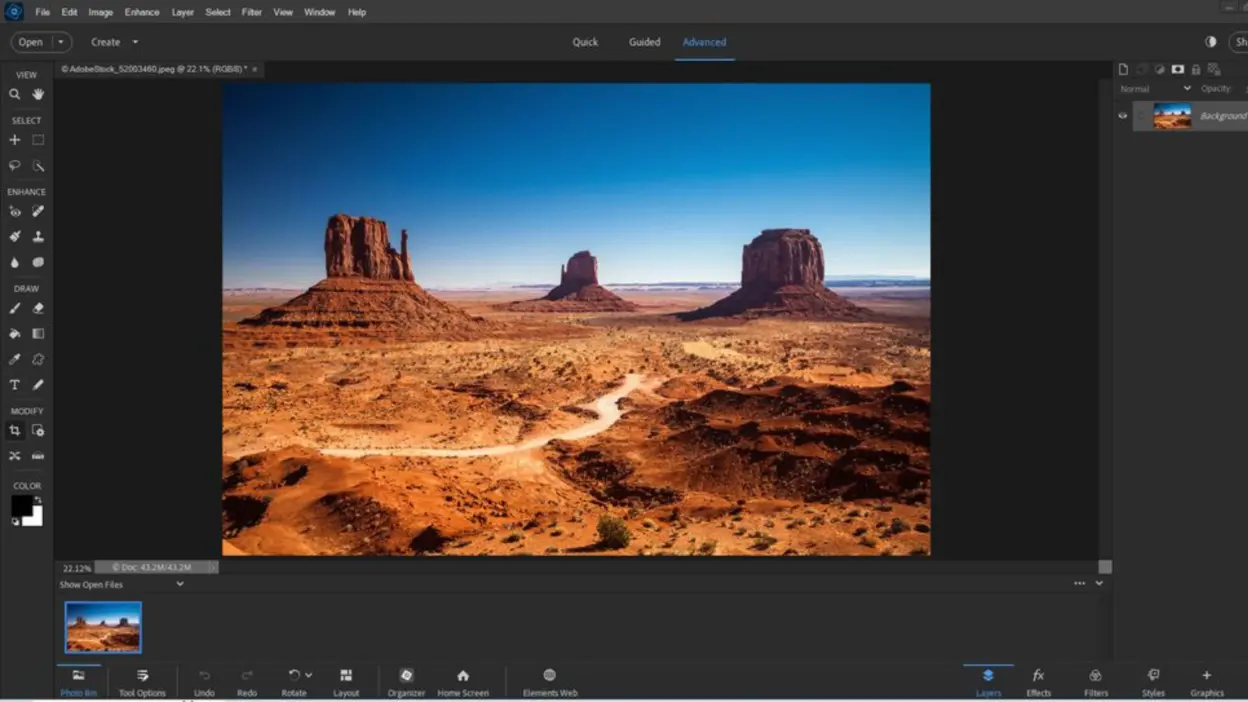
Photoshop Elements is Adobe’s simplified image editor for Windows and macOS. It keeps familiar tools such as layers, selections, guided edits, and automated photo corrections while presenting them through more approachable Quick, Guided, and Advanced workflows. The licensing has changed since the original article: current versions are sold as a one-time purchase for a three-year, non-renewing term rather than as a perpetual license. Adobe explains the current term and activation model in its Photoshop Elements activation guidance. It remains a useful option for people who want a gentler Adobe workflow without subscribing to full Photoshop.
- Pricing: One-time purchase for a three-year, non-renewing term.
- Highlights:
- Layer support, content-aware tools, AI-based face/subject recognition
- Multiple modes (Quick, Guided, Expert) for different skill levels
13. Corel PaintShop Pro
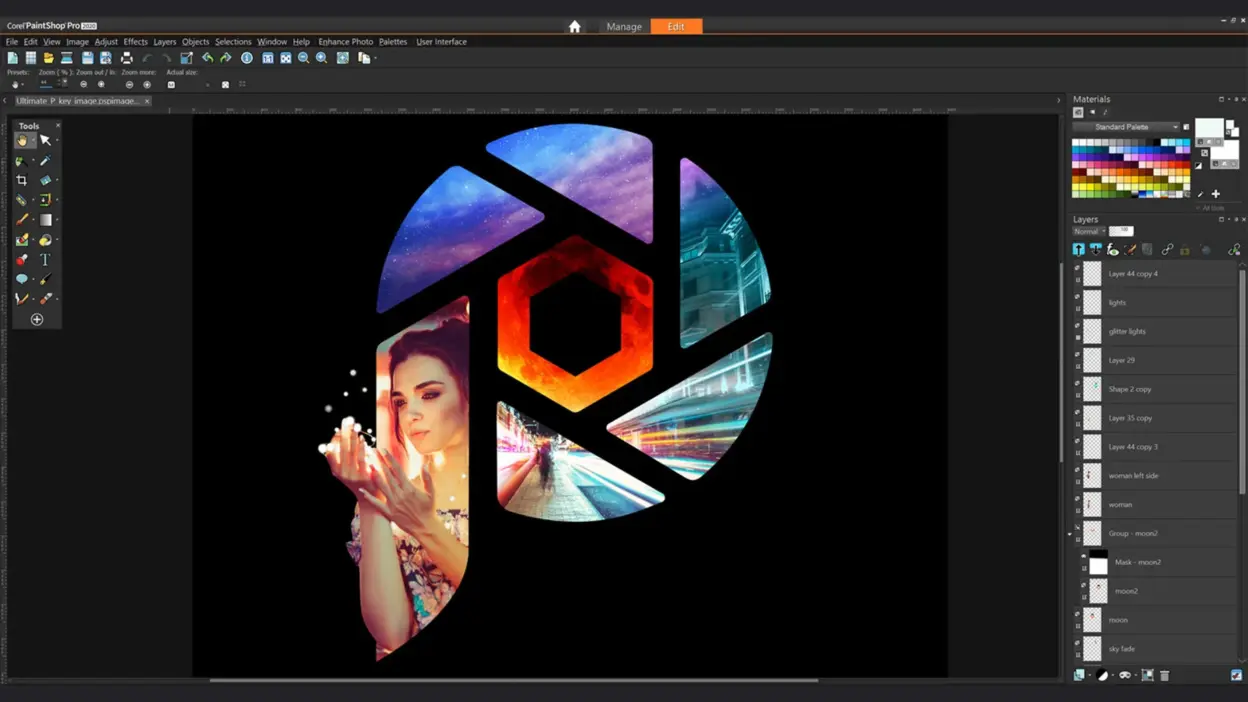
Corel PaintShop Pro (Windows) has carved out a niche as a capable, reasonably priced competitor to Photoshop, offering photo editing, design elements, and even some vector support. It excels at tasks like retouching, layer-based compositions, and effects application, while also featuring AI enhancements for upsampling and artifact removal. PaintShop Pro appeals to users who want a perpetual license rather than monthly fees, making it a solid choice for hobbyists or small businesses. With multiple workspace modes, you can select a simpler “essentials” layout or dive into the complete editor for advanced tools. The included creative effects, texture libraries, and plugin compatibility expand its usefulness beyond standard photo corrections.
- Pricing: Paid Windows app with one-time-purchase options.
- Highlights:
- Layer-based edits, advanced selection & retouch tools
- AI artifact removal, HDR merge, and multiple workspace layouts
14. Capture One Pro
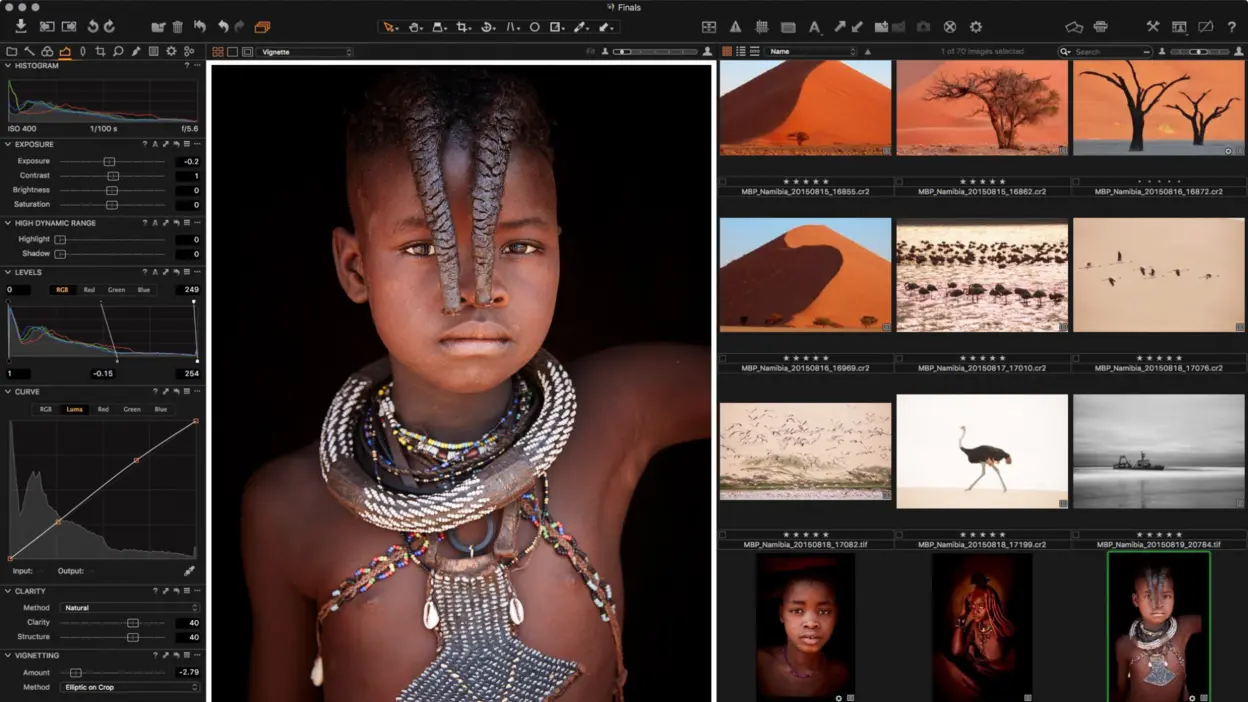
Capture One Pro (Windows/macOS) is aimed at photographers who prioritize RAW processing, color control, tethered shooting, catalog management, and layer-based local adjustments. It is especially well suited to studio and high-volume photography workflows rather than Photoshop-style compositing. Capture One currently offers both subscription access and a perpetual license that provides lifetime access to the specific version purchased; its official licensing guide explains the distinction. For photographers working with large catalogs, precise color, or tethered sessions, it can replace a substantial part of an Adobe-centered workflow.
- Pricing: Subscription or version-specific perpetual license.
- Highlights:
- Advanced color wheels, precise layer masking
- Powerful tethering for studio environments, superb RAW rendering
15. Skylum Luminar Neo
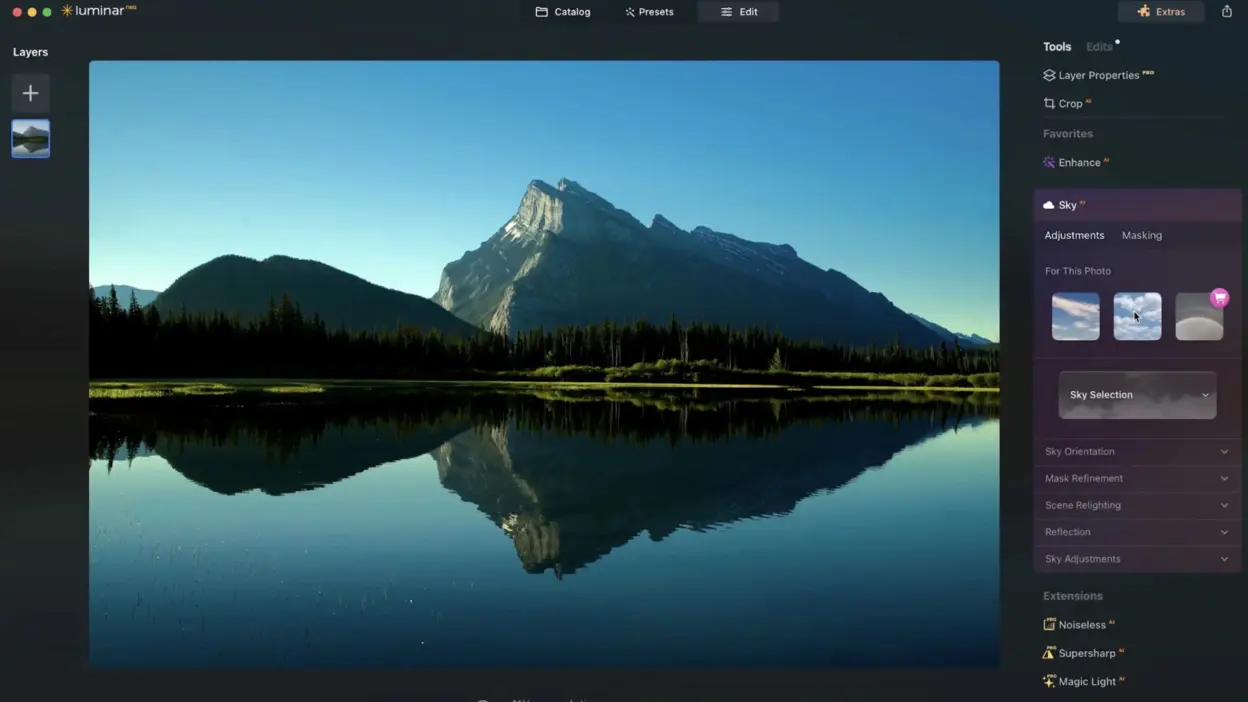
Luminar Neo (Windows/macOS) harnesses AI to simplify traditionally cumbersome tasks, like replacing skies, relighting scenes, or enhancing portraits with minimal user intervention. Instead of fiddling with layer masks, you can apply automated corrections for quick, professional results, making it a beloved choice for photographers who prioritize speed and creativity over fine-tuned control. Luminar also supports a non-destructive workflow with layers, so you can tweak or revert your changes at any time. Its flexible approach (standalone app or plugin to Lightroom/Photoshop) suits various skill levels. If you regularly edit landscapes, portraits, or event photos and crave a user-friendly, time-saving solution, Luminar Neo’s AI suite can dramatically shorten your editing sessions.
- Pricing: Paid; current plans vary by license and bundle.
- Highlights:
- Non-destructive editing with layers, AI scene detection
- Quick transformations like sky replacement and relighting
16. Pixelmator Pro
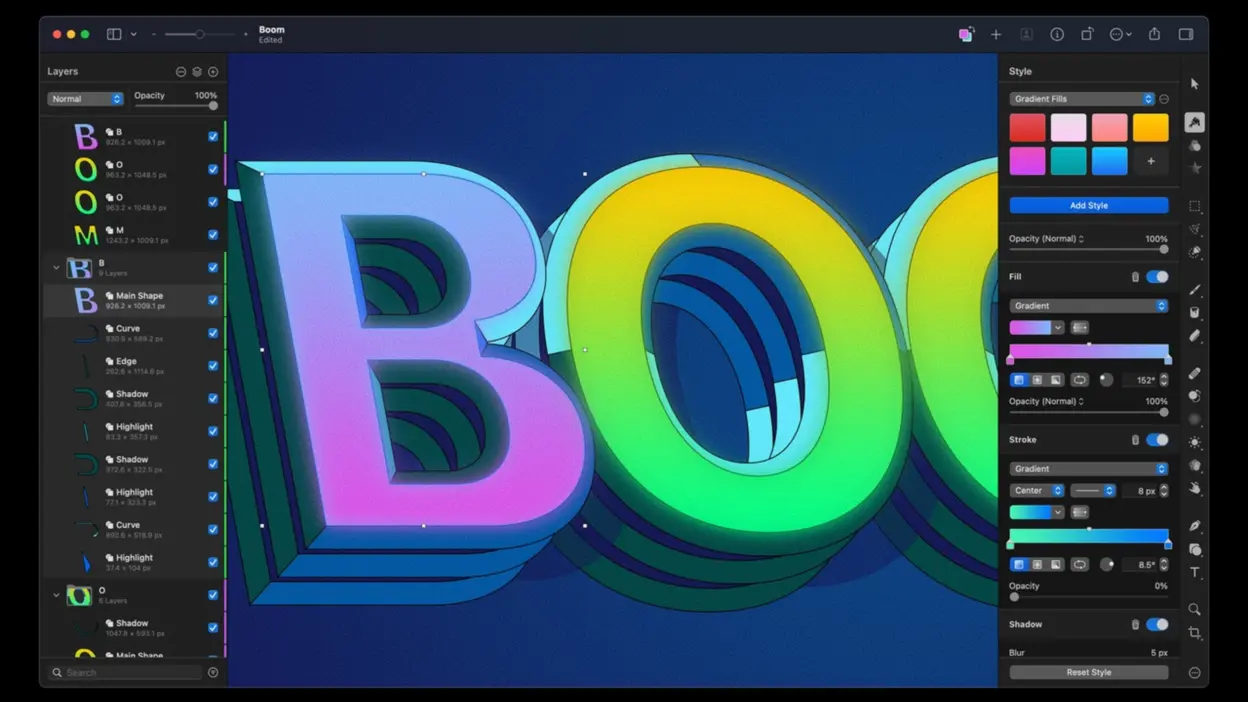
Pixelmator Pro combines photo editing, digital painting, vector tools, RAW support, and machine-learning features in a streamlined Apple-focused interface. It is no longer Mac-exclusive: Apple brought Pixelmator Pro to iPad in 2026 as part of Apple Creator Studio, while the Mac app remains available separately. Its tight integration with Apple hardware and technologies makes it a strong choice for people who want a polished Photoshop alternative across Mac and iPad without adopting Adobe’s full ecosystem.
- Pricing: Apple Creator Studio access, with the Mac app also sold separately.
- Highlights:
- ML Enhance, ML Super Resolution for AI-based improvements
- Vector shapes, painting tools, and PSD compatibility
17. Procreate
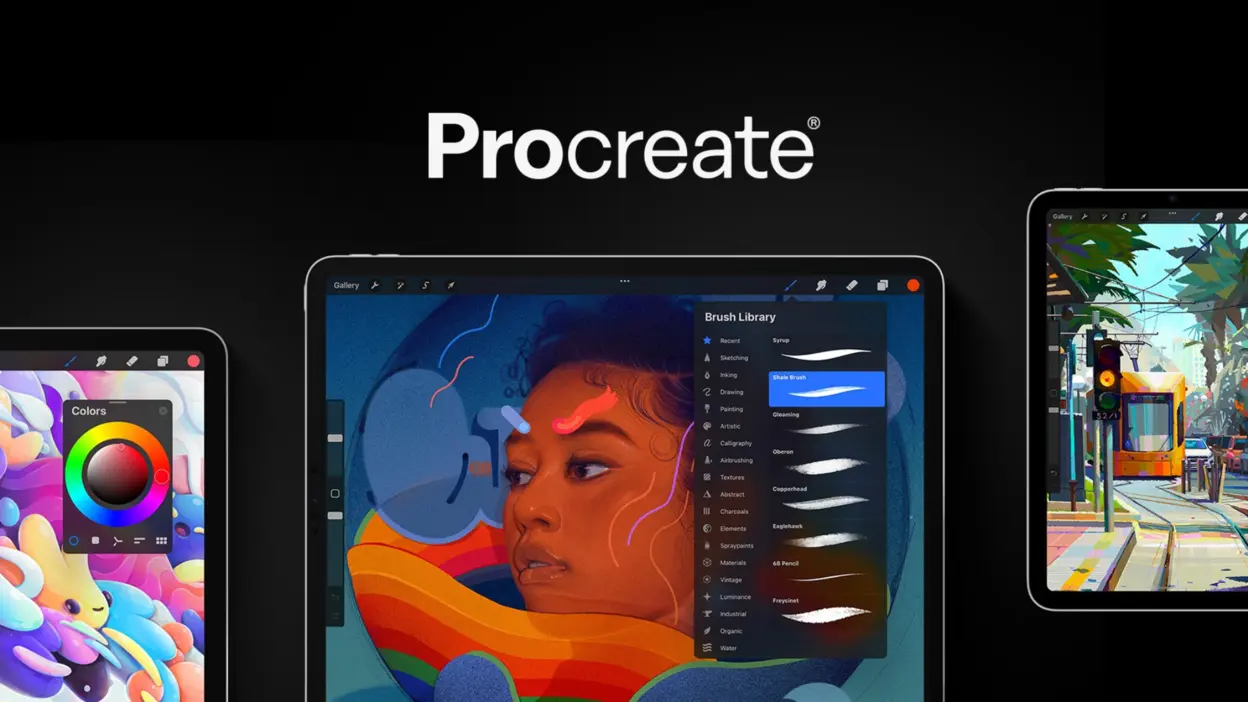
Procreate is a quintessential iPad painting app that has revolutionized digital illustration with its fluid brush engine, gesture-based interface, and seamless Apple Pencil support. Although not a full-fledged photo editor, it includes layering, blending modes, and fundamental color adjustments, letting users incorporate photos into their sketches or designs. The real magic lies in Procreate’s creative environment: over 200 brushes (with the option to create custom sets), robust layer compositing, and even frame-by-frame animation. Artists of all levels, from amateurs doodling on the couch to professionals sketching storyboards, praise its responsiveness and straightforward workflow. Procreate transforms the iPad into a mobile studio, making it a must-have for any digital painter or illustrator on Apple’s tablet platform.
- Pricing: One-time App Store purchase.
- Highlights:
- 200+ customizable brushes, plus animation assist
- Gesture-based interface optimized for Apple Pencil
18. Clip Studio Paint
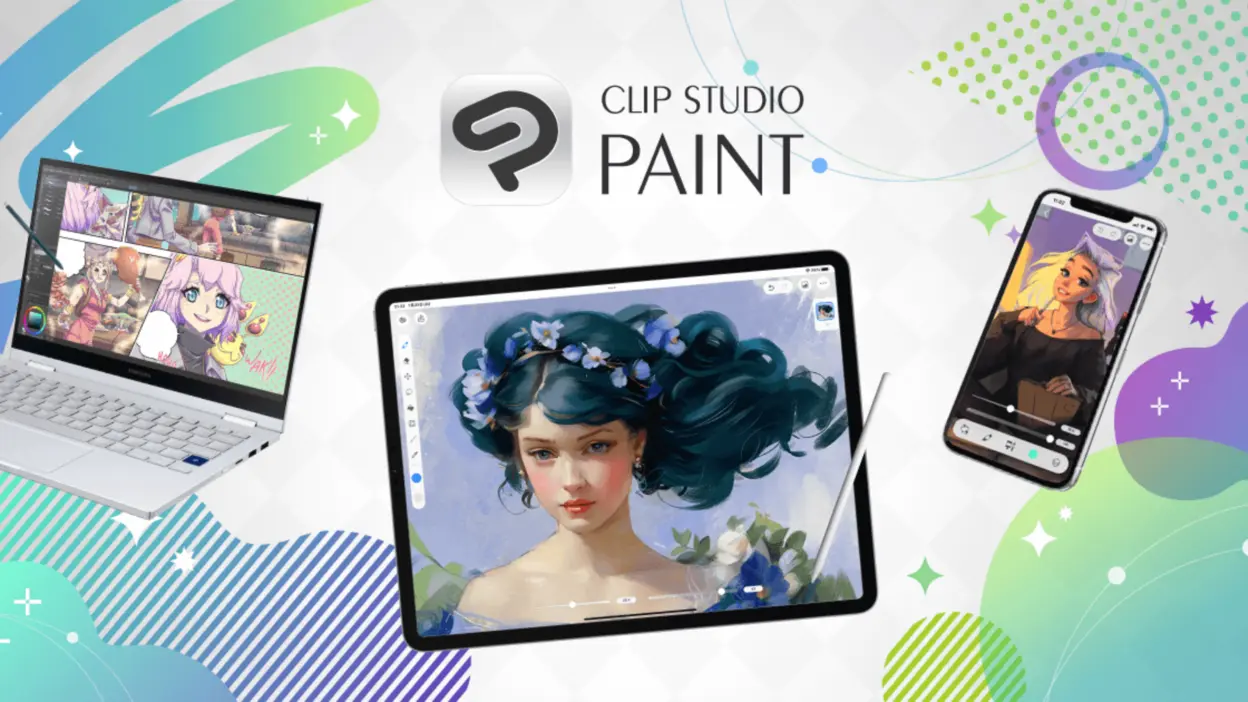
Clip Studio Paint is available across Windows, macOS, iPad, iPhone, Android, and Chromebook and remains focused on illustration, manga, comics, concept art, and 2D animation. Its strengths include vector layers, perspective rulers, panel tools, brush customization, 3D references, and a large asset library. Current licensing depends on platform: subscription plans cover supported devices, while perpetual licenses are available for Windows and macOS for a specific version. The current options are listed on Clip Studio’s official purchase page. It is a specialized alternative rather than a direct replacement for Photoshop’s full photography workflow.
- Pricing: Subscription plans across supported devices; version-specific perpetual licenses on Windows and macOS.
- Highlights:
- Vector layers, perspective rulers, huge brush library
- Frame-by-frame animation (unlimited frames in EX version)
19. Corel Painter
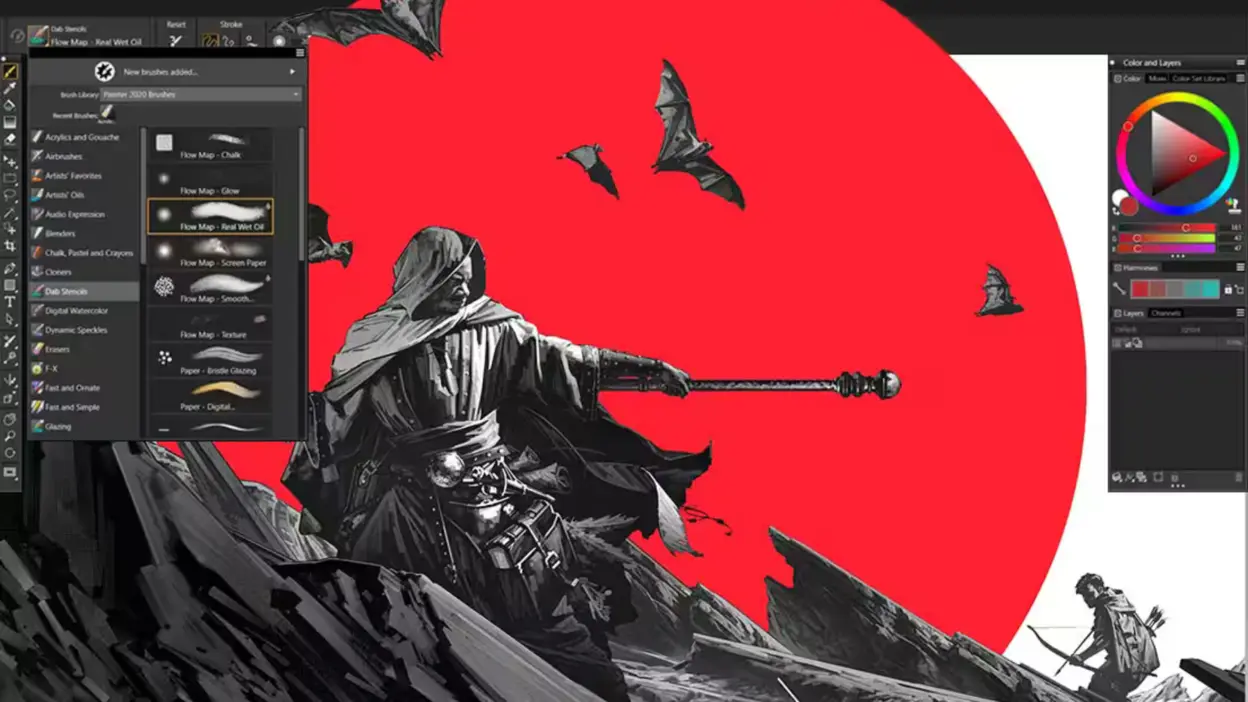
Corel Painter stands out among digital art applications for its unparalleled natural media simulation. Available on Windows and macOS, it meticulously emulates the behavior of real oils, watercolors, chalks, pastels, and more, complete with dripping paint, grainy textures, and bristle variations. Professional illustrators, concept artists, and fine artists adore Painter’s brush engine for letting them capture authentic brushstrokes that mimic physical artistry in ways Photoshop can’t fully match. While it supports layers and photo-based transformations, Painter’s primary purpose is high-end painting, making it a dream come true for those who crave texture-rich, expressive results. Its steeper price tag (and hardware demands) reflect its professional niche, but for serious painters, the realism is worth every penny.
- Pricing: Paid; purchase and subscription options are available.
- Highlights:
- Hundreds of real-media emulating brushes with advanced physics
- Tools like RealBristle for authentic texture and brush strokes
20. ACDSee Photo Studio Ultimate
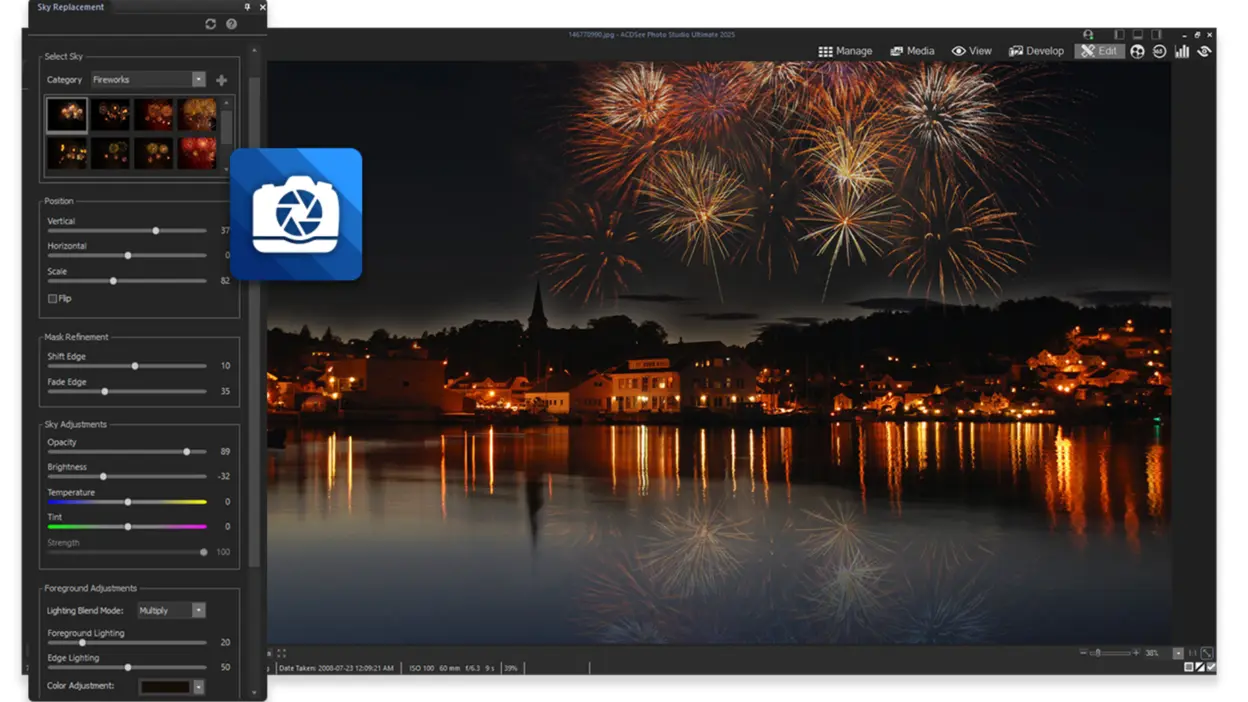
ACDSee Photo Studio Ultimate (Windows) combines a photo management library akin to Lightroom with advanced editing reminiscent of Photoshop. This dual approach means you can organize images, apply quick adjustments, and also delve into more intricate edits like layer compositing, text overlays, or AI-based sky replacement. Photographers often appreciate ACDSee’s speed in browsing large image collections without importing them into a proprietary catalog. Plus, face recognition and keyword tagging streamline asset management for professionals handling thousands of files. If you want to reduce app-jumping by having a single solution for both library organization and layered editing, ACDSee Photo Studio Ultimate strikes an efficient balance that can easily slot into your workflow.
- Pricing: Paid; purchase and subscription options are available.
- Highlights:
- Face recognition, batch adjustments, and advanced layering
- AI sky replacement, selection, and built-in RAW development
Conclusion
The best Photoshop alternative depends on the job. GIMP and Photopea are strong general-purpose options, Darktable and Capture One focus on RAW photography, Krita and Procreate are stronger for illustration, and Canva is optimized for fast layout and marketing production. Affinity is now especially notable because its unified professional app is free, while several other tools use subscriptions, version-specific perpetual licenses, or one-time purchases. For broader branding work, the software matters less than having a consistent visual system and a workflow that can carry it across channels. If you need help connecting that system to real design execution, talk with Brand Vision about your design project.