The work of a graphic designer goes beyond just making images jump off the page: it involves understanding the client’s vision, conveying messages effectively, and ensuring designs work across different mediums and platforms in collaboration with various professionals. One of the most essential tools in a graphic designer’s repertoire is the mockup.
They are a fast track between the concept and the final product, supercharging the production level the graphic designer is capable of. Today we are going to talk about the huge role mockups play in their lives.

The job of a graphic designer
A graphic designer is a visual communicator tasked with conveying a certain message from a particular angle. They serve all kinds of industries – from advertising and branding to web design to product packaging. These specialists need a blend of creativity and technical skills to achieve their objective.
They operate in programs like:
- Adobe Photoshop & Illustrator;
- Gimp;
- Photopea;
- Affinity Photo.
They handle materials like:
- a logo mockup;
- brochures;
- websites;
- social media graphics;
- posters;
- business cards.
Primary responsibilities
There is a range of details these specialists have to keep in mind:
- A complete understanding of the client’s goals: the more details they get them to provide the better, such as the target audience, desired outcomes, guidelines, and market research.
- Brainstorming: playing around with initial ideas based on the client’s brief and research and sketching rough drafts to find the proper direction.
- Designing visual elements, including layouts, compositions, color schemes, fonts, and background images;
- Editing and manipulating batches
- Implementing special effects like blurring, textures, sizing, and lighting to add realism to the image.
- Refining and iterating designs while gathering feedback from the client, team members, and stakeholders to make necessary revisions while ensuring the project remains consistent and in line with the primary goal.
- Prepare the final design files in the necessary formats for production, printing, or use on the web.
Purpose and goals in the mockup process
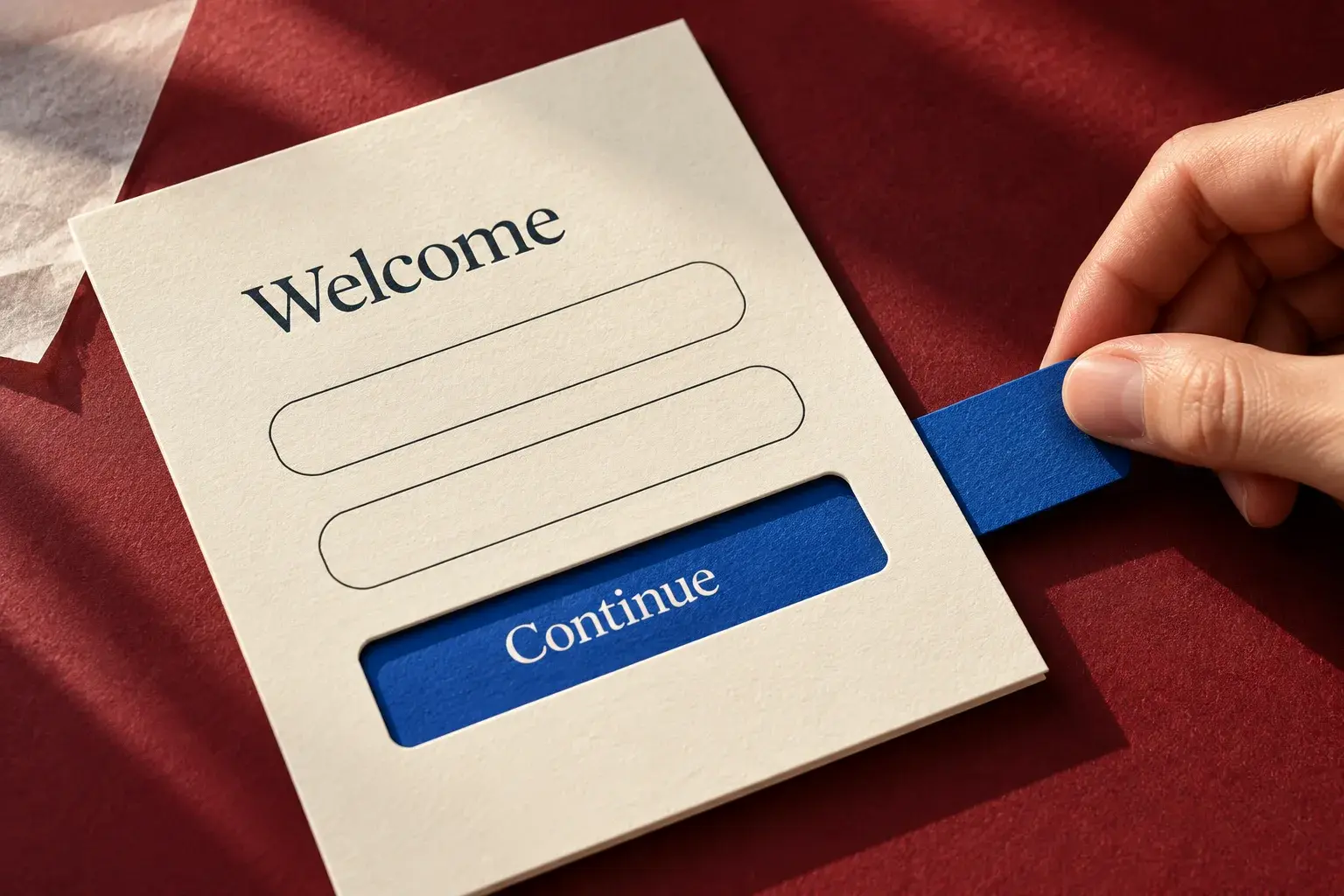
Mockups give a window into the end result of a design. Rather than having to invest the time and resources into producing a full-blown product, mockups provide a way to first test how a client, a software engineer on the team, a project manager, or the audience would react to a design concept.
Designers can release a simple version of a design to first see how the audience reacts to a mockup and what they show the most enthusiasm for can be incorporated to guide the further development of the images, layout, and digital product.
Mockups can also be used to flexibly test out different versions of fonts, marketing presentations, and user paths. Early in the process, they start out with low-fidelity presentations and the further they go in implementing the design, the more detailed and higher-fidelity they get.

Mockups help a designer in the following areas:
Visualization
The context is important, whatever the medium that the images and product will be featured in. When it comes to sales, it is a well-established fact that the more an ad is able to help the target audience immerse themselves in the scenario of using the product in the real world, the more likely they are to buy.
Therefore, if the product is a coat, it’s best to portray a model wearing it on a snowy roadside, mountain, or outside an office. It should also be presented as part of an outfit, complete with pants, boots, a beanie, gloves, and other clothing articles. Better yet, if animation, interaction, AR, or VR are a possibility – ads like these will blow simple ads out of the water.
Collaboration
So that your whole team stays on the same page, you need to be able to present everything in a way that everybody can see clearly how every detail is going to look in the completed project. A lot of the time, software engineers will limit what a designer can do, as a lot of functions aren’t simply technically feasible. This is important to be aware of early in the process.
Decision-making
These help everybody come together and choose things like branding, color, and typography. Management and clients may be excited by some ideas and totally turned off by others.
Using template PSDs
These are ready-made designs that save editors loads of time, because they can simply download or choose among thousands of templates approximated to how the company would like the final image to look, and then all that has to be done is switch out individual elements of it, such as the background, individual elements, and text. Then the designer can rotate, resize, and reposition objects. The list of functions is quite extensive.
Testing functionality
It may turn out that certain design elements may not work well together in context. For instance, a designer has to check if typography is legible on a business card or whether the logo stands out on a product’s label. Then they have to see how it shows up on different devices and mediums.
Minimizing errors
Mockups act as a last line of defense against design flaws.
Adding confidence for clients and investors
Clients are often more comfortable approving designs when they can see how a final product will look in its intended environment. Also, if one is trying to get a deal with a video game company to help produce a game, one needs to impress them as much as one can as competition in that industry is quite fierce.
Flattering a portfolio
These are one of designers’ biggest allies in self-promotion and since they have to go up against large numbers of people, they need to look as polished and professional as possible.
Collaborating with team members
The typical work of a graphic designer involves a whole host of other professionals, as a client’s needs rarely stop at just a design. Here is a look at the different team members they commonly work with.

UX/UI designers
These guys focus on optimizing digital products like websites and apps for usability and user interaction. Graphic designers work with them to ensure visual elements are not only attractive but also user-friendly, in alignment with the functionality, navigation, and user experience of a digital product.
Web developers
They’re responsible for coding and building websites or web-based applications, ensuring the designs function right and technical aspects like interactive features, animations, and responsive layouts are implemented.
Photographers
They capture high-quality images, which are extremely important in keeping visitors’ attention.
Illustrators
These professionals create custom artwork, drawings, or visual graphics.
Marketers
Marketers define the core message, positioning, and identity of a brand or product. They develop long-term plans for a brand’s evolution. All marketing materials must be kept consistent with a unified brand presence.
Copywriters
Such specialists perform written content that will accompany the design, whether it’s a website copy, advertising slogan, product description, or other text elements.
Audio and video producers
In projects involving multimedia, such as video ads or interactive websites, these employees handle the sound, editing, and motion graphics to make ads much more engaging. Visual elements need to integrate seamlessly for a cohesive and engaging final product.
Project managers
Graphic designers get their deadlines, timeframes, and budgets from their superiors. They help inform them of when they have to get the project done and what things to pay attention to.