Starting a YouTube channel in 2026 is less about having perfect gear and more about building a repeatable system: a clear topic, a recognizable presentation, useful videos, and a way to learn from audience behavior. Before you record anything, define why the channel should exist. You might want to teach, entertain, document a skill, support a business, or build a creator career. That purpose will shape what you publish, who you are trying to reach, and what success should mean.
It also helps to set expectations early. Most channels grow unevenly, and no upload schedule or optimization trick guarantees a large audience. The practical goal is to create enough high-quality work to learn what viewers respond to, then improve from real data rather than chasing every trend.
Choosing a Niche: Give the Channel a Clear Position
YouTube covers almost every topic imaginable, so a new channel benefits from a clear lane. “Makeup” is broad; “recreating celebrity makeup looks on a student budget” is more specific. “Gaming” is broad; “strategy breakdowns for one competitive title” gives viewers a clearer reason to return.
A niche does not have to trap you forever. It simply gives the early channel a recognizable promise. Think about the audience, the problem or interest you serve, and the format you can sustain. That is your channel positioning. Once viewers understand what they can expect, expanding into adjacent topics becomes easier.
Before settling on a niche, test whether it can support a real content library. Write down 20 video ideas without searching for inspiration. If you struggle after four or five, the topic may be too narrow or you may not know it well enough yet. Then search YouTube and study what already exists. Competition is not automatically bad because it proves viewers care about the subject. The useful question is what your channel can add: a different audience, clearer teaching, stronger production, a specific point of view, better examples, or a format people are not already seeing.
Getting the Right Gear: Start Simple, Grow Later
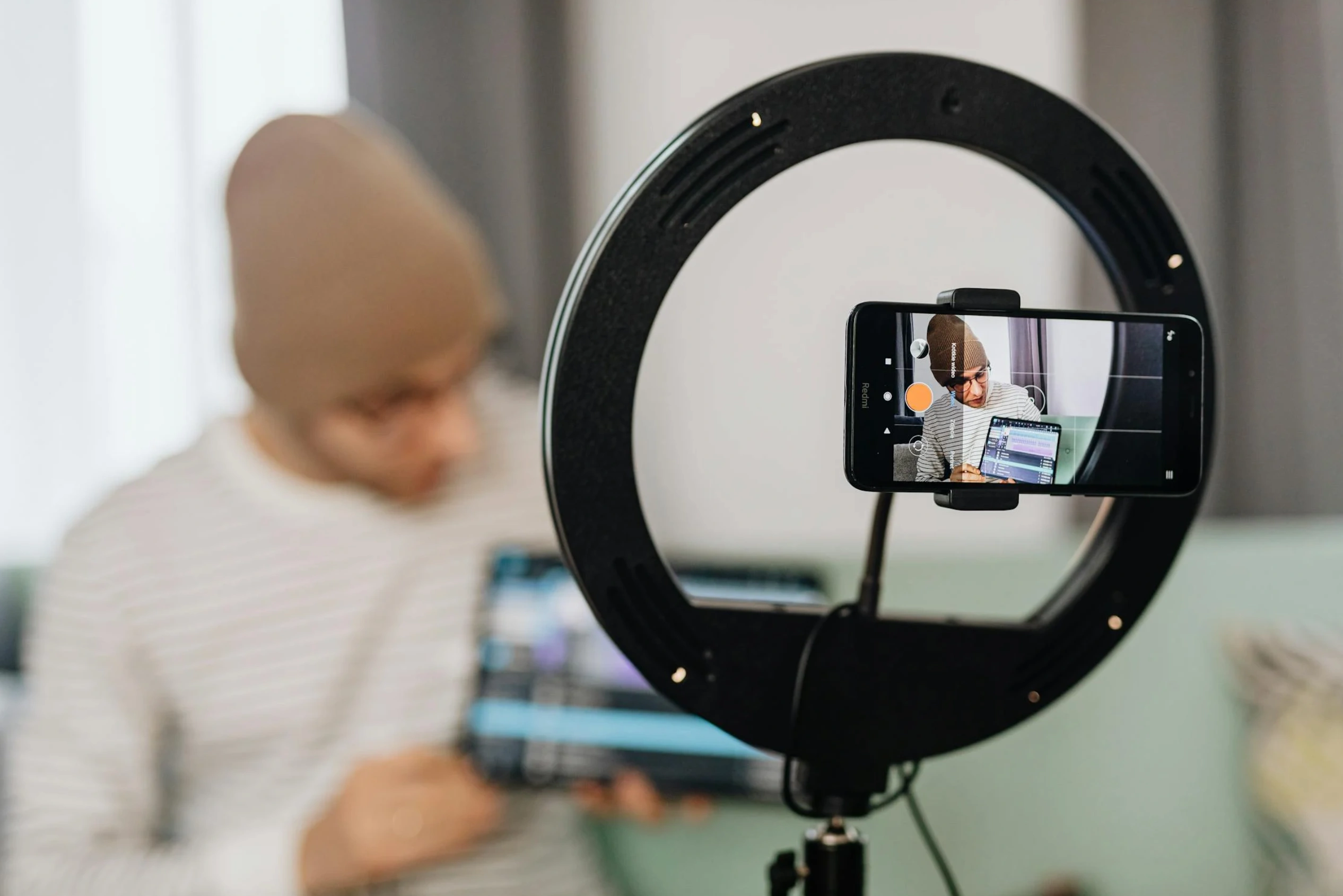
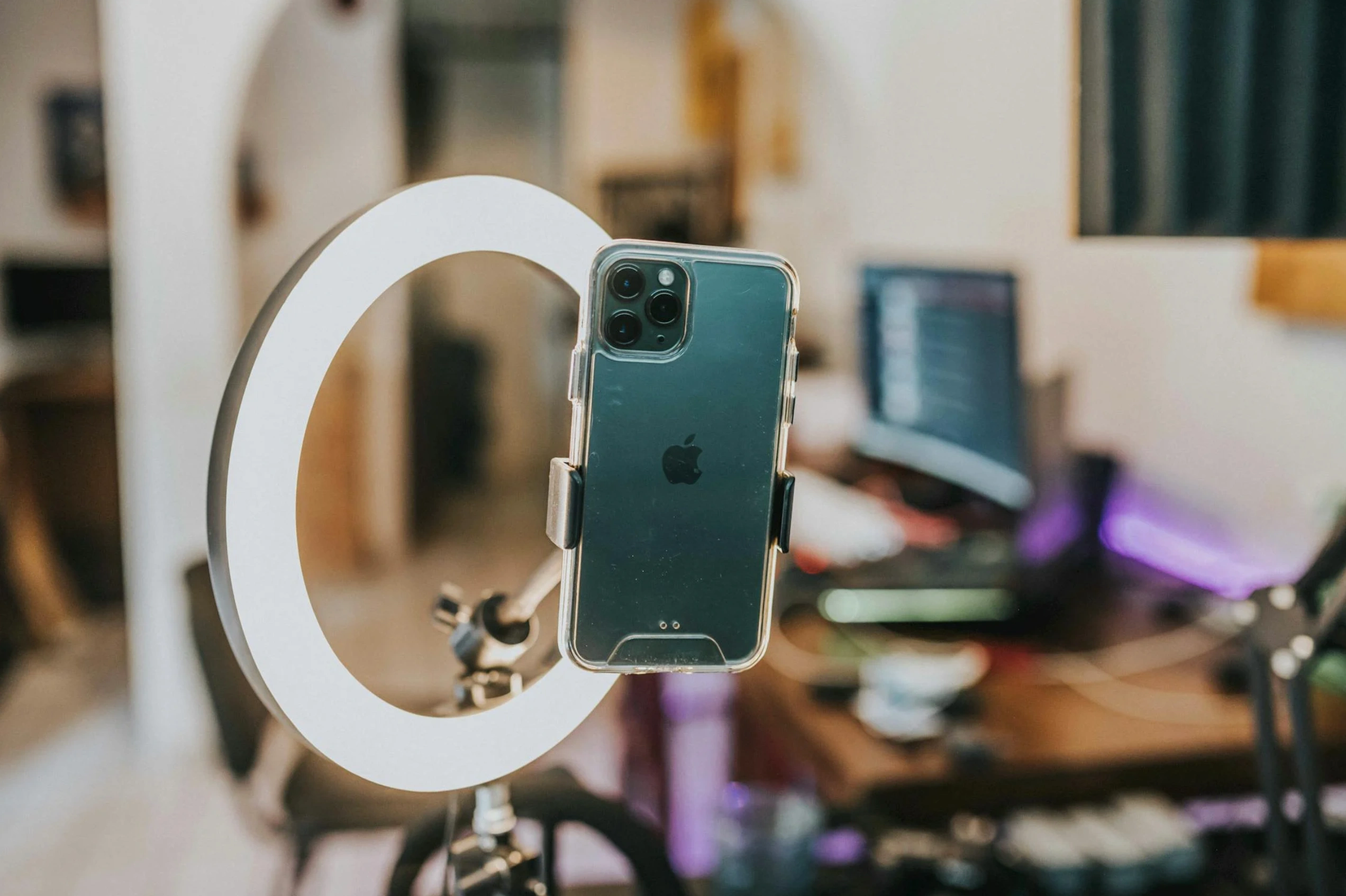
You do not need a studio to start. Modern phones can film in HD or 4K, and a phone you already understand is often a better starting tool than an expensive camera you do not know how to use. Good audio matters quickly because poor sound can make otherwise useful footage difficult to watch. A simple external microphone, such as a USB or clip-on mic, can improve clarity without a large production budget.
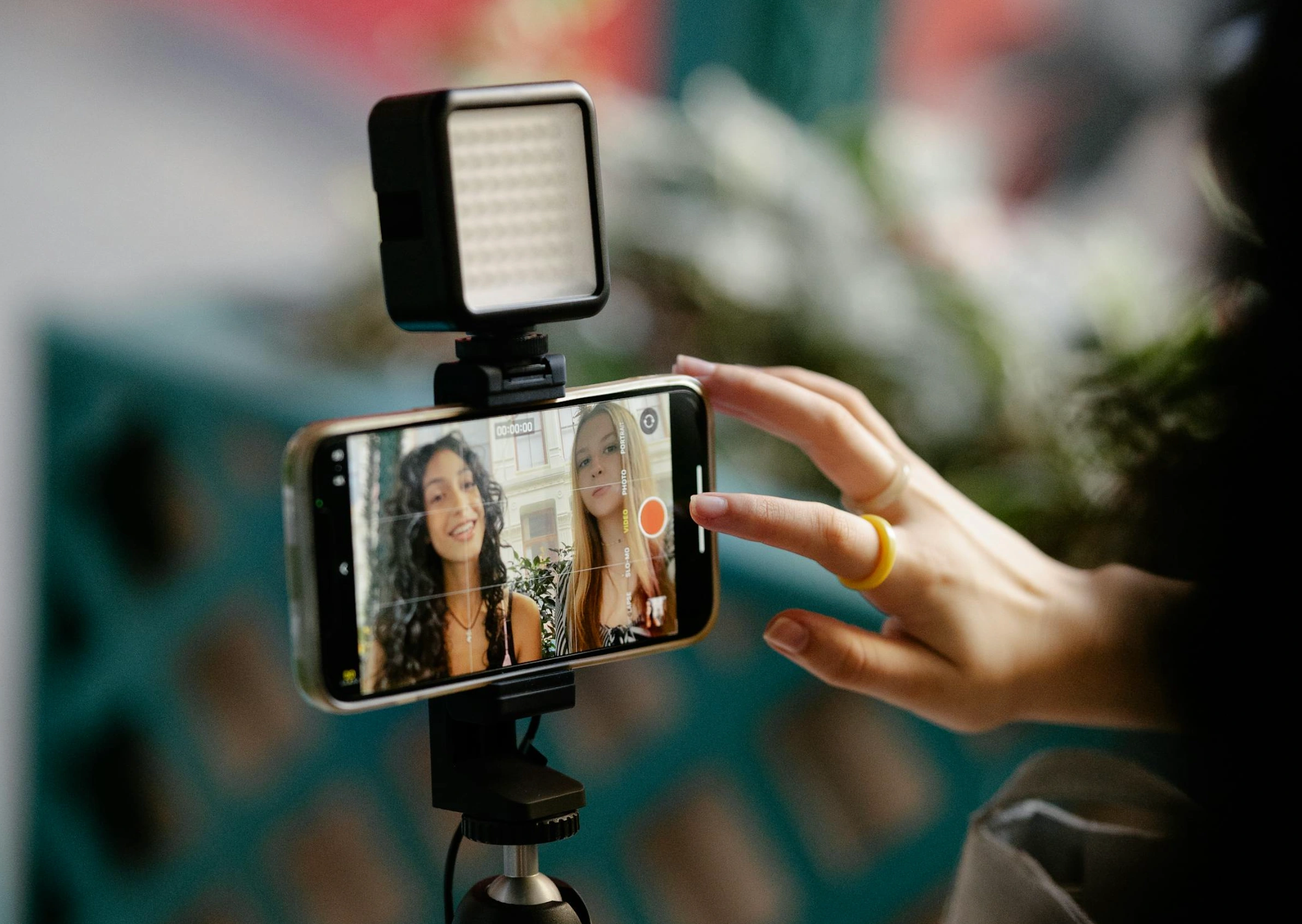
For lighting, start with a window or an inexpensive light source. Stabilize the camera, keep the background intentional, and make sure the speaker is easy to hear. Upgrade only when a limitation is actually slowing the work. Early on, skill and consistency usually matter more than owning professional equipment.
Naming Your Channel: Build a Memorable Identity
Your channel name should be easy to remember, say, search, and use across other platforms. Your name should hint at what you’re about, or at least establish a tone that fits the content. Before committing, check whether similar names already dominate search results and whether the matching handle is available where you plan to promote the channel.
Then build a simple channel visual identity. A profile image, banner, thumbnail system, typography choices, and a small set of recurring visual cues can make the channel easier to recognize. If design is a weak point, thoughtful thumbnail and channel graphic design can help organize those assets without making every video look identical.
Planning Your Content: Ideas, Series, and a Sustainable Schedule
Decide which formats you can produce repeatedly. Tutorials, reviews, commentary, interviews, explainers, challenges, and vlogs all create different production demands. A few recurring series are often easier to manage than inventing a completely new format each week.
Use a schedule you can sustain and leave room for timely opportunities. A simple editorial calendar can track topics, filming dates, thumbnails, publishing dates, and follow-up ideas. Batch production can also reduce pressure if several videos use the same setup. For creators promoting a business across several channels, a broader video marketing across platforms plan can help decide what belongs on YouTube versus Shorts, Instagram, TikTok, or a website.
It can also help to mix evergreen and timely content. Evergreen videos answer questions people may search for months later, while timely videos react to launches, news, seasonal moments, or trends. A channel built entirely on trends can become exhausting, while one built only on evergreen tutorials may miss cultural moments that bring new viewers in. A balanced plan gives you dependable topics plus room to react when something genuinely fits the audience.
Filming Techniques: Make the Video Easy to Watch
Good filming is mostly about removing distractions. Choose a clean setting, keep important subjects inside the frame, and place the camera at a natural height for the format. If the background is busy, simplify it or use a simple backdrop like a blank wall. Tutorials may need overhead or close-up angles, while commentary videos often benefit from a stable eye-level frame.
Do a short test before recording the full video. Check focus, exposure, sound levels, background noise, and whether any important demonstration is blocked. Speak clearly and edit around mistakes instead of trying to deliver every sentence perfectly in one take.
Editing and Uploading: Package the Idea Clearly
Editing should make the idea easier to follow. Remove repetition, long pauses, confusing tangents, and anything that slows the viewer without adding value. If you use music, make sure you have appropriate rights. One option is royalty free music for youtube. Programs such as iMovie or DaVinci Resolve give beginners enough control to learn pacing, audio, text, and basic color work.
When uploading, treat the title and thumbnail as one promise. The title should explain the topic without misleading the viewer, while the thumbnail should make the idea legible at a glance. YouTube’s own analytics treats impressions and click-through rate as useful packaging signals, but advises creators to read them in context rather than chase one number. Descriptions should summarize the video, disclose relevant partnerships, and include useful links rather than stuffing in unrelated keywords.
Building an Audience: Promote Without Spamming
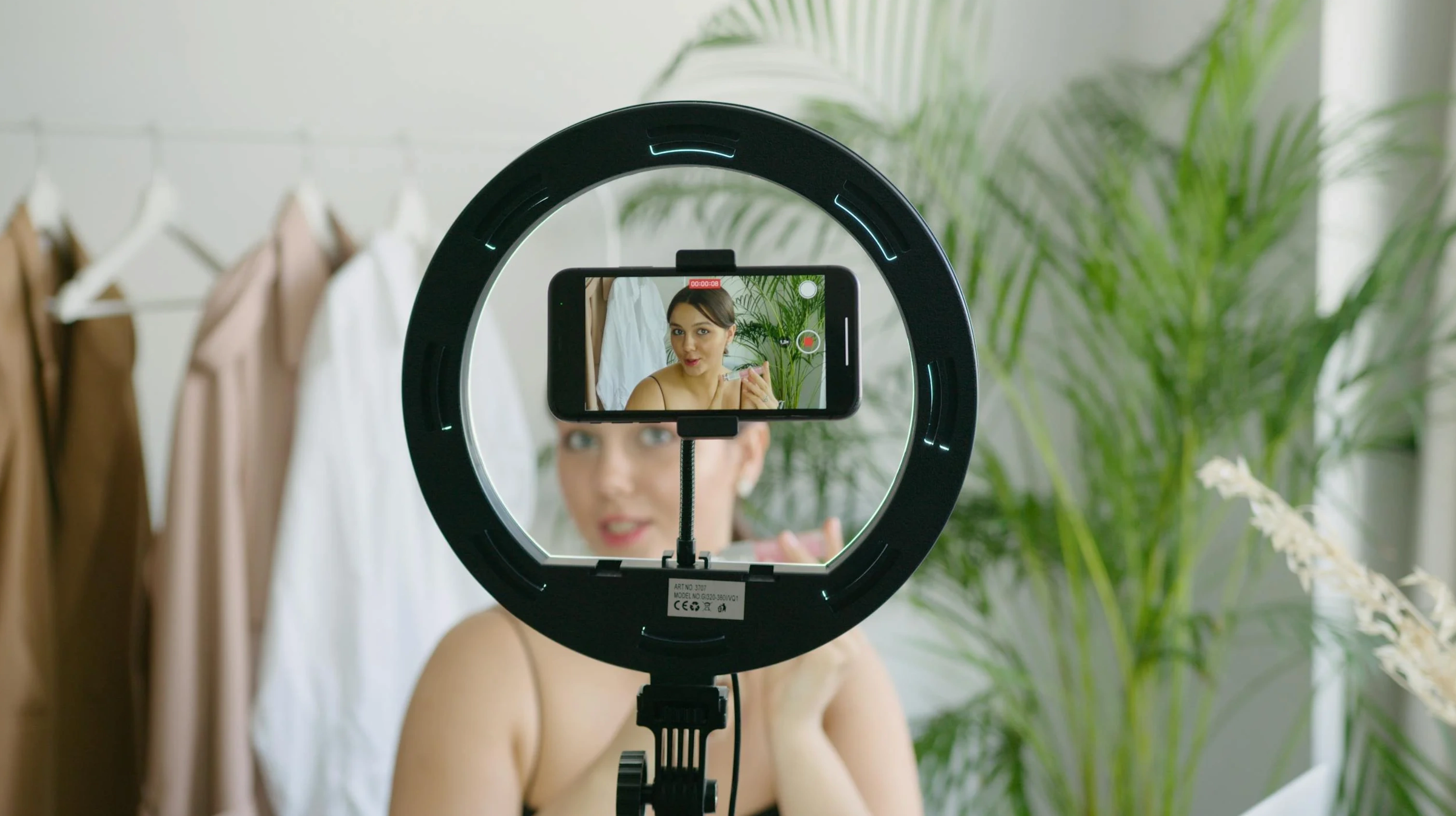
Promotion helps people discover a new channel, but it works best when the audience is relevant. Share videos with people who would genuinely care about the topic, repurpose short clips for other platforms, and make it easy for interested viewers to find the full video. Another option is collaborating with fellow YouTubers whose audiences overlap with yours.
Shorts can also introduce viewers to a longer series, but do not assume every short-form viewer will convert into a long-form subscriber. Treat formats as different entry points and watch the data. The goal is to build repeat viewing, not just one spike.
Engaging With Your Community: Turn Feedback Into Better Videos
Comments, polls, posts, and live features can reveal what viewers understand, what they want next, and where a video created confusion. Reply when it adds value, ask specific questions, and use repeated audience requests as input for future topics. If Community features are available on your channel, polls and posts can keep the conversation active between uploads.
Avoid artificial growth shortcuts. Services that promise to get more views on YouTube by selling traffic should not be treated as a growth tactic. YouTube’s fake engagement policy prohibits artificially increasing views, likes, comments, or subscribers, and its invalid-traffic guidance specifically lists third-party traffic-boosting services as a risk. Build reach through real viewers, relevant promotion, and content that earns repeat attention.
Checking the Numbers: Use Analytics to Decide What to Change
YouTube Studio can show impressions, click-through rate, views, watch time, average view duration, audience retention, subscribers, and audience information. YouTube’s Analytics documentation also separates Reach, Engagement, Audience, Content, and Revenue reporting so creators can diagnose different parts of performance.
If viewers consistently leave at the same point, inspect the structure around that moment. If one topic brings more returning viewers, consider expanding it into a series. If a large share of viewers watch without sound or come from markets you did not expect, you might add or improve subtitles to cater to them. For a business channel, connect platform metrics to broader marketing metrics such as qualified traffic, leads, sign-ups, or sales rather than treating views as the only outcome.
Read metrics together instead of optimizing one in isolation. A high click-through rate with weak retention can mean the title or thumbnail promises more than the video delivers. Strong retention with low impressions may mean the topic or packaging has not reached the right audience yet. Compare similar formats over several uploads, then make one meaningful change at a time. That gives you a better chance of learning what caused an improvement instead of changing the title, thumbnail, topic, length, and upload time all at once.
Monetization Basics: Current YouTube Partner Program Thresholds
As of September 2026, creators in eligible countries can access some fan-funding and Shopping features at 500 subscribers, three public uploads in the previous 90 days, and either 3,000 qualified watch hours in the previous 12 months or 3 million qualified Shorts views in 90 days. For ad and YouTube Premium revenue sharing, the current threshold is 1,000 subscribers plus either 4,000 qualified watch hours in the previous 12 months or 10 million qualified Shorts views in 90 days. Meeting a threshold does not guarantee approval because the channel still goes through YouTube’s review process.
The existing YouTube’s Partner Program documentation remains the best place to check current requirements. YouTube has also announced that starting February 1, 2027, the ad-revenue entry threshold for new applicants will rise to 8,000 qualified watch hours in 365 days or 20 million qualified Shorts views in 90 days, while the 1,000-subscriber requirement remains. That announced change does not alter the September 2026 threshold described above.
Beyond platform ads, creators may use sponsorships, products, services, or affiliate marketing, depending on their niche and local rules. Disclose commercial relationships clearly and build monetization around audience trust rather than trying to force revenue before the channel has a useful content base.
Staying Motivated: Build a Schedule You Can Keep
Consistency matters only if the schedule is realistic. Some creators can publish weekly; others need more time for research, filming, editing, or client work. Advice such as uploading once a week or once every two weeks, can be a useful starting point, but the right cadence is the one you can sustain without making the videos worse.
Track progress over a group of uploads rather than judging the channel by one video. Improve one or two things at a time: the hook, audio, thumbnail, pacing, topic selection, or call to action. That makes growth a learning process instead of a constant search for a viral hit.
Ready, Set, Record
Starting a YouTube channel means combining creative work with planning, publishing, community management, and measurement. Begin with a clear audience and topic, use the equipment you already have where possible, make each video easy to understand, and study what happens after you publish. The first goal is not instant scale. It is a channel system you can keep improving.
If the channel represents a business, make sure the videos, thumbnails, website, and broader brand tell the same story. When you need an outside review of that system, contact Brand Vision to discuss the channel’s positioning, visual assets, and wider digital experience.