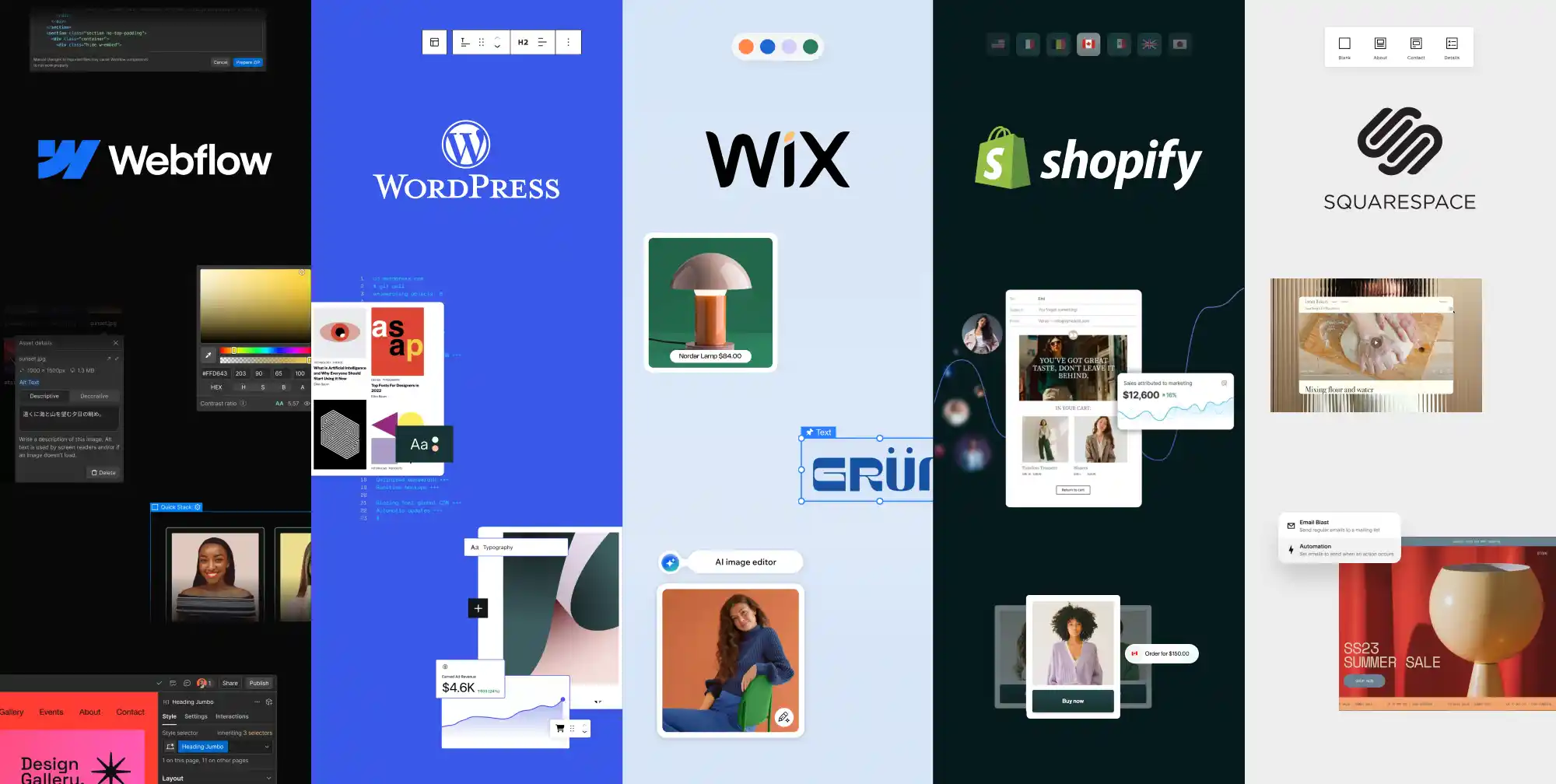
The best website platform depends on what your site needs to do and who will maintain it. WordPress is worth considering for flexible publishing and customization, Webflow for design-led marketing sites, Wix for guided business-site creation, Squarespace for template-led portfolios, and Shopify for a store-centered project. These are starting points for a shortlist, not a universal ranking.
This guide compares five platforms through their practical strengths, limitations and ongoing responsibilities. From an agency planning perspective at Brand Vision, choosing the software is only part of building a user-friendly website. Clear requirements should guide the web design, content and implementation decisions that follow.
Start With the Website's Job, Not a Template
A CMS (Content Management System) helps you organize, edit and publish content. A visual website builder helps you assemble layouts. These are overlapping capabilities, not mutually exclusive categories: a platform can provide both, alongside hosting and business tools.
Before comparing templates, write a web design brief that identifies the main visitor task and the people responsible for the site. A portfolio with an enquiry form has different requirements from a publication with several editors or a shop selling across markets.
- List the content types and features required at launch, such as articles, products, bookings, accounts or multiple languages. Separate requirements from optional ideas.
- Identify who will add content, approve changes and resolve technical problems. Include their training and support needs.
- Document essential integrations and test the hardest one before committing to a platform.
- Compare the initial build, recurring costs and likely migration work, not just an introductory subscription price.
For each shortlisted platform, record whether a requirement is native, supplied by an app, dependent on a paid plan or reliant on custom development. That distinction makes feature comparisons much more useful.
WordPress: Flexible Publishing and Customization
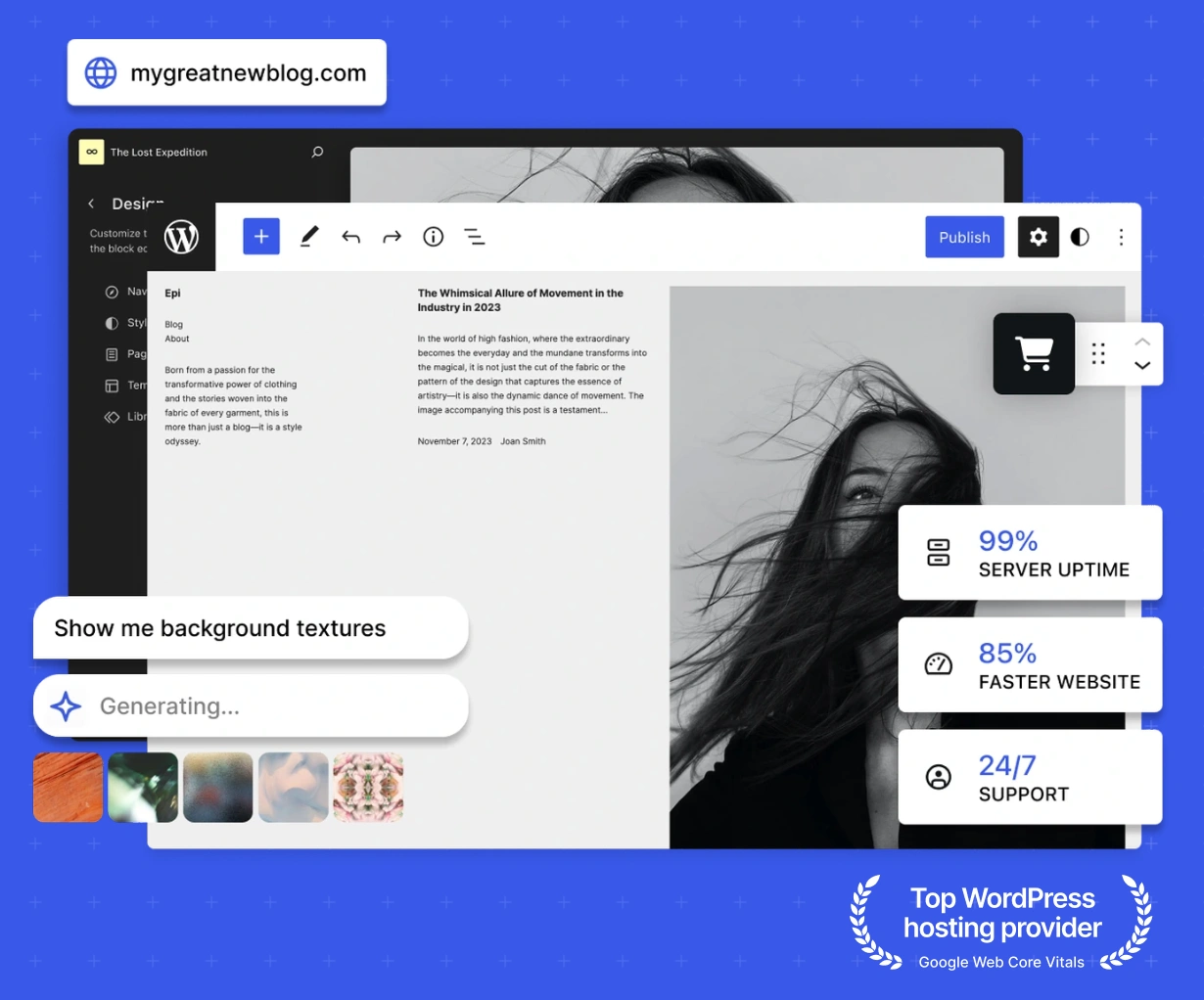
Launched as a blogging system back in 2003, WordPress has developed into a platform for much more than personal blogs. Consider it for publications, business websites and stores with requirements that extend beyond a standard page layout.
WordPress offers robust plugin options and a powerful CMS (Content Management System). That flexibility is useful when you need several content types, contributors or specialized integrations. It also creates decisions about hosting, plugin compatibility and ongoing maintenance that someone must own.
Choose Between Self-Hosted Software and a Hosted Service
WordPress.org provides the open-source software you can run with a hosting provider. You can choose the hosting arrangement and supporting tools, but responsibility for updates, backups and recovery depends on the service agreement and your team.
WordPress.com is a hosted service built around WordPress. Its current plugin guidance allows installation on all paid plans, including Personal; the free plan requires an upgrade. Do not rely on older comparisons that say plugin installation always requires a Business plan. Check the specific plugin's compatibility and any remaining plan requirements.
When WordPress Fits, and What to Check
Shortlist WordPress when flexible publishing or custom functionality matters enough to justify configuration and maintenance. A business with a growing resource library and multiple contributors should test content entry, permissions and reusable page structures, not only the homepage theme.
Use the extensive plugin library selectively. Avoid installing several tools that perform the same job, and test important updates in a suitable non-production environment. Agree who monitors problems and restores the site if something fails. A WordPress maintenance checklist can help organize that responsibility.
For a tailored build, WordPress web design should include the content model and editing workflow as well as the appearance. A heavily customized site may be a poor fit for an owner who has no maintenance support.
Webflow: Visual Design With Structured Content
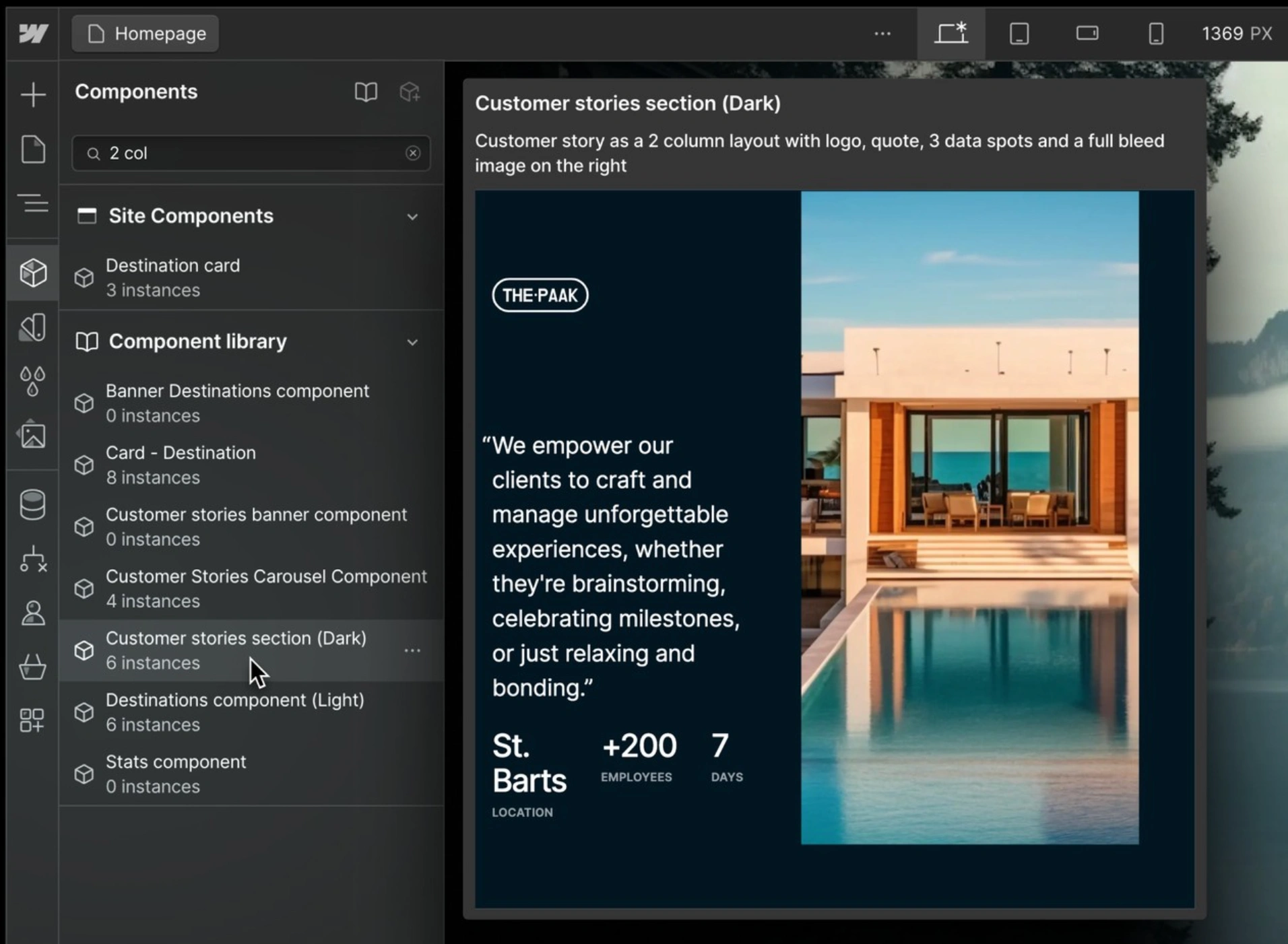
Webflow combines visual site development with a built-in CMS (Content Management System). Its CMS can organize repeatable content such as articles, team profiles and case studies, while templates control how those entries appear. The platform's drag-and-drop examples show a range of interactions, but a showcase is not a substitute for checking your project's requirements.
Designers seeking near-total visual control should expect a learning curve. Layout, responsive behavior and reusable components still require deliberate decisions, even when the interface reduces the amount of code written by hand. Begin with the content structure before polishing animations or complex visual effects.
Separate Website Features From Application Requirements
Do not plan a membership site around Webflow's former native User Accounts feature. Webflow's January 29, 2026 deprecation notice confirms that User Accounts was disabled. A project needing member access must assess a supported third-party or custom solution, including its costs, permissions and migration requirements.
Shortlist Webflow when the priority is a distinctive marketing site with structured content and managed hosting. Test the editor handoff, content limits and integrations on the intended plan. Our Webflow web design service is relevant when those requirements need to become a reusable website system.
If the website also needs complex account logic or connections between business systems, scope the web development separately. A polished front end does not establish that the underlying workflow is supported.
Wix: Guided Setup With Editor-Specific Limits
Beginners who appreciate a guided approach can consider Wix for business sites and portfolios. Wix has evolved to include decent SEO features, but a platform's available controls still need to be configured for the actual pages. Review the content, mobile layout and visitor's next action rather than relying on a setup score.
The ADI (Artificial Design Intelligence) approach belongs to Wix's earlier product history. Wix says ADI has not been supported since November 10, 2024. For a new build, evaluate the editor and tools available now rather than following an old ADI tutorial.
Choose the Editor Before Building Around Its Features
Wix's Harmony documentation describes an editor combining AI assistance and manual editing. It also identifies features not yet available there, including CMS and Wix Multilingual, and explains that moving a Harmony site to Wix Editor or Wix Studio requires creating a new site. Check the exact editor, not just the Wix brand name, against your requirements.
For coded functionality, review the Velo by Wix examples and confirm which editor and development tools support the proposed integration. Do not treat a coding environment as an interchangeable visual editor or assume a site can move between them without rebuilding.
Wix is worth shortlisting when a guided setup and a manageable editing workflow suit the project. During evaluation, try a realistic service page, form or booking journey, including confirmation messages and mobile use. Record any required app or upgraded plan before accepting a quote.

Squarespace: Template-Led Portfolios and Business Sites
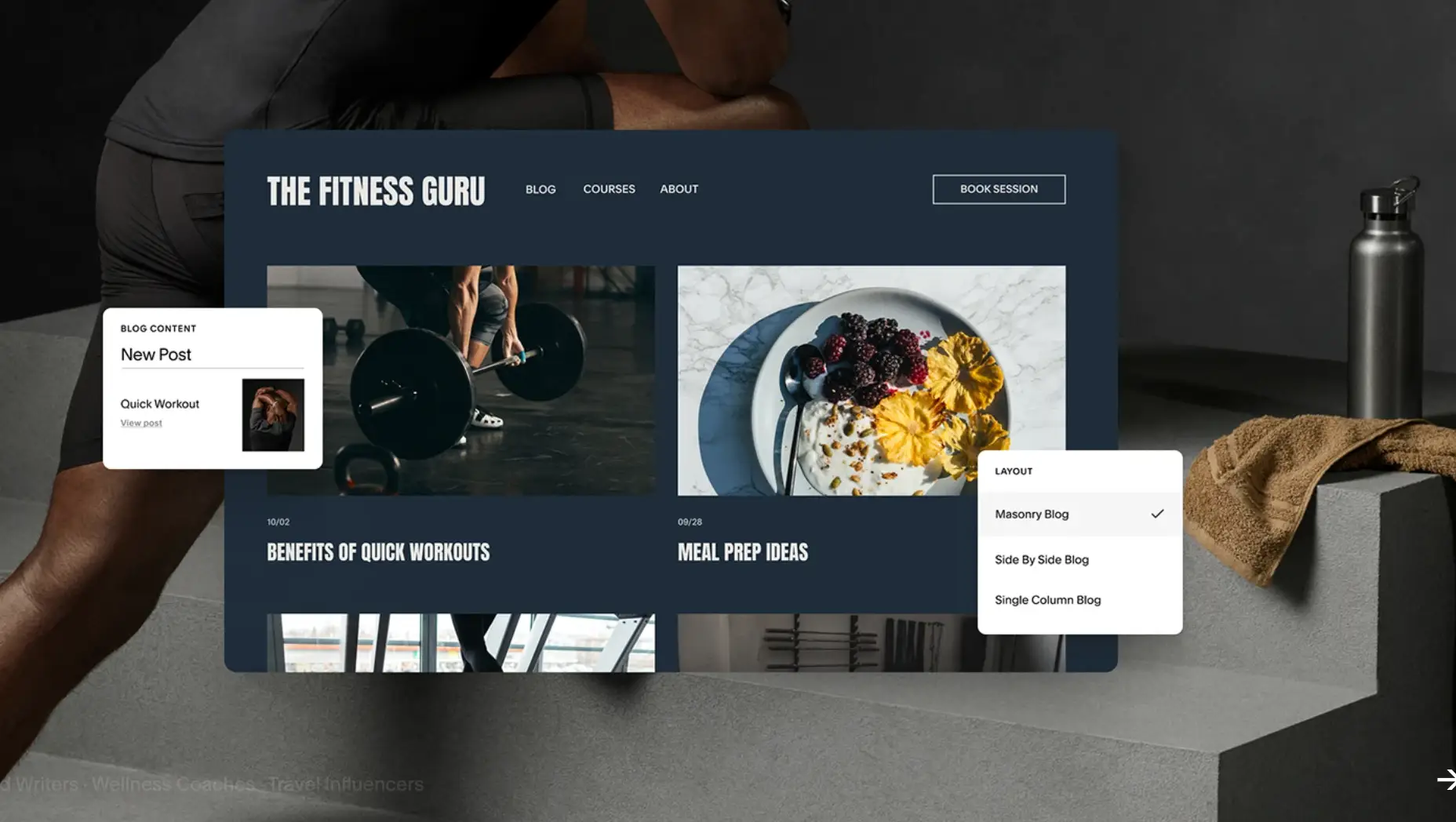
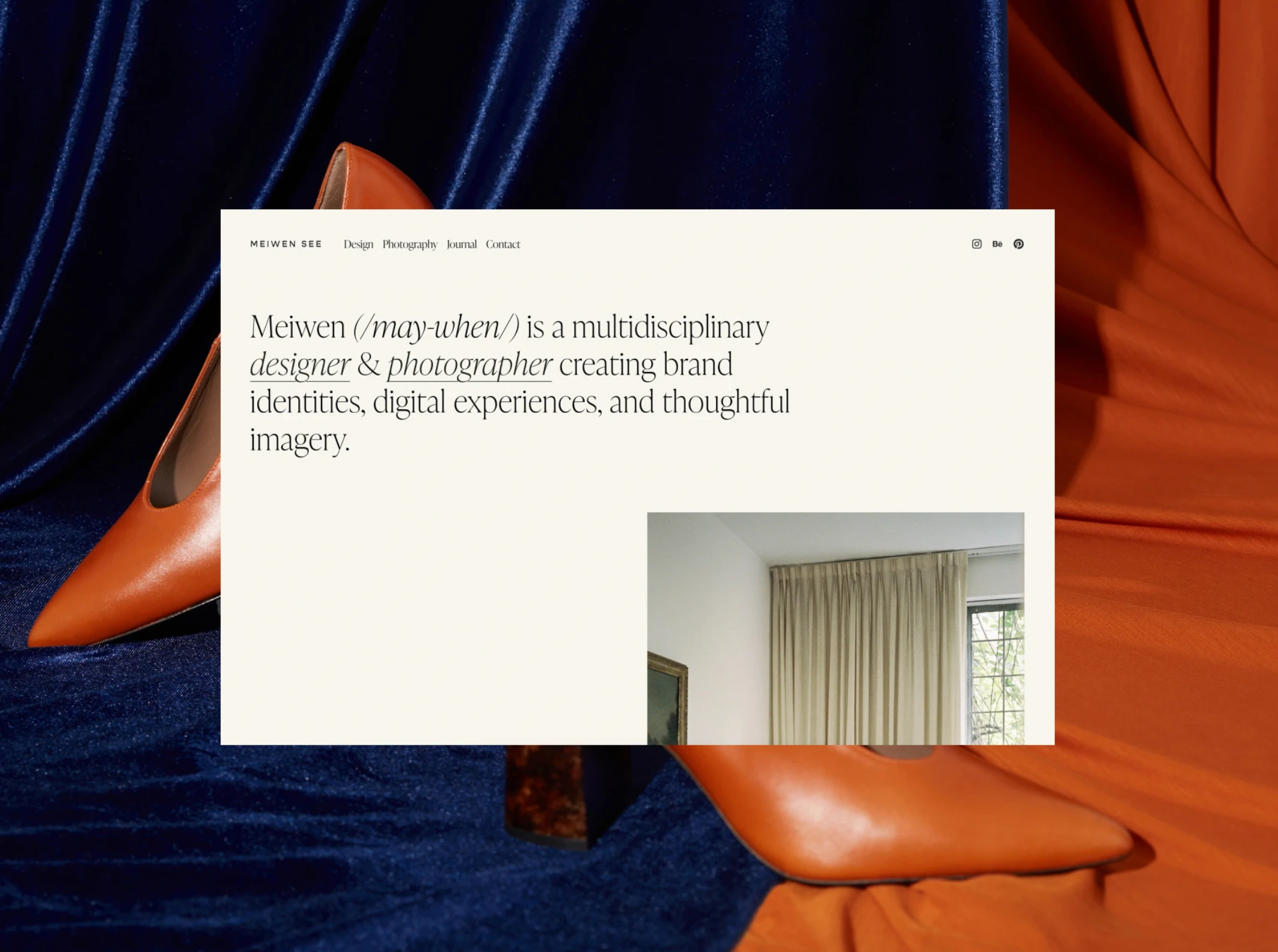
Squarespace suits creatives: photographers, artists and studios can use it to organize work and present services. Start with your visual identity, real imagery and content lengths, then test whether the chosen layout remains readable and consistent across pages.
The service includes website hosting, but that does not mean every business tool is included in one subscription. Squarespace's plan guidance lists Acuity Scheduling and Email Campaigns as separate subscriptions. Check the website plan, optional services and domain renewal costs together.
Understand Template Changes and Commerce Needs
Squarespace's template-switching documentation distinguishes its versions. Version 7.0 supports switching templates; version 7.1 does not. On 7.1, you can change the site's styling and layout instead. Do not choose a starting design on the assumption that every version supports swapping templates later.
Squarespace’s e-commerce component makes it a candidate for a site that combines a portfolio or service presentation with sales. Evaluate the actual product types, checkout, delivery requirements and fees. A simple catalogue and a store with complex operational rules should not be treated as the same project.
Shortlist Squarespace when a template-led approach fits the brand and the required workflows are supported. It is less attractive when the project depends on a custom content model or a specialized integration that the team has not yet demonstrated.
Shopify: A Store-Centered Platform
Shopify is a logical starting point when buying and fulfilling products are the website's main tasks. Evaluate the store as a connected system of product information, inventory management, payments, delivery and customer support, not simply a collection of attractive product pages.
Shopify still allows pages for blogs or promotional content, so it can support content around the store as well. A content-heavy project should still test how authors organize, update and connect that material instead of assuming the publishing workflow matches a more general CMS.
Test the Commerce Requirements That Make Your Store Different
For digital goods, plan how customers receive access after purchase. Shopify's digital-product delivery documentation covers its Digital Products app. Test the complete purchase-to-access journey, including customer instructions and what happens after a refund, rather than treating file delivery as an automatic consequence of listing a product.
Likewise, verify eligibility before promising multi-currency checkouts. Shopify's international pricing limitations explain that local-currency payments depend on the payment setup. Supported arrangements include Shopify Payments or Adyen, while other third-party providers process payments in the store's default currency. Confirm availability for your business and market; displaying a converted price is not the same as accepting payment in that currency.
Compare the required apps, theme, payment costs and operational integrations with the base subscription. Features such as bundles or subscriptions need their own compatibility and workflow checks. More apps do not automatically produce a better store.
Shortlist Shopify when commerce is central and its supported workflows match the business. A Shopify website design brief should cover product variants, mobile checkout, stock behavior, fulfilment and content maintenance, not just the storefront's visual style.

Compare Total Cost and Ongoing Responsibilities
A subscription price is only one part of the budget. Compare the same requirements over the same period, including the renewal price rather than only an introductory discount. Check currency, billing commitment, applicable taxes and cancellation terms directly with the provider.
- Include the initial design, content preparation, setup, integrations, migration and training.
- Record recurring hosting or platform fees, domain renewals, paid themes or extensions, and separate business tools.
- For commerce, distinguish payment-processing charges, any platform transaction fees and paid apps. Estimate them using your expected order mix rather than another store's totals.
- Budget for maintenance, content changes and technical support. Identify what the provider handles and what remains your responsibility.
- Keep an allowance for requirements that could trigger a higher plan, such as additional content, collaborators or advanced functionality.
Webflow is a useful example of why plan labels need attention. Its pricing page separates Site and Workspace plans. Confirm the hosting, CMS, collaboration and export capabilities you need rather than assuming one purchase unlocks every feature.
Services such as Squarespace provide hosted solutions that offload maintenance and updates to the platform. That reduces some infrastructure work, but you still own the accuracy of the content, account access and configuration of connected tools. With self-hosted WordPress, those infrastructure responsibilities depend on your hosting and maintenance agreement.
Neither model is automatically faster, safer or more reliable for every project. Compare the actual service, implementation and recovery arrangements instead of choosing solely on whether the label says hosted or self-hosted.
Check Content, SEO and Portability Before Committing
Test the Publishing and Search Controls You Will Use
A content strategy should identify which pages and content types the platform must support. Try adding an article or product, updating its metadata, connecting related pages and previewing the result with the person who will maintain it.
For SEO, check page titles, descriptions, URL handling, redirects, indexing controls and the ability to organize useful internal links. Google's SEO Starter Guide explains the broader work involved in helping search engines understand content. Choosing a builder does not remove that work or guarantee rankings.
Our website builder SEO comparison provides a more focused set of comparison questions. Because it was written for 2025, verify feature and plan details against the provider's current documentation before using them in a decision.
Distinguish a Content Export From a Working Site
Ask what you can take with you when changing platforms. An export of text or products is not necessarily an export of the design, accounts, integrations or application behavior. Test a sample export before treating portability as a checked box.
Webflow's standard code-export guidance requires a paid Workspace plan and excludes CMS and ecommerce database content and functionality from that code export. Do not assume the downloaded files reproduce the complete hosted site.
Wix's hosting and export guidance says Wix sites must operate on its servers. A move elsewhere needs a migration or rebuild plan, even when the business already owns its domain.
Squarespace's export documentation covers supported content rather than a complete copy of the website. Check which pages, products and other records require separate exports or reconstruction.
For any platform, keep business access to the domain, billing, source assets and connected services documented. Use an SEO migration plan when changing an established site so content, old URLs and redirects are considered before launch.
Run a Small Trial Before You Choose
Build a representative example, not a polished homepage alone. A hypothetical photographer might test a portfolio enquiry or booking journey. A retailer might test a product with variants, a shipping restriction and a refund. Neither scenario proves that a platform fits until the relevant workflow has been checked.
- Add real-length copy, images and a reusable content item. Check whether another editor can update them without breaking the layout.
- Complete the main task from start to finish using approved sample data. Verify the receiving system, confirmation and error recovery, not only the button click.
- Review the page on a phone and with keyboard navigation. Check readable content, usable forms and controls that remain available.
- Demonstrate the essential integration and export process. Record unresolved dependencies and who will maintain them.
- Compare the confirmed costs and tradeoffs, then choose the option whose limitations the team can reasonably support.
The website design checklist provides a wider planning and launch review once you have a shortlist. Keep the trial findings in the project brief so the final build is evaluated against demonstrated requirements rather than assumptions.
Select the Right Fit for Your Project
No matter which platform you select, effective web design requires clear objectives, thoughtful architecture and ongoing care. A capable builder cannot compensate for poorly organized content or an unclear brand identity. Choose a system that helps your team maintain those fundamentals, not merely one with an appealing demonstration.
For help turning platform requirements into a scoped website project, contact Brand Vision to discuss the design, content and development work involved.