The design landscape in 2025 is full of online tools that make visual creation easier for non-designers and creative teams alike. Canva remains one of the best-known options, but the strongest Canva alternatives each solve a slightly different problem. Some emphasize photo editing, others focus on presentations and data visualization, and several use AI to accelerate early concepts and routine production. Collaboration, brand controls, video tools, and plan structure also vary, so the best fit depends on the work you create most often.
Choosing among the best Canva alternatives is not simply about finding a cheaper interface. A marketer producing daily social ads may value fast resizing and reusable templates, while someone building presentations with interactive charts needs stronger data tools. Start with your recurring design tasks, team size, and approval process, then compare the platforms against those needs. If the larger challenge is defining the identity and rules that your templates should follow, branding services address a different problem than design software. Below are eight notable Canva alternatives from the 2025 landscape, with a focus on their strongest use cases and trade-offs.
Adobe Express
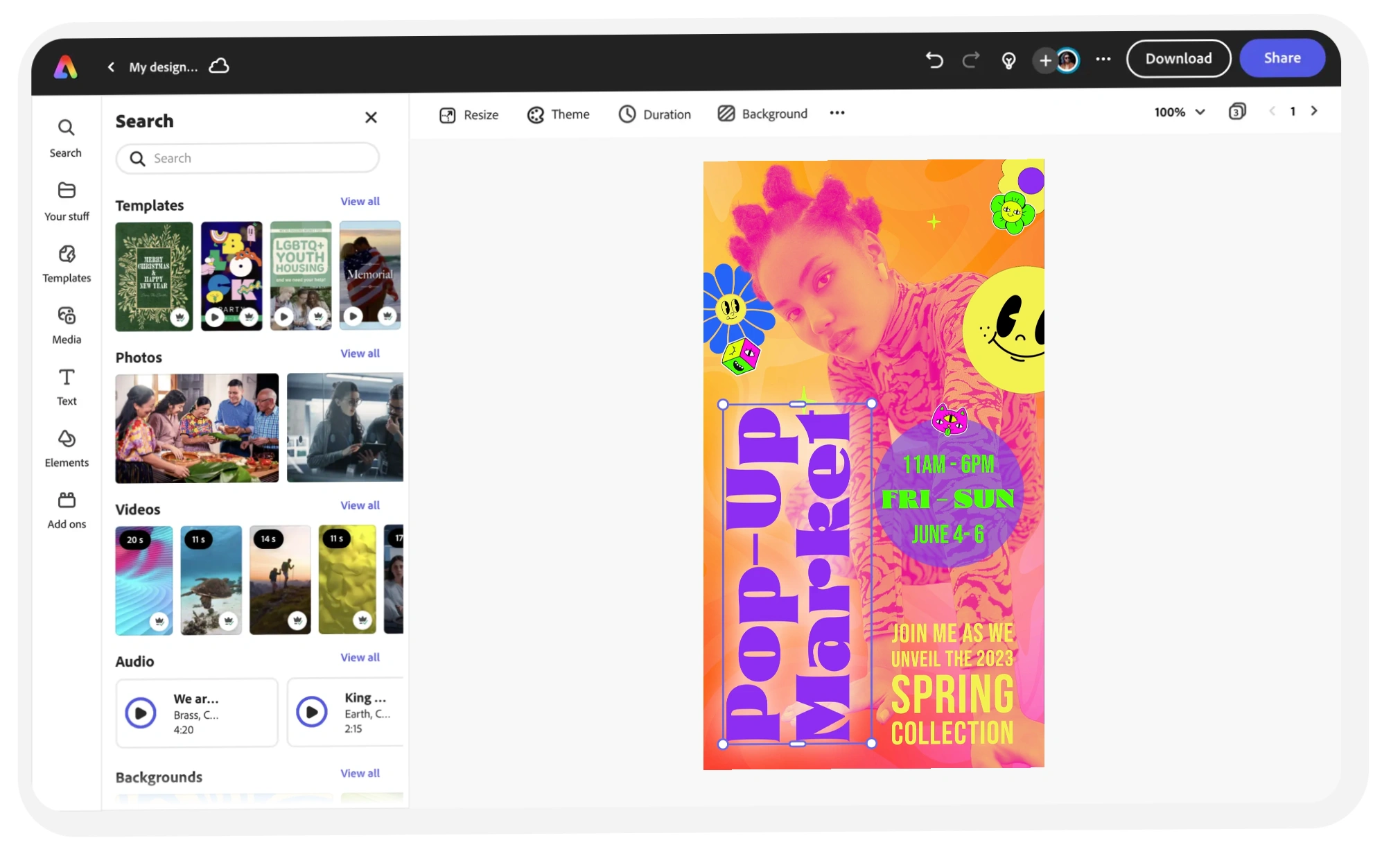
Adobe Express stands out among Canva alternatives for users who want an approachable editor backed by Adobe’s broader creative ecosystem. Formerly known as Adobe Spark, it offers templates for social media graphics, posters, presentations, and other common formats, alongside image and video editing tools. Features such as one-click background removal speed up routine production. For teams with an established brand strategy, its brand controls can also help apply approved colors, fonts, and logos more consistently across recurring assets. That combination supports cohesive marketing materials, particularly for startups, freelancers, and lean marketing teams. When the need extends beyond operating the software into defining the broader brand system, Brand Vision can support that strategy and identity work.
Adobe Express caters to users with different levels of design experience. Beginners can work with a drag-and-drop editor, while more experienced users can make deeper image adjustments or move into other Adobe applications when needed. Marketers may value the relatively short path from concept to export, while social media teams can create and resize assets for multiple channels. For organizations already using Adobe products, that connection can make Express especially practical as a lightweight production layer.
Visme
Visme earns its place among the best Canva alternatives by focusing heavily on data visualization and professional presentations. Before the design stage, strong audience research can help teams decide which findings and messages deserve emphasis. Visme then provides themes for slide decks, social graphics, proposals, reports, and infographics, with support for interactive elements such as clickable icons, animated charts, and embedded video. Collaboration features also give teams a shared workspace for commenting and co-creating. If data-led communication is a recurring need, that specialization can be more useful than simply choosing the platform with the largest general template library.
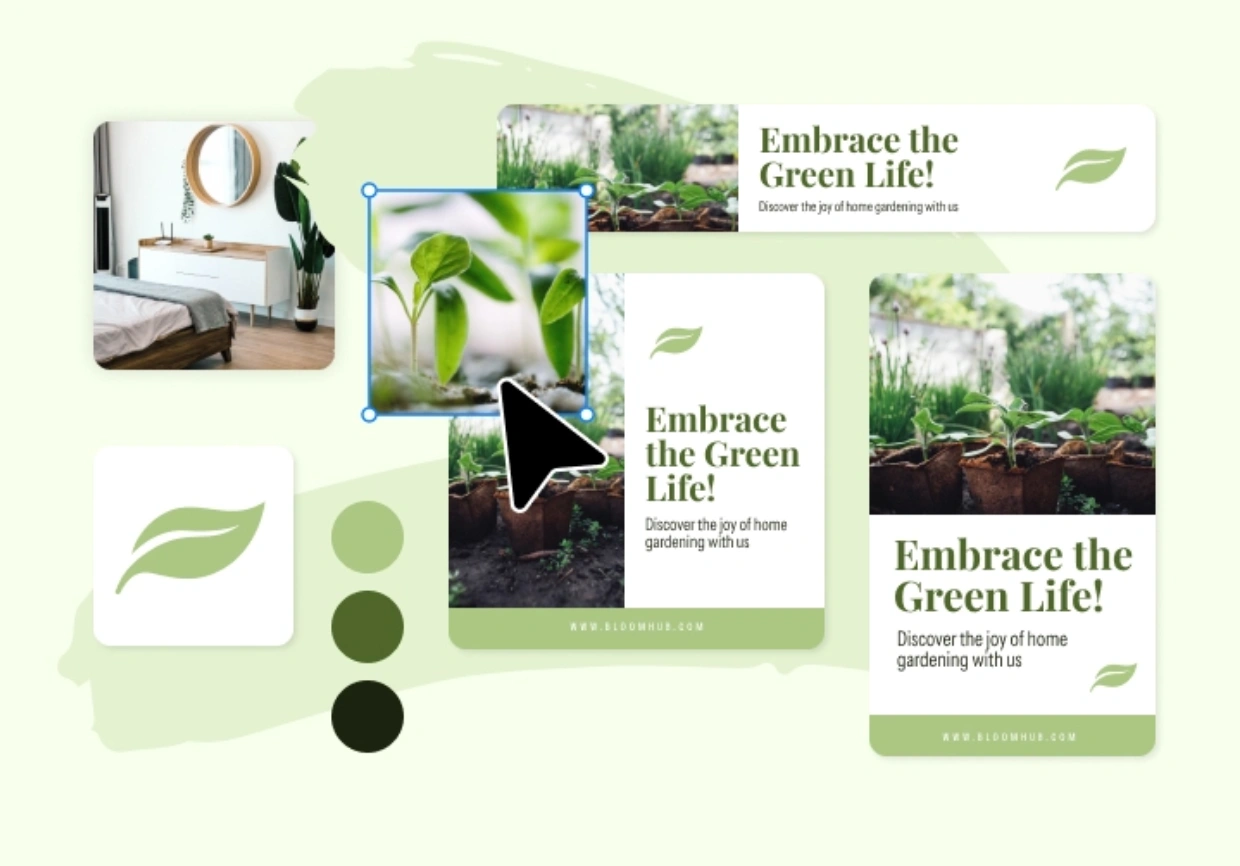
Marketers or educators who regularly turn numbers into visual narratives will appreciate Visme’s rich toolkit. Data-driven slides and infographics can be built with clarity while brand-kit features help teams apply consistent colors, typography, and logos. Organizations that need outside branding support in Montreal can use that strategic work to define the system, then use tools such as Visme to execute within it. For presentations, reports, and campaigns that rely on charts or interactive content, Visme fills needs that simpler template editors may not address as directly.
VistaCreate (Formerly Crello)
VistaCreate is a user-friendly platform for quick-turnaround visuals, making it a relevant Canva alternative for social-media-focused design. Backed by VistaPrint, it offers templates, stickers, short video assets, and preset formats for common social and promotional graphics. Its drag-and-drop workflow will feel familiar to Canva users, while animated elements and fast format selection are useful for teams that publish frequently. Multi-page layouts also support assets such as flyers, brochures, and short presentations.
A useful part of the VistaCreate workflow is its connection with VistaPrint for physical product creation. Designing a poster or flyer can lead into print production where that service is available, helping businesses coordinate digital and offline materials. VistaCreate also includes AI-assisted image generation alongside its template and brand-management tools. Plan limits, storage, brand-kit access, and premium features can change, so teams should compare the current options against their actual production needs rather than relying on a single price or feature count.
Microsoft Designer
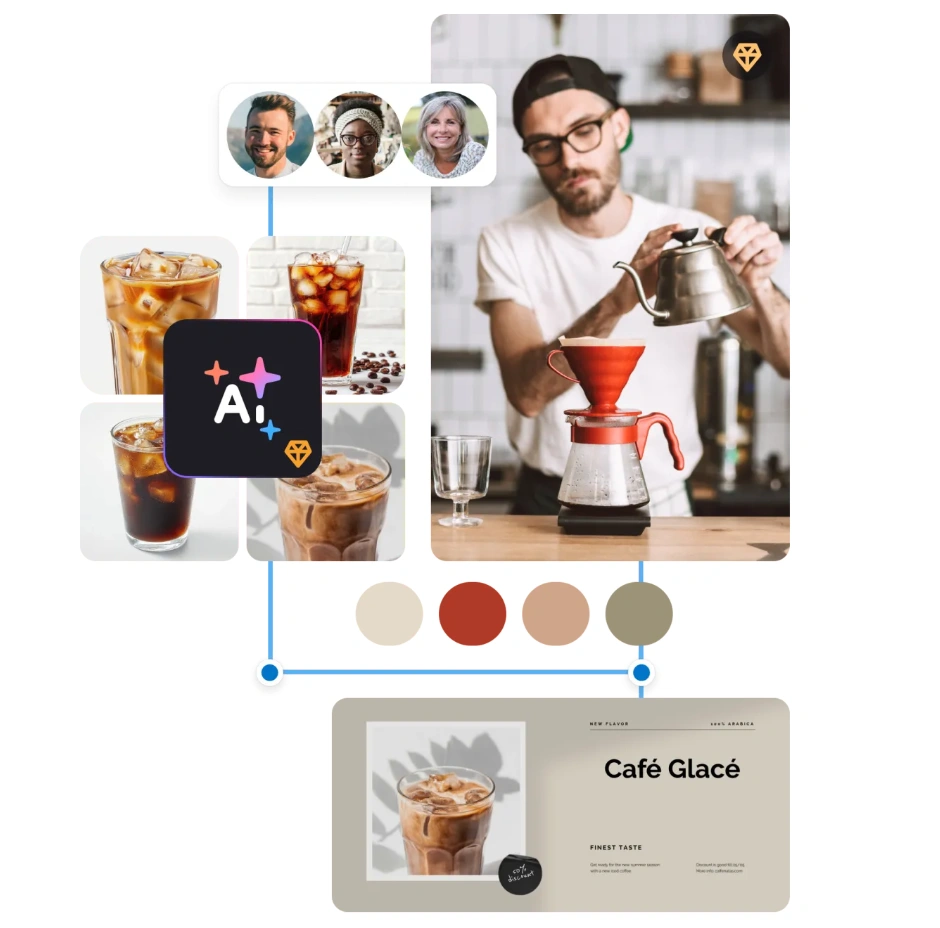
As a newer entrant in the 2025 comparison, Microsoft Designer puts generative AI at the center of the workflow. A user can begin with a text prompt, generate visual directions, and then refine the result instead of starting from a blank canvas. That lowers the barrier for people who need quick concepts or routine graphics but do not work in professional design software every day. Designer is also part of Microsoft’s broader product ecosystem, although the exact integrations available depend on the account, application, and subscription.
For small businesses and less experienced creators, this prompt-led approach can speed up ideation, background generation, resizing, and other common tasks. It is best viewed as an AI-assisted design option rather than a replacement for every Canva workflow. Free access is available with usage limits, while additional creation capacity and some integrations may depend on a Microsoft subscription. Teams with strict brand standards should still review generated layouts against their approved identity rather than assuming an AI-generated design is automatically on brand.
Desygner
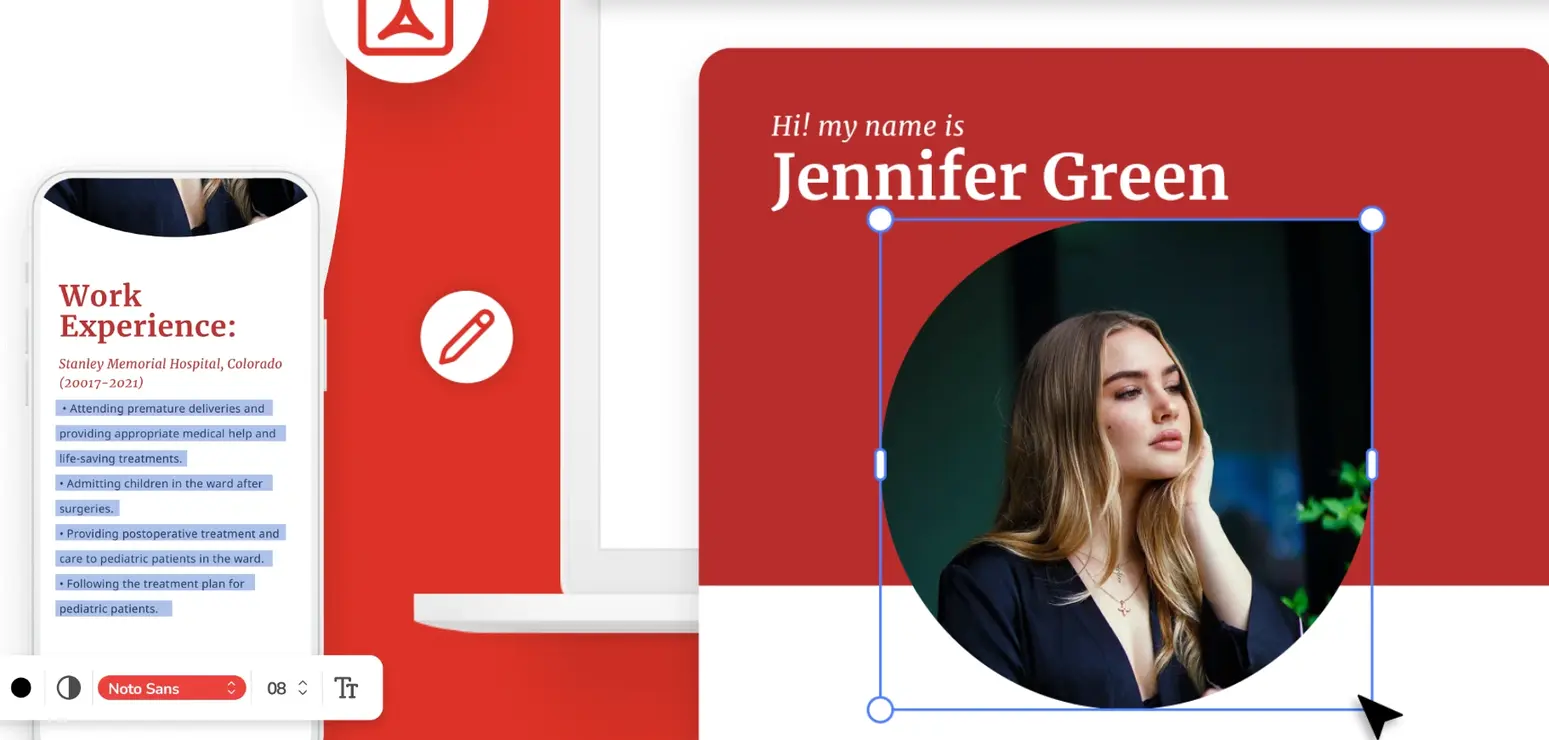
Desygner positions itself as a wide-ranging design and publishing platform that’s easy enough for non-designers yet sturdy enough for more demanding tasks. By blending social media templates, brand kits, PDF editing, and collaborative features, Desygner covers scenarios from quick social campaigns to revamping large PDF documents. One highlight is the ability to lock specific design elements in a template, ensuring brand consistency if multiple team members jump in. These brand controls, along with an accessible interface, rank Desygner among the best Canva alternatives for businesses that want stronger guardrails than Canva’s default.
A particularly useful feature is Desygner’s PDF import and editing, which can help teams repurpose existing brochures, reports, or other documents without rebuilding every page from scratch. That capability complements its brand-kit and template controls, especially when multiple contributors need to work within defined fonts, colors, and reusable layouts. Current storage, export, collaboration, and brand-management limits vary by plan, so compare them against the workflow you actually need. If software selection is part of a wider channel, brand, or campaign problem, a marketing consultation can help separate the tool decision from the strategic choices around it.
PicMonkey
PicMonkey comes from a photo-editing background and has expanded into a broader design tool. Its core strength is still image manipulation, including portrait retouching and other photo adjustments. Where many Canva alternatives emphasize templates first, PicMonkey combines templates with more detailed photo editing. Users can add text overlays, graphic elements, and brand assets after refining an image. That makes it relevant for fashion, beauty, product photography, and marketing for real estate teams, where the quality of the underlying photography often matters as much as the layout placed around it.
Though PicMonkey includes templates for social posts and marketing materials, its main distinction is the depth of its photo-focused workflow. Small e-commerce sellers, creators, and image-heavy brands may value the ability to edit and design in one environment rather than moving between several applications. Subscription terms and feature access can change, so the practical comparison is whether the platform’s retouching and editing tools solve a recurring need that a simpler template editor does not.
Pixlr (Pixlr X and Pixlr E)
Pixlr offers browser-based tools that range from simpler design tasks to more advanced, layer-based editing. That puts Pixlr among the more photo-oriented Canva alternatives for users who want additional control without moving every job into desktop software. With AI-driven background removal, batch-processing options, fonts, overlays, and layered editing, Pixlr can support social media managers, bloggers, and teams working on consumer-brand marketing where product and campaign images need frequent adjustments.
Pixlr provides free and paid ways to work, with feature access varying by plan. A small business might use its faster tools for routine promotional images and turn to its more detailed editor for retouching or layered compositions. If basic template tools cannot handle the level of image control you need, Pixlr can be a practical middle ground between quick browser-based creation and heavier professional software. If presentations, brand governance, or multi-page documents are the main priority, another platform in this list may fit better.
Snappa
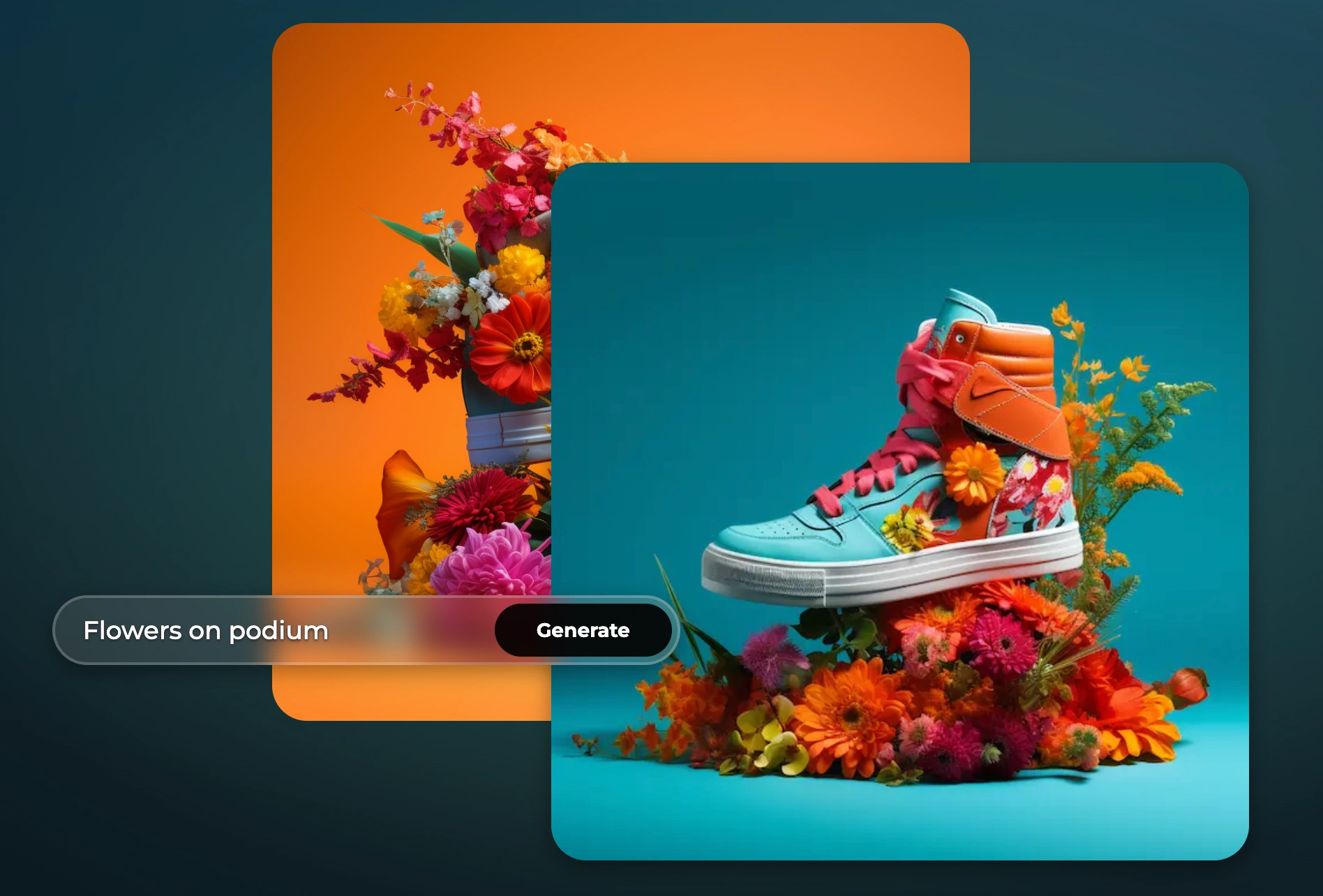
Snappa targets the user who wants to “design once, share instantly.” Its entire focus is speed: choose a pre-sized template for Twitter, Facebook, Pinterest, or a blog banner, then fill it with text, shapes, and background photos. Although it offers brand kits and an icon library, Snappa’s main advantage is a minimalist interface that lets you finalize decent visuals in minutes. The best Canva alternatives often revolve around advanced features, but Snappa flips the script by leaning into simplicity.
The free plan, capped at three downloads per month, is ideal if you just need occasional social media posts without a watermark. Meanwhile, the Pro plan unlocks unlimited designs and advanced features at a relatively low monthly rate. Because it steers clear of advanced data visuals, animations, or multi-page documents, it suits content creators who solely need single-page images. You might consider Snappa if you’re a solopreneur, blogger, or teacher wanting a quick design fix without the noise or higher cost of more extensive platforms. Though minimal in advanced bells and whistles, it preserves a strong place among the best Canva alternatives by balancing a frictionless user experience with enough creative freedom to handle most routine tasks.
FAQs: Best Canva Alternatives in 2025
What is the best alternative to Canva in 2025?
The best Canva alternative depends on the work you do. Adobe Express is a strong all-round option for Adobe-connected workflows, Visme is well suited to presentations and data visualization, and Microsoft Designer is useful for prompt-led AI creation. Photo-heavy teams may prefer PicMonkey or Pixlr.
What is the Google equivalent of Canva?
Google Slides can cover basic collaborative layouts and presentations, but it is not a direct feature-for-feature Canva equivalent. If you need social templates, deeper photo editing, brand kits, or generative design tools, one of the dedicated platforms in this list is a closer comparison.
Is Visme better than Canva?
Visme may be the better fit when interactive presentations, infographics, reports, and data visualization are central to the job. Canva may be more convenient for teams that prioritize a broad range of fast, template-driven content. The better option depends on the formats your team creates most often.
Is Canva still a strong design tool?
Canva remains a strong all-purpose design platform. The reason to consider an alternative is usually a specific requirement, such as deeper photo editing, a different AI workflow, stronger data-presentation tools, PDF editing, or a simpler interface for a narrower set of tasks.
Which Canva alternative is best for social media?
VistaCreate and Snappa are both designed around fast production of social and promotional graphics. Adobe Express is also a strong option when social content needs to stay connected to a broader Adobe workflow. Test the formats, resizing tools, brand controls, and team permissions your process actually requires.
How to Choose the Right Canva Alternative
Exploring the best Canva alternatives reveals a range of specialized approaches. Adobe Express connects lightweight production to Adobe’s ecosystem, Visme emphasizes data-centric visuals and presentations, VistaCreate and Snappa favor fast social content, Microsoft Designer begins with generative AI, Desygner combines template control with document editing, and PicMonkey and Pixlr put more weight on photo manipulation. The useful comparison is not which platform has the longest feature list, but which one removes friction from the work your team repeats every week.
Software works best when the brand rules are already clear. A defined visual identity system gives teams the colors, typography, imagery, and layout principles to apply, while practical brand guidelines help contributors use those rules consistently. If your organization needs regional branding and web design in San Francisco, that strategic support can define the system before your team chooses the production tool that fits its day-to-day workflow.
If your tool search is exposing larger questions about brand consistency, positioning, or creative operations, discuss your brand’s design needs with Brand Vision. The goal is not to add more software, but to build a design process your team can apply consistently.











.webp)