

Choosing among the best website builders of 2026 is not a design-only decision. It is an operating decision. Your website builder affects page speed, SEO control, accessibility, and how quickly teams can ship changes without introducing risk.
For founders and marketing leaders, the key question is not which builder looks best. It is which website builder keeps pipeline stable, brand standards consistent, and the team productive for the next few years.
This guide is a best website builder comparison focused on the tradeoffs that show up in real work: content workflows, governance, integrations, performance, and the cost of change.
Quick Website Builder Comparison in Plain English
Wix is usually chosen for speed, templates, and broad built-in features. It can work beyond very small sites, but governance and page consistency need attention to avoid messy growth.
Squarespace is often chosen for polished aesthetics and clean templates. It is a strong website builder for small business sites that want a premium look with minimal setup, but teams can outgrow its content structure and customization ceiling.
GoDaddy Website Builder is typically used for simple brochure sites and quick publishing. It is rarely a long-term platform for teams that expect complex landing pages, a deep CMS, or frequent iteration.
Weebly remains a simple editor, often tied to Square. It can be practical for basic sites, but long-term roadmap confidence should be part of the decision.
Webflow is commonly chosen for marketing sites where design control, structured CMS content, and publishing guardrails matter. It supports strong brand systems, but it requires discipline to avoid performance debt and inconsistent component use.
Framer is chosen when a design-led team wants speed, motion, and rapid iteration. It can be a strong no-code website builder for visually driven sites, though it is not always ideal for complex content models and multi-team publishing governance.
WordPress is chosen for ownership, flexibility, and deep content ecosystems. It can be an excellent website builder for SEO, but maintenance, plugin sprawl, and performance governance are real costs.
Drupal is chosen for structured content, permissions, and governance-heavy environments. It is powerful, but it assumes technical ownership and a careful implementation.
Shopify is chosen for commerce operations, checkout stability, and ecosystem breadth. It is a strong ecommerce website builder, but app bloat, theme constraints, and performance costs need active management.
BigCommerce is chosen for scalable commerce, B2B patterns, and complex catalog needs. It can be a strong fit for mid-market and enterprise, but implementation complexity can be higher than simpler commerce setups.
A Practical Framework to Choose the Right Website Builder
Most website builder decisions fail for one reason. Teams optimize for launch speed, then pay for it every week after.
Define Your Website’s Operating Model
Answer these questions first:
- Who publishes weekly: marketing, product, sales, or a partner team.
- How many people need access, and what level of control they should have.
- Whether the site is a marketing asset, a product surface, a storefront, or all three.
A website builder for small business usually prioritizes speed and simplicity. A multi-team organization needs governance, roles, and predictable deployment.
Choose Your Control Level
In practice, the best website builders of 2026 map to a control tradeoff.
Convenience-first platforms are easiest to operate but can cap customization. Design-control platforms give teams precision but require process discipline. Ownership-first platforms can be highly flexible, but they introduce maintenance overhead. Commerce-first platforms reduce payments and operational risk, but design and app decisions can become the constraint.
Set Four Non Negotiables
Most teams should define minimum requirements for:
- Website builder for SEO control: metadata, redirects, sitemap control, schema basics.
- Performance resilience: stable Core Web Vitals after real scripts and content are added.
- Accessibility expectations aligned to WCAG.
- Integration fit for analytics, CRM, and forms.
If you need a clear shared standard for accessibility expectations, WCAG 2.2 is a common reference point.
Decide What You Want to Own
Ownership is operational.
If you need to own code and hosting choices, WordPress or Drupal are the best wesbite builders. If you want design control with structured editing, Webflow is often the balance. If you want the platform to own uptime, security, and checkout operations, Shopify and BigCommerce can reduce risk for commerce.
If a rebuild is already in motion, a structured evaluation can prevent expensive reversals. A marketing consultation and audit can help teams align platform choice with conversion goals, governance needs, and technical constraints.
.webp)
Hosted Website Builders for Speed and Simplicity
If your primary goal is to ship a site quickly with minimal technical overhead, this category matters. Many teams choose the best website builder for small business here because the platform reduces decisions and bundles core features.
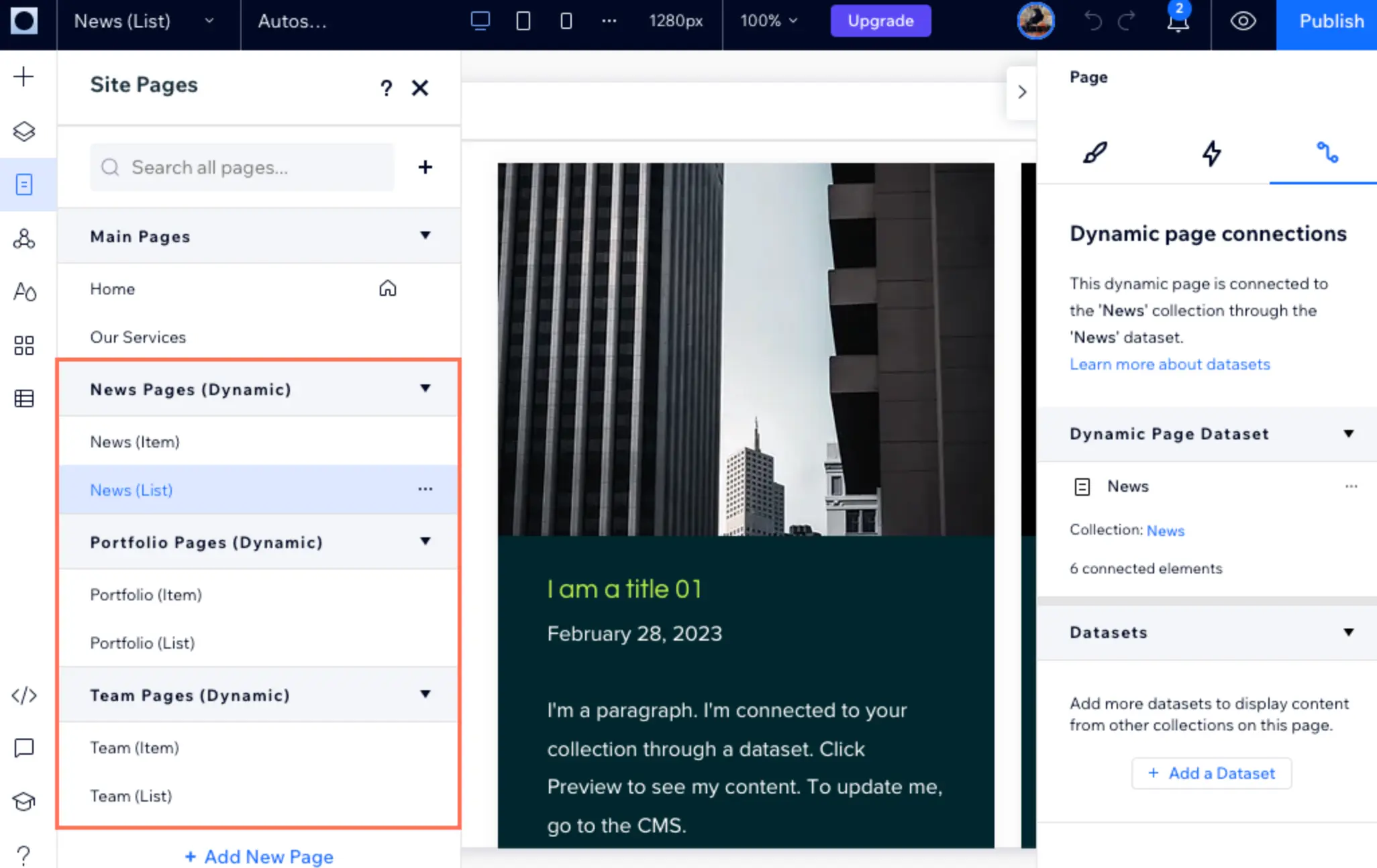
Wix
Wix is a common pick when a business wants broad features in one place. It is often positioned as a website builder for small business, but it can support more complex builds if governance is managed carefully.
Wix tends to work best when the team agrees on page templates, navigation rules, and how new pages are created. Without that, sites can grow quickly but unevenly, which affects performance, SEO consistency, and brand control.
Squarespace
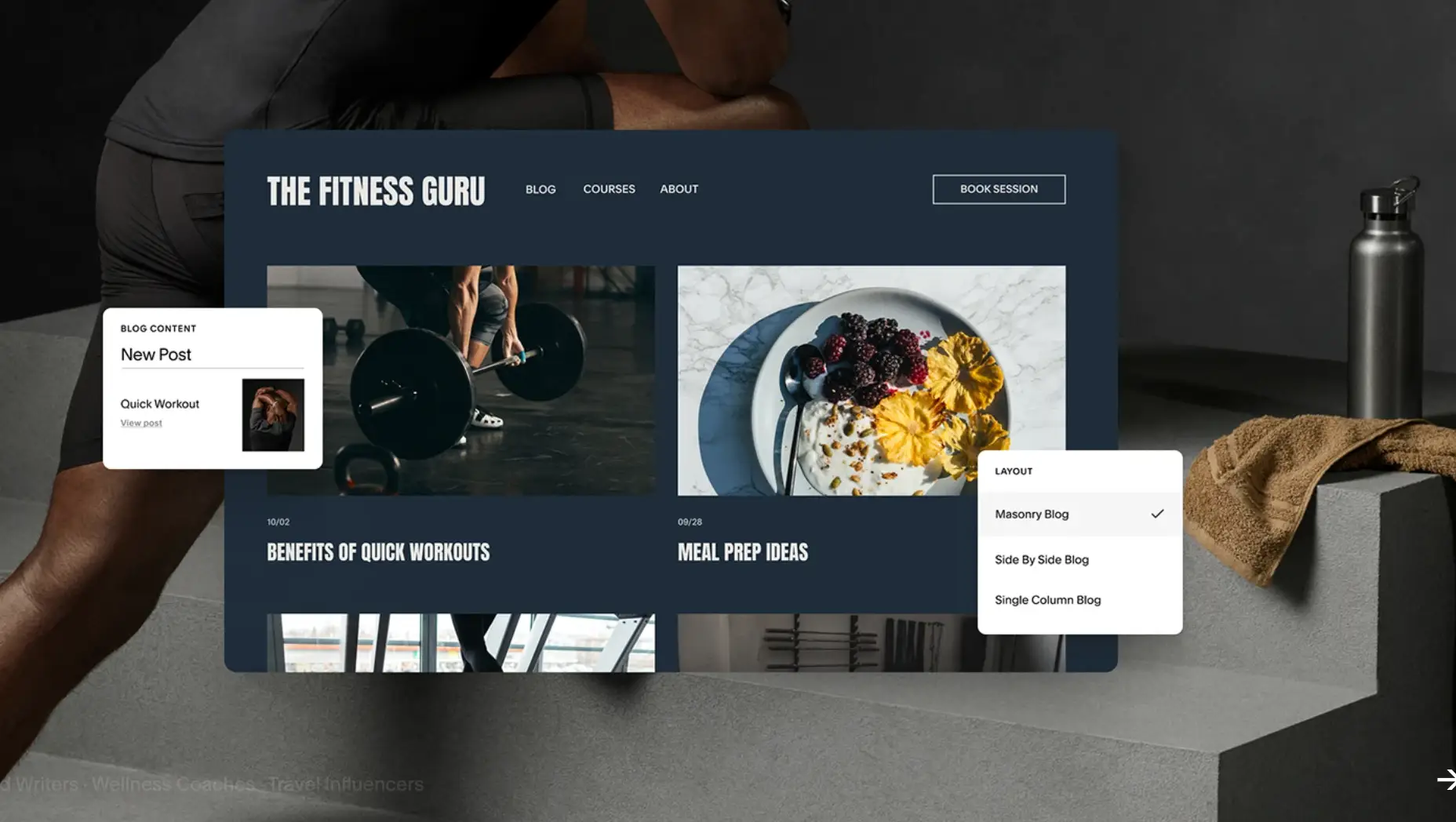
Squarespace is the calm choice when design consistency matters and requirements are predictable. It can be a good website builder for small business sites that want a professional aesthetic without a heavy build process.
The tradeoff is ceiling. If the team expects rapid landing page experimentation, complex content modeling, or unique component systems, Squarespace can start to feel constrained.
GoDaddy Website Builder
GoDaddy Website Builder is built for speed and minimal configuration. It works when the website is a simple business presence and the team expects to revisit the platform later.
If the business is growth-oriented and expects an expanding library of content or multiple conversion paths, the platform can become a constraint sooner than expected.
Weebly
Weebly is a simple builder often associated with Square’s ecosystem. The main decision factor is whether the team is comfortable with its long-term product direction. Weebly has stated it has no plans to discontinue its builder, while also encouraging new sites to use Square Online. (Weebly support update)
For basic sites, Weebly can be workable. For teams that want a long-lived platform, the safer approach is to confirm roadmap alignment before building a high-value property on it.
Design-Led No-Code Website Builders for Marketing Sites
This is where the no-code website builder category is strongest. These platforms can produce high-quality marketing sites with strong design control, but they reward process discipline. If teams build without a system, they often get inconsistent components, heavier pages, and slower iteration.
Webflow
Webflow is often the center of a modern website builder comparison for marketing teams. It supports design fidelity, a structured CMS, and roles that reduce risk when content teams publish frequently.
Webflow tends to succeed when teams commit to a component system, content models, and publishing guardrails. Webflow’s content editor role is designed to let users edit content without changing layout, which supports safer workflows.
If Webflow is on your shortlist and the website is expected to influence pipeline, it helps to align design and conversion patterns early. That is where a web design agency can help define a site system that scales, not just a homepage.
Venturz
Venturz is an all-in-one solution that pairs a drag-and-drop website builder with CRM, email, and social tools already built in, so teams choosing it are optimizing for a connected stack rather than a standalone design system. It supports real-time styling, multimedia blocks, and bulk page creation for SEO, with AI assistance built into the editor but like most all-in-one builders, it trades some component-level customization for that convenience, so teams expecting Webflow-level design control may find it more opinionated than they'd like.
Framer
Framer has matured into a serious no-code website builder for design-led teams. It is often chosen for rapid iteration, strong visuals, and a workflow that feels familiar to designers.
Framer is typically strongest when content models are simpler and pages are driven by design. If the business expects a large structured content library, multi-role governance, or enterprise publishing workflows, Framer should be tested against those needs early.
Open-Source CMS Options for Ownership and Flexibility
If your priority is ownership and long-term flexibility, open-source platforms remain relevant. They can be among the best website builders of 2026 for organizations that prefer control over convenience, and that can support maintenance.
WordPress
WordPress remains a default answer in many website builder comparison conversations because of its ecosystem, flexibility, and the talent market around it. W3Techs reports WordPress is used by a large share of websites globally. (WordPress usage statistics)
WordPress is often an excellent website builder for SEO when it is engineered as a system. The risks come from plugin sprawl, bloated themes, inconsistent templates, and unclear governance. The platform can scale well, but it requires technical ownership and standards.
If WordPress is central to your marketing engine, a dedicated WordPress web design agency can help structure templates, performance, and editing rules so the site remains durable as content grows.
Drupal
Drupal is built for structured content, permissions, and governance. It is rarely the simplest choice, but it can be the right one when content models are complex and security expectations are high.
Drupal typically makes sense when the organization has a technical team or implementation partner ready to own architecture decisions, content modeling, and long-term maintenance.
Ecommerce Website Builders for Serious Selling
Ecommerce has different requirements than a typical marketing site. Payments, tax, inventory, returns, and operational reporting are core. A general website builder for small business can support a small store, but a dedicated ecommerce website builder is built around commerce workflows.
Shopify
Shopify is a baseline ecommerce website builder for many commerce teams because it simplifies payments, apps, and operational tooling. Shopify also describes its PCI compliance posture for merchants, which reduces some compliance overhead for typical stores. (Shopify PCI compliance)
The main tradeoff is how customization is achieved. Themes, apps, and custom work can create performance and cost creep. Shopify sites often benefit from strict rules around apps, scripts, and how marketing pages are added.
BigCommerce
BigCommerce is often shortlisted when teams want enterprise ecommerce capabilities, B2B patterns, or multi-storefront flexibility. It can be a strong ecommerce website builder for complex catalogs, international expansion, and integration-heavy environments.
BigCommerce typically requires more planning than lightweight commerce setups. For teams with smaller catalogs or simpler selling models, it can be more platform than they need.
The 2026 Checklist: SEO, Performance, Accessibility, and Governance
Even the best website builders of 2026 can underperform if the operating model is weak. This checklist helps pressure test any platform before a build begins.
Website Builder for SEO: What Actually Matters
A website builder for SEO should support fundamentals without friction:
- Control of title tags and meta descriptions.
- Redirect management and clean URL structures.
- Sitemap generation you can audit.
- Basic schema support where it matches visible content.
- Integration with analytics, tag management, and CRM forms.
SEO outcomes are rarely about one setting. They come from consistent templates, internal linking discipline, and performance stability. If organic growth is a core channel, an SEO agency can help define a baseline that content teams can safely build on.
.webp)
Performance and Core Web Vitals
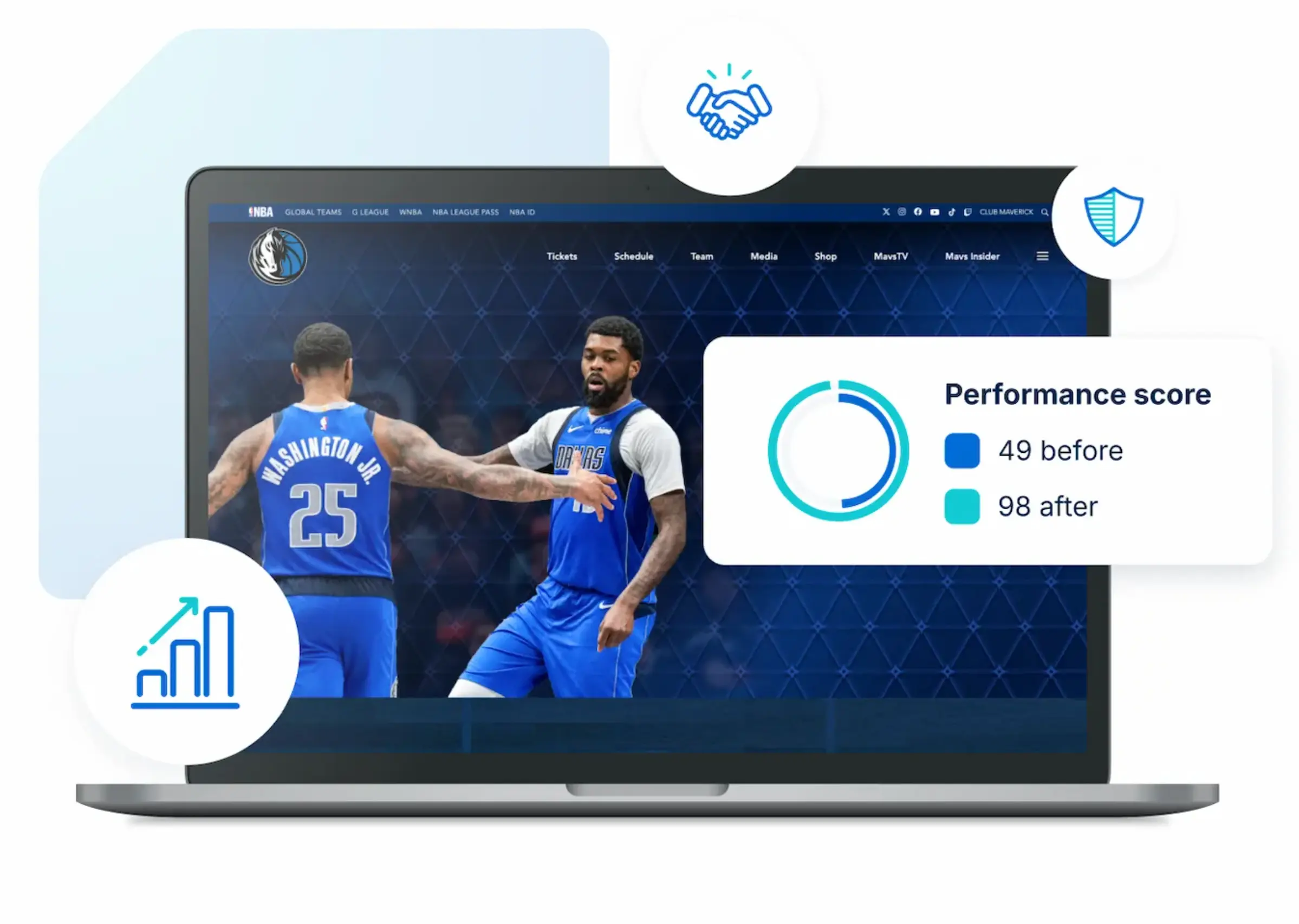
Performance is a marketing constraint. Your website builder comparison should consider how the platform behaves after you add a real analytics stack, consent tooling, forms, embedded media, and campaign scripts.
In no-code website builder environments, performance often hinges on discipline. Animations, third-party widgets, and heavy scripts can erode Core Web Vitals quickly. It is better to set rules early than to chase performance fixes after launch.
Accessibility and WCAG
Accessibility affects conversion, trust, and risk. WCAG provides a shared standard, but outcomes depend on design systems, content practices, and QA.
In practice, accessibility is reinforced by:
- Semantic structure and correct headings.
- Keyboard navigation and focus behavior.
- Color contrast and readable typography.
- Form labels, error messaging, and clear states.
This is where UX work becomes operational. A UI UX design agency can translate accessibility requirements into a design system and QA process that stays consistent as the website evolves.
Governance, Roles, and Content Workflows
Governance keeps a site stable as more people touch it. It is the main reason many sites become hard to maintain on otherwise capable platforms.
Look for:
- Role-based permissions and editing guardrails.
- A clear content model that prevents page sprawl.
- A publishing workflow that matches how your team works.
- A clean way to manage redirects and retired content.
If your site is updated weekly, prioritize tools that let non-technical teams publish safely without changing layouts.
Common Migration Paths and Hidden Costs
Teams rarely rebuild because they dislike an editor. They rebuild because the platform no longer matches their operating model.
Common migration patterns include:
- Wix or Squarespace to Webflow as the brand matures and landing pages scale.
- WordPress to Webflow when teams want fewer plugins and stronger design control.
- Shopify to more composable setups when content and commerce require different systems.
- Weebly or GoDaddy Website Builder to WordPress as content and SEO needs grow.
Hidden costs to plan for:
- Content migration, including redirects, media, taxonomy, and structured fields.
- Governance and training so editing stays safe.
- Performance work after scripts and embeds are introduced.
- Integration rebuilds for forms, CRM routing, analytics events, and consent tooling.
A rebuild is also a brand moment. If the identity system is inconsistent, the website will reflect that. A branding agency can help align structure, messaging, and visual standards before the new platform locks in templates.
FAQs About Website Builders in 2026
What is the best website builder for small business in 2026?
The best website builder for small business depends on how the business expects to operate the site. Wix and Squarespace tend to be practical when speed and simplicity matter most. WordPress and Webflow tend to scale better when content volume, SEO, and landing page iteration are core to growth.
Is WordPress still a strong website builder for SEO?
Yes, WordPress can be a strong website builder for SEO when it is built with performance and governance in mind. The risk is rarely the platform itself. The risk is inconsistent templates, plugin sprawl, and slow themes that introduce technical debt over time.
Which no-code website builder is best for a marketing team?
For many marketing teams, Webflow is the most balanced no-code website builder because it supports design systems, CMS structure, and publishing guardrails. Framer can be a strong choice for design-led teams that prioritize rapid visual iteration and motion, especially when the content model is not complex.
Which ecommerce website builder is best for growth?
Shopify is often the default ecommerce website builder for modern brands because it simplifies checkout, payments, and operational tooling. BigCommerce can be a strong ecommerce website builder for complex catalogs, B2B features, and integration-heavy environments where the business needs more flexibility.
When should a team choose Drupal instead of WordPress?
Drupal tends to be the better fit when content models are complex, permissions and governance are strict, and a technical team can own implementation and maintenance. WordPress is often a better fit when ecosystem speed and flexible publishing matter more than deep governance.
Key Takeaways and Next Step
A website builder comparison is only useful if it reflects how the business actually operates. The best website builders of 2026 are the ones that protect long-term performance, reduce friction for publishing, and keep governance clear as teams grow.
Key takeaways:
- Choose a platform that matches your operating model, not just your launch deadline.
- Treat SEO, performance, and accessibility as baseline requirements.
- Invest in governance early. It is cheaper than rebuilding.
- Plan migrations as systems work, not page copying.
If you are weighing a rebuild or migration and want a structured evaluation, start with a conversation with Brand Vision Marketing. For teams leaning toward Webflow, a focused scope discussion with a Webflow design and development agency can clarify the build system, governance plan, and the real cost of change before work begins.



%2520(1).png)






