
Choosing Image Formats for Faster Landing Pages and Cleaner Branding
Updated on
Published on
Landing pages win or lose on momentum. If images load slowly, people hesitate. If they look fuzzy or inconsistent, the brand feels less credible. And if product visuals or key banners don’t render cleanly on mobile, the conversion path starts leaking before the first scroll finishes.
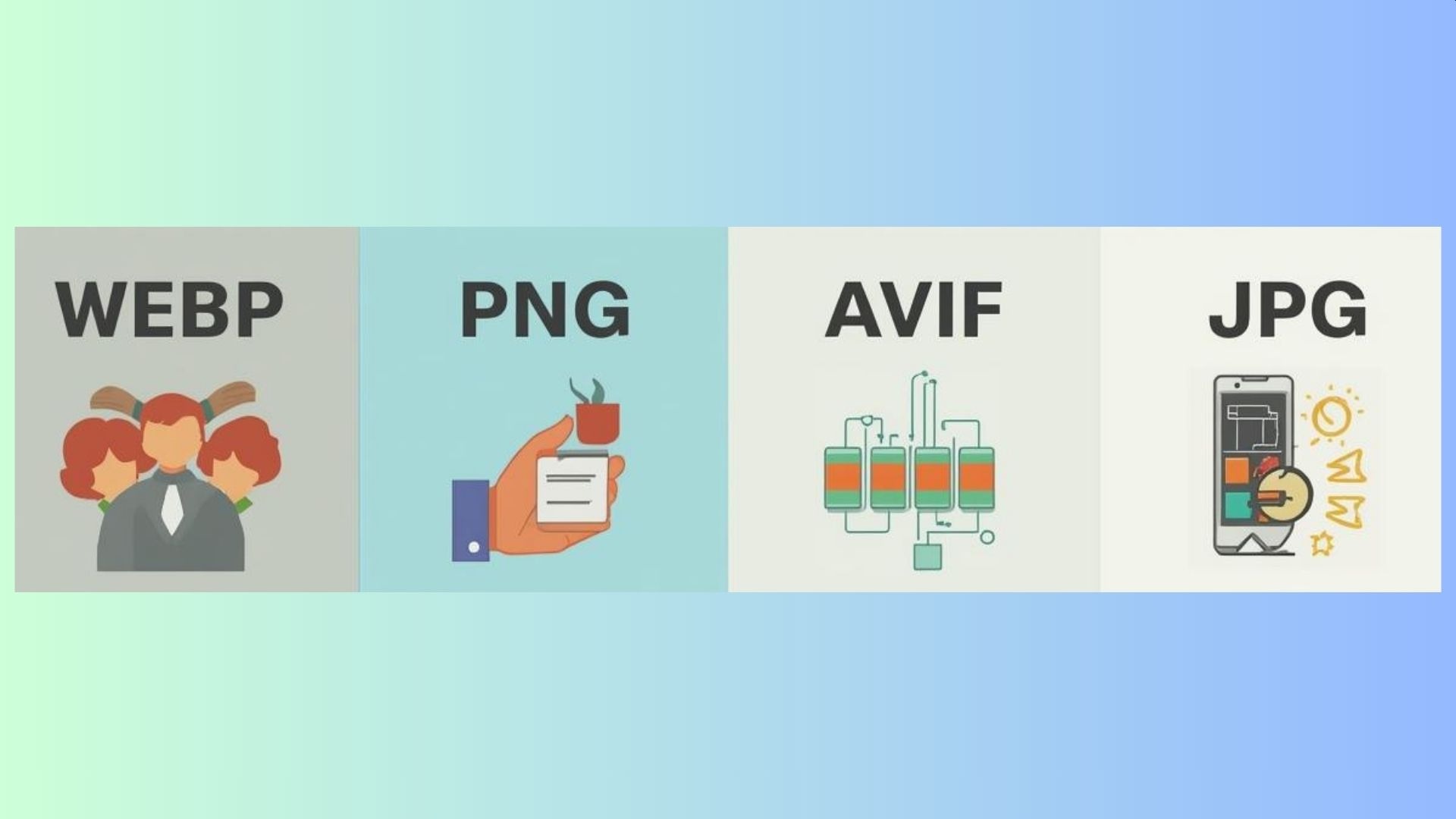
One of the simplest ways to protect both speed and brand quality is choosing the right image format. WEBP, PNG, AVIF, and JPG all have a place, but they don’t behave the same. This guide breaks down how to choose formats with landing page performance and brand clarity in mind, not just technical preference.
Why Image Format Choice Impacts Conversion
Image formats influence three things that matter commercially:
- Speed and perceived performance: Heavy images delay the first meaningful impression and increase bounce risk.
- Visual trust: Crisp product shots, sharp typography, and clean graphics make a brand feel reliable and professional.
- Consistency across devices: If images render differently across screens, your brand feels less controlled.
The goal is not to chase the newest format for everything. The goal is to use formats intentionally so your site feels fast and your visuals look on-brand every time.
What Each Image Format Is Best At
Different formats exist because different image types have different needs. Photography, logos, UI elements, and graphics all behave differently under compression.
JPG: Best for Photography When File Size Matters
JPG remains widely used because it compresses photos efficiently. It uses lossy compression, meaning some detail is removed to reduce file size. For photography, this is often acceptable. For graphics or text, it can introduce blur and artifacts.
Use JPG for:
- Lifestyle photos, editorial imagery, team photos
- Large photo galleries where weight must stay controlled
Avoid JPG for:
- Logos, icons, screenshots, or graphics with text
- Any asset requiring transparency
PNG: Best for Sharp Edges and Transparency
PNG uses lossless compression, which preserves sharp lines and text. It also supports transparency, making it a strong choice for logos and overlays. The tradeoff is file size, especially when PNG is used for photos.
Use PNG for:
- Logos, icons, UI components
- Graphics containing text or sharp edges
- Images that need transparent backgrounds
Avoid PNG for:
- Large photos or hero images unless absolutely necessary
WEBP: A Strong Default for Modern Marketing Sites
WEBP often produces smaller files than JPG or PNG at comparable visual quality. It supports lossy and lossless compression and transparency, making it versatile for most marketing and content pages.
Use WEBP for:
- Product images and blog visuals
- Landing page imagery where speed matters
- Assets that need transparency without large file sizes
Watch for:
- Older environments or legacy systems that may not support it fully
AVIF: High Compression for Performance-Critical Pages
AVIF offers aggressive compression while maintaining high visual quality. It works well for image-heavy pages where performance is critical, especially on mobile. Some pipelines still require extra testing.
Use AVIF for:
- Large hero images on high-traffic landing pages
- Image-heavy pages where speed is a priority
- High-resolution visuals with strict performance budgets
Watch for:
- Tooling or CMS environments that may require fallbacks
A Simple Decision Framework for Landing Pages
Match the format to the job instead of defaulting blindly.
For hero images and banners
- Start with WEBP or AVIF
- Use JPG only if compatibility outweighs performance
- Avoid PNG unless transparency or sharp text is required
For product images and grids
- Default to WEBP
- Use AVIF where supported and tested
- Keep compression and cropping consistent across all products
For logos, icons, and UI elements
- Use PNG or lossless WEBP
- Avoid JPG to prevent edge blur
For graphics with text
- Prefer PNG or lossless WEBP
- Always test legibility on mobile
Why Cleaner Branding Comes Down to Consistency
Brand inconsistency rarely comes from design talent. It usually comes from execution drift:
- Some images sharp, others blurry
- Mixed compression levels across pages
- Inconsistent backgrounds and cropping
- UI graphics that feel slightly off section to section
A simple format policy fixes this. When teams know which format to use in which context, visual quality becomes predictable, pages feel intentional, and brand trust improves.
Converting Image Formats Without Slowing Your Workflow
You don’t need a complex process, but you do need consistency.
- Define the role of the image
Hero photo, product image, logo, UI icon, or graphic. - Convert to the appropriate format
If you need to convert WEBP assets into PNG for transparency or editing, use the Cloudinary tool for image conversion from WebP to PNG and maintain consistent naming conventions. - Review on mobile first
Most visual failures appear on smaller screens before desktop. - Keep assets lightweight by default
Export images at the actual display sizes required for each platform and compress responsibly to avoid unnecessary page bloat.
Turning Image Formats Into a Brand Standard
High-performing teams don’t leave image formats to individual preference. They treat them as part of a brand execution system. That means defining which formats are used in which contexts, documenting export settings, and applying the same rules across landing pages, campaigns, and content updates.
When image decisions are standardized, pages load faster by default, visuals stay consistent across channels, and quality doesn’t degrade as content scales. This operational clarity reduces rework, prevents performance regressions, and helps teams ship faster without compromising brand presentation. Over time, small technical standards like this compound into a cleaner, more reliable digital experience that supports both conversion and trust.

Final Takeaway
Faster landing pages and cleaner branding often come down to small technical decisions that compound. Choosing the right image format is one of the highest-leverage moves because it protects performance and perception at the same time.
Use JPG for photos when needed, PNG for sharp transparency, WEBP as a modern default, and AVIF when you want aggressive compression without sacrificing quality. When pages load quickly and visuals look consistent, users feel more confident and conversion becomes easier.
.png "Best Branding Agencies in Toronto (2026)")
%20(1).png "10 Best Web Design Companies in Toronto (2026)")