
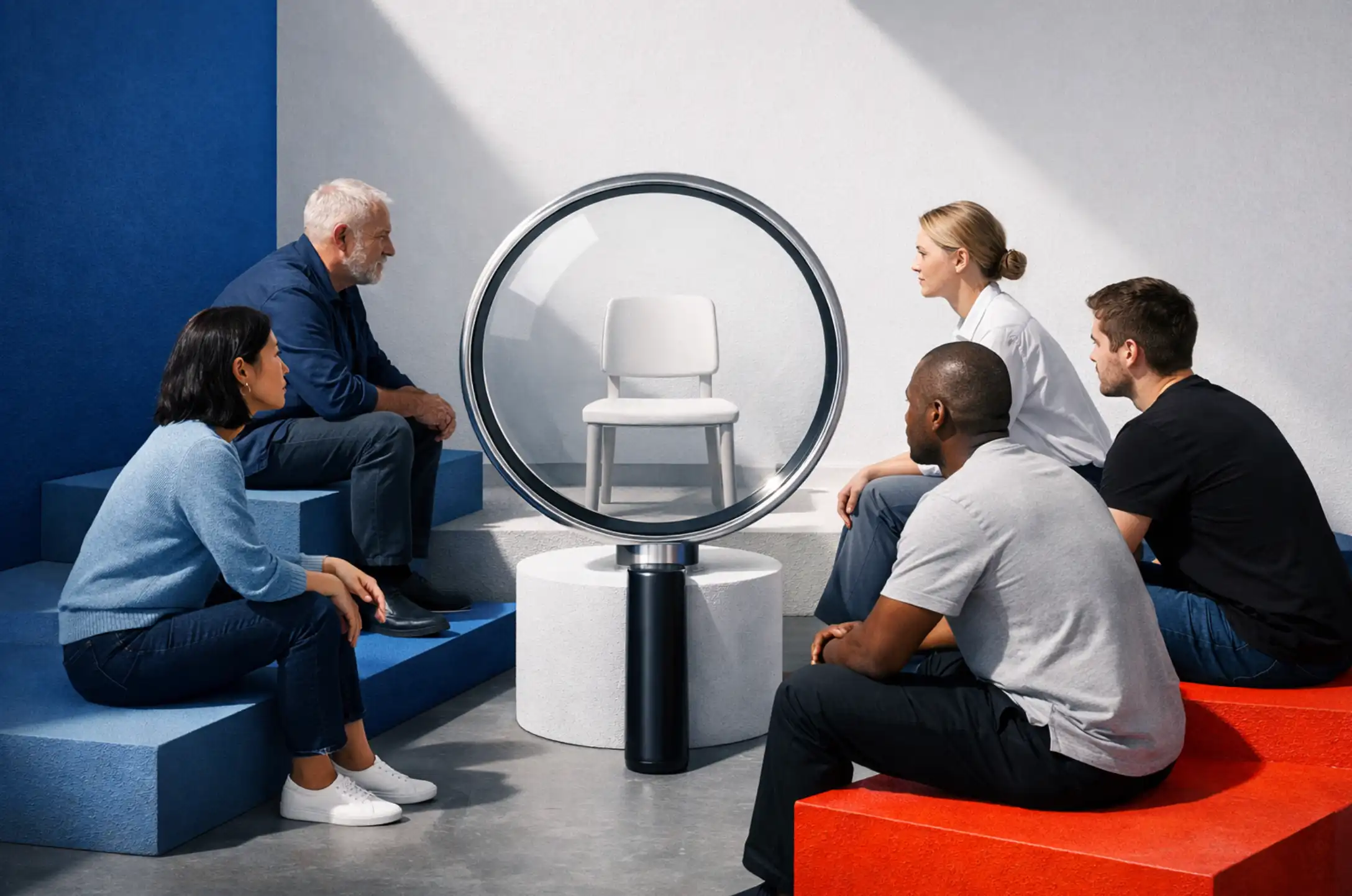
Most teams assume that usability testing requires a lab, a large research budget, and weeks of planning. It does not. According to the Nielsen Norman Group, testing with just five participants uncovers roughly 85% of the critical usability problems in any given interface. That is a significant return on a small investment of time and resources.
The teams that skip usability testing tend to discover the same problems after launch, at a much higher cost. Structural navigation issues, confusing calls to action, and unclear content hierarchies are far easier and cheaper to fix at the prototype stage than after full development.
This guide covers exactly how to structure, run, and analyze effective usability testing sessions with five users or fewer. Whether you are validating a new feature, evaluating a redesign, or building a research practice from scratch, the framework below works at any stage of the UX process.
Why Five Users Is the Right Starting Point
The five-user guideline is not a shortcut. It is backed by a mathematical model developed by Jakob Nielsen and Tom Landauer, which demonstrates that qualitative usability testing with a small, representative sample surfaces the vast majority of design problems that matter.
Nielsen Norman Group's own consulting data from 83 usability projects confirms that testing more users does not meaningfully increase the number of actionable findings in qualitative studies. After five participants, the same friction points tend to recur.
Here is why the five-user model works in practice:
- Diminishing returns kick in quickly. Each participant you add beyond five uncovers progressively fewer new issues, while the cost of recruiting, scheduling, and analyzing continues to rise.
- Iteration beats volume. Running three rounds of usability testing with five participants each is far more effective than running one large study with fifteen. You fix problems between rounds, so each session surfaces fewer blockers.
- Small-N testing fits real budgets. Most product teams do not have dedicated research staff or enterprise research platforms. Five-user testing fits within the resources available to most design, marketing, and product teams.
It is worth noting the important boundary here: this approach applies to qualitative usability testing focused on discovering design problems. Statistical usability studies that measure task success rates across a population require 20 or more participants. For most teams running iterative UX process work, qualitative testing is the right starting point.

Planning a Usability Testing Study
The quality of your usability testing findings depends on how clearly you define the study before the first participant walks in. Good preparation takes two to three hours and pays off in sharper, more actionable insights. These are the three core planning steps.
Step 1: Define Your Research Objectives
Before you recruit anyone, write down exactly what questions this round of usability testing needs to answer. Strong research objectives are specific and tied to design decisions your team can actually act on.
Examples of well-defined objectives:
- Can users locate the pricing page within 30 seconds using only the main navigation?
- Do users understand the difference between the two primary call-to-action options on the homepage?
- Can a first-time visitor complete a contact form submission without abandoning the process?
Limit each usability testing session to three to five focused objectives. More than that creates participant fatigue and dilutes the quality of observations in each area.
Step 2: Write Realistic Task Scenarios
Task scenarios are the engine of any usability testing session. According to Nielsen Norman Group's task design guidelines, effective tasks are goal-oriented and free of interface-specific cues that might guide participants toward a correct answer.
The difference between a weak and a strong task scenario:
- Weak: "Use the navigation menu to find the contact form." (Tells the user where to look.)
- Strong: "You have a question about your recent order and want to reach the support team. How would you go about doing that?" (Mirrors a real-world goal.)
Prepare three to five task scenarios per session. Each should be achievable within five to ten minutes, keeping the full session to 45 to 60 minutes including introduction and debrief.
Step 3: Recruit Representative Participants
Five participants from the wrong audience will not tell you anything useful. Recruitment precision matters more than sample size in small-N usability testing.
Practical sourcing options include:
- Existing customers or active users of your product who match your core persona
- Community members, forum participants, or LinkedIn connections in the relevant role
- Friends or colleagues who represent the target demographic and have no prior exposure to the product
If your product serves two meaningfully different user groups, test three participants from each rather than five from a blended pool. Always offer a reasonable incentive for participant time, such as a gift card or a short consultation.
Moderated vs. Unmoderated Usability Testing
There are two primary formats for running usability testing sessions. Choosing the right one depends on your research goals, available tools, and the stage of your design process.
Moderated Usability Testing
In a moderated session, a facilitator guides participants through task scenarios in real time, asks follow-up questions, and probes the reasoning behind observed behaviors. This is the most effective format for early-stage discovery work.
The think-aloud protocol is the standard technique used in moderated usability testing. Participants verbalize their thoughts as they navigate the interface, giving you direct visibility into mental models, expectations, and friction points. As Nielsen Norman Group describes, think-aloud may be the single most valuable tool in the UX researcher's toolkit.
Key advantages of moderated testing:
- You can ask follow-up questions when a participant hesitates or takes an unexpected path
- Verbal and behavioral data combine to reveal the "why" behind observed friction
- Stakeholders who observe sessions gain direct exposure to user struggles, which is often more persuasive than any written report
Moderated sessions work equally well in person or over video conferencing tools such as Zoom or Google Meet, making remote moderated usability testing practical for distributed teams without specialized equipment.
Unmoderated Usability Testing
Unmoderated usability testing has participants complete tasks independently through a dedicated platform without a live facilitator. Tools reviewed by Nielsen Norman Group in their testing platform comparison range from free-tier options to enterprise platforms, giving teams flexibility based on research maturity and budget.
Unmoderated testing works well when:
- You need to validate a specific interaction pattern or navigation flow quickly
- Participants are geographically distributed and scheduling moderated sessions is not practical
- You want behavioral metrics such as task completion rates or click paths at scale
The trade-off is depth. Unmoderated testing captures what users do but rarely reveals why. For complex discovery work, moderated sessions remain the stronger choice.
Teams with a structured UX process, like those working with a dedicated UI/UX design agency, typically use both formats strategically: moderated sessions for complex discovery, unmoderated testing for lightweight validation between design iterations.
How to Run a Moderated Usability Testing Session
A consistent session structure protects data quality and keeps participants comfortable from start to finish. Here is a proven 60-minute framework that Smashing Magazine's guide to user testing also endorses for teams working without a formal research lab.
- Introduction (5 minutes). Welcome the participant, explain that you are testing the product, not them, and obtain recording consent if applicable. Set a relaxed tone so participants feel comfortable making mistakes.
- Warm-up questions (5 minutes). Ask brief questions about the participant's background and how they typically use products in the relevant category. This establishes context and eases them into the session.
- Task scenarios (35-40 minutes). Present each task one at a time. Ask participants to think aloud as they work through each scenario. Take structured notes on hesitations, errors, unexpected paths, and any verbal cues signaling confusion or frustration.
- Debrief (5-10 minutes). Allow participants to share final observations. Ask open-ended questions such as "Was there anything that surprised you?" or "What would you change about this experience?"
During task scenarios, resist the urge to help. When a participant is stuck, stay quiet. The friction they experience is the data you need. Only intervene if a participant becomes visibly distressed or asks a direct question that cannot be deflected.
Analyzing Usability Testing Findings
Analysis is where raw observations become structured, actionable recommendations. With five participants, patterns emerge quickly. The goal is not to count how many users experienced a problem, but to understand the nature and severity of each issue.
Consolidate and Group Observations
After all sessions are complete, bring together notes from every session into a single shared view, whether that is a physical whiteboard, a Figma file, or a simple spreadsheet. Group observations thematically. Common categories include:
- Navigation and wayfinding issues (users cannot find key pages or features)
- Labeling and content clarity (terminology confuses or misleads participants)
- Form and interaction friction (input fields, error messages, or flows cause drop-offs)
- Expectation mismatches (the interface behaves differently from what participants anticipated)
Assign Severity Ratings
Rate each identified usability problem on two dimensions:
- Frequency: How many of the five participants encountered this issue?
- Impact: How significantly did it disrupt task completion? Did it cause abandonment, a wrong path, or just minor confusion?
High-frequency, high-impact issues are your critical priorities. Address these before moving to lower-severity findings. A simple 1-to-3 severity scale (minor friction, significant confusion, task failure) gives your team a defensible framework for prioritizing fixes against competing development work.
Iterate and Retest
The goal of qualitative usability testing is not a single definitive report. It is a continuous iteration cycle. Fix the highest-severity issues identified in round one, then run another usability testing session with a fresh set of five participants. As Nielsen Norman Group recommends, this iterative approach is significantly more effective at improving user experience quality than any single large-scale study conducted once before launch.
Tools for Budget Usability Testing
You do not need an enterprise research platform to run effective usability testing. Here are practical tools organized by research format and budget level.
- Zoom or Google Meet. For remote moderated usability testing at zero additional cost. Screen sharing and built-in recording are sufficient for most small-team research needs.
- Figma or InVision. For prototype testing before development. Participants interact with a clickable prototype while you observe navigation patterns and decision-making.
- Hotjar. For passive behavioral data on live sites, including heatmaps and session recordings that complement moderated usability testing with broader behavioral context.
- Maze or Lyssna. For unmoderated prototype testing with structured task flows and automated metrics. Both offer free-tier access suitable for lightweight validation rounds.
- Notion or a shared spreadsheet. For analysis and synthesis. A structured note-taking template used consistently across sessions makes cross-session pattern recognition significantly faster.
Teams scaling their usability testing practice will benefit from a more structured research framework. The Brand Vision UI/UX design agency integrates data-driven user research and UX strategy into the broader design and development process, ensuring that usability testing findings translate into measurable improvements in user interface performance.
Where Usability Testing Fits in the UX Process
Usability testing delivers the most value when it is embedded as a recurring practice rather than treated as a one-time deliverable. The most effective teams align their testing cadence with their development cycle, running at least one round per major design milestone.
Natural integration points across the UX process:
- Discovery phase. Test existing products or competitor interfaces to establish baseline benchmarks and identify opportunity areas before any design work begins.
- Wireframing and low-fidelity prototyping. Validate information architecture and navigation logic early, before significant visual design investment is made.
- High-fidelity prototyping. Test interactive prototypes to validate visual design decisions, micro-interactions, and content clarity.
- Pre-launch. Run a final round of usability testing on the built product to surface implementation-stage issues that commonly emerge during development hand-off.
- Post-launch. Continue usability testing on the live product to monitor evolving user behaviors, validate new features, and catch regressions before they compound.
Organizations building long-term UX maturity should consider working with a structured UI UX design agency that can establish governance around research operations, standardize usability testing protocols, and ensure findings integrate with broader brand and digital strategy.

Common Mistakes That Undermine Usability Testing
Even well-intentioned sessions produce misleading data when these errors are present. Knowing them in advance protects the integrity of your research.
- Leading participants. Phrasing task scenarios in ways that hint at the correct navigation path contaminates behavioral data. Any directional cue in the task wording reduces the reliability of what you observe.
- Recruiting the wrong participants. Testing with people who do not represent your target audience produces insights that may be accurate for those individuals but misleading for product decisions.
- Over-interpreting small samples. Five participants is the right size to discover structural usability problems, not to generate population-level performance metrics. Qualitative usability testing measures issue discovery, not statistical significance.
- Testing too late. Running usability testing only after full development makes structural fixes expensive and politically difficult. Structural problems found in a wireframe take hours to correct; the same problems found after development take weeks.
- Skipping iteration. A single usability testing session treated as a final verdict misses the core value of the process. Test, refine, and retest to confirm that changes actually resolve the problems identified.
When to Bring in Expert UX Support
Internal usability testing is an excellent starting point. There are contexts, however, where professional research design, expert facilitation, and structured UX strategy significantly improve the quality and downstream value of findings.
Consider bringing in expert support when:
- Your product serves highly diverse user groups with meaningfully different behaviors and mental models
- You are planning a high-stakes redesign where the cost of misdiagnosed usability problems is significant
- Internal teams lack the facilitation experience to run moderated sessions without inadvertently biasing participants
- Findings need to be translated into a cross-functional strategy that connects UX improvements to business outcomes
Teams evaluating their overall digital performance should consider starting with a structured marketing consultation and audit to identify where usability testing fits within a broader strategy that encompasses web design quality, conversion performance, and user experience alignment.
For organizations where digital systems need to be rebuilt with user experience at the center, a dedicated web design agency with integrated UX research capabilities can architect interfaces that reflect validated user behaviors from the outset rather than retrofitting improvements after launch.
.webp)
Frequently Asked Questions About Usability Testing
How many users do I need for usability testing?
For qualitative usability testing focused on identifying design problems, five participants typically uncover the majority of critical issues. Quantitative studies measuring statistical task performance require 20 or more participants.
What is the difference between moderated and unmoderated usability testing?
Moderated usability testing involves a live facilitator guiding participants through tasks and asking follow-up questions. Unmoderated testing has participants complete tasks independently through a platform, without a facilitator present.
Can usability testing be done remotely?
Yes. Remote moderated usability testing via Zoom or Google Meet delivers comparable qualitative insights to in-person sessions. Unmoderated remote testing platforms extend participant access across geographies with minimal scheduling overhead.
What is the think-aloud protocol in usability testing?
The think-aloud protocol asks participants to verbalize their thoughts as they interact with an interface. This reveals mental models, expectations, and friction points that behavioral observation alone cannot capture.
When should usability testing happen in the design process?
Usability testing should be integrated at every major stage: from early wireframes through post-launch. Testing earlier in the cycle, before significant development investment, dramatically reduces the cost of acting on findings.
Building a Scalable Usability Testing Practice
Effective usability testing does not begin with a large budget. It begins with a structured commitment to observing real users interacting with your product at regular intervals. Five participants, clearly defined task scenarios, and a consistent analysis framework provide the foundation for a research practice that improves interface quality continuously over time.
As your UX process matures, usability testing integrates with broader research operations including brand research and audience segmentation, ensuring that design decisions reflect validated user behaviors alongside strategic brand positioning. Each iteration makes the product clearer, the experience more intuitive, and the gap between user expectations and interface behavior smaller.
If your organization is ready to move beyond informal usability testing and establish a structured, research-informed UX process, the Brand Vision UI/UX design agency builds high-performance digital systems grounded in data-driven user research and UX strategy, structured to scale with ambitious teams and measured against meaningful business outcomes.



%2520(1).png)






