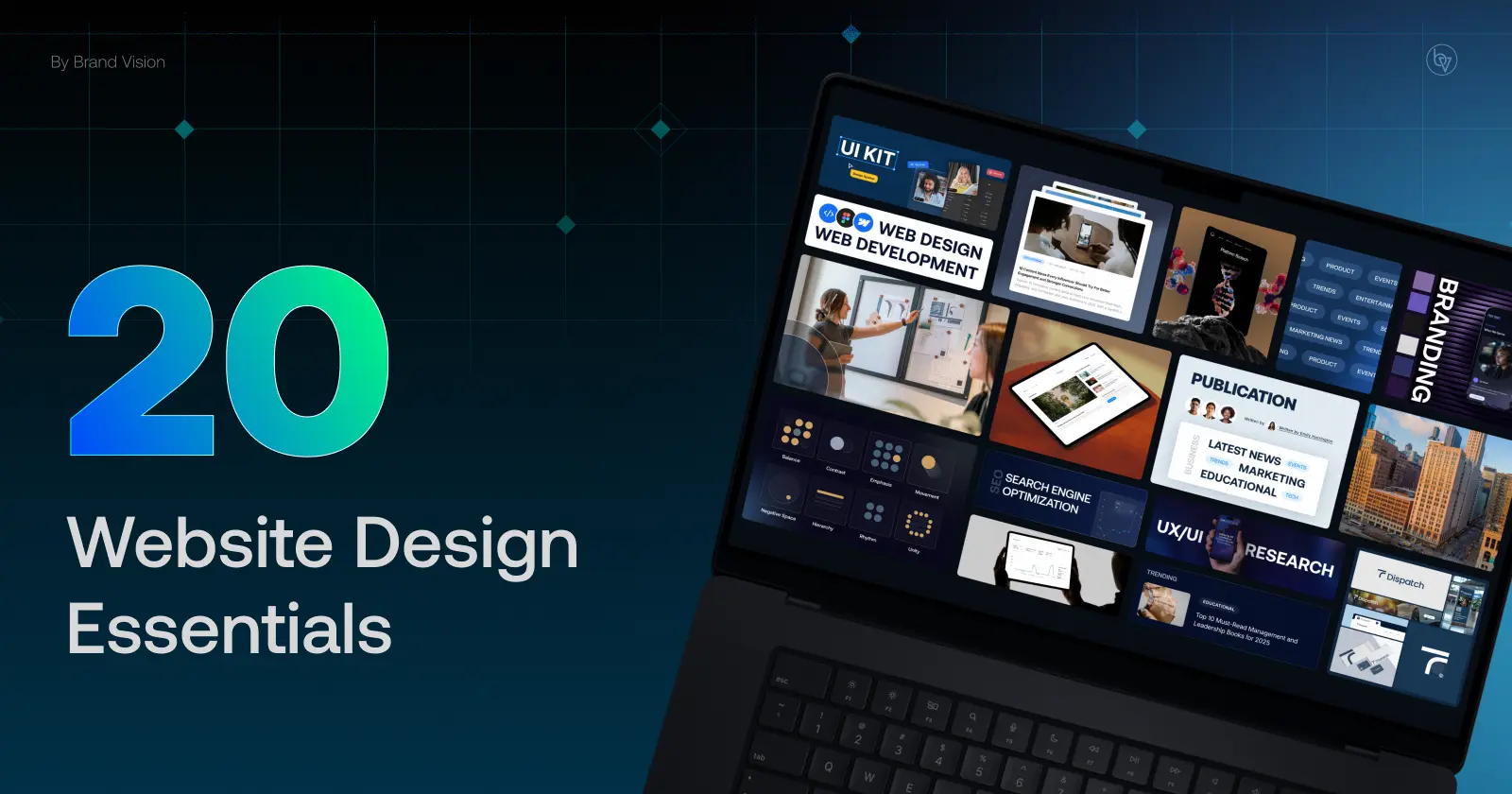
In 2025, a business website is often the first place people test whether a company feels credible, understandable, and easy to work with. These website design essentials cover responsive layouts, SEO, accessibility, speed, calls to action, privacy, and content structure. A strong site should also translate the positioning developed with a branding agency into a usable digital experience, while a web design agency focuses on the structure, interaction, and implementation that make the site work. The goal is a website that helps visitors understand the offer, trust the business, and take the next step.
For businesses that want outside implementation support, a Manchester web design agency can help adapt these essentials to local goals, content, and search requirements.
At a Glance
- The 2025 essentials emphasize speed, accessibility, and responsive layouts, with mobile remaining a major share of web use (StatCounter).
- Contact information, social proof, and privacy policies help visitors judge whether a business is credible.
- Personalization, Core Web Vitals, accessible interactions, and clear calls to action support usability and conversion.
- Analytics, testing, content updates, and infrastructure reviews keep the site useful after launch.
1. Easy-to-Find Contact Information
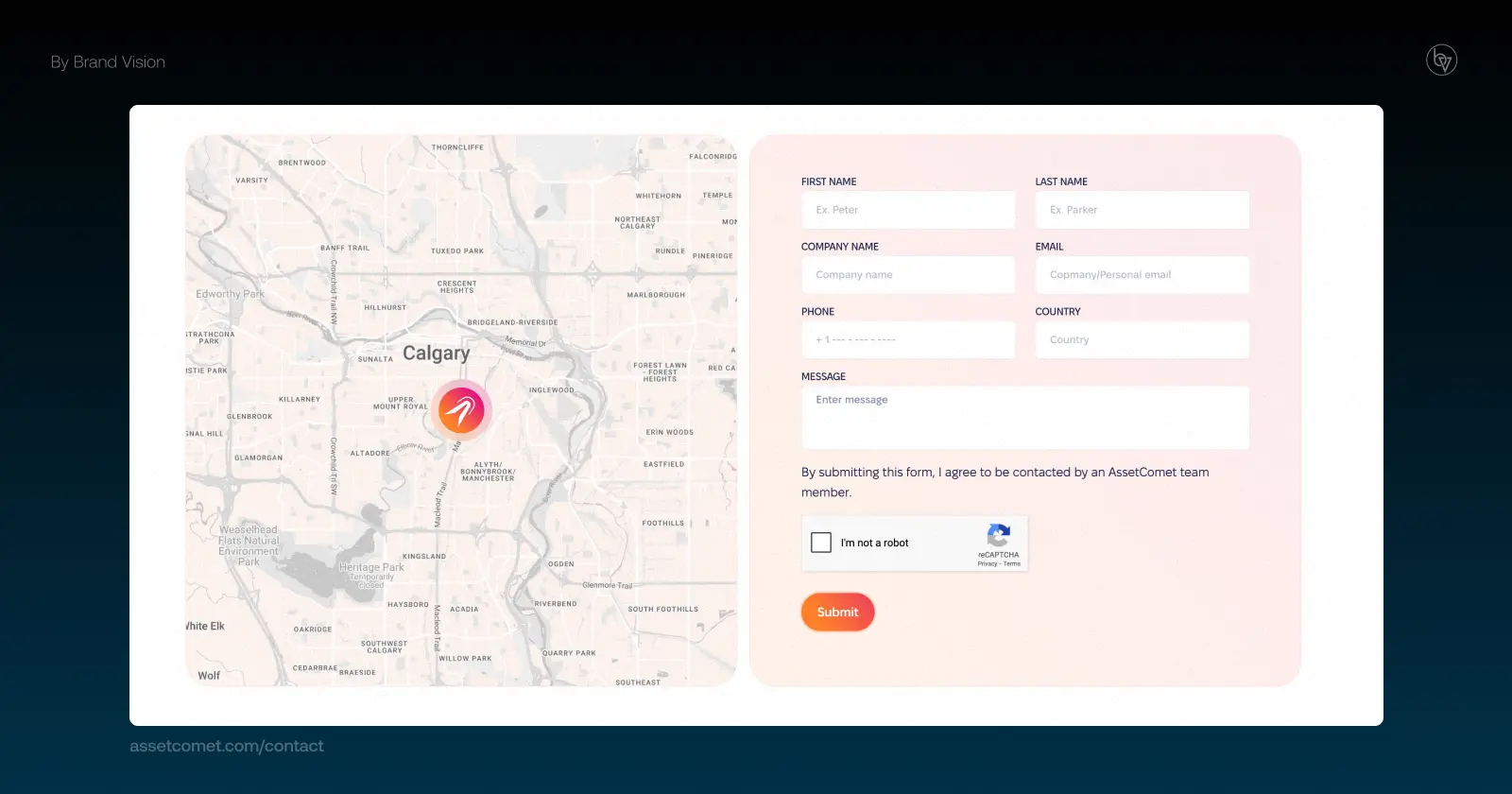
Visitors should not have to hunt for your phone number, email, or contact path. Invoca's 2025 B2C Buyer Experience Report found that 67% of respondents preferred a human representative to AI, reinforcing the value of making human help easy to find when the purchase feels important (Invoca).
- Place phone, email, location, or another clear contact path where visitors expect it.
- Use click-to-call on mobile when phone enquiries matter to the business.
- Keep forms concise, and add live chat only when the team can support it reliably.
2. Simple, Intuitive Navigation
Navigation is a core part of navigation and user experience design. A confusing menu makes important information harder to find, while a clear structure helps people understand where to go next. Hick's Law explains why decision time increases as the number and complexity of choices rise (Interaction Design Foundation).
- Keep the primary navigation focused on the choices most visitors need.
- Use descriptive, jargon-free labels.
- Keep navigation patterns consistent across the site.
3. Mobile-First Responsive Design
Mobile represents a substantial share of global web usage (StatCounter), so responsive design is a basic requirement rather than an optional enhancement. A mobile-first approach helps teams prioritize content, controls, readable type, and performance on smaller screens without neglecting desktop users.
- Use fluid grids and flexible images.
- Prioritize mobile-friendly layouts in testing.
- Optimize for fast mobile load speeds.
4. Clear Services and Products Showcase
When people land on your site, they should be able to understand what you offer and who it is for without digging through several pages. For service businesses, a B2B website and marketing strategy should make services, proof, common buyer questions, and the next step easy to find.
- Write benefit-driven product or service descriptions.
- Use subheadings and bullet points for clarity.
- Optimize descriptions with relevant keywords (Google Search Central).
5. High-Quality, Optimized Images
Visuals can help explain products, services, and ideas quickly, but oversized files can undermine the experience by slowing the page. Relevant imagery can support communication and engagement (MedTech Intelligence), so the practical priority is to use visuals that add meaning without sacrificing performance.
- Use relevant, high-quality product, service, or team imagery.
- Compress suitable files into efficient formats such as WebP or AVIF.
- Write descriptive alt text for meaningful images and treat decorative images appropriately for accessibility.
6. Engaging About Page
An About page gives visitors context about the people, purpose, and standards behind a business. It is most useful when it answers real trust questions rather than repeating broad brand claims.
- Share your mission and values.
- Add team photos and short bios.
- Include milestones, awards, or certifications only when they are relevant and verifiable.
7. Unique Value Proposition
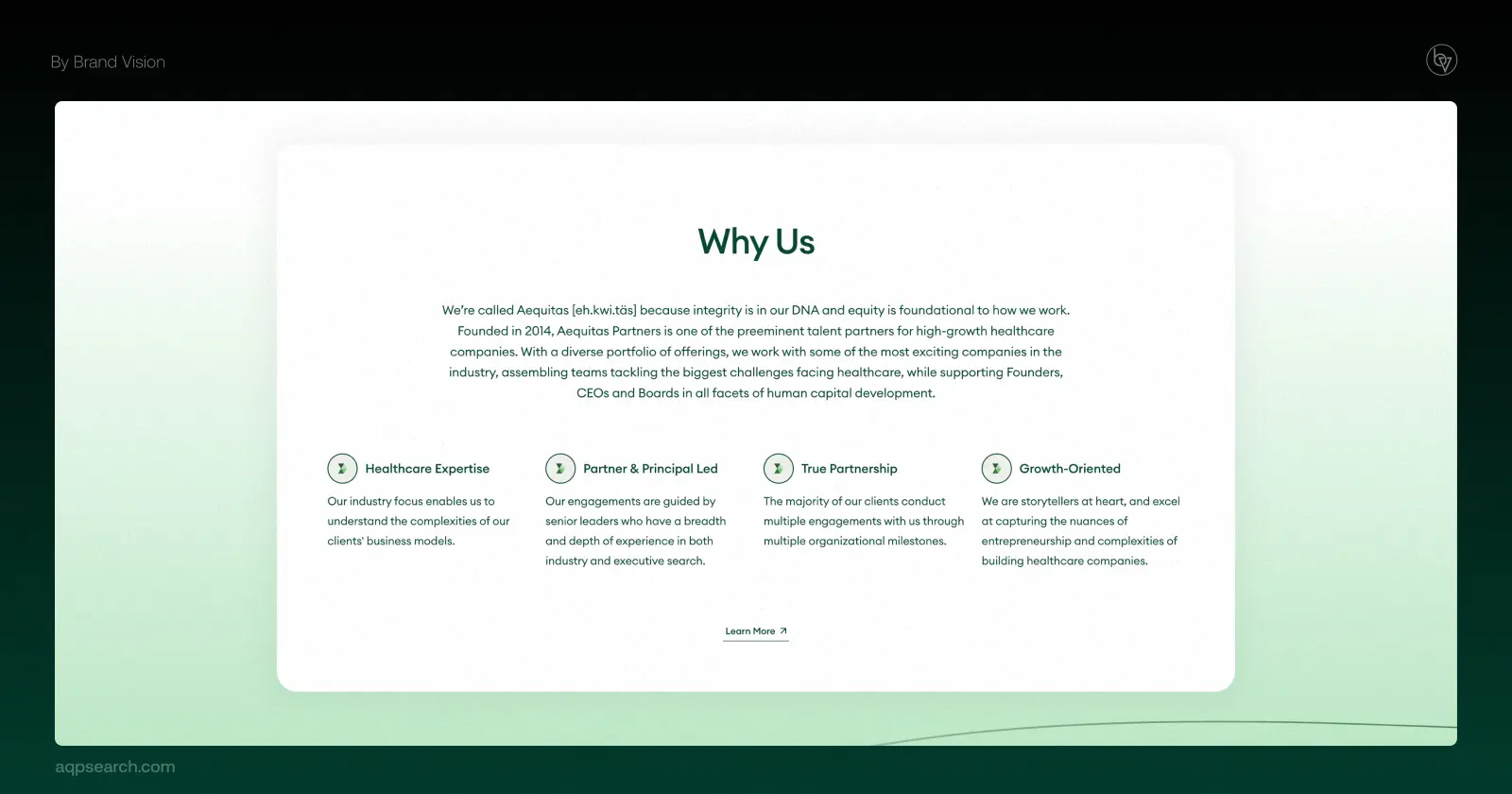
A clear brand positioning and value proposition helps visitors understand why the offer is relevant and how it differs from alternatives. The website should express that difference in plain language, not bury it under generic claims.
- Research customer needs and competitors before deciding which differentiators deserve emphasis.
- Use examples, testimonials, product evidence, or visuals to support meaningful claims.
- Keep the core value proposition concise and easy to find near the top of important pages.
8. Blog and Content Hub
A blog can support discovery when it answers customer questions and connects to commercial pages. Demand Metric has reported higher monthly lead generation among companies that blog (Demand Metric). A useful content strategy for a business blog starts with audience needs and search intent. For 2025 context, see Brand Vision's SEO and lead generation statistics.
- Build topics around customer questions, pain points, and decision criteria.
- Use internal links to connect educational content with relevant product and service pages.
- Update useful articles when facts, products, or search behavior change.
9. Built-In Social Proof
Testimonials, reviews, and case studies can reduce uncertainty when they are specific and credible. Use them to support decisions, not as decoration.
- Spiegel Research Center found purchase likelihood was 270% greater for a product with five reviews than for one with none in its study context (Spiegel Research Center).
- Place testimonials or case studies near the claims they support.
- Use verifiable certifications, awards, and client evidence.
10. Calls-to-Action and Contact Forms
Make the next step clear without pushing every visitor toward the same action. Calls to action should match the page purpose, and forms should ask only for necessary information.
- Use CTA language that matches the offer.
- Keep forms as short as the task allows.
- Place CTAs where visitors have enough context to act.
11. Core Web Vitals Optimization
Core Web Vitals help teams evaluate loading performance, responsiveness, and visual stability. They sit alongside broader technical SEO work such as crawlability, rendering, indexing, and site performance, so improvements should be tested as part of the whole site rather than treated as isolated scores.
- Monitor Core Web Vitals in Search Console and field-data tools.
- Use lazy loading, efficient assets, and sound development practices where they improve real user experience.

12. Voice Search Readiness
Voice assistants encourage conversational queries, especially for quick questions and local intent. The same fundamentals that help ordinary search, clear answers, structured content, useful location information, and fast pages, also make content easier to understand in voice-driven experiences.
- DemandSage compiles adoption estimates indicating that voice search is used daily by a large share of mobile users (Demand Sage).
- Use FAQ content when it answers real conversational questions customers ask.
- Strengthen local information for searches that include nearby or location-specific intent.
13. Inclusive Accessibility
Accessibility expands who can use a website and reduces barriers across navigation, forms, media, and content. It should be part of design and development from the start, not a final checklist after launch.
- An estimated 1.3 billion people, about 16% of the global population, experience significant disability (World Health Organization).
- Provide meaningful alt text, semantic structure, keyboard access, and appropriate form labels.
- Use readable type, sufficient contrast, and headings that communicate page structure.
14. AI-Powered Personalization
Personalization can make a website more relevant when it uses reliable data and respects user expectations. AI recommendations and support still need clear guardrails and a path to human help where appropriate.
- In a 2017 survey published in 2018, 80% of Epsilon respondents said they were more likely to do business with companies offering personalized experiences (Epsilon).
- Use chatbots for focused support tasks, with escalation when needed.
- Recommend content or products only when the suggestion genuinely helps the visitor.

15. Privacy and Data Transparency
Privacy transparency is a website design essential. Tell visitors what data is collected, why it is collected, and what choices they have.
- A 2019 Pew survey found 79% of U.S. adults were concerned about how companies use data collected about them (Pew Research Center).
- Match consent controls to the site's actual tracking setup.
- Keep privacy and data-use policies easy to find.
16. Local SEO Features
For location-based businesses, local SEO connects the website with the information people use to evaluate nearby options, including accurate business details, useful service pages, and clear location context.
- Google has documented sharp growth in specific “near me” query categories, showing how often location intent appears in search behavior (Think with Google).
- Use maps and directions when they genuinely help visitors reach or evaluate the business.
- Use accurate local business information and relevant structured data where appropriate.
17. Social Media Integration
Your website can act as a central hub for your social presence. Integrated social links support engagement and brand consistency, while a consistent visual identity across social and web makes the brand easier to recognize. For businesses seeking branding support in Chicago, the same principle applies locally: the website, social content, and campaign assets should feel like one system rather than separate pieces.
- Add social links and sharing tools only where they help the user journey.
- Embed social content selectively so it adds context without slowing or distracting from the page.

18. Video Content and Storytelling
Video can simplify complex ideas, demonstrate products, and add a human layer to a website when it has a clear purpose. A broader video marketing plan can help decide whether a page needs a demo, testimonial, explainer, or short social cut rather than adding video by default.
- Wyzowl's 2025 survey found that 89% of businesses used video as a marketing tool (Wyzowl).
- Place explainer, demo, or testimonial video where it answers a real question on a high-value page.
- Add captions and transcripts where they improve accessibility and comprehension.
19. Cloud Hosting and Scalability
Reliable hosting helps a website stay available as traffic changes. The right setup depends on the platform, traffic pattern, security needs, and service requirements.
- Public-cloud spending had reached hundreds of billions of dollars by 2023, showing how mainstream cloud infrastructure had become (Gartner).
- Choose hosting with performance, backup, CDN, and security features that fit the site.
- Review uptime, support, and recovery expectations in service agreements.
20. Continuous Analytics and Heatmaps
Websites need ongoing optimization. Analytics and heatmaps show behavior, while a UX audit can help diagnose usability problems that event data may not explain.
- Use Google Analytics 4 or another platform for traffic and funnel insights (Google Analytics).
- Use heatmaps or session analysis to identify patterns worth investigating.
- Test important CTAs, layouts, and forms when there is enough traffic to learn from the result.
FAQ
What are the key website design must-haves in 2025?
Responsive layouts, clear navigation, fast performance, accessibility, trustworthy content, privacy transparency, and ongoing measurement.
What must your business website have to build trust?
Clear contact information, credible proof, transparent policies, consistent branding, and secure experiences.
What web design essentials improve conversions?
Clear value propositions, focused navigation, relevant social proof, concise forms, and useful calls to action.
What does your business website need to rank well in search?
A crawlable technical foundation, useful content, descriptive structure, accurate local information where relevant, and ongoing updates.
Build for Trust, Design for Growth
The strongest website design essentials work as a connected system: clear navigation, credible content, accessible interaction, fast performance, consistent branding, and measurement after launch. If your site needs a practical review of where those pieces are breaking down, discuss your business website with Brand Vision.