
webp.webp)
Buyers do not land on a website to be persuaded by adjectives. They land to reduce risk. They want to know who is behind the offer, whether claims can be verified, and whether the experience will be predictable once they click submit.
E-E-A-T shows up most clearly when someone decides whether your site deserves their time, their data, or their budget.
E-E-A-T is a practical way to audit that risk. It forces a simple question: does the site show real experience, credible expertise, outside authority, and visible trustworthiness. The more observable the trust, the less your pipeline depends on faith.
.webp)
At a Glance: The 20 Trust Signals That Matter Most
- Identity first: a strong About page, clear contact paths, and author bio pages.
- Proof that holds up: detailed case studies, reviews you respond to, and relevant certifications.
- E-E-A-T consistency: the same credibility cues across every key page, not just the homepage.
- Content that supports decisions: citations, comparisons, and experience signals where it matters.
- Experience that feels safe: Core Web Vitals, accessibility, and forms that work on the first try.
- Foundation pages that reduce doubt: a clear privacy policy, real security basics, and plain legal terms.
- Structured clarity: schema markup that matches visible content.
What E-E-A-T Actually Means in 2026
E-E-A-T stands for Experience, Expertise, Authoritativeness, and Trustworthiness. Google trains search quality raters to use E-E-A-T when assessing page quality, and Google’s own documentation points writers to those rater guidelines when discussing helpful, reliable content. (Google)
E-E-A-T is not a single score you can bolt onto a page. The work that improves E-E-A-T usually looks like basic operating discipline: clear ownership, verifiable claims, and a site experience that does not create friction.

Methodology: How This Checklist Was Built
- Choose trust signals that a buyer can see quickly, without hunting, and that reinforce E-E-A-T.
- Prioritize signals that are costly to fake, because they survive scrutiny.
- Include technical signals that reduce risk, like Core Web Vitals, schema markup, and a clear privacy policy.
Identity and Accountability Trust Signals
1. A Real About Page With Clear Ownership
A serious About page explains what the business does, who runs it, and how it is accountable. If your About page is vague, every other trust signal has to carry more weight.
- Add leadership or editorial ownership and a clear description of what you do.
- Include a physical presence when it is relevant to how you operate.
2. Contact Paths That Look Real, Not Theatrical
A contact form alone is not a contact strategy. Buyers trust sites with multiple contact paths and clear expectations, and they expect the About page and contact page to agree on who they are dealing with. A privacy policy should sit close to the moments where data is shared.
- Show email, phone, and a contact page, even if you prefer form routing.
- Set response windows and escalation paths for billing and support.
3. Author Bio Pages That Prove Fit
An author bio is evidence, not a title. A strong author bio links to credentials, relevant experience, and a body of work that shows consistency over time.
- Create a dedicated author bio page for each contributor, not just a byline line.
- Link the author bio to related posts and professional profiles when appropriate.
4. Editorial Standards and Update Discipline
Trust erodes when pages drift out of date. An editorial policy makes your update discipline visible, and it clarifies what happens when errors are found.
- Publish editorial standards and a corrections pathway, linked from author bio pages.
- Use “last updated” only when changes improve accuracy, not as decoration.
5. Customer Support and Response Expectations
Support visibility is a trust signal even on lead generation sites. If a buyer expects onboarding, implementation, or warranty support, they want to know what happens after yes.
- Publish support hours, channels, and typical response windows.
- Add a short “how to get help” block on key pages with the fastest path to resolution.
Proof and Reputation Trust Signals
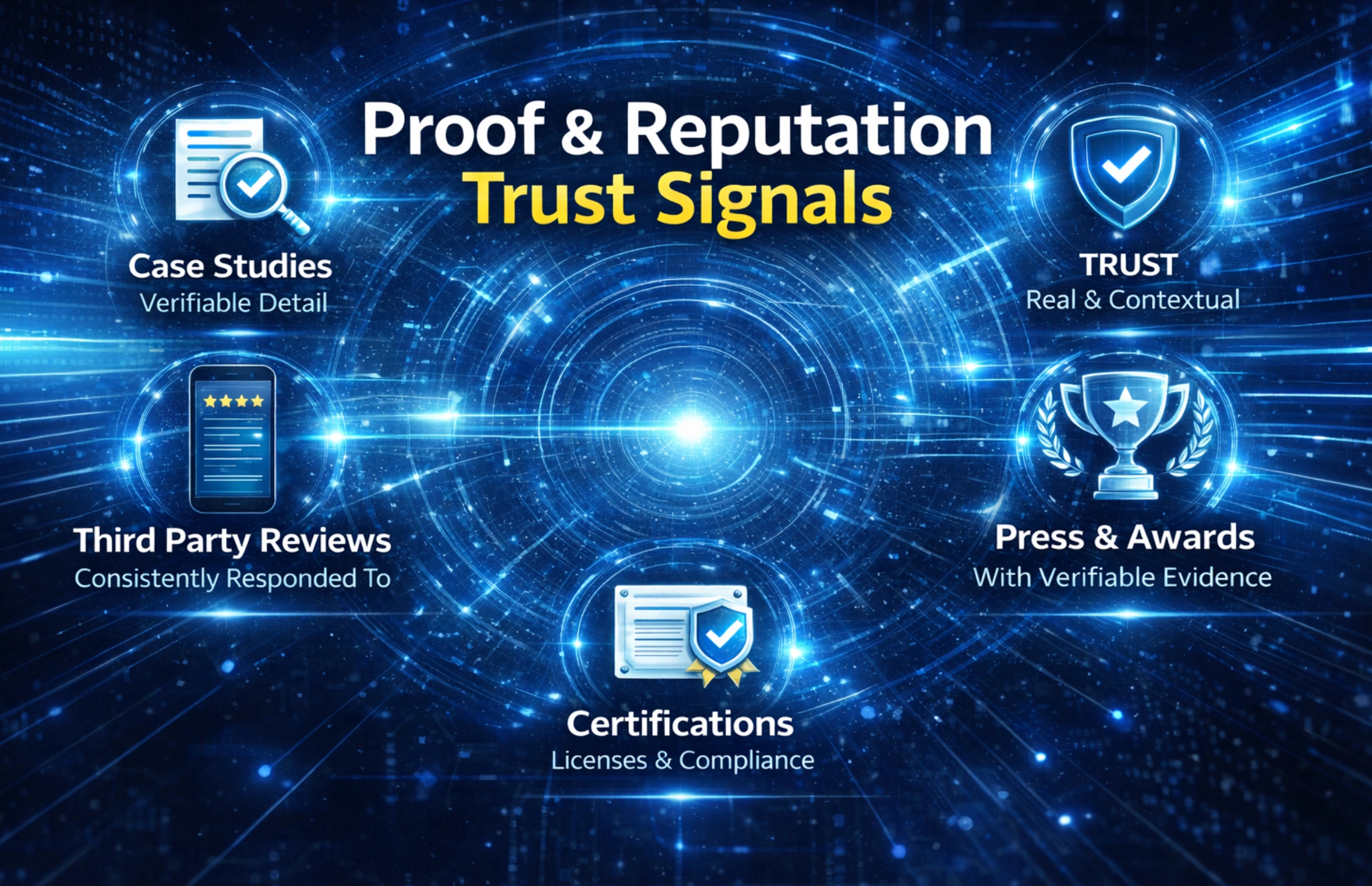
6. Case Studies With Verifiable Detail
Case studies are trust signals because they are hard to fake well. Strong case studies include constraints, decisions, and outcomes, and they make experience visible.
- Include the problem, the approach, and the outcome with concrete metrics when possible.
- Link to public proof such as launches or announcements when allowed.
7. Testimonials With Context and Disclosure
Testimonials work when they include role, context, and what changed. If incentives or partnerships are involved, disclose it in plain language, consistent with guidance on endorsements and reviews. (FTC guidance)
- Use real names and roles when permission is granted, or provide meaningful context if not.
- Add a short disclosure line when incentives, gifts, or affiliate relationships exist.
8. Third Party Reviews You Actually Respond To
Third party reviews are reputation proof because they live off site. The trust signal is the response pattern and the consistency across platforms, not just a widget on a landing page.
- Link to review profiles on major platforms rather than only embedding quotes.
- Respond to negative reviews with a calm, procedural tone.
9. Press, Awards, and Partnerships With Evidence
A logo bar is only a trust signal when it is verifiable. Tie each logo to proof and keep descriptions factual.
- Link each logo to a page that confirms the relationship or coverage.
- Keep claims specific and avoid broad superlatives.
10. Certifications, Licenses, and Compliance Marks
Certifications can be strong trust signals when they are relevant and current. If you claim compliance, show scope and dates, and make sure your privacy policy matches the tools you actually use.
- Publish certification details, scope, and renewal dates in plain language.
- Create a compliance page that explains what is covered and what is excluded.
Content and Experience Trust Signals
11. Firsthand Experience Signals Inside the Content
Experience can be visible without being personal or informal. Screenshots, short “what we tested” notes, and specific pitfalls you see in practice are trust signals because they show the work did not come from generic rewriting.
- Add short “what we observed” sections that describe patterns without naming clients.
- Include implementation details that make the advice usable.
12. Citations, Sources, and Primary References
Citations are trust signals on any page that makes claims. Use primary sources, standards bodies, regulators, and official documentation, and keep citations close to the supported statement.
- Link to primary documents and data, not opinion posts.
- Keep citations readable and avoid piling links into a single paragraph.
13. Practical Comparisons and Decision Aids
Comparisons build trust because they show tradeoffs. A buyer trusts a site that helps them choose, even when the conclusion is not flattering to the offer.
- Add “best for” and “not ideal for” notes where relevant.
- Use simple tables and checklists that make choices easier.
14. Clear Authors on High Risk Pages
If a page influences money, health, legal outcomes, or safety, treat it as high risk. Those pages should have visible accountability through an author bio, review notes when appropriate, and a clear update cadence.
- Add author bio links and reviewer notes on high risk content.
- Include a clear correction pathway and contact method for factual issues.
15. Helpful Media With Accessible Alt Text
Good visuals reduce cognitive load and make content feel real. Alt text is both an accessibility practice and a quality cue because it shows attention to the full experience, including how content is consumed.
- Use descriptive alt text that explains the image for someone using a screen reader.
- Compress media and set dimensions to reduce layout shift and protect Core Web Vitals.
UX, Accessibility, and Performance Trust Signals
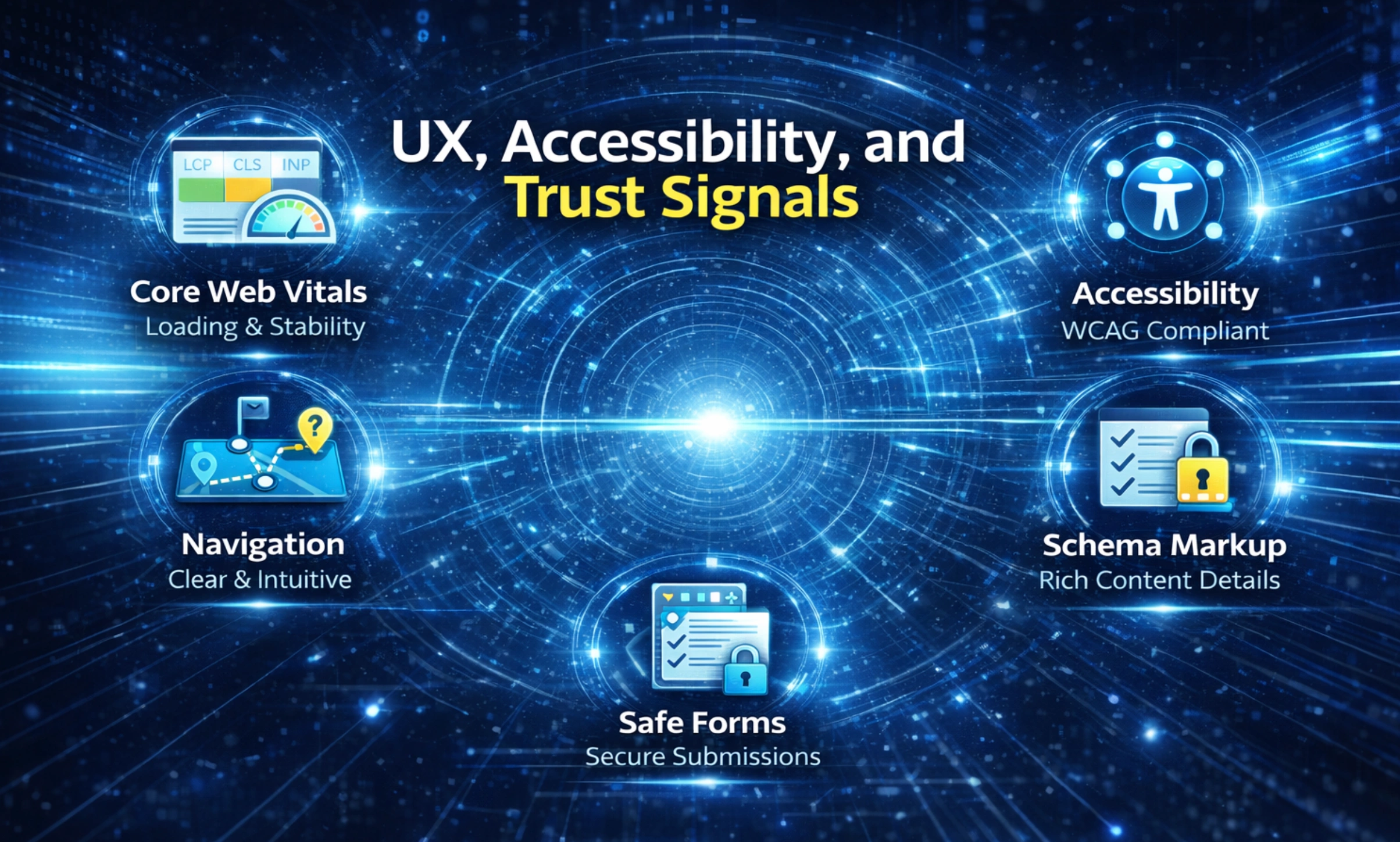
16. Core Web Vitals You Monitor, Not Guess
Core Web Vitals measure loading, responsiveness, and layout stability, and Google recommends achieving good Core Web Vitals to support strong user experience and search performance. (Google)
Core Web Vitals are also a conversion signal. Pages that jitter, lag, or stall feel risky.
- Track LCP, INP, and CLS and fix templates before individual pages.
- Treat Core Web Vitals as ongoing maintenance, not a one time audit.
17. Accessibility That Meets WCAG Expectations
Accessibility is trust because it reduces friction for real users and signals care in execution. WCAG 2.2 is the common reference standard for accessible web content. (W3C)
Accessibility also protects your funnel. If users cannot navigate a form, read contrast, or use a keyboard, conversions drop quietly.
- Test keyboard navigation and focus states across critical templates.
- Fix headings, labels, and contrast issues at the component level.
18. Navigation That Prevents Dead Ends
Confusing navigation makes a site feel untrusted because users cannot predict what happens next. Clear navigation is a trust signal that supports self service and reduces support tickets.
- Make primary navigation match real customer journeys.
- Add contextual links that guide users to the next logical step.
19. Forms That Feel Safe and Work Every Time
Forms are where trust becomes a decision. Explain what happens after submission, confirm success clearly, and link to a privacy policy near the submit moment.
- Use clear field labels, inline validation, and a visible confirmation state.
- Add a short line under submit about response time and data handling.
20. Schema Markup That Matches Visible Content
Schema markup helps search systems understand what is on the page, and it can support rich results when implemented within Google’s technical and quality rules. (Google)
Schema markup is not a shortcut to trust. It is a clarity tool. When schema markup describes Organization details, articles, FAQs, and breadcrumbs, it must match what a user can see.
- Mark up only visible content and keep it current across the site.
- Validate schema markup and remove types that no longer match the page.
Privacy, Security, and Legal Trust Signals
A privacy policy is a visible contract about what you collect, why you collect it, and how long you keep it. If a privacy policy is vague or outdated, it undermines every conversion form and every proof point that depends on credibility.
Security signals should be real, not cosmetic. HTTPS is a baseline for modern websites, and Google has treated HTTPS as a positive ranking signal for years. (Google)
Legal pages reduce uncertainty. Clear terms, refunds, and warranty language are trust signals that make buying feel predictable.
- Keep the privacy policy readable, specific, and aligned with your tools and vendors.
- Use HTTPS across the full site and fix mixed content warnings.
- Publish terms and refunds in plain language, and keep it consistent with checkout and onboarding.
A 30 Day Prioritization Plan for Busy Teams
Start with the trust signals that remove the most risk fast: About page clarity, a complete About page that names ownership, author bio pages, and a current privacy policy. Then build proof assets and fix experience issues like Core Web Vitals and accessibility.
Week 1: baseline trust
- Rewrite the About page for ownership and accountability.
- Add author bio pages and an editorial policy linked from the author bio.
- Make the privacy policy accurate and easy to find.
Week 2: proof
- Tighten case studies and testimonials with disclosure.
- Link to third party reviews and respond to new feedback.
Week 3: decision readiness
- Add citations, comparisons, and media with strong alt text.
- Implement schema markup on key templates and validate it.
Week 4: experience
- Fix the largest Core Web Vitals issues and retest on mobile.
- Run a WCAG pass on navigation, forms, and interactive components.
If you want an outside view, a marketing consultation and audit can prioritize which trust signals affect pipeline first. For full execution, teams often pair web foundations from a web design agency with experience work from a UI UX design agency, positioning support from a branding agency, and an implementation plan from an SEO agency.
.webp)
Common E-E-A-T Mistakes That Quietly Reduce Trust
Inconsistency is the common failure mode. A polished homepage paired with a thin About page, missing author bio information, and vague policies sends mixed signals that weaken E-E-A-T.
Cosmetic signals also backfire. Generic badges, stock photos, and exaggerated claims do not replace proof, and a privacy policy that does not match your tracking stack is worse than silence.
Technical neglect is a trust issue. Poor Core Web Vitals make a site feel unstable, and inaccurate schema markup creates confusion for systems and users. That instability undercuts E-E-A-T even when the content is strong.
- Avoid anonymous content on high risk topics, and attach an author bio.
- Do not publish misleading reviews or quotes with no context or disclosure.
- Do not add schema markup that does not match visible content or current purpose.
From One Time Fixes to Ongoing Credibility
Strong E-E-A-T usually comes from systems, not one off fixes. When the system is consistent, E-E-A-T becomes easier to maintain across every template. Ownership pages, author bio governance, Core Web Vitals monitoring, schema markup hygiene, and a maintained privacy policy are easier when your templates and workflow make them default.
Brand Vision helps teams build that structure through strategy, design, and delivery. For a clear plan, start with a scoped audit and a short implementation backlog through a marketing consultation and audit.



%2520(1).png)






