Imagine you're playing an intense game, fully immersed in the action, when suddenly — lag. The screen stutters, your inputs feel delayed, and before you know it, you've lost because of performance issues. Frustrating, right?
A game's performance isn’t just about high-end graphics or fancy effects; it’s about ensuring the experience is smooth, responsive, and enjoyable. Players don’t just want great gameplay — they want it to feel great, with fast load times, fluid animations, and no annoying hiccups.
In this article, we’ll break down how to optimize game performance to keep players engaged. Whether it’s reducing lag, improving frame rates, or streamlining assets, we’ll cover the best techniques to ensure your game runs like a dream. Let’s dive in!
Understanding Game Performance Issues
You know that feeling when a game just doesn’t run right? Maybe the frame rate keeps dropping, your inputs feel sluggish, or loading times stretch on forever. These are all signs of performance problems and trust me, they can ruin a player’s experience faster than a bad tutorial.
Most performance issues come from a few key bottlenecks:
- CPU Overload
If the game is handling too many calculations at once (like complex AI, physics, or background processes), it can slow everything down.
- GPU Strain
High-resolution textures, detailed environments, and fancy lighting effects can push your graphics card to its limits, causing frame drops.
- Memory Issues
If a game uses too much RAM or doesn’t manage memory properly, it can lead to crashes, stuttering, or even game-breaking bugs.
- Network Problems
Ever had your character teleport across the screen in an online game? That’s often due to high latency, packet loss, or server lag.
The tricky part? These issues don’t always show up the same way for every player. A game might run perfectly on a high-end PC but struggle on an older console. That’s why game development companies like RetroStyle Games need to optimize performance across different hardware setups — because if the game doesn’t feel smooth, players won’t stick around.
Core Optimization Strategies
So, how do you make a game run smoother and feel more responsive? It all comes down to smart optimization. Think of it like tuning a car — you’re not changing how it looks, just making sure it performs at its best. Here are some key areas to focus on:
- Code Optimization
Efficient code is essential. Reducing unnecessary calculations, optimizing loops, and cutting down on redundant processes can free up system resources and improve performance.
- Asset Optimization
Huge textures, overly detailed models, and uncompressed audio files can slow a game down. By compressing assets, using level-of-detail (LOD) models, and optimizing animations, you can reduce the load on both the CPU and GPU. One more way to optimize assets is by turning to professional 3D or 2D game art services. Skilled specialists can optimize everything as best as possible for you.
- Rendering Efficiency
Games don’t need to render everything at once. Techniques like occlusion culling (hiding objects not in view), batching (grouping similar objects), and optimizing shaders can help maintain a high frame rate without sacrificing visual quality.
- Memory Management
If a game isn’t handling memory properly, it can lead to stuttering or crashes. Efficient garbage collection, object pooling, and smart memory allocation ensure smooth performance.
- Network Optimization
For online games, reducing latency and packet loss is crucial. Using techniques like lag compensation, predictive input, and data compression can create a more seamless multiplayer experience.
The key is to balance performance with quality. You don’t need to strip everything down to make a game run well — you just need to be smart about where resources go. Up next, let’s look at the best tools and techniques to help with optimization.
Tools and Technologies for Optimization
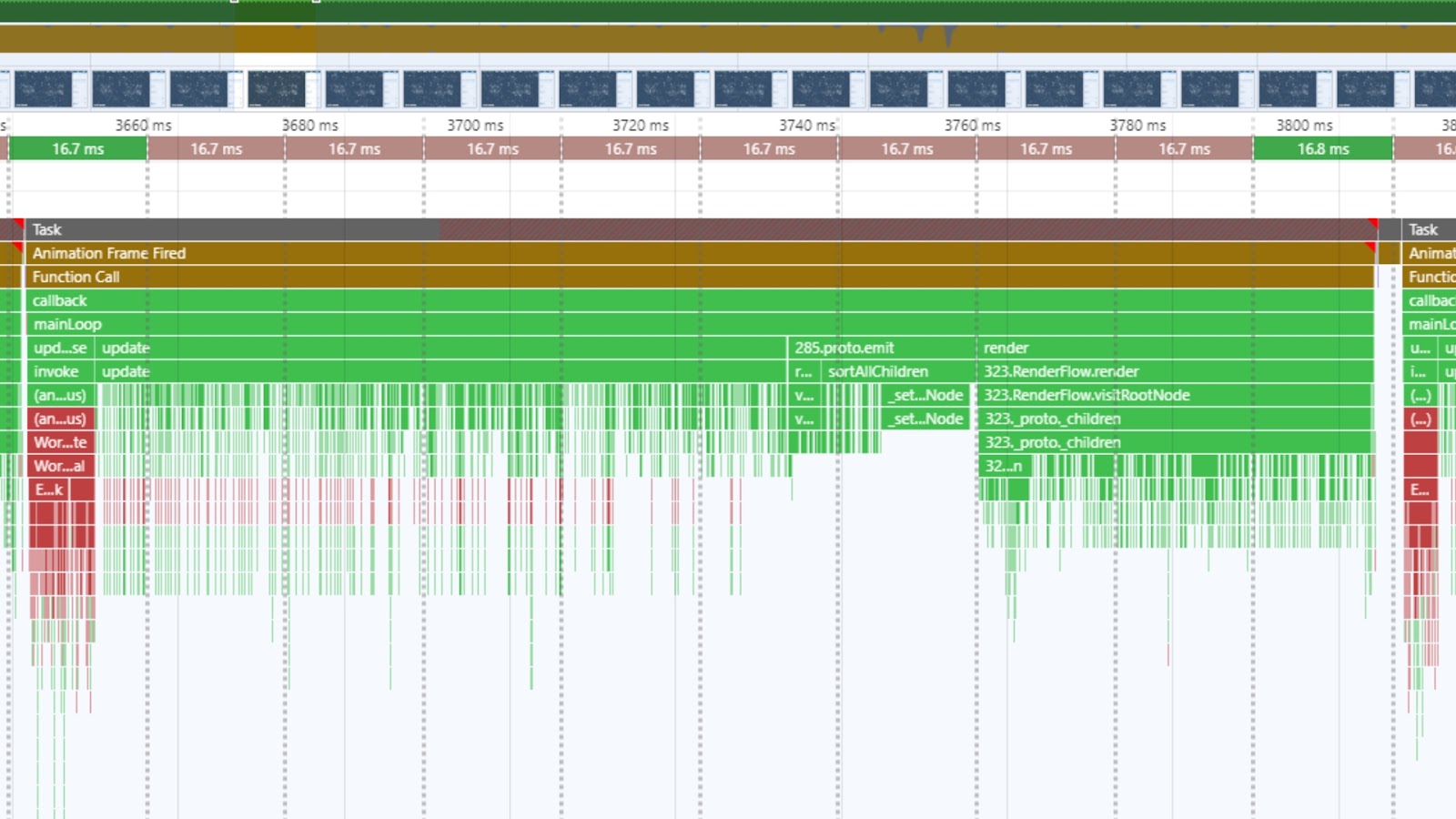
Optimizing a game isn’t just guesswork — there are powerful tools that help pinpoint performance issues and fix them efficiently. Think of these as your game’s health monitors, debugging assistants, and fine-tuning experts all in one.
- Profiling Tools
These help track CPU, GPU, and memory usage in real-time. Tools like Unity Profiler, Unreal Engine Insights, and NVIDIA Nsight show exactly what’s slowing down your game, so you can fix bottlenecks before they become a problem.
- Asset Optimization Tools
High-resolution textures and complex models can eat up resources fast. Software like Texture Packer, Simplygon, and Crunch Compression helps reduce file sizes without sacrificing quality.
- Rendering Debuggers
Want to see what’s being drawn on the screen and what’s wasting performance? Tools like RenderDoc and PIX (for DirectX) let you analyze frame rendering, optimize shaders, and eliminate unnecessary draw calls.
- Memory Management Tools
A game that leaks memory or overloads RAM will lag or crash. Valgrind, MemReduct, and built-in memory analyzers in game engines help track and fix these issues.
- Network Optimization Tools
For online games, reducing lag is crucial. Tools like Wireshark (for analyzing network traffic) and Lag Compensation Systems (built into many engines) help create a smoother multiplayer experience.
Using the right tools can mean the difference between a sluggish game and one that runs like a dream. Next, let’s talk about when it makes sense to handle optimization in-house versus outsourcing it to specialists.
Outsourcing Game Optimization: When & Why?
Sometimes, optimization can become a huge time sink no matter how skilled your team is. That’s when outsourcing game performance optimization makes sense. Instead of spending months tweaking code, assets, and rendering settings, you can bring in specialists or outsourcing companies like RetroStyle Games who know exactly how to fix performance issues efficiently.
So, when should you consider outsourcing?
- When Your Team Lacks Specialized Knowledge
Performance optimization is a niche skill. If your developers are great at creating gameplay but struggle with frame rates, an external team can step in and fine-tune things quickly.
- When You’re on a Tight Deadline
If launch day is approaching and performance issues still hold you back, outsourcing can speed up the process. Experts can diagnose problems faster and apply proven fixes.
- When You Need to Optimize for Multiple Platforms
Ensuring smooth performance on PC, consoles, and mobile devices takes a lot of testing and adjustments. Outsourcing studios often have experience optimizing for different hardware setups.
- When You Want to Focus on Core Development
Instead of pulling your team away from designing new features, outsourcing lets them stay focused on making the game fun while specialists handle the technical optimizations.
Outsourcing isn’t just about saving time — it’s about ensuring your game delivers the best possible experience for players. A well-optimized game keeps players engaged, reduces frustration, and ultimately leads to better reviews and higher retention. Up next, let’s look at some real-world examples of how optimization has improved player experience.
Case Studies & Success Stories
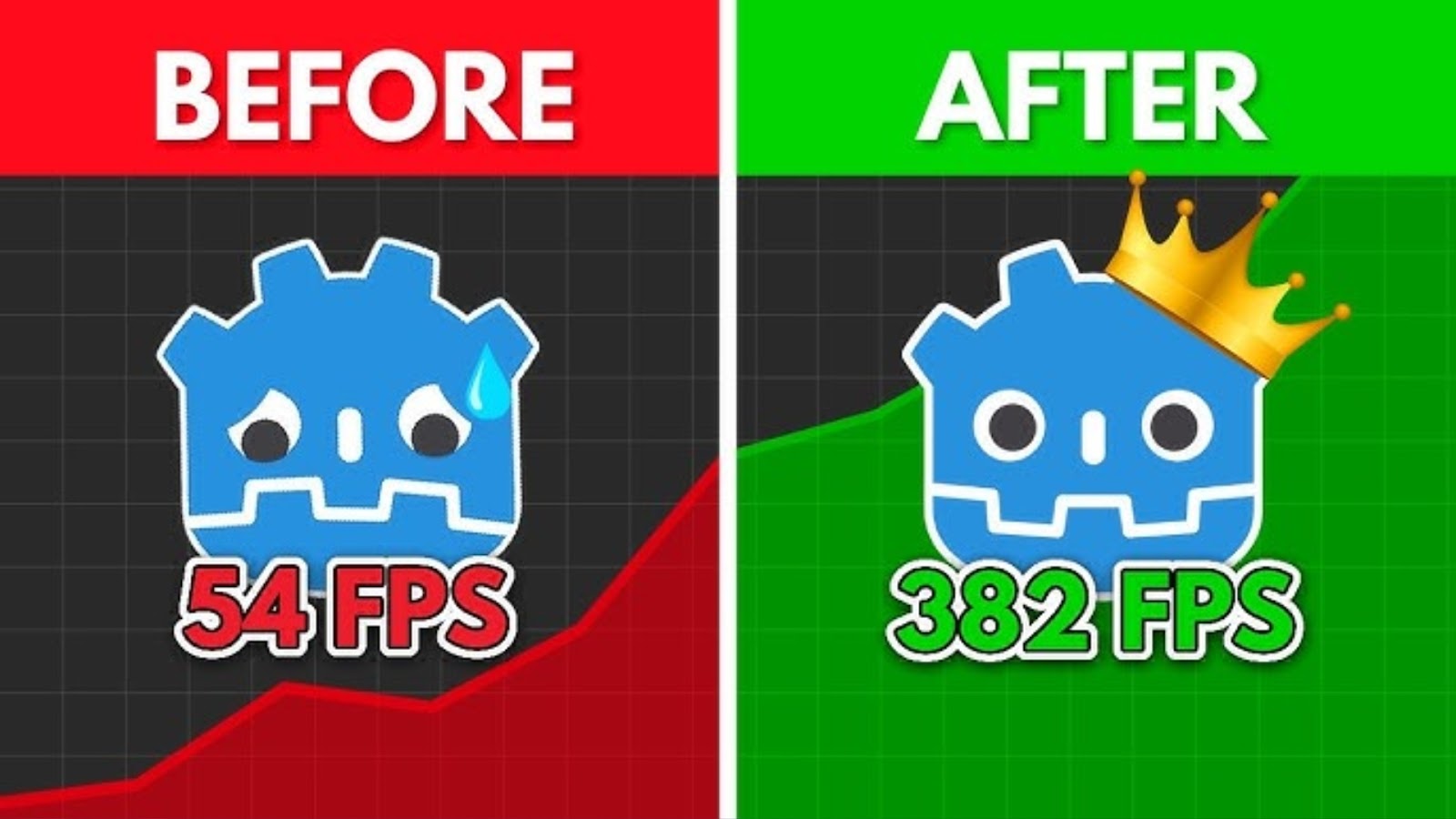
Let’s talk about some real-world examples where performance optimization made a huge difference. A well-optimized game isn’t just smoother — it can turn a struggling launch into a massive success.
When The Witcher 3 first launched, players on lower-end PCs and consoles experienced major frame rate drops, especially in busy cities and combat-heavy areas. CD Projekt Red responded with multiple performance patches, optimizing draw distances, tweaking CPU load, and introducing dynamic resolution scaling. The result? A game that ran significantly better, keeping players immersed in Geralt’s world instead of frustrated by stutters.
Fortnite runs on everything from high-end PCs to mobile devices, but maintaining smooth performance across such a wide range of hardware wasn’t easy. Epic Games used aggressive asset streaming, LOD models, and constant server-side optimizations to ensure a seamless experience. This commitment to performance has kept players engaged, making Fortnite one of the most successful live-service games ever.
At launch, Cyberpunk 2077 was infamous for its poor optimization, especially on last-gen consoles. CD Projekt Red invested heavily in post-launch patches, improving AI efficiency, reducing memory leaks, and streamlining rendering. Over time, the game became much more stable, proving that strong optimization work can turn a rough launch into a redemption story.
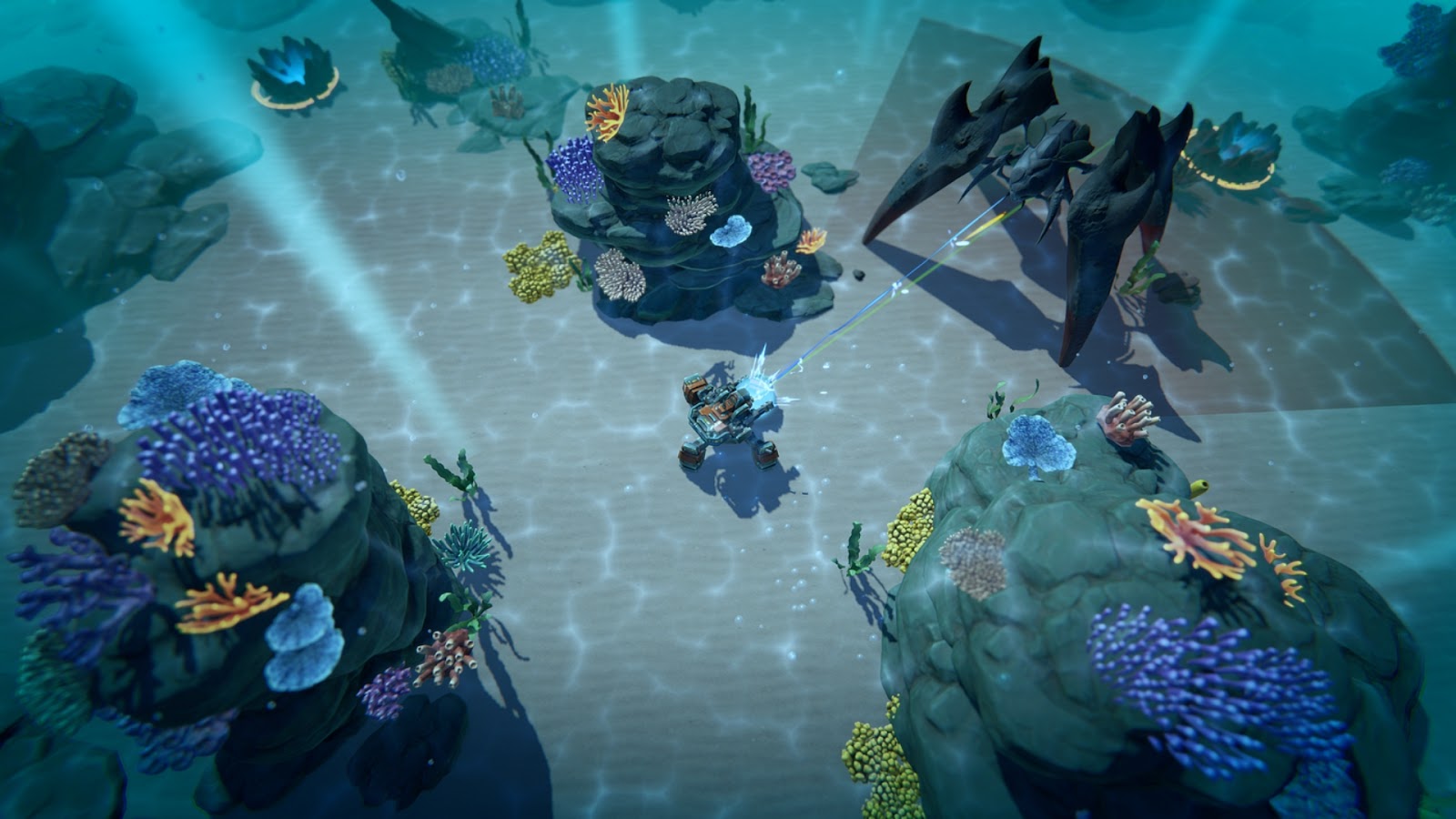
RetroStyle Games, the developers behind Ocean Keeper, recognized the importance of performance from the outset. They developed a custom Unity-based engine tailored specifically for their underwater action roguelike. This modular engine design allowed for flexibility and efficient integration of features, ensuring smooth gameplay and the ability to adapt to future projects seamlessly.
These examples show that performance isn’t just a technical detail — it directly impacts player enjoyment, reviews, and long-term success.
Conclusion
At the end of the day, no matter how great your game’s story, mechanics, or graphics are, poor performance can ruin the experience. Players want smooth gameplay, quick load times, and responsive controls — because when a game runs well, it feels better.
Optimizing performance isn’t just about fixing lag or boosting frame rates; it’s about keeping players engaged and immersed. Whether you’re cleaning up code, optimizing assets, tweaking rendering settings, or even outsourcing optimization to specialists, every improvement helps create a better experience.
The best games aren’t just fun — they’re polished, responsive, and run seamlessly across different devices. So, if you want players to stick around and truly enjoy what you’ve built, make performance a priority. Your players (and their frame rates) will thank you!
%2520(1).png)
.png)