A sitemap is more than a planning diagram. It is a working model of how pages relate, what users need to find, and which paths matter most. When website navigation architecture is clear, visitors can orient themselves faster, teams have a stronger publishing framework, and important conversion paths are easier to maintain as the site grows.
This matters because visitors rarely enter through one predictable path. Search results, AI summaries, campaign links, referrals, and deep links can all make an internal page the first touchpoint. Your site structure should still make sense when the homepage is not the starting line.
If you’re evaluating a redesign, a new product launch, or a content expansion, navigation is one of the highest-leverage systems to clarify early. A focused website strategy workshop can align goals, priority journeys, and page requirements before the sitemap hardens. At Brand Vision, we approach website navigation as a system tied to user needs and business outcomes, not decoration.
Why Website Navigation Architecture Drives Conversions
Some conversion problems are navigation problems in disguise. People can abandon forms, pricing pages, and demo funnels when they cannot orient themselves or understand the next step. When the path is unclear, what looks like a copy or offer problem may partly be a structure problem.
Website navigation architecture can affect conversion in three practical ways. First, it reduces decision effort by helping people recognize where they are and what to do next. Second, it improves the discoverability of key pages, supporting clearer journeys across the site. Third, it makes the experience easier to maintain as teams add pages, campaigns, and new content.
For leadership teams, a stable information architecture also reduces avoidable rework. Instead of repeatedly reorganizing the site, teams can spend more time improving copy, UX, offers, and content on a foundation that is easier to govern.
- Clear website navigation reduces friction on high-intent pages like services, pricing, and contact.
- A well-built sitemap makes site growth easier to manage as content expands and teams publish more.
- Stable information architecture helps marketing and product teams move faster without breaking journeys.

The Difference Between a Sitemap, IA, and Navigation Menus
Teams often use these terms interchangeably. That is where projects drift.
A sitemap is the structural map of pages and relationships. It shows what exists and where it sits in the hierarchy. Information architecture is the deeper decision behind that map, including how content is grouped, labeled, and prioritized. Navigation is the interface layer, meaning menus, links, and pathways people use to move through the site.
You can have a sitemap that looks clean and still have weak website navigation. That happens when the groupings do not match user intent, or when labels are written from an internal perspective. You can also have good information architecture and still ship poor navigation if menus are overloaded or paths are inconsistent.
Think of the sitemap as the blueprint, information architecture as the organizing logic, and navigation as the lived experience. When those three align, the site structure feels obvious.
- A sitemap shows hierarchy and page relationships.
- Information architecture defines how content is organized and understood.
- Navigation is the on-page system that guides people through the structure.
A Conversion-Focused Sitemap Framework
A conversion-focused sitemap is not built by brainstorming page names alone. It is built by mapping user intent to structure, then making the important paths clear.
At Brand Vision, we use a practical framework that keeps teams aligned through strategy, design, and development. It helps avoid two common traps: building a site around internal departments, and building a site around a temporary campaign that will change long before the site does.
The Five Buckets Model
Many business sites can use five structural buckets as a starting point. The exact labels should adapt to the audience, but the model helps separate core offers, proof, learning content, company information, and action paths.
- Offer covers services, products, solutions, pricing, and packages
- Proof covers case studies, results, testimonials, and clients
- Learning covers guides, resources, insights, FAQs, and events
- Company covers about, team, careers, partners, and press
- Action covers contact, booking, quote requests, and other clear next steps
The value of the model is sequencing. It helps people understand what you do, find evidence that supports the choice, and identify a sensible next step.
The “Path to Value” Rule
Every high-intent page should have a clear next step. That step can be conversion, proof, or deeper fit. If a user lands on a service page and the next best step is unclear, the sitemap is not supporting the decision flow.
A conversion-focused sitemap treats navigation like a sequence, not a set of links. It ensures that the site structure supports movement.
- Keep the top-level sitemap aligned to evaluation stages, not internal teams.
- Ensure every key page has a next step that reduces uncertainty.
- Treat website navigation as a guided system, not a directory.
Step 1: Start With Jobs, Not Pages
If you start by listing pages, it is easy to reproduce the organization chart instead of the user journey. Most visitors arrive with a task, question, or decision in mind.
Start by documenting the highest-priority user jobs. These jobs become the backbone of your website navigation architecture. For a B2B services company, they may include evaluating capabilities, validating proof, comparing options, and understanding cost or process. For a product-led company, they may include understanding the product, seeing it in action, assessing integrations, and getting to a trial or demo.
Once you have jobs, you can define the content required to complete them. That is your information architecture. Only then does the sitemap become clear.
This is also where strong teams connect website navigation to pipeline. You decide what users need to believe before they convert, and then ensure the site structure supports those beliefs.
- Write a focused list of user jobs before you settle on page names.
- Map each job to the minimum content required to complete it.
- Use jobs to decide what belongs in primary navigation versus supporting pages.
Step 2: Build Your Core Hierarchy and Keep It Shallow
A conversion-focused sitemap usually keeps important paths as direct as the site’s complexity allows. That does not mean fewer pages. It means avoiding unnecessary layers between intent and useful content.
Deep hierarchies can make important pages harder to discover, especially for visitors who skim, scan, and move between entry points. The goal is not to chase a fixed click count, but to keep high-intent content easy to reach from relevant parts of the site.
From a search perspective, a logical site structure also improves internal-linking clarity. Google recommends creating a logical structure and linking to important pages from relevant pages to support site understanding and navigation. Google’s sitelinks guidance reinforces the value of clear, descriptive internal links. For crawlability, indexation, canonical, and rendering issues that sit beyond the sitemap itself, technical SEO becomes the next layer.
Use as much hierarchy as the content genuinely needs, while keeping important pages accessible from relevant hubs and parent pages. Grouping still matters, but depth should serve comprehension rather than hide revenue-driving content.
- Keep core pages easy to reach from relevant navigation and hub pages.
- Use subpages for depth, not for hiding key information.
- Build a site structure that supports both people and crawl paths.

Step 3: Design Navigation That Matches Intent
Once the sitemap is right, navigation choices become clearer. The goal is not to add more links. The goal is to make key paths feel inevitable.
Global Navigation
Global navigation should carry your highest-confidence categories. If your sitemap is stable, global navigation stays stable too. For most brands, that means offers, proof, learning, and company. “Action” often appears as a distinct CTA.
In practical terms, global navigation should answer: What do you do, who have you done it for, and what should I do next.
If you are building a site for a high-consideration offer, your proof should be visible early. If you are building for a high-volume, lower-friction offer, your action and pricing pathways may need to be closer to the top.
When teams want an experienced hand here, this is where a UI UX design agency can align information architecture, interaction design, and conversion flows into one system.
Local Navigation and In-Page Navigation
Local navigation includes sidebar menus, section tabs, and in-page tables of contents. It helps people scan long sections and move laterally without returning to search. Contextual links matter too: a clear internal linking strategy connects related pages that do not belong in the global menu.
Use local navigation when pages are long, when audiences compare details, or when content is modular. Use in-page navigation for guides, resources, and dense service pages.
- Global navigation should reflect the stable top-level sitemap.
- Local navigation should reduce scanning effort on deep pages.
- In-page navigation supports completion of complex tasks without friction.
Step 4: Write Labels That People Understand
Labels are where website navigation architecture succeeds or fails. A perfect sitemap can still convert poorly if the naming is internal, vague, or clever.
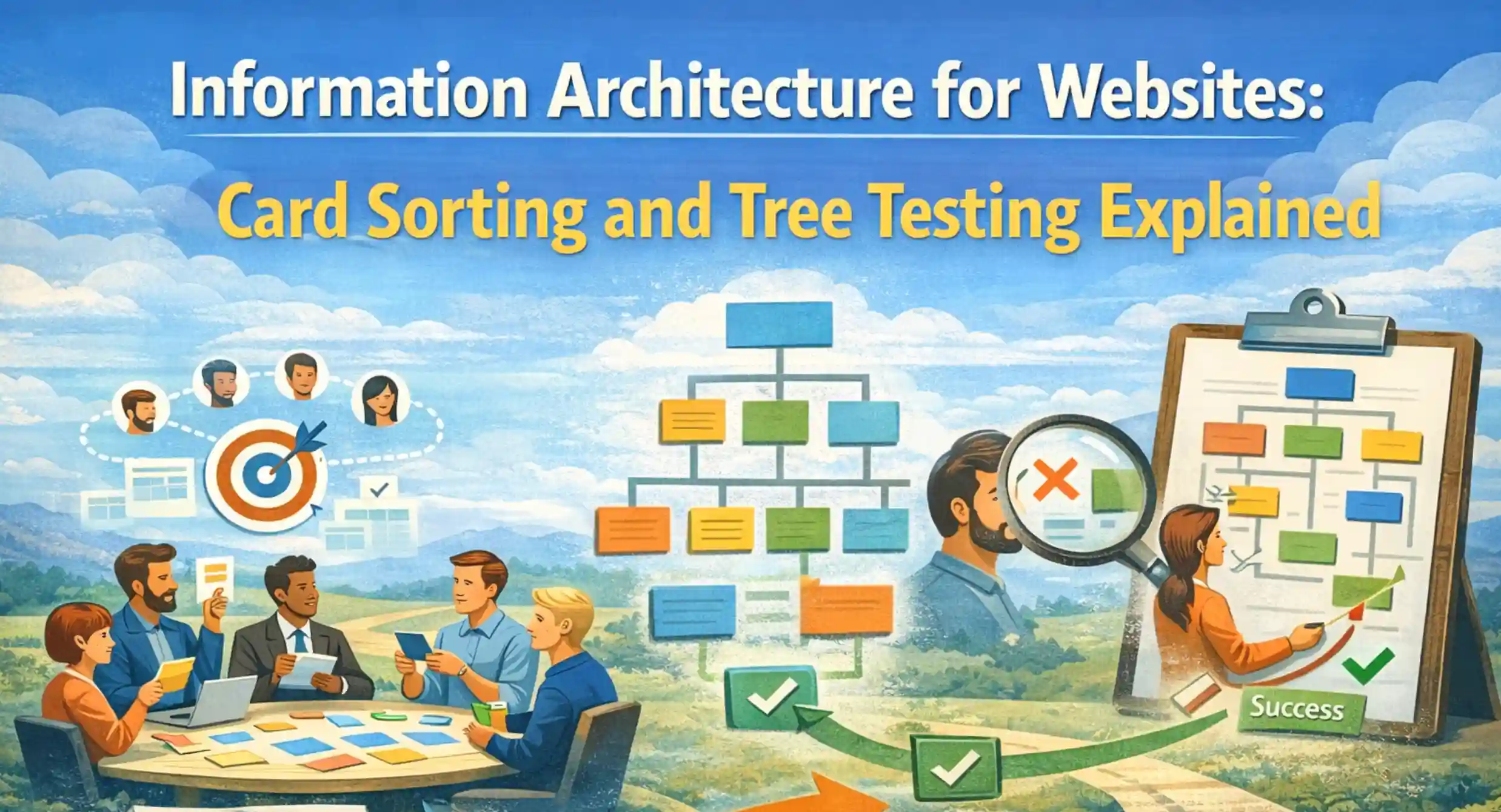
Good labels are concrete. They reflect what users expect to find and avoid internal jargon unless the audience already uses it. Nielsen Norman Group’s guidance on information architecture emphasizes categorization and clear labeling (NN Group). When teams are debating structure or terminology, card sorting and tree testing can add evidence before the sitemap is locked.
A helpful test is the “first click” mindset. If a user reads a label, do they feel confident it will lead to what they want. If not, rewrite.
This is also where brand strategy and navigation meet. Your site structure should reflect how you position the offer, not just how you deliver it. If you are clarifying categories or naming systems as part of a broader rebrand, branding services can help align language across navigation, messaging, and visual hierarchy.
- Prefer clear nouns and task-based labels over internal terms.
- Avoid clever labels that require interpretation.
- Keep labels consistent across menus, headings, and internal links.
Step 5: Bake In Accessibility and Findability
Conversion is not only persuasion. It is access. If users cannot find pages, or cannot navigate with assistive technology, your sitemap is not doing its job.
WCAG includes a criterion that users should have more than one way to locate a page within a site, except in process flows. WCAG 2.4.5 Multiple Ways describes this expectation clearly. Practically, it means you should not rely on a single navigation method. Support discovery through navigation, internal links, search, and a structured set of pathways.
Accessibility is also about predictability. Consistent navigation, clear headings, and structured pages can reduce cognitive load and improve usability for a wide range of visitors, while also removing friction from important journeys.
From an implementation perspective, this is one reason strong website design and development matters. A web design agency should treat structure, performance, and accessibility as connected concerns because navigation quality depends on how the whole experience is built and maintained.
- Provide multiple ways to reach key pages: menus, search, internal links, and hubs.
- Keep navigation consistent across templates and page types.
- Treat accessibility as part of conversion, not a separate checklist.

Step 6: Validate With Real Users and Real Data
A sitemap is a hypothesis. You validate it before launch, and you keep validating after launch.
Fast Validation Methods
You do not always need a long research cycle to reduce structural risk. Two lightweight methods can reveal problems before design is finalized.
First, run a tree test. Users are given tasks and asked where they would click in a simplified menu, which helps evaluate the proposed hierarchy and labels without visual-design cues.
Second, run a first-click test on key pages. First-click patterns show whether labels and visual priorities point people in the expected direction. When a broader research program is warranted, UX research can combine these methods with interviews, usability testing, and journey analysis.
These quick checks are often part of a mature marketing consultation and audit when teams want a grounded view of what is breaking journeys today.
Post-Launch Measurement
After launch, use data to confirm whether website navigation is supporting conversion. Track:
- Path exploration for high-intent journeys
- Search terms inside the site search bar
- Drop-off points between key pages
- Engagement on proof pages like case studies
This is also where SEO intersects with site structure. Clear hierarchy and contextual internal links help search engines discover important pages and understand how topics relate. If you want that tied to a broader search program, a dedicated SEO agency can align structure, content, and technical signals into one plan.
- Validate the sitemap with tree tests and first-click tests before design is finalized.
- Use analytics to find navigation dead ends after launch.
- Treat site structure as a living system you refine, not a static artifact.
Common Sitemap Mistakes That Kill Momentum
Most teams do not fail because they lack effort. They fail because they build a sitemap from the wrong starting assumptions.
One common mistake is building a site structure around internal departments. Another is building a sitemap around content volume, creating too many top-level categories that compete for attention. A third is hiding proof. If proof is buried, the site converts like a brochure, not a decision tool.
Teams also overuse “Resources” as a catch-all. If everything is a resource, nothing is discoverable. Break it into clear learning categories that match user intent.
Finally, many sitemaps ignore expansion. A site that cannot grow without restructuring tends to become inconsistent as new pages and offers accumulate.
- Department-based sitemaps create confusion and slow evaluation.
- Too many top-level items dilute attention and reduce conversion focus.
- Proof and pricing content should not be buried in the hierarchy.
A Practical Sitemap Deliverable Checklist
A strong sitemap deliverable is more than a chart. It is a shared contract between leadership, marketing, design, and development.
Here is what the sitemap package should include:
- Primary sitemap map showing hierarchy and page intent
- Navigation model including global, local, and utility navigation
- Labeling notes explaining any terms that require alignment
- Templates list showing which pages share layouts
- Internal linking logic for key hubs and conversion paths
- Governance notes explaining who owns what sections over time
This is also where regional and team structure can matter. If your organization has multiple markets, your sitemap may need location-aware architecture. For organizations comparing regional support, Brand Vision also operates as a branding agency in the US while preserving the same broader agency system across markets.
If you are building for a growth-stage company, it is worth planning for future product lines and segments. That is where a startup marketing agency lens can keep your information architecture resilient as you scale.
- A sitemap deliverable should include navigation rules, templates, and governance.
- Build hubs that support discovery and internal linking across the site structure.
- Plan for growth so the architecture stays consistent as pages multiply.
When to Bring in a UX and Web Design Partner
Some teams can create a decent sitemap internally. Many cannot finalize it without a structured process, because stakeholders bring competing priorities.
Bring in help when any of these are true. Your site has grown messy and no one agrees on structure. Your sales team says prospects “get lost” on the site. Your marketing team publishes often and the navigation keeps breaking. Or your redesign is high stakes and you need confidence before development begins.
A strong partner should clarify information architecture before high-fidelity layouts. The practical sequence is strategy and IA first, then the sitemap and navigation model, followed by UI and development. That order reduces the chance of protecting a layout that was built on the wrong structure.
For teams that want that integrated approach, Brand Vision connects strategy, UX, and development into one process, so the sitemap is not a standalone artifact. It becomes the backbone of a site that supports revenue.
If you are ready to rebuild your site structure with intent, start with a conversation. Speak with our team through Brand Vision’s web design services.
- Strong partners start with information architecture and a sitemap, not page mockups.
- A conversion-focused navigation system reduces friction and protects growth.
- A stable site structure improves maintainability, accessibility, and pipeline outcomes.










.webp)