SEO success starts with helping the right people find useful pages, not trying to outsmart a search engine. A successful program connects relevant search visibility with meaningful outcomes, such as qualified enquiries, purchases, or bookings. Rankings help explain progress, but they are not the end goal.
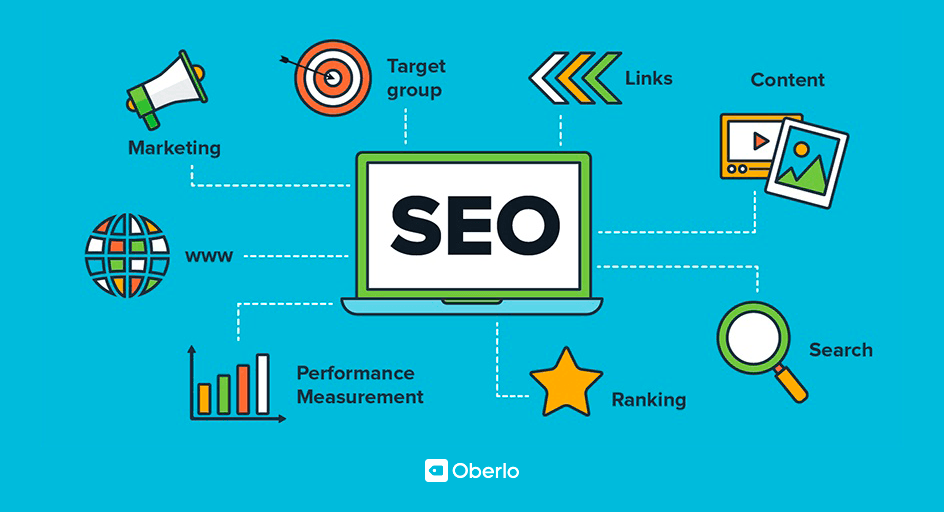
SEO brings together website structure, keyword research, helpful content, and technical performance. This Brand Vision guide explains four practical strategies, how to prioritize them, and how to measure the results. It applies to ecommerce stores, business blogs, and service websites without assuming every site needs the same tactics.
Define SEO Success Before Choosing Tactics
Start with the business outcome and work backward to the search journey. A service business might prioritize suitable quote requests; an online store might prioritize completed orders and their value. An informational page may help readers understand a problem before they are ready to buy, so do not judge every page by immediate sales.
Write down the outcome, the pages expected to support it, the measurement source, and a baseline period. Confirm that the tracking works before setting a target. For a new website, establish a baseline after launch rather than inventing historical performance.
Keep visibility, traffic, and outcomes separate in the report. That makes it possible to see whether more people are discovering the business, whether they visit, and whether those visits are useful.
1. Build a Clear Website Structure
Search engines need to discover and understand your pages before they can show them for relevant searches. Google's explanation of how Search works separates crawling, indexing, and serving results. Publishing a page does not guarantee that it will be indexed or appear for your target query.
Group related pages logically, give navigation items understandable names, and connect useful content with descriptive internal links. An XML sitemap supports URL discovery; it does not replace navigation or guarantee indexing.
- Inventory important service, product, category, and informational pages. Identify what each page helps the visitor do.
- Make important pages reachable through navigation or relevant body links, not only through a search box.
- Link an explanation to the relevant service or product when that is a sensible next step. Also link to supporting guidance when readers need more information before deciding.
- Review likely entry pages, not just the homepage. A visitor arriving on an article should still understand the business and where to go next.
A documented internal linking strategy helps a growing content library stay navigable. Add links where they answer the reader's next question, not wherever a keyword appears.
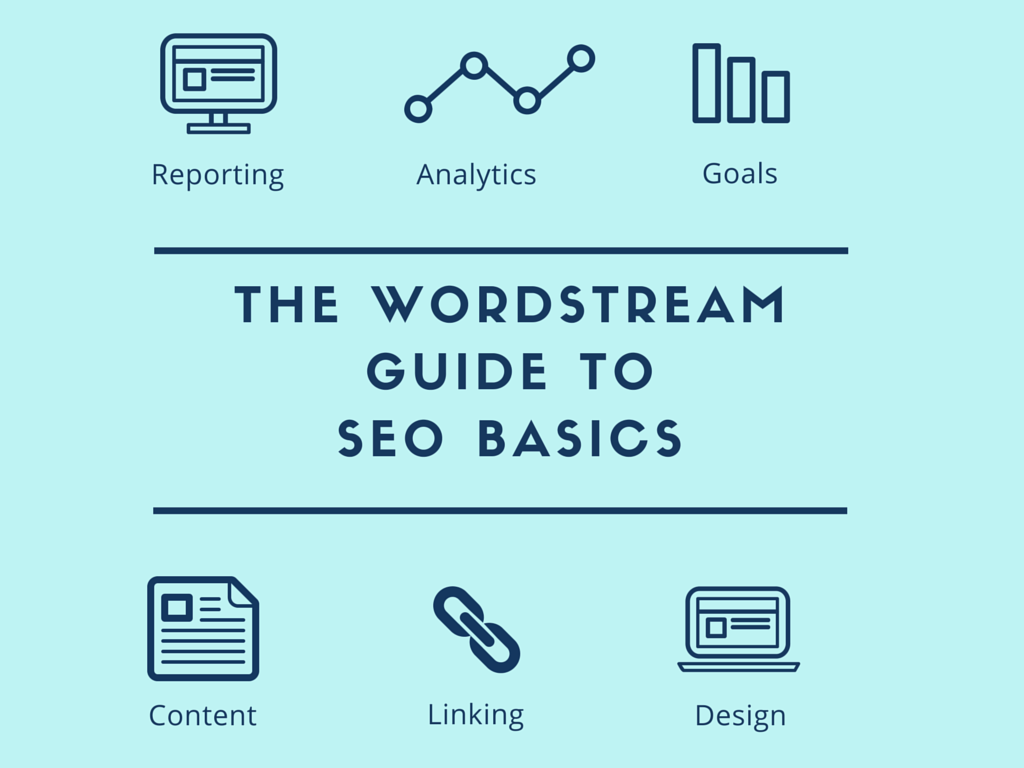
Good user experience matters after the click. Visitors should be able to understand the page, use it on their device, and complete the intended task. Bring these requirements into your website design. Check menus, forms, readable text, and keyboard operation rather than assuming search traffic will compensate for a difficult website.
2. Research Keywords and Match Search Intent
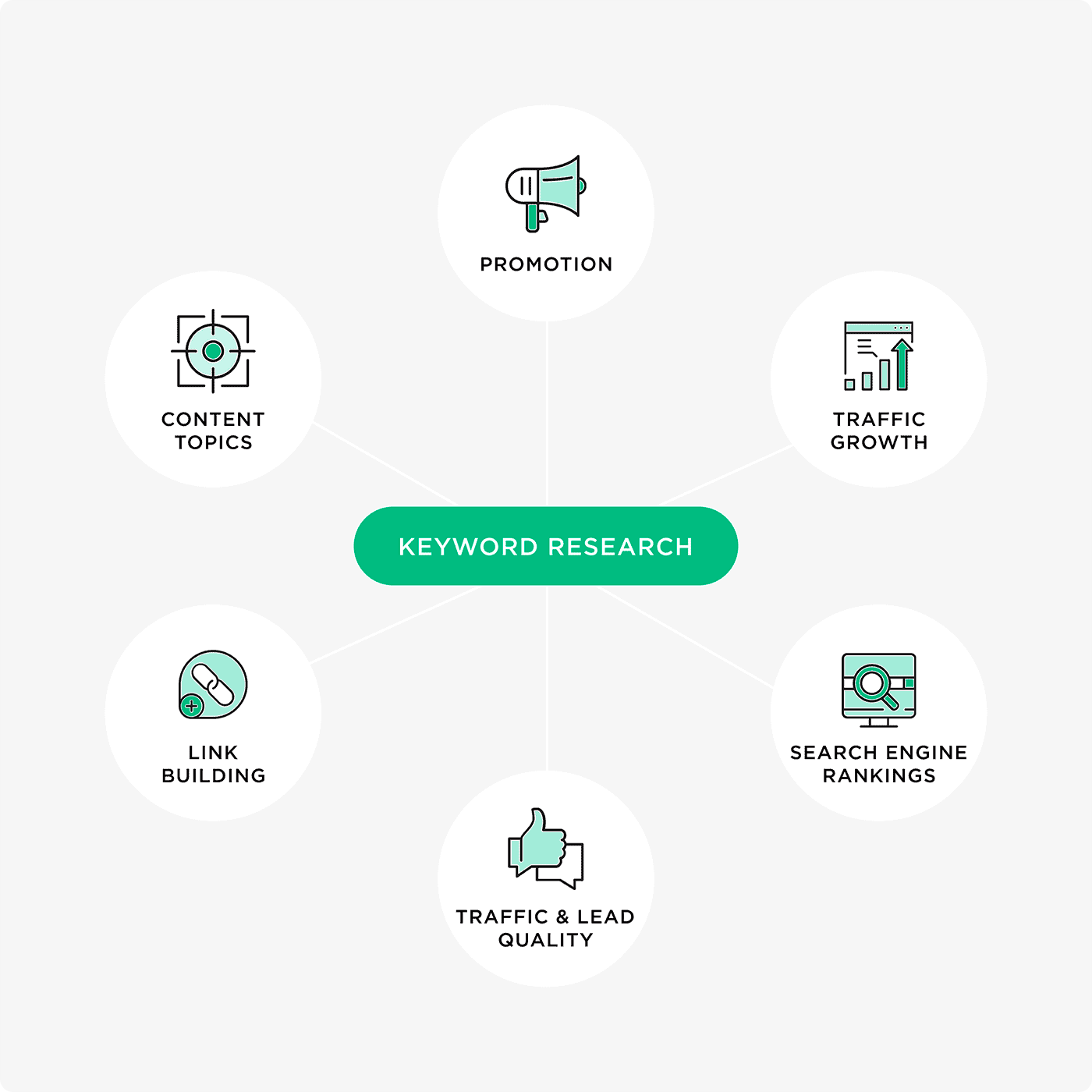
Start with customer questions and the products or services you actually provide. Keyword tools can expand that list, but a useful topic must fit the audience and the business, not simply have a large search-volume estimate.
Check the country, language, and date range behind the data. Search volume is not a traffic forecast, and different tools measure different things. Google's Keyword Planner documentation explains that its competition metric concerns advertisers, not the difficulty of ranking organically.
Match Each Query Group to a Suitable Page
Review current results for a priority topic to understand the task and expected format. “How to choose running shoes” suggests a different need from “buy trail running shoes.” Look for the information a reader needs to make progress, not a competitor's word count to copy.
- Group related searches by their underlying question or task.
- Assign an appropriate existing page before deciding that new content is necessary.
- Improve an incomplete page when it already serves the right purpose. Create a separate page when the audience needs a genuinely different answer or experience.
- For ecommerce SEO, distinguish product, category, and buying-guide needs instead of treating every related phrase as a separate product page.
Record the topic, intended page, reader need, and next action in an SEO content strategy. This creates a usable brief for content and design teams. Two pages mentioning the same subject are not automatically a problem; investigate whether they duplicate the same purpose or offer distinct value.
Make Titles and Descriptions Specific
Use relevant wording naturally in the title, main heading, and supporting copy. Write a distinctive meta description that accurately summarizes the page. Google may use it as a snippet, but its snippet guidance explains that descriptions are not always displayed. The HTML and meta tag SEO guide covers the different roles of these controls.
Avoid repeated phrases added only to influence rankings. Keyword stuffing violates Google's spam policies. If a sentence sounds unnatural, improve the explanation rather than adding another keyword.
3. Create Useful Content and Earn Relevant Links
Useful content answers the questions, uncertainties, and practical barriers that bring people to your site. A service page should explain who the service is for, what it includes, and what happens next. A product guide might compare relevant features and limitations.
Google's people-first content guidance emphasizes usefulness and reliability rather than a preferred word count. Answer the main question early, then organize the necessary detail under descriptive headings. Add examples, source material, and original evidence where available, without inventing experience or results.

- Explain how to apply the advice, including constraints or circumstances where it does not fit.
- Verify consequential claims and retain the dates, units, populations, and limitations behind statistics.
- Use images, video, or diagrams when they clarify the subject, with meaningful alternatives for informative images and preserved credits.
- Assign a content owner to correct outdated details, broken links, and unanswered questions. Change the date only when the update is genuine.
Support Local Search With Accurate Information
A local SEO plan should reflect the places and customers a business actually serves. Keep services, hours, contact details, and eligible Google Business Profile information accurate. Google's local ranking guidance identifies relevance, distance, and prominence as the main factors. Adding a city name is not a guarantee of visibility.
When using SEO statistics for local search, check the original study, audience, and date before applying a headline percentage to your business. Use your own enquiries and search data to set priorities.
Distinguish Internal Links From Backlinks
Internal links connect pages on your own website. Backlinks come from other websites. For link building, focus on material other people have a genuine reason to reference, such as a useful tool, a documented explanation, or original research your team can support.
Promote relevant resources to appropriate publishers and partners without requiring a link. Avoid buying ranking links or building excessive exchanges to manipulate search results; Google's link spam policy addresses those practices. Do not treat a third-party authority score or a raw backlink count as the business outcome.
Keep AI Search Work Grounded in SEO Fundamentals
Google's guidance for AI search features says there are no additional technical requirements beyond its existing Search requirements, and no special schema is needed for inclusion. A page must be indexed and eligible to appear with a snippet, but meeting those conditions does not guarantee selection.
For AI search optimization, start with accessible, reliable content and clear explanations rather than a separate version written only for machines. This is part of search work, not a replacement for measuring useful visits and outcomes.
4. Fix Technical Barriers Before Adding More Content
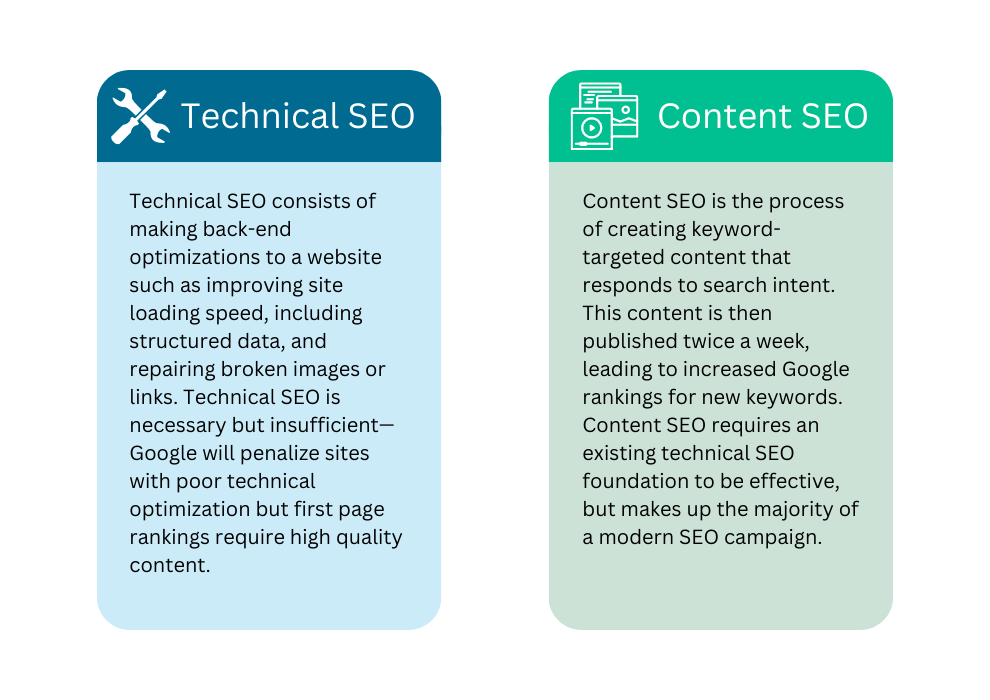
Start with an SEO audit that identifies specific problems, affected pages, and responsible owners. Diagnosis and implementation are different tasks: a report only becomes useful when fixes are assigned, deployed, and checked.
Verify Access, Indexing, and Preferred URLs
- Inspect important URLs in Search Console. Investigate unexpected exclusions instead of assuming every excluded URL should be indexed.
- Confirm that pages intended for search are accessible, return the intended content, and do not carry accidental noindex instructions.
- Check canonical URLs and keep internal links consistent with the intended preferred version. Investigate a staging-domain or unrelated-page canonical.
- Test HTTPS, broken internal links, and redirects. Preserve useful URLs where possible and send moved pages to relevant replacements.
Robots.txt controls crawling; it is not a reliable way to keep private information out of search. Google's noindex documentation explains that a crawler must access a page to read its noindex instruction. Private content needs appropriate access controls.
Use the technical SEO audit checklist to structure a broader review, verifying implementation against current search-engine documentation. Scope technical SEO fixes around the affected pages and the actual cause, not a generic score alone.
Test Performance and Mobile Content
Core Web Vitals assess loading, responsiveness, and visual stability. Good thresholds are Largest Contentful Paint at 2.5 seconds or less, Interaction to Next Paint at 200 milliseconds or less, and Cumulative Layout Shift at 0.1 or less. Assess all three at the 75th percentile of real-user visits, separately for mobile and desktop.
Use lab tests to diagnose problems, not as proof that field thresholds have been met. Review oversized images, missing space for media, unnecessary scripts, and slow responses. A new or low-traffic page may lack field data; record that limitation rather than marking it passed.
Google uses the mobile version of a site's content for indexing and ranking. Its mobile-first indexing guidance recommends equivalent primary content across mobile and desktop. Test the main journey on a real phone, including forms and navigation, not just whether the layout fits.
During a redesign, keep an SEO migration plan for changed URLs, redirects, and post-launch checks. Avoid changing established addresses solely to insert keywords.
How to Measure SEO Success
Track Search Visibility With Consistent Filters
Google's Search Console Performance report tracks impressions, clicks, click-through rate, and average position. Use the Pages and Queries views to examine the landing pages and searches behind a change. Compare equivalent dates, countries, and devices rather than treating the sitewide average as the whole story.
Separate searches containing your brand name from broader discovery searches when assessing acquisition. A branded campaign can change demand without proving that an unrelated page edit worked. The guide to checking Google keyword rankings explains why average position is not one fixed ranking for every searcher.
Connect Visits With Completed Actions
Search Console describes Google Search performance; analytics describes activity on the website. Google's guide to using Search Console and Google Analytics together explains why clicks and sessions do not match exactly. They measure different events, and tracking configuration, consent, and other differences can affect comparisons.
In analytics, review organic traffic by landing page and the completed actions associated with it. When comparing with Google Search Console, filter to Google organic traffic rather than including every search engine. Keep the reporting period, country, and device consistent.
Test the important action yourself. A button click is not evidence that a form arrived in the correct inbox or a purchase completed. Remove test submissions and duplicates from business reporting, and distinguish all enquiries from those that meet your qualification criteria.
Consider this hypothetical example. One period has 1,000 organic sessions, of which 40 include a completed enquiry form: a 4% session-based completion rate. The next has 1,200 sessions, of which 36 include a completed form: 3%. Traffic rose, but both completed-form sessions and the completion rate fell. Investigate the audience, offer, journey, and measurement before declaring SEO success or blaming one change.
Use Changes to Choose the Next Investigation
- If impressions fall, check which pages and queries changed, whether those pages remain indexed, and whether demand or measurement conditions differ.
- If impressions hold but clicks fall, review click-through rate, the query mix, your search presentation, and the surrounding results.
- If visits increase but useful outcomes do not, test the landing page and conversion path, then examine whether the new visitors match the intended audience.
- If a different URL begins ranking, compare its purpose with the intended page before consolidating anything.
These patterns suggest questions, not automatic diagnoses. Keep an annotation of content edits, migrations, campaigns, and tracking changes. A before-and-after difference alone does not establish which change caused the result.
How Long Does SEO Success Take?
There is no universal deadline. Google's SEO Starter Guide says some changes may take effect within hours while others can take several months, and generally suggests allowing a few weeks before assessing their search impact. Not every change produces a noticeable improvement.
Separate confirmation of a fix from evaluation of its impact. A repaired form or removed crawl block should be tested promptly. Changes in useful organic traffic need a longer observation period and enough data to interpret. For a seasonal business, compare a relevant seasonal period as well as the immediately preceding one.
Turn the Four Strategies Into a Practical Plan
Begin with a manageable set of important pages. Record the problem, evidence, proposed action, owner, and review date for each. Fix access or broken-journey problems first, then improve pages that do not answer the intended query. Develop missing content and promote useful resources after those priorities are understood.
At each review, record what was implemented, whether it works, what the search and business data show, and what remains uncertain. SEO success is a repeatable improvement process, not a checklist completed once or a promise to occupy the top position.
For a broader review of priorities, Brand Vision's marketing consultation can help connect SEO with your business goals. Contact our team to discuss the pages and issues that need attention.