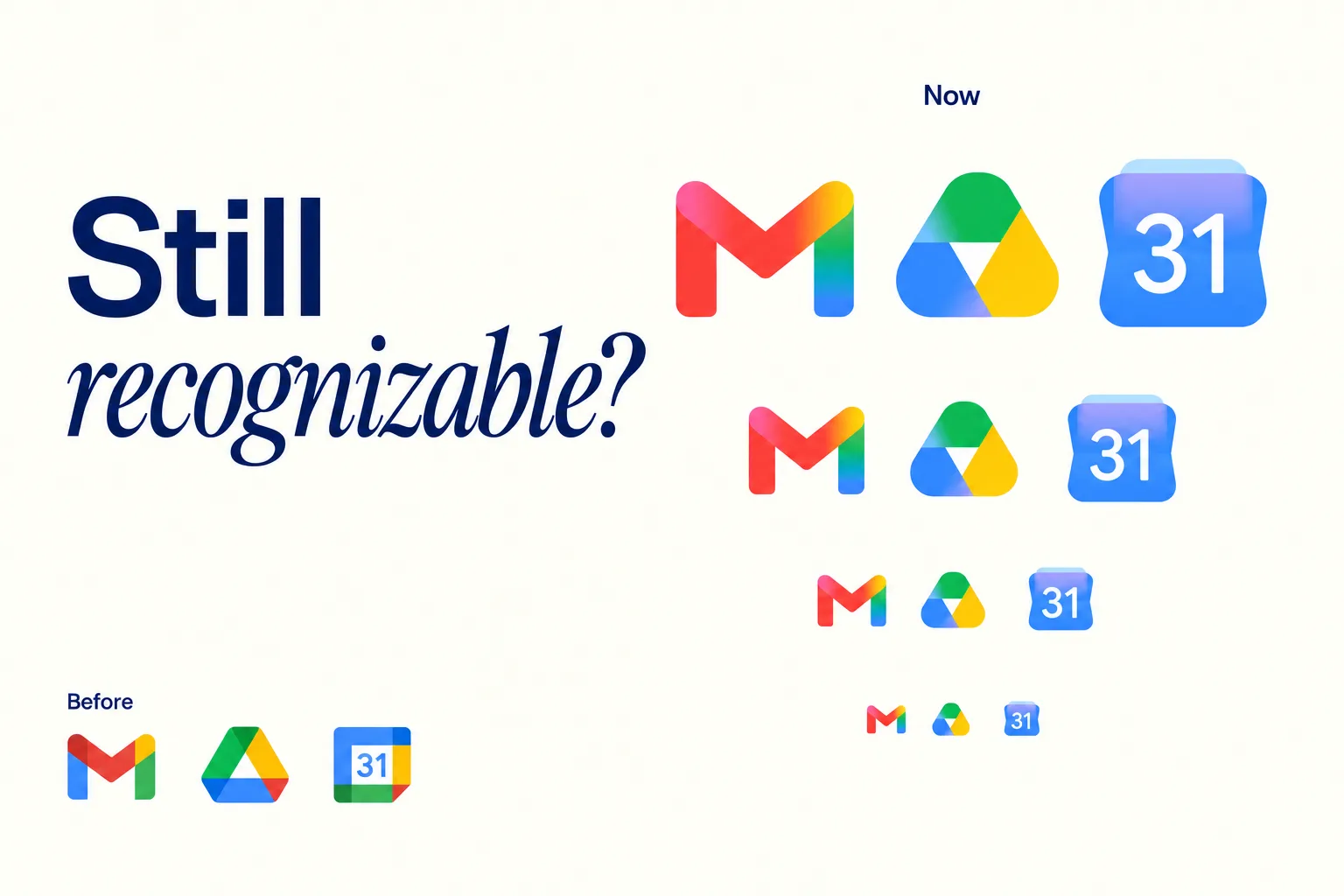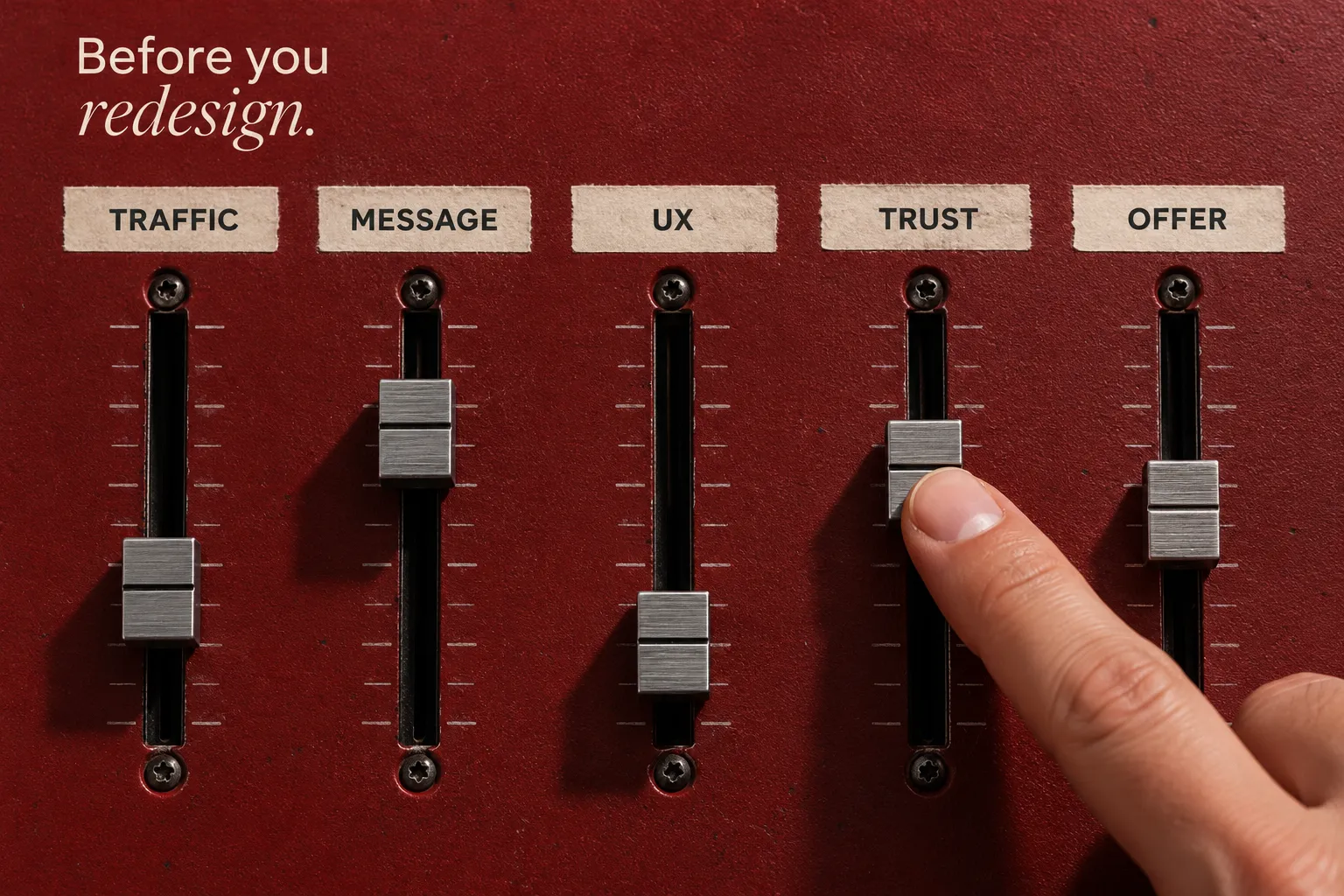
A rebrand can affect positioning, product perception, hiring, sales materials, and the website customers rely on. A useful rebrand timeline therefore plans the message, identity, digital experience, and rollout together. Without clear ownership, teams can launch mismatched assets or leave important customer touchpoints behind.
This week-by-week rebrand timeline gives leaders a practical sequence for decisions, deliverables, and launch readiness. It can guide internal teams or work alongside broader branding services, with each phase scaled to the project rather than treated as an inflexible deadline.
- This is an illustrative 12-week plan to launch, followed by four weeks of stabilization. Actual timelines depend on research, scope, approvals, and website dependencies.
- A rebrand should include messaging, identity, and rollout, not just a logo.
- The website is a prominent place where the new brand must work, which is why rebrands often involve web design services alongside identity and messaging.
Rebrand or Refresh: Choose the Right Scope First
Before assigning weeks, define what is changing. A refresh may be enough when positioning remains sound, while a deeper transformation is needed when the audience, offer, or category position has shifted. Specialist rebranding services should be considered alongside, not instead of, the broader brand strategy and identity work.
A practical rebrand timeline begins with scope and research, then aligns positioning and identity with the rollout. Digital, legal, and operational dependencies should be discovered early even when their final deliverables come later.
Hamoun Ani is listed as Brand Vision’s Creative Director. The useful scope question is whether the existing brand is still understood consistently by customers and internal teams. When the offer, messaging, and visual identity tell different stories, changing the appearance alone may leave the underlying confusion in place.
Three Signals That May Call for a Full Rebrand
Broader branding services may be warranted when the business model, audience, or category position has changed substantially. If buyers interpret the offer differently from what the team intends, a visual refresh alone may not address the problem.
You are likely in rebrand territory if:
- Your positioning no longer matches what you sell, or who buys it.
- Your name, architecture, or product suite has outgrown the current structure.
- Sales and marketing tell different stories because the message is not clear.
When a Refresh Is the Smarter Move
A refresh is often the right move when the fundamentals still work, but the expression is dated or inconsistent. You keep the core promise, tighten the message, and modernize execution. Harvard Business Review frames successful refreshes as work that connects product, story, culture, and customer, rather than cosmetic change alone (Harvard Business Review).
A refresh tends to win when:
- You have strong recognition, and you do not want to disrupt.
- The brand story is solid, but the system is inconsistent across channels.
- The website and collateral feel behind your current level of maturity.

Weeks 1 To 2: Brand Audit And Alignment
The first two weeks of a rebrand timeline are about truth, not taste. You are gathering reality across touchpoints, performance, and internal perception. This phase prevents you from carrying old confusion into a new identity.
An effective audit produces more than a presentation. It gives owners a usable map of what exists, what is inconsistent, what needs evidence, and what must be ready before launch.
What To Inventory
Your audit should cover the main places the brand appears and the systems behind them. Capture the current assets and specific inconsistencies, but also note what should remain unchanged.
Include:
- Website pages, navigation, CTAs, and conversion paths, especially high-intent pages.
- Sales materials, decks, proposals, and email sequences.
- Social profiles, paid creative, and video templates.
- Product UI if relevant, and any onboarding flows tied to revenue.
- Review themes from sales calls and customer feedback that repeat.
Creative leadership, including roles such as the one held by Hamoun Ani at Brand Vision, should review the audit alongside sales, product, web, and marketing owners. Compare real pages, messages, and assets rather than relying on a single person’s stylistic preferences.
Stakeholders, Decision Rights, And A Single Source Of Truth
A rebrand timeline becomes a delay machine when approval paths are unclear. In week 1, define who owns final calls on positioning, naming, identity, and launch readiness. Then set one source of truth for files, comments, and version history.
If you need a structured intake, a marketing consultation and audit can help align priorities before design begins.
Flag search and website dependencies now, rather than leaving them for launch week. If URLs, navigation, content, or the CMS will change, use an SEO migration playbook to inventory high-value pages, establish a redirect and internal-link plan, and assign pre-launch QA owners.
Weeks 3 to 4: Research, Positioning, and Messaging
Weeks 3 and 4 are where your rebrand gains discipline. This is the phase that connects business strategy to language. If you skip it, the new look will carry the old ambiguity.
Positioning should be specific enough that a sales rep can repeat it without rewriting it. Messaging should be clear enough that a new hire can explain it on day five.
ICP And Competitive Map
Research depth should match the decision. At minimum, clarify who the offer serves, what those buyers value, and what alternatives they consider. If naming itself may change, assess a brand naming process before committing to identity and launch assets.
Deliverables that keep a rebrand timeline moving:
- A tight ICP summary, including buying triggers and objections.
- A simple competitive grid that highlights differences customers actually notice.
- A category narrative that explains why your approach exists.
For teams that want depth, formal brand research keeps positioning grounded in evidence rather than internal preference.
Messaging That Sales Can Actually Use
Treat messaging like a system, not a slogan. You want a core narrative plus proof points that travel across web, sales, and product.
Build:
- A one-sentence positioning statement and a short elevator narrative.
- Three to five proof points tied to outcomes, not features.
- A concise set of brand voice guidelines for approved terms, tone, claims, and examples.
Weeks 5 to 6: Visual Direction and Identity System
Weeks 5 and 6 are for translation. You are translating strategy into visual choices that can scale across real assets. If your rebrand timeline is week-by-week, this phase is where you must avoid infinite exploration cycles.
The goal is to choose a direction that expresses the strategy clearly and works across real applications. Visual identity design then turns the chosen direction into usable typography, imagery, color, and composition rules.
Explorations, Not Endless Options
A disciplined identity process usually moves from broad directions to a chosen route quickly. Instead of requesting ten logo variations, focus the review on whether the work expresses positioning, reads well in small sizes, and works in motion and digital environments.
A good direction review asks:
- Does this feel credible for our buyers and category?
- Will this system work across web, product, and social?
- Is it distinctive without being unfamiliar?
Design System Thinking From Day One
A rebrand is easier to launch when you treat identity as a system from the start. Nielsen Norman Group explains that design systems help maintain consistency at scale and reduce redundant versions of the same elements (Nielsen Norman Group). Even if you are not building a full design system, you should define reusable components.
This is where brand and web work need shared decisions. UI/UX design can translate the identity into usable interface patterns, with accessibility and performance reviewed alongside visual consistency.

Weeks 7 to 8: Brand Guidelines and Asset Production
Weeks 7 and 8 are where your rebrand timeline turns into practical enablement. Guidelines are not a nice to have. They are what keeps the new brand from drifting the moment launch is over.
Asset production can expand quickly across sales, marketing, HR, and customer success. A campaign graphic design workstream can turn identity rules into reusable, channel-ready layouts rather than one-off files.
The Minimum Viable Brand Book
You can expand guidelines later, but you need a minimum set before launch:
- Logo usage, spacing, and do not rules.
- Color, type, grid, and imagery approach.
- Voice rules and messaging blocks.
- Examples of core layouts: web headers, social tiles, one-pagers.
If you are building deeper foundations, a structured brand strategy document reduces interpretation and keeps teams aligned.
Templates That Prevent Rework
The fastest way to protect a timeline is to build templates that match how your organization works. That includes slide decks, proposal layouts, LinkedIn formats, one-pagers, and email headers.
Prioritize templates tied to revenue first:
- Sales deck and product overview.
- Case study template and proposal cover.
- Website page modules and CTA patterns.
Weeks 9 to 10: Website and UX Updates
Weeks 9 and 10 are the integration and QA window for the website in this illustrative plan. Discovery, architecture, and technical migration planning should have started earlier. When the existing site requires a larger overhaul, website redesign services may need a longer parallel workstream than these two weeks.
If your rebrand includes a redesign, align structure, content, UI patterns, and build requirements, with feedback loops between them. A website copywriting framework helps translate positioning into page promises, proof, and CTAs before launch.
Information Architecture And Page Priorities
Start with a short list of pages that matter most. In most B2B environments, that is home, core service pages, key industry pages, and conversion paths.
Decisions to lock early:
- Navigation labels and information architecture.
- Primary CTAs and contact paths.
- Which pages must be rewritten versus lightly updated?
If you serve multiple segments, industry pages can carry proof and specificity without fragmenting the brand. For example, a page within a B2B marketing program can serve a buying committee with sector-specific proof while keeping the core narrative consistent.
Accessibility And Performance Checks
Accessibility is part of brand trust. WCAG 2.2 is the current W3C recommendation for web accessibility and adds success criteria beyond WCAG 2.1 (W3C). Build checks into the timeline instead of treating them as a pre-launch scramble.
Include:
- Color contrast and typography checks.
- Keyboard navigation and focus states.
- Forms, error states, and interactive components.
If your rebrand includes URL changes, treat SEO migration as part of the timeline. Google documents best practices for site moves with URL changes, including redirects and minimizing impact on search results (Google Search Central). Search Console also provides a Change of Address tool for eligible domain or subdomain moves, not ordinary URL-path changes (Google Search Console Help).
Week 11: Launch Planning and Internal Rollout
Week 11 is about adoption. A rebrand timeline that ends at design delivery is incomplete. The question is not whether you shipped new assets. The question is whether people can use them correctly.
Internal rollout is where you protect consistency across departments and regions.
Training, Toolkits, And Governance
Make it easy for teams to comply. Provide a toolkit that includes templates, examples, and a short training session. Nielsen Norman Group notes that standards get adopted when they are clear, organized, and referenced often, not buried in a PDF (Nielsen Norman Group).
At minimum, define:
- Where assets live and who maintains them.
- A lightweight approval path for new materials.
- A monthly check for drift across customer-facing channels.
PR, Social, Sales, And Customer Comms
Plan launch messaging in parallel with internal enablement. Sales needs talk tracks. Customer success needs a simple explanation. Recruiting needs updated employer brand assets.
Launch comms should include:
- A short statement of what changed and why it matters to the customer.
- Updated email signatures and social bios.
- A coordinated calendar for announcements and content.
Week 12: Launch Week and Post-Launch Stabilization
Launch week should be controlled rather than improvised. Use checklists and named owners for website, redirects, analytics, collateral, social profiles, sales handoffs, and customer communications.
This is the final stage of the rebrand timeline, but it should open into a stabilization window where you monitor, fix, and refine.
Launch Day Checklist
A practical launch day list includes:
- Publish the website updates and verify key pages across devices.
- Update brand assets across social profiles and directory listings.
- Confirm redirects and crawlability if URLs changed.
- Update sales templates, proposals, and core collateral.
- Verify analytics events and conversion tracking.
For organic search, involve SEO services early so redirect, indexing, content, and monitoring risks are addressed before and after launch, without assuming rankings will stay unchanged.

Weeks 13 to 16: Stabilize, Measure, and Iterate
Weeks 13 through 16 are a post-launch monitoring window, not four more weeks of launch production or a guaranteed SEO recovery period. Watch how prospects describe the new position, where website friction appears, and which technical or message issues need correction.
Track:
- Branded search trends and referral patterns.
- Lead quality notes from sales calls.
- Website engagement and conversion paths.
Treat adjustments as controlled iterations. Do not redesign again. Refine the system.
Common Rebrand Timeline Mistakes That Create Delays
Several recurring risks can delay a rebrand, particularly unclear decision rights, unfinished dependencies, late asset guidelines, and website work that starts too close to launch. Address those risks when planning the schedule.
Common issues:
- Starting visual design before positioning is settled.
- Too many approvers, or unclear decision rights.
- Guidelines were delivered late, so teams improvised assets.
- Website treated as an afterthought rather than the primary brand environment.
- Migration and redirects were planned too late, creating organic traffic drops.
A Rebrand Timeline Template You Can Reuse
A reusable template turns a rebrand into a repeatable process. It also makes it easier to forecast effort and align the organization.
If you run multiple launches per year, create a standard rebrand timeline playbook with clear roles and a consistent asset checklist.
Owners By Function
Assign one owner per track:
- Executive sponsor: scope, approvals, trade-offs.
- Marketing lead: messaging, launch comms, channel rollout.
- Design lead: identity system, templates, guidelines.
- Web lead: IA, build, performance, accessibility.
- Sales lead: talk tracks, enablement, collateral adoption.
Deliverables By Week
Use this week-by-week rebrand timeline as a baseline:
- Weeks 1 to 2: audit, inventory, alignment, governance setup.
- Weeks 3 to 4: research, positioning, messaging system.
- Weeks 5 to 6: identity direction, system components.
- Weeks 7 to 8: guidelines, templates, asset production.
- Weeks 9 to 10: website, UX, accessibility, migration plan.
- Week 11: training, internal rollout, launch comms.
- Week 12: launch, stabilization plan, measurement.
When To Bring In A Partner
Some teams can manage the rollout internally. Others benefit from outside support when brand strategy, design, web, and launch communications need coordinated ownership. Teams evaluating branding and marketing support in Chicago, for example, should check how regional delivery connects to the overall rebrand plan.
Consider bringing in a partner when:
- You need positioning and identity to move in parallel without confusion.
- You are rebuilding the website and cannot risk quality or performance issues.
- You need a cohesive system that spans brand, UX, and content.
Agency coordination can connect positioning, identity, UX, content, and launch tasks without treating branding as separate from commercial goals. Brand Vision’s service perspective is useful here, but specific responsibilities and timelines still need to be scoped to the project.
Make the Brand Easy to Use
A rebrand timeline is not only a creative exercise. It is an operating plan for making the new brand usable across teams, the website, and customer touchpoints. Clear ownership and launch checks make the change easier to implement and refine.
If you are planning a rebrand and want an outside perspective on identity, web, and rollout, discuss your rebrand scope with Brand Vision.

.webp)










.webp)