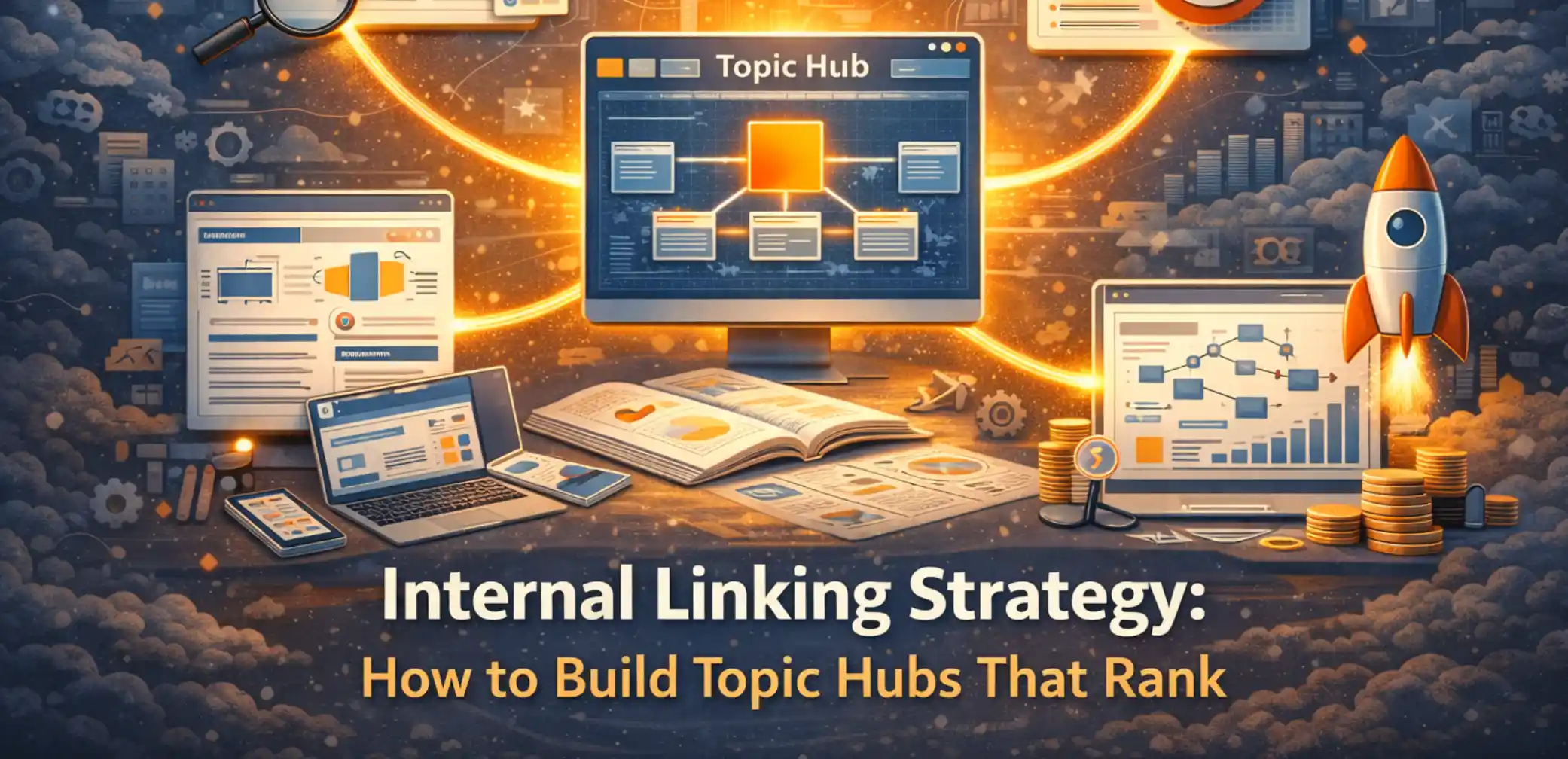
If your site has useful content but inconsistent organic performance, structure may be part of the problem. Publishing more pages will not help if readers and crawlers cannot move through related content clearly. Google uses links to discover pages and as a relevancy signal, which makes crawlable, descriptive internal links part of a sound site structure (Google Search Central).
That is why a modern internal linking strategy is less about sprinkling links and more about building systems. Topic hubs are one practical model: a central page frames the subject, supporting pages handle narrower questions, and contextual links help readers move between them.
At Brand Vision, a branding agency, we treat these pathways as part of the digital foundation alongside design, performance, and the content experience. If you want a site to behave like a coherent product rather than a pile of pages, topic hubs are a practical place to start.
Why Topic Hubs Still Matter in Search
Topic hubs can reduce ambiguity by giving search engines and readers clearer pathways between a broad subject and its supporting pages. For people, the benefit is practical: the hub can summarize the topic, expose the available routes, and make the next useful page easier to find.
Google’s documentation is clear that links help with discovery and understanding context, and that internal links should be crawlable (Google Search Central). In practical terms, topic hubs make your important content easier to find and easier to interpret.
There is also a business reason. Topic hubs can connect informational content to high-value next steps such as a service page, a case study, or a consultation flow. This works best when the cluster follows a deliberate SEO content strategy instead of adding links only after the pages are published.
What a Topic Hub Actually Is (And What It Is Not)
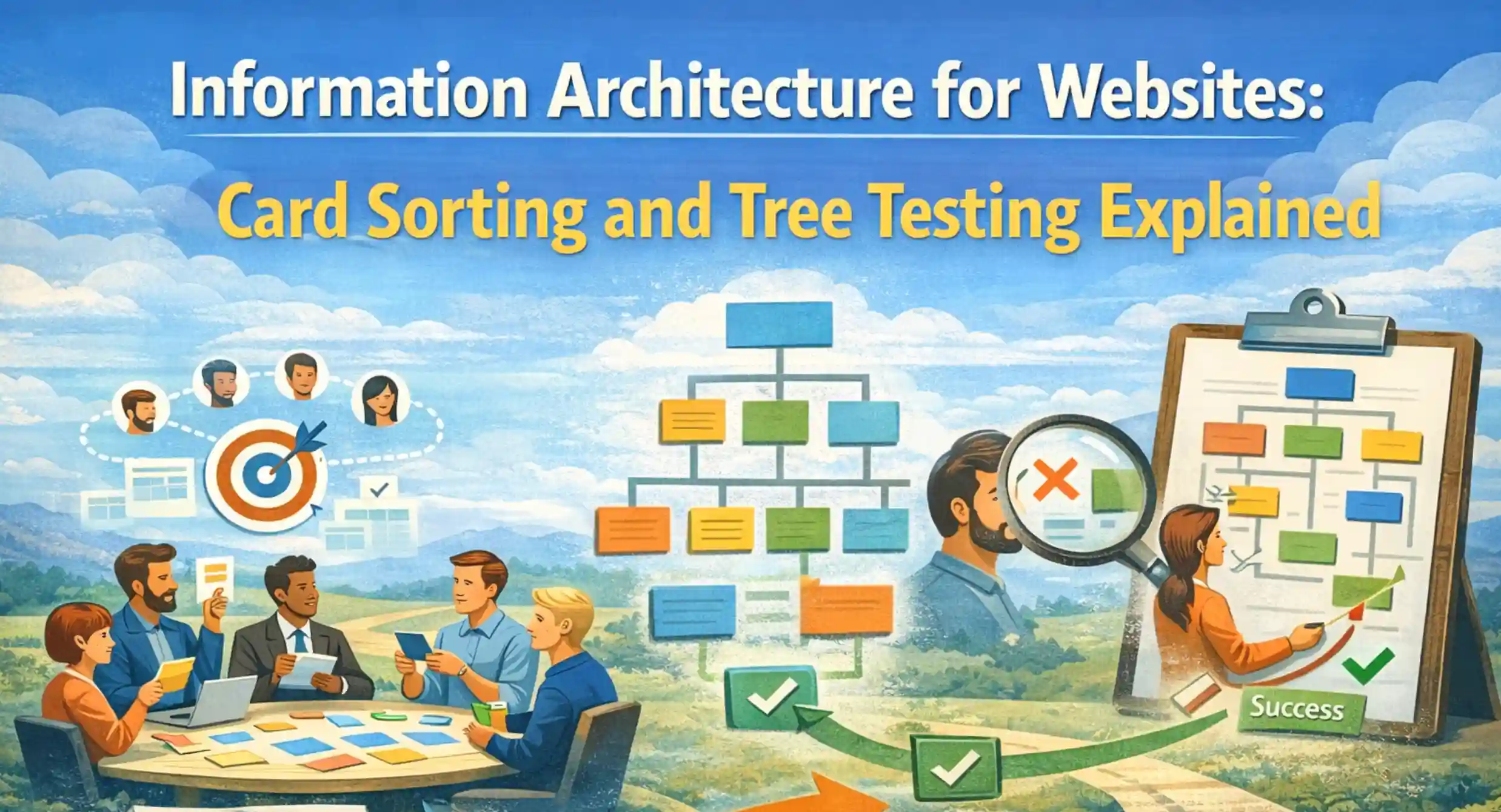
A topic hub is a deliberate hub-and-spoke structure. One central page frames the subject and links to supporting pages that each go deeper on a specific subtopic. The hub page acts as the navigator while the supporting pages provide depth. If teams are still debating how topics should be grouped or labeled, card sorting and tree testing can help validate the information architecture before the hub is finalized.
A topic hub is not an archive. It is not a tag page. It is not a long article that tries to cover everything and ends up covering nothing well. The difference is intent. A topic hub is designed to route, clarify, and connect.
Topic Cluster vs Topic Hub vs Category Page
A topic cluster is the set of pages on a subject. A topic hub is the page that deliberately organizes that cluster into a system. A category page is usually a broader listing or archive. It can still be useful, but it does not automatically provide the routing, explanation, and prioritization a purpose-built hub does.
A topic hub earns its place by doing work a category page rarely does:
- It defines what the topic includes and what it excludes.
- It breaks the subject into sections that match real questions.
- It links to the most useful next pages with clear language.
- It provides a stable location to keep the cluster updated over time.
The Real Goal: Faster Understanding, Fewer Dead Ends
A useful topic hub should support two goals. First, important supporting pages should have clear crawlable links from relevant content. Second, readers should be able to identify the next answer without feeling lost.
Link architecture influences discovery and navigation, and it has for a long time (Google Search Central Blog). In practice, the best topic hubs behave like curated guides, not content dumps.

The Hub Model: One Page That Orchestrates Many
Most sites publish content as individual assets. A hub model makes content behave like a collection, with one page acting as the orchestrator. This is where topic hubs become a practical expression of a strong internal linking strategy.
Hub Page Responsibilities
A hub page should do four things consistently:
- Set the scope in plain language, without over defining.
- Offer clear routes into the subtopics, organized by need.
- Link to supporting pages in a way that previews value.
- Connect the topic to a business next step when appropriate.
For example, a hub about internal linking strategy naturally connects to a site and content review. When a reader wants help applying the structure to their own site, a marketing consultation is a credible next step.
Supporting Pages: Depth, Specificity, and Clean Intent
Supporting pages should be specific. Each one should answer a single high-intent question well. If a supporting page tries to be a hub, a glossary, and a sales page at the same time, the cluster loses clarity.
A reliable pattern looks like this:
- One topic hub that frames and routes.
- Supporting pages that each go deep on one subtopic.
- Clear internal links connecting the hub to supporting pages and back again.
- A small number of cross-links between supporting pages where it genuinely help the reader.
That last point matters. The point is not density. The point is usefulness.
Internal Links That Make Hubs Work
Topic hubs succeed or fail based on how internal links are used. The goal is not to maximize link count. It is to create useful, contextual pathways that readers and crawlers can understand.
Anchor Text That Helps Humans and Crawlers
Anchor text should set expectations. It should describe what the user gets on the next page, and it should be readable inside the sentence. Google recommends descriptive anchor text and discourages vague anchors (Google Search Central).
Practical anchor text habits:
- Use the name of the concept, not a generic phrase.
- Match the destination page’s promise.
- Keep it short, but meaningful.
Link Placement and Pathing
Where you place internal links shapes the route. A topic hub should not hide links at the bottom. The reader needs choices early, and the most important supporting pages should be easy to reach.
A practical placement approach:
- Early links to the highest value supporting pages.
- Mid page links embedded in explanatory paragraphs.
- End of section links that offer the next best step for that specific subtopic.
Context matters too. Google recommends descriptive anchor text and surrounding language that helps people and Google understand what the destination page is about (Google Search Central).
Avoiding Orphans and Contextless Cross-Links
Three issues quietly undermine topic hubs.
Orphan pages have no meaningful internal route from other relevant pages. A cluster can also become confusing when supporting pages only cross-link among themselves without a clear route back to the main topic. Contextless cross-links exist technically, but give the reader little reason to click or little clue about what comes next.
A clean internal linking strategy avoids all three:
- Give each important supporting page at least one meaningful internal route from relevant content.
- Link the hub to the supporting pages that define the cluster.
- Use cross-links when they reduce steps or add context for the reader.
If you are building topic hubs across multiple services, you also want restraint. Link to the relevant service pages, but do not turn every paragraph into a directory. The hub should stay readable and focused.
A Practical Build Plan: From Audit to Launch
A topic hub is not complicated, but it benefits from a clear build sequence. Treat it like a release, not a blog post.
Step 1: Map the Cluster to Revenue and User Journeys
Start by defining the reader journey. If the hub is part of a redesign or a larger content program, a website strategy workshop can align goals, priority journeys, page responsibilities, and measurement before the cluster is built. Most topic hubs can then be designed around a few common needs:
- Learning a concept.
- Comparing approaches.
- Evaluating risk.
- Choosing a provider.
- Getting a plan approved internally.
Then map the cluster to the business outcomes that matter. Topic hubs should create pathways toward pages that support conversion when the reader is ready.
In a B2B cluster, B2B purchase journeys can be organized around buyer questions such as problem definition, proof, implementation risk, and provider selection. When the reader reaches provider comparison, a B2B marketing agency page becomes a natural commercial next step.
Step 2: Fix the Architecture Before You Add Content
Publishing more pages into a weak structure rarely solves the underlying problem. First, make sure the hub is reachable and sits in a sensible place in the hierarchy. Our guide to website navigation architecture explains how sitemaps, information architecture, and navigation work together before individual content routes are added.
Basic architecture checks:
- The topic hub should be reachable from relevant navigation pathways.
- Supporting pages should not be buried behind multiple layers if they are important.
- The hub and the supporting pages should be connected through internal links in both directions.
Link architecture affects discovery and indexing and has been a long-standing principle in search systems (Google Search Central Blog). Internal linking is only one layer, though. Crawlability, canonicalization, rendering, and indexation issues belong in a broader technical SEO review when search visibility problems extend beyond the hub itself.

Step 3: Publish, Interlink, and Set Governance
Topic hubs require maintenance, but the maintenance can be simple. The key is assigning ownership and creating lightweight rules.
A practical governance approach:
- A rule for when a new supporting page gets added to the hub.
- A checklist for internal links added at publish time.
- A quarterly review to merge overlap, fix orphans, and refresh routes.
For multi-market organizations, governance may also need a regional owner who keeps naming, page ownership, and publishing rules consistent. A team comparing a branding agency in the US should use that regional support to coordinate the shared system, not create disconnected hub architectures market by market.
Teams often underestimate how quickly a topic cluster drifts without ownership. If you want a clean plan for your hub system and how it connects to business pages, a marketing consultation can produce an implementation-ready outline.
Measuring What Matters: Proof That Your Hub Is Working
A topic hub should produce signals you can monitor across search discovery and user navigation. If those signals do not improve, revisit the structure before assuming the hub is working.
Crawl and Index Signals
Monitor these signals when evaluating whether important pages are becoming easier for search engines to discover and revisit:
- Whether new supporting pages are discovered and indexed.
- Whether important pages show stable crawl activity in the tools you use.
- Whether fewer important pages remain isolated in the site structure.
Google’s overview of how search works reinforces that crawling and indexing are prerequisites for visibility (Google Search Central).
Engagement and Conversion Signals
For users, track whether the hub is helping people move through the topic and reach useful next steps:
- Hub-to-supporting-page click-through rate.
- Pages viewed within the topic cluster.
- Sessions that reach a relevant next step such as a service page or consultation flow.
Common Hub Mistakes That Quietly Kill Performance
Most hub failures are subtle. They feel fine in isolation, but the system does not work.
Common issues:
- The hub links to too many pages without prioritization.
- Supporting pages do not link back to the hub, so the cluster never behaves like a unit.
- Link text is repetitive and generic, so it adds no context.
- The hub reads like a glossary rather than a guide.
- The hub ignores the content experience, so readers cannot scan and choose.
Topic hubs are not only about search. They are also about usability. Clear headings, sensible routes, and descriptive internal links can make complex content easier to scan and navigate. When the hub itself needs interaction or layout work, UI/UX design can translate the architecture into a clearer page experience.
When to Bring in a Team
Some teams can build topic hubs with internal effort. Others need help because the constraints are real: legacy navigation, unclear ownership, competing stakeholders, and years of content built without a system.
It is worth bringing in support when:
- Your site has grown and the navigation no longer reflects priorities.
- You publish consistently, but results stall due to diluted topic clusters.
- Your highest traffic pages are not leading users to high value pages.
- You need hubs aligned with a redesign or a broader growth plan.
This is where Brand Vision’s combined approach is useful. Topic hubs touch content, design, and technical structure. They sit at the intersection of SEO, web design, and brand clarity through brand strategy.
Where Your Site Starts Acting Like a System
Topic hubs are a practical way to make your site easier to understand and easier to use. They turn content into pathways. They reduce dead ends. They give you a structure that can scale.
If you want an implementation-ready plan for your topic hubs, internal link pathways, and site structure priorities, start a conversation with our team. Request a project outline through our marketing consultation.













.webp)