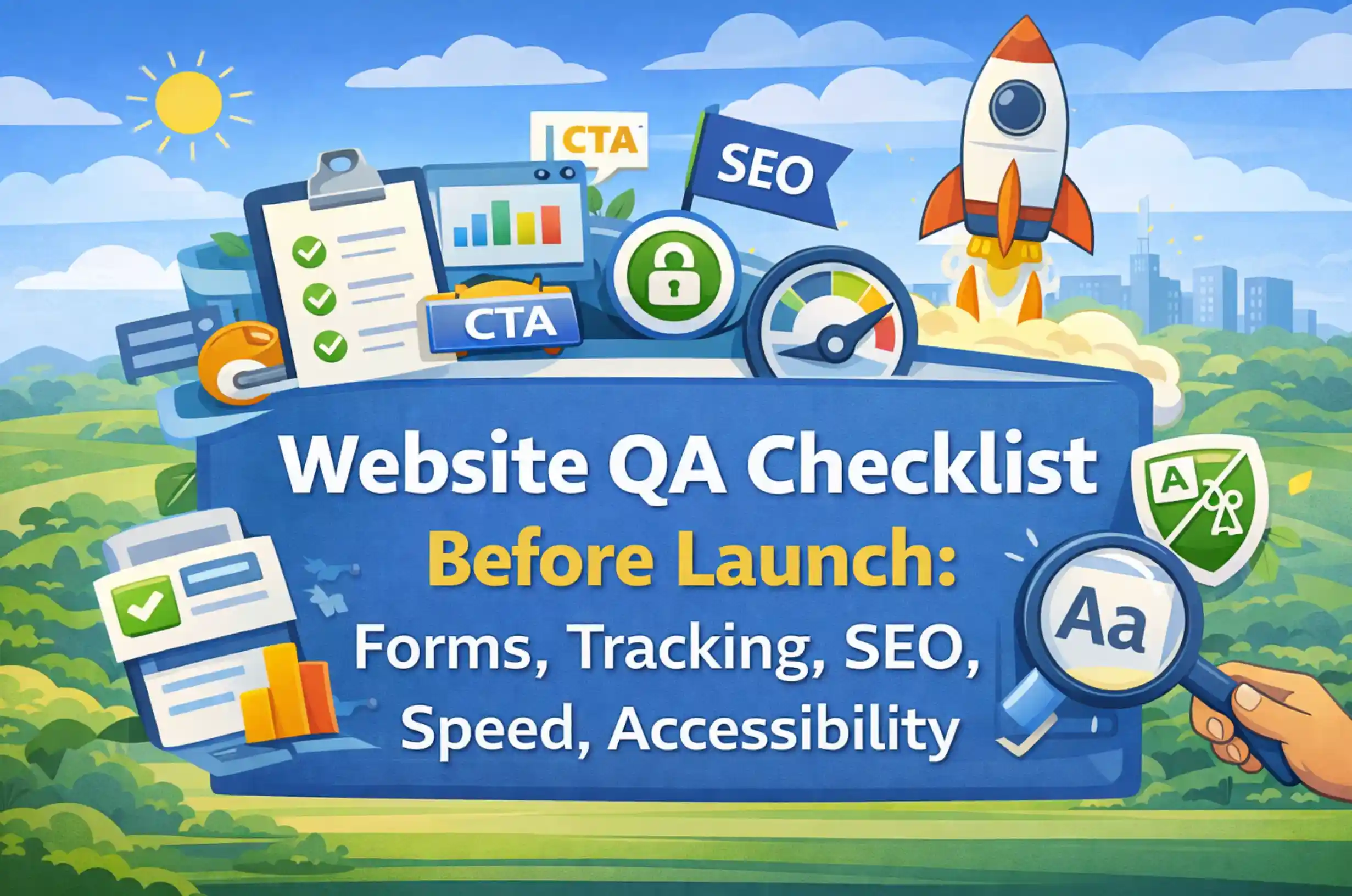
A website launch is an operational handoff from build mode to a live system. If forms fail, measurement is incomplete, technical SEO is inconsistent, performance regresses, or accessibility breaks, teams can lose leads, reporting confidence, and time immediately after launch.
A strong launch process treats web design services and QA as connected work. A website QA checklist turns launch readiness into verifiable checks across forms, analytics, technical SEO, performance, accessibility, devices, security, and post-launch monitoring.
Treat pre-launch QA as a decision gate rather than a loose to-do list. The goal is to verify the journeys and systems the business depends on, document known limitations, assign owners, and have a rollback plan for critical failures.
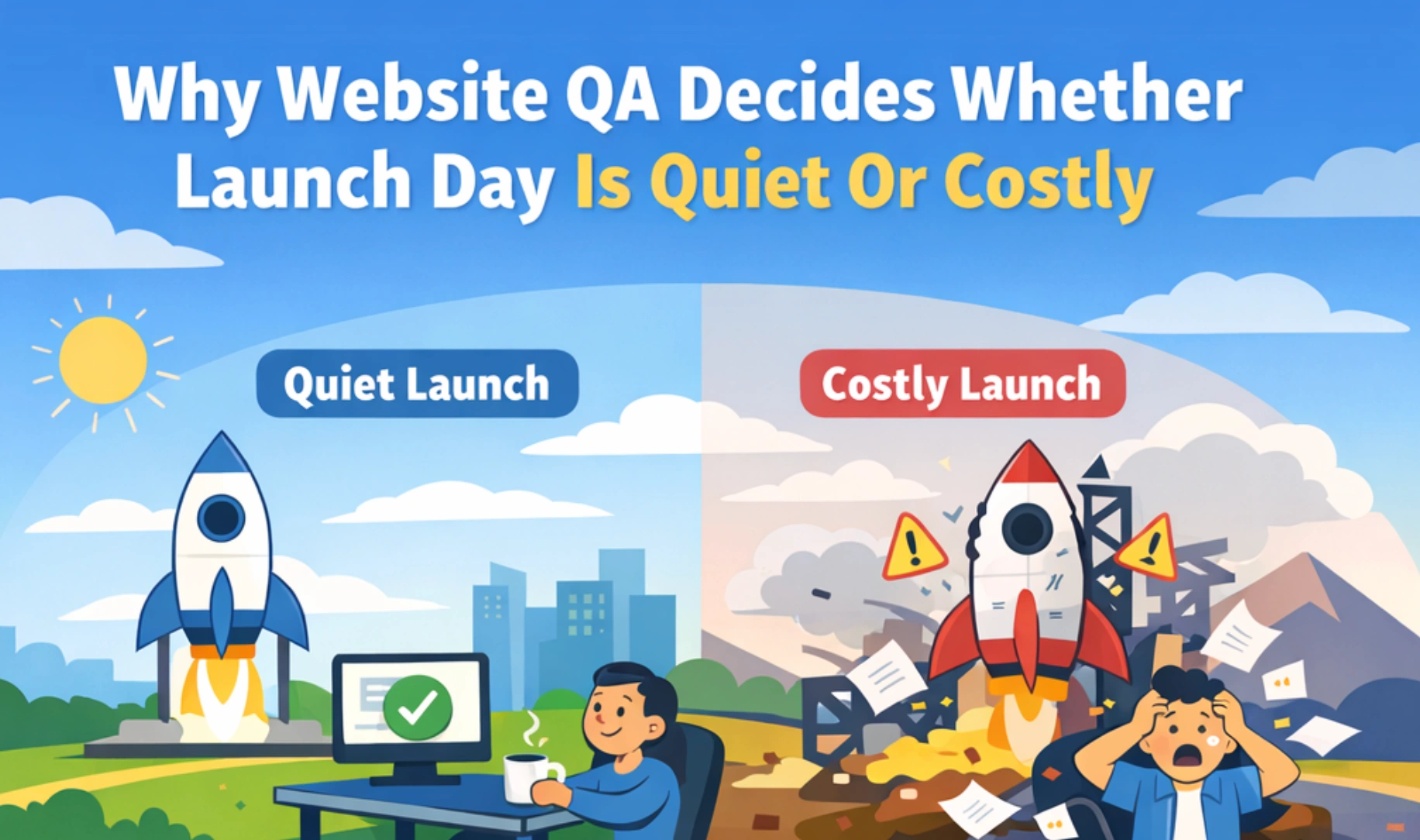
Why Website QA Decides Whether Launch Day Is Quiet Or Costly
Most launch problems are not dramatic. They are quiet errors that compound. A broken form confirmation message. A missing conversion event. A noindex tag left on key pages. A redirect chain that slows crawling. A cookie banner that blocks analytics in unexpected ways.
Website QA is where marketing, product, and operations align on what “ready” means. It is also where teams protect the integrity of reporting. Without reliable tracking and analytics QA, you can spend weeks debating performance when the measurement is wrong.
Speed and performance QA is not just about score chasing. Performance can affect usability and the efficiency of traffic you have already paid or worked to acquire. Google’s Core Web Vitals are designed to reflect aspects of real-world loading, responsiveness, and visual stability, so they are useful as both UX and technical SEO signals (Core Web Vitals).
Accessibility QA is often framed as compliance, but it also improves usability for everyone. Clear focus states, correct labels, and readable contrast reduce friction for users who are in a hurry, on mobile, or navigating with assistive technology (WCAG).
When teams take pre-launch QA seriously, launches become easier to repeat because the checks, owners, evidence, and fallback steps are documented.
The Pre-Launch QA Flow: A Simple Order That Prevents Rework
A website QA checklist before launch works best when it follows a clear order. That order reduces rework and makes dependencies easier to see. If the launch is part of a redesign, a website strategy workshop can define the goals, priority journeys, measurement requirements, and acceptance criteria that QA will later verify.
Use this sequence:
- Stabilize environments
Confirm the staging environment matches production settings where possible. Many tracking and performance issues only appear when caching, CDN rules, and headers change. - Verify forms and lead capture first
Forms are revenue infrastructure. If forms fail, nothing else matters. - Lock tracking and analytics QA next
Validate GA4, Tag Manager, conversions, and consent behavior before launch. Fixing data after launch is always harder. - Run technical SEO QA
Confirm indexability, metadata, canonical behavior, redirects, and XML sitemap logic. - Perform speed and performance QA
Run Lighthouse checks, Core Web Vitals diagnostics, and validate image and script optimization. - Complete accessibility QA
Cover keyboard navigation, labels, headings, contrast, and motion. - Finish with cross-device checks and security checks
Confirm critical flows work on mobile, and confirm reliability basics before go live.
If your team needs a structured way to run this process, a marketing consultation and audit can help define the launch gate and ownership, without turning QA into a week-long debate.
Forms And Lead Capture QA: Every Submission, Every Edge Case
Forms are where intent turns into a pipeline. Pre-launch QA for forms should assume users will do unexpected things. They will submit incomplete fields. They will refresh mid-submission. They will paste phone numbers in different formats. They will use autofill. They will click twice.
This is why form QA is the first checkpoint in a website QA checklist before launch. It is also why form testing should happen on both staging and production-like environments whenever possible.
Form Functionality Tests
Start with the basics, then move into stress tests. For every form:
- Submit successfully on desktop and mobile
- Submit with required fields missing
- Submit with invalid email and phone formats
- Submit with long inputs in text fields and text areas
- Submit with special characters in names and addresses
- Submit while blocking cookies and in private browsing mode
Then validate outcomes:
- Confirmation message appears and matches the intended tone
- Thank you page loads correctly if used
- Confirmation email is sent if used
- Internal notification email is received if used
- Lead is created in the CRM if connected
If you are using embedded tools, verify their loading behavior. Some third-party forms degrade performance and can affect speed and performance QA if not managed carefully.
Validation, Error States, And UX Friction Checks
Form failures are often usability failures. A field can be technically functional while still creating avoidable confusion. A UX audit can help separate wording, interaction, layout, field burden, and trust issues when the cause is not obvious.
Check:
- Error messages are specific, not generic
- Required fields are clearly indicated
- Inline validation does not trigger too early
- Keyboard navigation works through every field
- Focus state is visible on every input
- Mobile input types are correct, like the numeric keypad for phone fields
Accessibility QA overlaps here. A missing label or unclear error message can make the form harder to complete and may create an accessibility failure. Our guide to UX writing for conversion covers labels, helper text, validation, errors, and confirmation states in more depth.
If your redesign includes new interaction patterns, this is where UI UX design agency work typically shows up most clearly, because forms reveal whether the interface is truly usable under pressure.
Deliverability And CRM Routing Checks
Many “broken form” reports are actually deliverability issues. Emails get filtered. CRM routing fails. Webhooks time out.
Validate:
- Notification emails arrive in multiple inboxes, not just one
- SPF, DKIM, and DMARC are configured for the sending domain if you send from your site domain (DMARC)
- CRM fields map correctly and do not truncate
- Lead source fields populate consistently
- UTM parameters are stored if you rely on attribution
This is where tracking and analytics QA intersects with forms. If campaign, landing-page, and source fields are inconsistent, reporting becomes harder to reconcile. A documented marketing attribution framework helps define which raw values should be captured and how they should be interpreted later.
Tracking And Analytics QA: Make Data Reliable From Day One
Tracking and analytics QA is not a post-launch cleanup task. It determines whether you can measure what is working. It also determines whether teams can make decisions quickly after launch.
A practical website QA checklist before launch treats measurement as a product feature. Because it is.
GA4 And Tag Manager QA
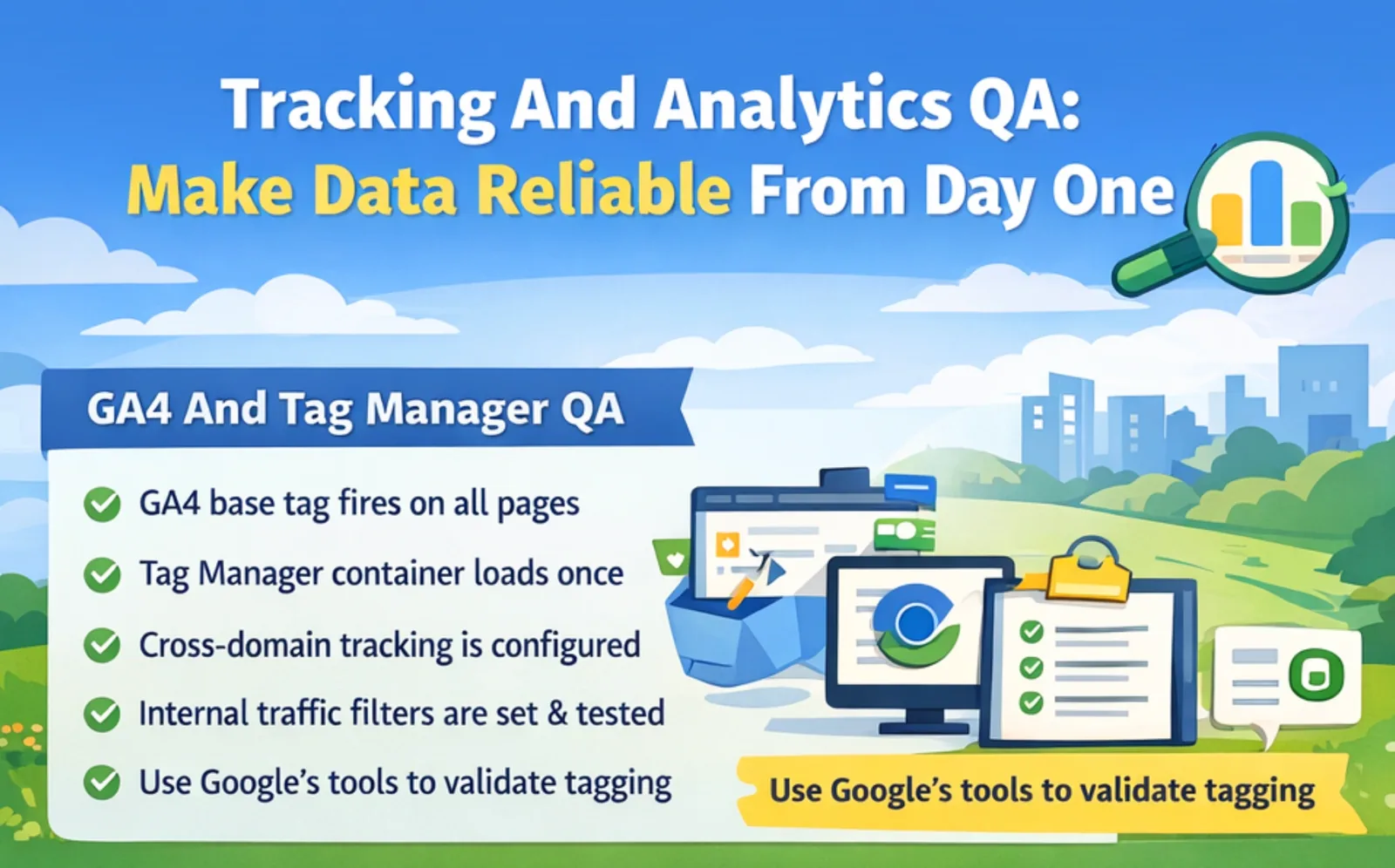
If you use GA4 and Google Tag Manager, confirm the implementation is correct and stable:
- GA4 base tag fires on all pages
- Tag Manager container loads once, not duplicated
- Cross-domain tracking is configured if needed
- Internal traffic filters are defined and tested
Use Google’s official tools where possible. Tag Assistant can help validate tagging behavior without guesswork (Tag Assistant).
If the site is on a new domain or has major URL changes, verify Search Console is ready so you can monitor technical SEO signals and coverage from the first crawl (Google Search Console).
Key Events And Attribution QA
GA4 uses the term key events for actions that are especially important to the business. Your implementation should define those actions deliberately, then verify event naming, triggers, deduplication, and any separate ad-platform conversion setup that depends on them.
For each conversion:
- Confirm the trigger fires only when intended
- Confirm events are not double-counted on refresh
- Confirm form submissions are recorded even if the user does not reach a thank-you page
- Confirm phone clicks, email clicks, and key CTA clicks are tracked if they matter
- Confirm ad platform pixels fire correctly if used, without blocking site performance
Attribution is often fragile during launches. A small change in landing page structure can break click tracking. A script ordering change can block event dispatch.
This is why speed and performance QA and tracking, and analytics QA should be reviewed together, not in isolation.
Privacy, Consent, And Data Quality QA
Consent behavior depends on the consent solution and implementation. In Google’s consent mode, a basic implementation can prevent Google tags from loading until consent is granted, while an advanced implementation can load with consent defaults set to denied and adjust behavior after the user’s choice. QA should verify the behavior your legal and analytics requirements actually call for.
Validate:
- Consent banner appears where required
- Analytics behavior matches consent choice
- Forms still function with strict consent settings
- Your privacy policy link is present and correct
If you operate in multiple regions, make sure the consent approach reflects the applicable legal requirements and the documented configuration. This checklist can verify behavior, but it is not a substitute for legal advice.
Technical SEO QA: Indexability, Metadata, And Migration Safety
Technical SEO QA is where teams catch crawl, indexation, canonical, redirect, and rendering problems before they are repeated across production. For larger migrations or persistent technical issues, a technical SEO review can go deeper than a launch checklist.
Even if this is not a full migration, the same risk patterns apply. Indexation issues often show up because someone left staging directives in place, or because canonical logic is inconsistent.
Crawl And Indexation QA
Before launch, verify:
- Noindex is not present on pages meant to rank
- Robots.txt is not blocking critical sections
- Canonical tags point to the correct preferred URLs
- XML sitemap includes the right pages and excludes duplicates
Google’s documentation on robots.txt is a useful baseline for crawl controls (Robots.txt). Remember that robots.txt controls crawling; it should not be treated as the primary method for keeping a URL out of Google’s index.
Do not assume a CMS default is correct. Many templates ship with canonical or noindex behavior that is not aligned to your content structure.
On Page SEO QA
On-page technical SEO QA is about consistency, not keyword stuffing.
Check:
- Titles are unique, clear, and not truncated unnecessarily
- Meta descriptions exist for key pages and match intent
- One H1 per page, aligned to the page topic
- Headings follow a logical hierarchy
- Images include descriptive alt text where meaningful
This also connects to accessibility QA. Alt text is not only for search. It supports users who cannot see images.
Redirects, Canonicals, And Launch Hygiene QA
If URLs changed, redirects should be audited carefully.
Validate:
- Old URLs redirect to the most relevant new page
- Permanent URL changes use a permanent redirect such as HTTP 301 or 308; temporary redirects such as 302 or 307 are reserved for genuinely temporary moves
- There are no redirect chains
- There are no loops
- Canonicals do not conflict with redirects
This is where a strong SEO practice protects results. If your organization needs support here, a SEO agency can help validate the launch from a technical SEO and measurement standpoint without overcomplicating the process.
Speed And Performance QA: Core Web Vitals, Images, And Front-End Weight
Speed and performance QA is often treated like a polishing step. It should be treated as part of launch quality because performance affects how quickly and reliably people can use the site.
Poor performance can create visible friction, especially on mobile or slower connections. For campaign landing pages, that means media traffic should be tested against the same performance requirements as the rest of the site.
Google’s Lighthouse and PageSpeed Insights are practical tools for diagnosing performance issues (PageSpeed Insights). PageSpeed Insights can show both Lighthouse lab diagnostics and Chrome UX Report field data when enough real-user data exists, so do not treat one lab score as a complete picture of production experience.
Core Web Vitals And Lighthouse QA
Use a repeatable method:
- Run Lighthouse under consistent test conditions
- Test key templates: homepage, product or service page, article page, form page
- Test mobile and desktop conditions
- Record lab diagnostics for comparison and review field data where available
Focus on:
- Largest Contentful Paint
- Interaction to Next Paint
- Cumulative Layout Shift
These are not abstract metrics. They reflect how stable and responsive the site feels.
Asset Optimization QA
Asset weight is a common failure point. A single oversized hero image can ruin performance.
Check:
- Images are compressed and served in modern formats where supported
- Responsive image sizing is implemented
- Fonts are limited and loaded efficiently
- Video embeds do not block rendering
- CSS and JS bundles are not bloated by unused libraries
Speed and performance QA is often easier when design systems are disciplined. When pages reuse patterns, the site stays lighter. That is one reason many teams invest in a consistent web design agency that prioritizes maintainability, not just visuals.
Third-Party Scripts And Tag Weight QA
Third-party scripts are a frequent cause of performance decline after launch. They often accumulate over time.
Audit:
- What scripts are required at launch
- What scripts can be deferred
- What scripts can be removed entirely
- Whether scripts are loaded conditionally on relevant pages
Also, validate that tracking and analytics QA does not require loading every tag immediately. Many teams can improve speed and performance QA by sequencing tags responsibly.
Accessibility QA: WCAG Checks That Reduce Risk And Improve UX
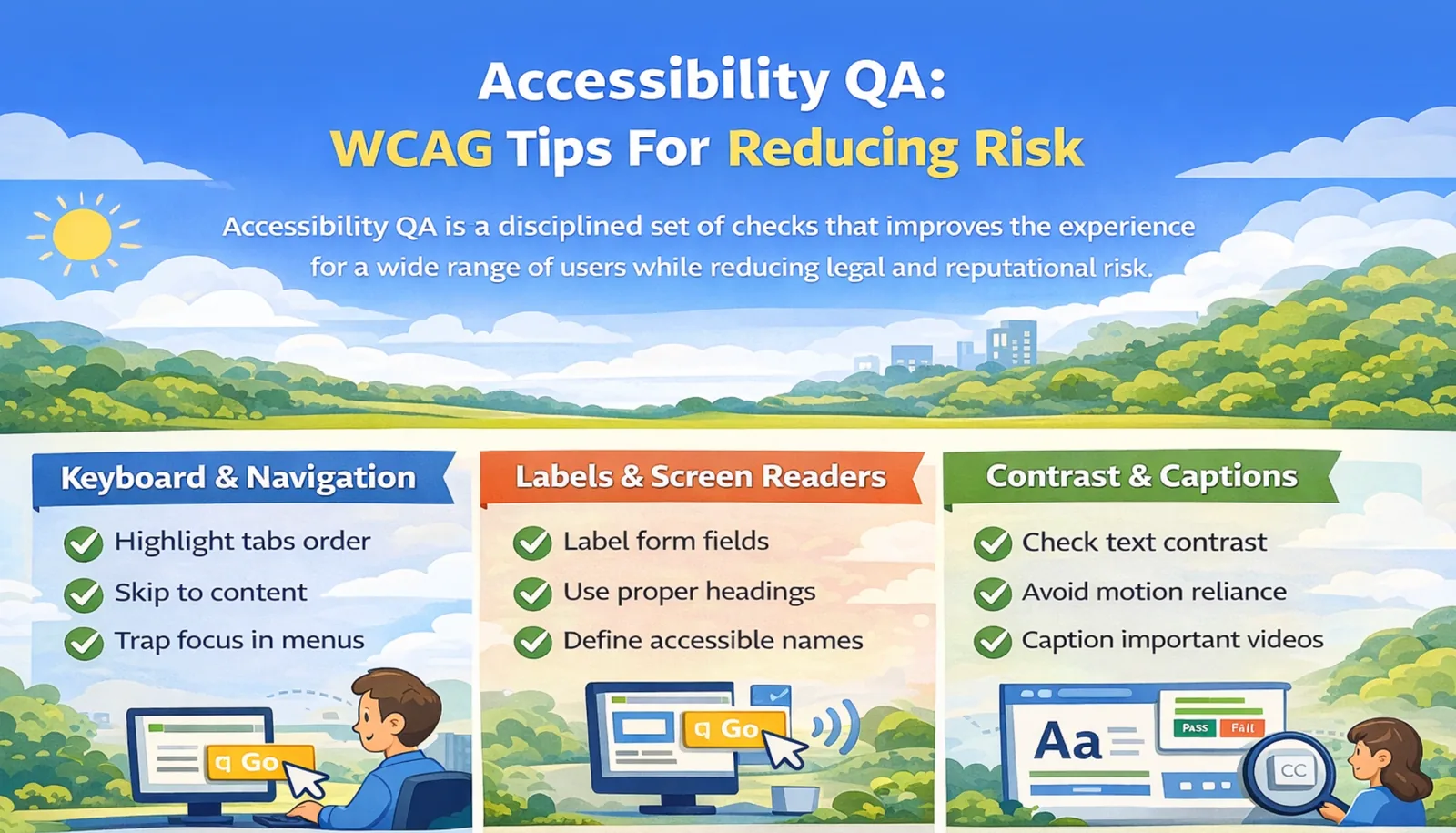
Accessibility QA is a disciplined set of checks that improves the experience for a wide range of users. It also reduces legal and reputational risk.
WCAG 2.2 provides the most current baseline guidance for common accessibility expectations (WCAG 2.2).
Treat accessibility QA as part of quality, not a separate workstream.
Keyboard, Focus, And Navigation QA
Keyboard testing is fast and revealing.
Validate:
- You can reach all interactive elements with Tab
- Focus order matches the visual flow
- Focus is visible and not removed
- Skip links work if implemented
- Modal dialogs keep keyboard focus within the dialog while open, provide a clear way to close, and return focus appropriately; menus support keyboard interaction without trapping focus unnecessarily
These checks support users who rely on keyboard navigation. For modal dialogs, focus should move inside the dialog when it opens, remain within the modal while it is active, and return appropriately when it closes.
Semantics, Labels, And Screen Reader Support
Semantics matter because they create structure.
Check:
- Headings reflect a logical outline
- Buttons are buttons, not styled divs
- Form fields have labels, not placeholder only
- Error messages are announced or discoverable
- Icons have accessible names when needed
Forms are a recurring theme because form QA and accessibility QA overlap heavily. Incorrect labels, inaccessible errors, or broken focus behavior can make the task harder or impossible for some users.
Color Contrast, Motion, And Media Accessibility
Visual design choices can create silent barriers.
Validate:
- Text contrast meets common thresholds
- Links are distinguishable beyond color alone
- Motion is not required to understand content
- Captions exist for critical video content
If your site uses substantial animation or motion effects, respect reduced-motion preferences where appropriate and verify that important meaning is not available only through motion.
Content And UX QA: Clarity, Trust, And Conversion Readiness
Some of the most expensive launch issues are content issues. They do not show up as errors. They show up as hesitation.
Run content and UX QA checks that focus on decision making:
- Primary CTA is clear on key pages
- Contact information is consistent and accurate
- Pricing or process language is aligned with reality
- Testimonials and case studies are current and correctly attributed
- Legal pages are present and accessible
Trust signals also matter. Confirm that:
- Security indicators are present where needed
- Social proof is not outdated
- Claims are specific and defensible
This is also where brand systems matter. If messaging and visual rules drift between templates, the site can feel inconsistent. Branding services can help define the voice, claims, and identity rules that content QA should enforce.
Cross Browser, Mobile, And Device QA: The Real World Test Matrix
A site can pass internal QA and still fail in the real world. That is why cross device testing should be intentional.
Define a test matrix:
- iOS Safari, Android Chrome
- Chrome, Safari, Edge on desktop
- One older device if your audience includes it
- A smaller laptop resolution
- A large monitor resolution
Then run critical paths:
- Navigation and search
- Forms and lead capture
- Checkout or booking flows if relevant
- Core content consumption, including scrolling behavior
Mobile issues often come from spacing, tap targets, sticky headers, and modal overlays. These are usability issues that can quietly lower conversion rates.
Security, Compliance, And Reliability QA: Quiet Risk, Big Impact
Security and reliability issues are rarely visible until something goes wrong. Pre launch QA is the last low cost chance to catch them.
Validate:
- HTTPS is enforced across the site
- Mixed content warnings do not exist
- Forms are protected against basic spam patterns
- Admin access is limited and reviewed
- Backups are configured and tested
- Error logging is enabled
Reliability also includes uptime and monitoring. If you are using a CDN, confirm caching rules do not serve stale or broken pages.
If the site is built on WordPress or Webflow, use platform-specific access and deployment checks rather than one generic hardening rule. WordPress teams may need to review administrator accounts, login exposure, plugins, themes, and hosting backups; Webflow teams should review workspace and site roles, publishing permissions, form destinations, custom code, domain settings, and any external integrations. For implementation issues that extend beyond design-system QA, web development support can address code, integrations, and deployment behavior.
The Final Launch Gate: Sign Off, Rollback Plan, And Post Launch Monitoring
A calm launch requires a launch gate. That gate is a sign off process with a rollback option.
Before go live:
- Confirm a final checklist owner for each area
Forms, tracking and analytics QA, technical SEO QA, speed and performance QA, accessibility QA - Record baseline metrics
Traffic, conversion rate, page speed, Core Web Vitals, top landing pages - Confirm rollback plan
Know what you will do if a critical issue appears - Confirm post launch monitoring schedule
First 24 hours, first week, and first month
After launch, prioritize monitoring:
- Search Console coverage and indexing
- Analytics event volume and conversion trends
- Form submission volume and delivery
- Performance stability on key pages
FAQ
What’s the most important part of a website QA checklist before launch?
Start with the highest-value business flows, and for lead-generation sites that usually means forms. Test every form on desktop and mobile, confirm the success state, and verify the lead reaches the intended inbox or CRM.
How do I QA tracking and analytics fast without missing anything?
Validate GA4 loads once, confirm the expected key events fire, and test in a clean browser session. Then compare Realtime or DebugView activity against your event plan and verify that consent behavior matches the intended configuration.
Which technical SEO QA checks prevent the biggest launch mistakes?
Start with indexability, canonicals, sitemaps, and redirects. Make sure important pages can be indexed, canonicals point to the intended URL, and permanently moved URLs use a permanent redirect such as 301 or 308 to the most relevant destination without unnecessary chains.
What’s the quickest accessibility QA pass that still matters?
Keyboard navigation plus forms. Tab through every interactive element, check visible focus, confirm labels exist, and ensure errors are clear. Then verify contrast on primary text and CTAs.
What should I monitor in the first week after launch?
Form submissions and deliverability, conversion events, Search Console coverage, and top landing page performance. If any metric shifts sharply, investigate before making broader marketing decisions.
Start With A Checklist, Finish With A Site You Can Trust
A website launch should feel boring in the best way. When forms are tested end to end, tracking and analytics QA is verified, technical SEO QA is clean, speed and performance QA is stable, and accessibility QA is covered, the site becomes a dependable system rather than a fragile deliverable.
If you want a launch process that is repeatable across teams and releases, start with Brand Vision. For a scoped review of forms, tracking, SEO, accessibility, or deployment risks before go-live, contact Brand Vision.














.webp)