A photo can be almost perfect and still feel unusable. Maybe a stranger walked into the background, a messy cable ruins a product shot, or a random sign distracts from the main subject. At the same time, many images look soft, noisy, or low-quality—especially after being shared online and compressed. This is exactly why AI Object Remover “cleanup pictures ”and AI Photo Enhancer tools have become so popular. One helps you remove unwanted elements cleanly, and the other boosts clarity and detail so your photo looks polished and professional.

What an AI Object Remover Does
An AI Object Remover lets you erase unwanted objects from an image and automatically rebuild the background behind them. The difficult part isn’t deleting the object—it’s filling the empty space so it looks natural. A strong object remover can recreate textures like grass, walls, sky, or floor patterns and blend them into the scene so the edit isn’t obvious.
These tools are especially useful for removing small distractions, like people in the background, clutter on a table, logos, wires, stains, or random items that pull attention away from your main subject. When the background is simple, results can look almost seamless. When the background is complex—like detailed patterns, text, or busy scenes—you may need to try again or adjust the selection for a better blend.
How AI Object Removal Works
Most object removers follow a simple logic. You select the object, creating a “mask” that tells the AI what to remove. Then the AI analyzes the surrounding area—colors, lighting, textures, and perspective—and generates new pixels to fill the masked area. This process is often called inpainting. Instead of copying nearby pixels like old editing methods, modern AI tries to generate a realistic continuation of the scene.
Because the AI is predicting what should be behind the object, the output can vary depending on how you select the area. A clean, accurate selection usually leads to better results. If the selection includes parts of the subject you want to keep, the AI may remove too much or distort edges.
What an AI Image Enhancer Does
An AI Image Enhancer improves overall photo quality by sharpening details, reducing blur, removing noise, and sometimes increasing resolution. Unlike basic filters, AI enhancement is typically content-aware. It can treat faces differently from backgrounds, enhance textures without making them harsh, and reduce grain while keeping important details intact.
This is useful for everyday photos taken in low light, screenshots that look blocky, older images that lost quality, or product photos that need to look more crisp and professional. Instead of spending time adjusting multiple settings, an AI enhancer can often produce a cleaner, more balanced result in seconds.
Why Object Remover and Image Enhancer Work Best Together
These two tools solve different problems, but they fit perfectly into the same editing workflow. Object removal cleans up distractions and improves composition. Image enhancement improves clarity and makes the final photo look higher quality. When you use both, you can turn a “good but messy” picture into something that looks intentional and ready to post.
For example, imagine a travel photo with a beautiful background but a few strangers standing behind you. An object remover can clear the scene, and an image enhancer can bring out sharper details in the subject and landscape. Or think about an e-commerce product photo where dust, labels, or background clutter reduce trust. Removing those distractions, enhancing clarity, and using an AI image detector to ensure high-quality visuals can make the product look more premium, which can help performance on listings and ads.
Common Uses in Real Life
For creators and social media users, object removers help keep photos clean and aesthetic, especially when shooting in public spaces. Enhancers help maintain quality after compressing images for platforms and can make content look more professional without heavy editing.
For online sellers and small brands, these tools are very practical. A clean product image builds trust. If a photo has small issues—like messy backgrounds, reflections, or random objects—an object remover can fix it quickly. Then an enhancer can sharpen details and improve clarity so the listing looks stronger.
For personal photos, both tools help you save images you might otherwise delete. If a memory photo is slightly blurry or has a distracting object in the frame, you can fix it and keep the moment.
Limits to Keep in Mind
AI tools are powerful, but they are not perfect. Object removers can struggle with complex patterns, fine text, or removing objects that overlap with faces, hair, or hands. Image enhancers can sometimes over-sharpen or create slightly artificial textures if pushed too hard. The best approach is to aim for natural improvement rather than extreme change.
Using higher-resolution images also helps. The more detail the AI has to work with, the more realistic the final result will be.
What the Future May Look Like
AI editing tools are improving quickly. Object removers will likely become better at understanding complex scenes and rebuilding detailed areas like text, architecture, and repeating patterns. Image enhancers will likely become more controllable, letting users enhance certain areas—like faces or products—without affecting backgrounds. Over time, these tools may also become faster and more consistent, making professional-looking edits possible in real-time.
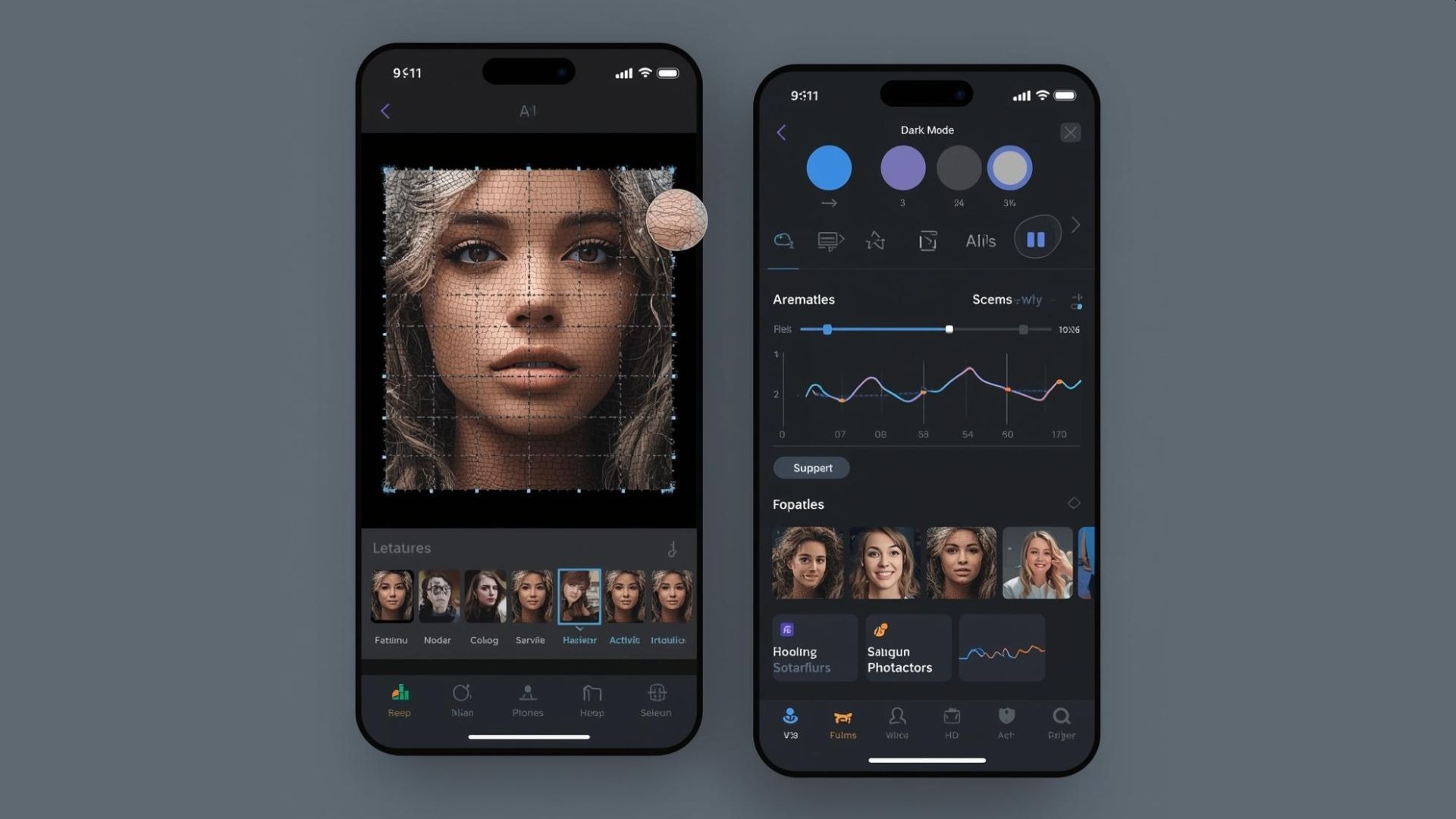
A Simple Way to Make Photos Look Clean and High Quality
AI Object Remover and AI Image Enhancer tools are popular for a reason: they save time and remove friction from photo editing. One helps you eliminate distractions and improve composition. The other boosts clarity and restores quality. Together, they help you transform everyday photos into clean, sharp, share-ready visuals—whether you’re posting on social media, selling online, or simply fixing a favorite memory.

.webp)