Make One Photo Do More: Image Extenders and AI Clothes Changers for Modern Editing
Updated on
Published on
Most photos aren’t “bad.” They’re just slightly wrong for what you need. The lighting is nice and the moment is real, but the framing is too tight for a banner or thumbnail. Or the photo is great, yet the outfit doesn’t match the mood you want to share. In the past, solving these problems meant reshooting. You would change clothes, find a new location, or retake the picture with more space around the subject. That takes time, energy, and usually money.
Now two AI tools are changing the workflow: Image Extenders and AI Clothes Changers “ ai clothes changer online free ”. An Image Extender expands the edges of a photo by generating more background, helping the picture fit different formats without awkward cropping. An AI Clothes Changer updates what a person is wearing, allowing you to restyle the subject while keeping the face, pose, and scene consistent. Used together, they turn a single strong photo into a flexible asset you can reuse across platforms, campaigns, and creative ideas.
What an Image Extender Actually Does
An Image Extender, sometimes called “Uncrop AI” or “outpainting,” creates new pixels beyond the original borders of an image. Instead of zooming in and cutting off parts of the scene, it adds more space around the photo. If your background is a plain wall, it continues the wall texture. If it’s a sky, it extends the gradient and clouds. If it’s a blurred background, it tries to maintain the same depth and softness.
This is especially useful because every platform asks for a different aspect ratio. A portrait that looks perfect in a vertical crop may not work as a wide YouTube thumbnail. A photo designed for a square feed post might feel cramped in a horizontal website banner. Image extension solves this by giving your photo “breathing room,” so you can place the subject where you want and still keep composition balanced.
The best image extenders aim for continuity. They try to match perspective, lighting direction, and texture so the new areas feel like part of the same photograph. When the original background is simple and consistent, the expansion can look surprisingly seamless.
How Image Extension Works Behind the Scenes
Image extension is powered by generative AI. The tool analyzes the edges of your image and predicts what should appear outside the frame. It uses patterns learned from large numbers of photos to continue surfaces, gradients, and structures. Importantly, it doesn’t recover what was actually outside the camera’s view. It generates something believable based on context.
This explains both the strengths and limitations. Skies, walls, floors, sand, and blurred backgrounds are usually easy because they follow predictable patterns. Detailed architecture, repeating logos, sharp text, and complex objects are harder because the AI must continue precise structures. If you’ve ever noticed a slightly strange pattern repetition or a background that looks a little too “smooth,” that’s the AI making its best guess.
For most social and marketing uses, this is still a big win because the alternative is often worse: cropping off important details, shrinking the subject too much, or adding unnatural padding. Image extension is designed to keep the image looking photographic rather than obviously “edited.”
What an AI Clothes Changer Does
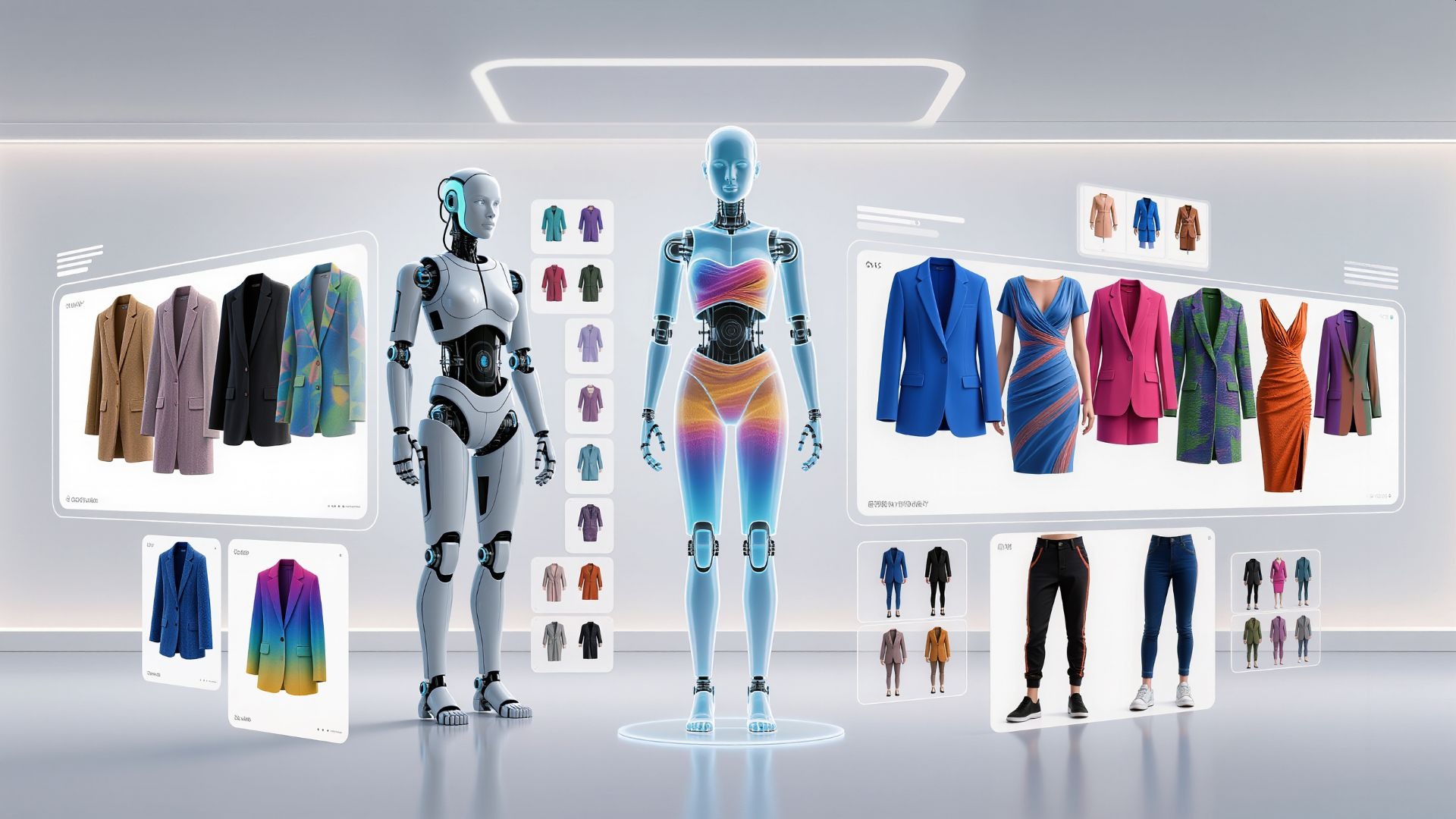
An AI Clothes Changer replaces the clothing in a photo with a different outfit while keeping the person’s face and identity intact. Instead of generating a whole new person, it focuses on the wardrobe area. The goal is to make the new outfit fit the body naturally, align with the pose, and blend with the original lighting and color tone.
This tool matters because clothing is a powerful signal. It communicates mood, purpose, and personality instantly. A blazer can make the same photo feel professional. A hoodie can make it casual and friendly. A dress can change the entire tone into something more formal or lifestyle-focused. If the outfit doesn’t match the message you want to send, the photo can feel off even when everything else is perfect.
For creators, this means you can produce more variety without constant reshoots. For brands, it means you can explore different styling directions for campaigns. For everyday users, it can simply be a fun way to see different looks—or a practical way to make a favorite photo feel more suitable for a specific occasion.
How Clothes Changer Technology Creates Realistic Outfits
A clothes changer typically starts by identifying the subject and separating the clothing area from the rest of the image. Then it generates new clothing that matches the person’s shape and pose. The most convincing results come from models that understand how fabric behaves in real life, including folds, seams, and the way garments sit on shoulders and arms.
Lighting is one of the most important factors. If the original photo has strong side light, the new outfit needs shadows and highlights that follow the same direction. If the scene is warm indoor lighting, the outfit should reflect that warmth rather than looking like it belongs under cool daylight. Good tools attempt to match this automatically, but results are always better when the outfit choice makes sense for the scene.
The crop and pose also matter. A close-up portrait may produce better results with simple tops, because there’s less area to generate and fewer complicated edges. A full-body photo gives the AI more context, but also requires it to generate more detail accurately. Hair and accessories can be tricky because they overlap the clothing boundary. In these situations, subtle outfit changes often look more natural than extreme changes.
Why Image Extenders and Clothes Changers Work Best as a Pair
These tools complement each other because they solve two different kinds of friction: style and space. Clothes changers update the subject’s look. Image extenders update the layout and format. Together, they allow you to create multiple versions of the same photo that feel purpose-built rather than recycled.
Imagine you have one great portrait. You want a professional version for a profile, a casual version for social posts, and a wide version for a website banner. With a clothes changer, you can create a blazer look for the profile and a relaxed outfit for social. With an image extender, you can expand the background horizontally for the banner without shrinking the subject or cropping awkwardly. The result is a set of images that feel consistent but not repetitive.
This matters for content production because it reduces waste. Instead of taking dozens of photos and using only one or two, you can take one strong base photo and generate practical variations. That is valuable for individuals, but it becomes even more valuable for teams running campaigns across multiple channels.
Practical Applications Across Real Scenarios
For social media creators, the combination supports faster content cycles. You can keep a consistent visual identity while changing outfits to avoid repeating the same look too often. Image extension helps adapt the same photo for story covers, feed posts, profile headers, and thumbnails. If you also add text overlays, extending the background can create space for captions without covering the subject.
For ecommerce and small brands, these tools can help build more professional creative assets. Image extension can produce clean negative space for promotional text, making ads feel more designed and less cramped. Clothes changing can help create different styling vibes without organizing expensive photoshoots. While it’s not a replacement for true product photography, it can help with concept exploration and quick campaign testing.
For personal photos, the value is simple. You can fix framing problems without losing the subject, and you can align the outfit with the story you want to tell. A great photo that felt “too casual” for a formal post can be restyled. A tight crop that cut off part of the background can be expanded into a balanced composition.
Quality Expectations, Best Practices, and Responsible Use
These tools work best with strong input images. High resolution, clear lighting, and clean edges produce more realistic results. If the background is simple, image extension is usually seamless. If the clothing area is visible and not heavily blocked by hair or objects, clothes changing tends to look more natural.
It’s also smart to keep edits realistic. When you push too far—such as extreme outfit complexity or huge background extensions—the chance of artifacts increases. Many people get the best results by doing smaller, controlled changes and repeating the process if needed. A second attempt with a slightly different outfit description or a slightly smaller extension often improves quality.
Responsible use matters too. Restyling and reframing are great for creativity and content production, but they shouldn’t be used to mislead. Avoid edits that imply uniforms, credentials, or affiliations that aren’t real. In commercial contexts, maintain honesty so audiences don’t feel tricked by the visuals. Trust is hard to build and easy to lose, and the best creators use AI in ways that support storytelling rather than manipulation.
More Creative Freedom Without More Photoshoots
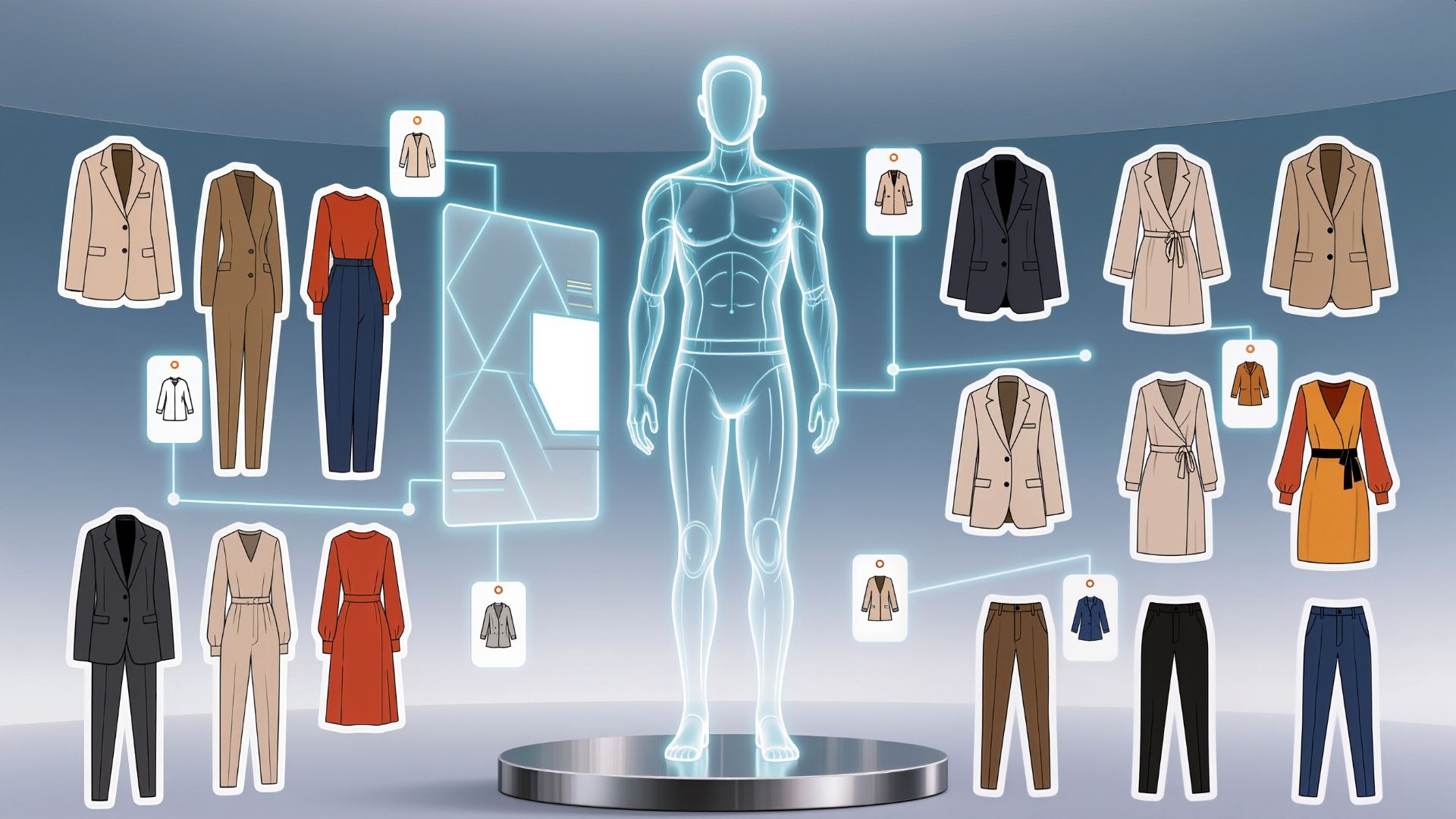
Image Extenders and AI Clothes Changers are redefining what everyday photo editing can do. Image extension solves a practical modern problem: one photo needs to fit many formats, and cropping often ruins composition. Clothes changing solves another common problem: the outfit shapes the message, and sometimes it doesn’t match the moment you captured. Together, they transform one strong photo into a flexible set of visuals that can work across platforms, campaigns, and personal uses.
As these tools improve, the results will become even more natural and more controllable, with better handling of complex backgrounds, fabric texture, and lighting consistency. But even today, they offer something valuable: the ability to make content adaptable. Instead of discarding a great photo because of small limitations, you can refine it, reshape it, and reuse it—saving time while expanding your creative possibilities.