
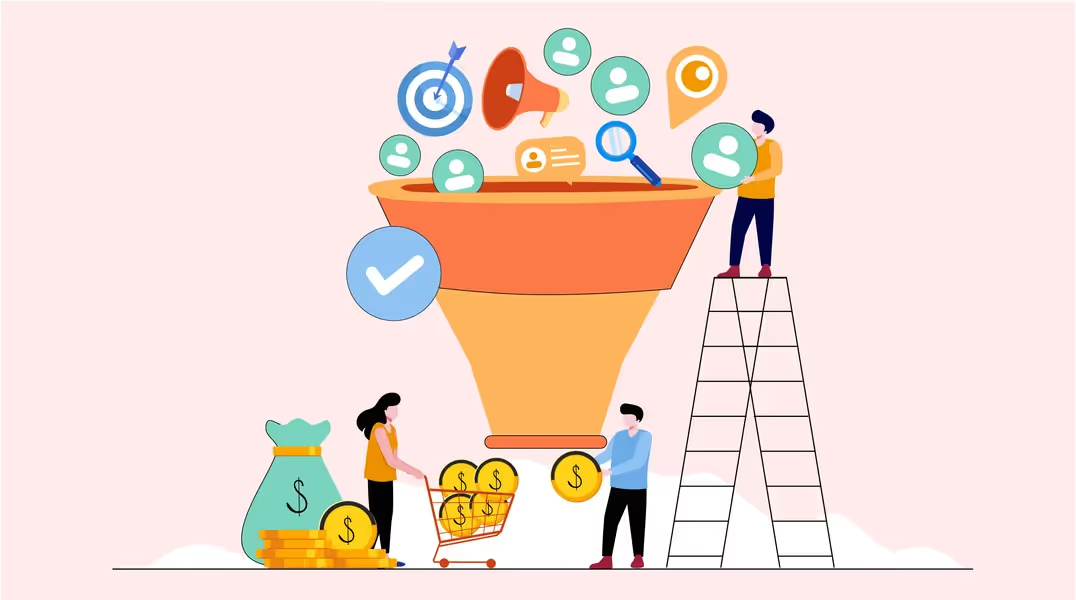
Lead conversion is the process of turning a potential customer who has shown interest in your business into a paying customer. It connects the enquiry or signup with qualification, useful follow-up, a clear offer, and a completed sale. A download or booked call can be an intermediate conversion, but it is not the same outcome as winning a customer.
This Brand Vision guide explains what lead conversion means, how to calculate its rate and cost, and how to improve the journey from first interest to purchase. Start by agreeing what counts as a lead and what counts as converted. Otherwise, marketing and sales can report different results while using the same words.

Lead Conversion vs. Lead Generation and CRM Conversion
Lead generation attracts and captures interest. Lead nurturing helps an interested person evaluate an offer. Lead-to-customer conversion measures whether that person becomes a buyer. These activities work together, but they answer different questions.
Shopify's explanation of lead conversion uses the paying-customer definition. This article follows that definition for the main business outcome, while naming earlier steps separately.
- A visitor submitting an enquiry becomes a lead, provided the record meets your stated inclusion rules.
- A lead accepted for a sales conversation reaches a qualification stage.
- A prospect completing the agreed purchase or contract reaches the customer stage.
A CRM can use the term differently. In Salesforce lead conversion, a lead becomes an account and contact, with an opportunity optionally created. That record change does not itself prove a sale occurred. Keep CRM status changes separate from the event that your business recognizes as a new customer.
This distinction also prevents overclaiming. A sale creates revenue, but it does not guarantee profit, loyalty, or repeat purchases. Track customer retention and delivery quality after the conversion rather than assuming a completed transaction proves the entire relationship is successful.
How to Calculate Lead Conversion Rate
For a lead-to-customer measure, use:
Lead conversion rate = (Unique leads that became customers ÷ Unique leads in the same group) × 100
Suppose a hypothetical campaign generates 200 valid new leads. After each lead has had 90 days to convert, 20 have become customers. The lead conversion rate is 20 ÷ 200 × 100 = 10%. The 90-day window is an example, not a recommended timeline for every business.
Compare the Same Group Over a Defined Window
A cohort is a group that entered during the same period or through the same campaign. Follow that group to its outcome. Dividing this month's sales by this month's new leads can mix customers acquired months earlier with people who have only just enquired.
- Define the starting event, ending event, and time allowed for conversion.
- Choose a consistent unit, such as unique people, accounts, or opportunities. Do not count three contacts at one company as three customer wins.
- Apply documented rules for duplicates, spam, tests, and existing customers. Do not exclude unsuccessful but valid leads merely to raise the rate.
- Label recent groups as incomplete until they have had the agreed observation window. Keep open leads visible rather than quietly treating them as lost.
Report intermediate stages separately. If 60 of those 200 leads qualify and 20 of those 60 become customers, the qualification rate is 30% and the qualified-lead-to-customer rate is 33.3%. The overall lead-to-customer rate remains 10%. A visitor-to-lead rate uses website visitors as its denominator and should not be substituted for any of these measures.
Calculate Cost per Lead and Cost per Conversion Correctly
Cost per conversion = Relevant campaign cost ÷ Number of defined conversions
This is a cost per outcome, not a percentage. Do not multiply it by 100. Google's campaign performance documentation likewise defines cost per conversion as campaign cost divided by conversions.
For the hypothetical campaign above, $4,000 of campaign spending divided by 200 leads is $20 per lead. Dividing that spending by 20 new customers is $200 per customer from that campaign. The calculation is only as complete as its cost definition: campaign spending alone is not a fully loaded customer acquisition cost when sales labour and other acquisition expenses are excluded.
Keep the currency, cost scope, attribution method, and conversion window consistent. With no conversions, report zero outcomes and the amount spent; a finite cost per conversion cannot be calculated. With no eligible leads, the conversion rate is undefined, not evidence of a 0% result.
What Is a Good Lead Conversion Rate?
There is no useful universal target without defining the stage, audience, source, offer, and sales cycle. A consultation request and a broad newsletter signup are different starting points. Compare equivalent groups within your own business before adopting an external benchmark.
Review rates alongside the number of customers, revenue quality, margins, and acquisition costs. A higher rate on a much smaller audience may produce fewer customers. Brand Vision's guide to marketing metrics connects acquisition reporting with wider business decisions.
Build a Lead Conversion Process Your Team Can Operate
1. Define the Audience and Offer
Start with the problem your business solves and the people it can serve well. Your brand strategy should clarify positioning, the value proposition, and the evidence behind the offer. A follow-up message cannot fix a promise the service does not deliver.
Use actual customer questions, sales conversations, and lost-deal reasons to refine audience assumptions. A buyer persona should explain relevant needs and decision criteria, not invent a biography from someone's name, age, or job title.
2. Capture Useful Data Without Creating Unnecessary Friction
Collect what the next step requires. A quote request may need project type and contact details; a resource download may need much less. Explain what will happen after submission and separate delivery of a requested resource from optional future marketing.
A call to action is a prompt directing someone to take a specific action. Forms and lead generation widgets can support that action, but the software does not establish the quality of the lead or permission for every later message.
Keep a record identifier, source, creation date, current stage, owner, and relevant communication preferences. Test that a submission reaches the correct system once, with the information intact. Avoid collecting data simply because the form builder offers another field.
3. Qualify Leads and Use Scores as Priorities, Not Proof
Qualification asks whether there is a plausible fit between the person's need and your offer. Relevant questions may concern the problem, required service, timing, budget constraints, and decision process. Not every question belongs on the initial form.
Separate fit from engagement. HubSpot's lead scoring documentation distinguishes scores based on record properties from scores based on actions. Use that distinction to avoid treating repeated clicks as proof that someone is an appropriate customer.
A score can help order a team's work, but confirm important assumptions through a conversation or explicit request. Review whether the scoring rules identify leads that actually progress. Keep unsuitable, not-ready, and unreachable leads distinct, with a reason recorded for each decision.
4. Give Sales and Marketing a Clear Handoff
Agree who owns a lead, what information they receive, and what counts as acceptance or rejection. A service level agreement can document the response expectation, business hours, escalation route, and conditions for returning a lead to nurturing.
Distinguish an automated acknowledgement from a useful response. Confirm receipt, set an honest expectation, then have the responsible person answer the request. Test backup routing when the owner is away and record the next action rather than leaving a lead in an unassigned queue.
For B2B marketing, the handoff may involve several people in one buying group. A technical evaluator might need implementation details while a budget owner needs scope and commercial terms. Keep those roles connected to the same opportunity instead of sending each contact an unrelated pitch.
5. Nurture With Answers and Explicit Stop Rules
Personalized follow-up should answer the person's actual question. Share relevant product information, a documented case study, or an explanation of the process. Use an agreed follow-up date when timing is the issue; repeatedly asking whether someone is ready to buy is not a substitute for helping them decide.
Automation can assign tasks, deliver requested information, and schedule appropriate messages. Specify what starts a sequence, what stops it, and whether a contact can enter again. A purchase, opt-out, or active sales conversation may require a different path. Test changes that happen just before the next message is due.
Do not treat a recorded email open as certain buying intent. Apple Mail Privacy Protection can download remote content in the background regardless of engagement. Use more direct evidence, such as a reply, requested demonstration, or confirmed meeting, when deciding the next action.
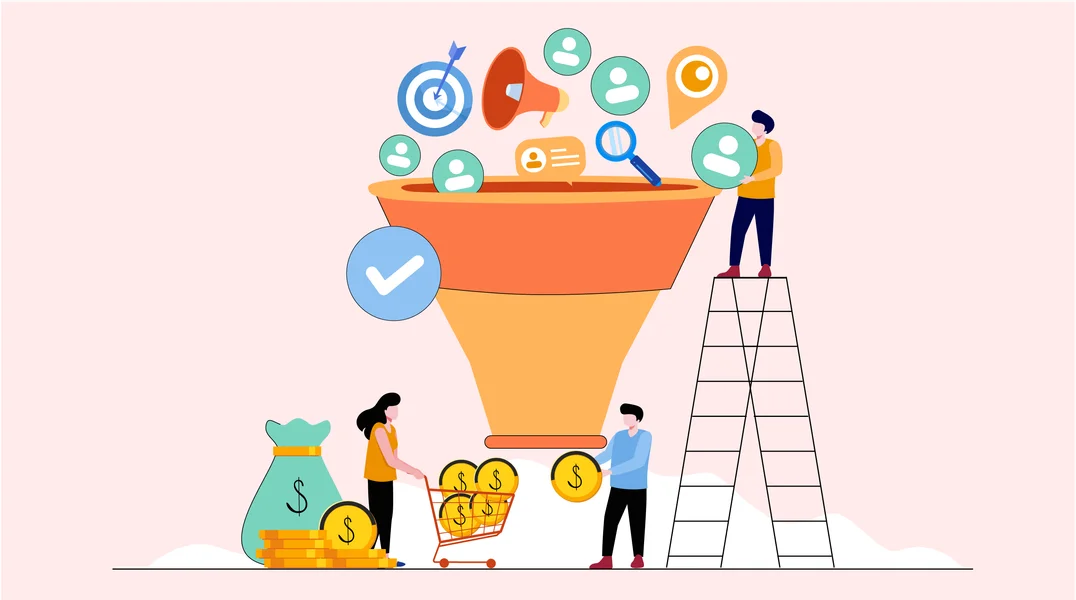
6. Make the Decision Clear and Record the Outcome
Explain the offer, scope, price or pricing process, important limitations, and next step. Use genuine evidence and accurate customer stories. Consistent branding should help the website, proposal, and follow-up feel connected, without replacing the proof a buyer needs.
Record the agreed customer event, such as a completed first order or signed engagement, and its date. Keep bookings, proposals, won business, and collected revenue separate where they represent different stages. Record lost or deferred reasons so the team can distinguish price, fit, timing, competition, and a broken process.

Choose Lead Conversion Channels by the Next Task
The channel should help the prospect complete the next useful step. Evaluate it using qualified progress and customers, not just activity inside the platform.
Email and Sales Calls
Email can deliver requested resources and answer recurring questions over time. Use the successful email marketing guide to plan segmentation, permissions, testing, and measurement. A sales call is useful when the buyer needs discussion or clarification; prepare from the enquiry and record what was agreed.
Landing Pages and Search
A campaign landing page should continue the promise that brought the visitor there. For organic acquisition, connect SEO with the questions and services that fit the business, then assess the quality of the enquiries alongside traffic.
For paid search, Google's responsive search ads test combinations of supplied headlines and descriptions. That does not remove the need to check the offer, destination, and downstream lead quality. An ad click is not a customer conversion.
Social Media and Direct Enquiries
Use social posts and conversations to answer questions and direct interested people to the appropriate resource or contact route. A like or share is an engagement signal, not proof that a person has become a lead or customer. Assign responsibility for genuine enquiries so they do not disappear in an unmonitored inbox.
Match Calls to Action to the Lead's Readiness
Different calls to action ask for different levels of commitment. Choose the next step around the recipient's task, not a fixed rule that every page must push immediately for a purchase.
Help People Learn or Evaluate
A resource download, product comparison, event registration, or demonstration can help someone assess an offer. Use specific wording such as “Read the implementation guide” instead of an unexplained “Read more.” Deliver what the prompt promises and make any required signup clear.
Contact routes and product recommendations can help readers choose a relevant next step. Surveys and social buttons may support feedback or awareness, but count their outcomes separately from customer acquisition.
Make Enquiry and Purchase Actions Predictable
“Request a quote,” “Book a consultation,” and “Buy” describe different actions. Explain any commitment, price, conditions, or scheduling step before the user proceeds. Use a deadline only when it is real.
Good website design connects the message, form, and confirmation on desktop and mobile. Give the page a clear primary action while keeping necessary supporting information available. Do not remove useful explanations simply to make the button more prominent.
When adding configurable widgets, test their effect on the complete user experience. Check whether overlays obscure content, whether controls work with a keyboard, and whether an interested person can dismiss an interruption and continue.

Test the Journey Beyond the Button
Follow the call to action from the received email or live landing page, not only from a design preview. Submit valid and invalid information, correct errors, and confirm that the request reaches the right person or CRM. A click event or thank-you screen alone does not prove that happened.
The website design checklist extends this review to forms, integrations, and responsive layouts. Record the failed step and its owner before proposing a wider redesign.
Diagnose a Low Lead Conversion Rate Before Adding More Tactics
Check the measurement first, then locate where valid leads stop progressing. Review comparable sources and groups; do not assume every change in the overall rate has the same cause.
- If many leads are never contacted, inspect routing, ownership, notification failures, and response capacity.
- If contacted leads are unsuitable, compare the campaign promise and targeting with the qualification criteria. More follow-up will not fix a poor fit.
- If suitable prospects stall, review unanswered questions, offer clarity, price expectations, and the agreed next step.
- If people start forms but cannot finish, reproduce the failure on the affected device and inspect validation, loading, and confirmation.
- If customer numbers remain steady but reported conversions fall, inspect tracking, duplicate handling, stage rules, and the observation window.
A focused UX audit can investigate barriers in an existing website journey. It does not replace a review of sales handoffs or lead quality. The broader conversion rate optimization guide explains how to turn website observations into testable changes.
Fix demonstrated breakages first. For an experiment, write down the hypothesis, primary outcome, audience, and observation period before changing anything. Keep comparison groups and conditions consistent, and avoid declaring a winner from a handful of responses. More form fills with fewer suitable buyers is not automatically an improvement.

Turn Lead Conversion Reporting Into a Working Review
Keep a small, usable report: lead volume, qualification, customer conversion, time to progress, costs, and lost or deferred reasons. Give each measure a definition and owner. Separate new acquisition from repeat business, and retain a record of process or tracking changes.
At each review, choose one evidenced problem, assign a fix, and agree when to check the result. Lead conversion improves through clearer decisions and reliable execution, not through a larger collection of buttons or a promise that every prospect will buy.
Brand Vision's marketing consultation can help review how your messaging, website, and measurement work together. To discuss the priorities in your lead journey, contact our team.


.webp)






