
.avif)
A full website makeover is worth considering when the site's structure, content or technology prevents customers from doing what they came to do. But an outdated photograph, a slow page or an unclear contact form does not automatically justify rebuilding everything. Start by identifying the problem, then choose the smallest scope that can solve it reliably.
For business owners and marketing teams, the decision is whether to improve the current site, redesign its key templates or rebuild its underlying system. This guide explains how to make that choice, then works through eight practical improvements you can make before committing to a larger project.
.webp)
Choose between a refresh, a redesign and a rebuild
Project labels vary, so define the deliverables before comparing proposals. A refresh usually changes existing content, imagery or components while keeping the main structure. A website redesign substantially changes an existing site's organization, templates or visitor journeys. A rebuild replaces significant parts of the implementation, such as the CMS, integrations or codebase. A project can combine these scopes, but it does not have to.
- Choose targeted improvements when the platform is maintainable, customers can generally complete their tasks and the problems are limited to specific pages or components.
- Consider a broader redesign when the same navigation, content or layout problem appears throughout the site, or the business now serves an audience the existing structure cannot explain well.
- Consider a rebuild when the current system cannot support required functionality or reliable maintenance. Ask a developer to demonstrate the constraint before choosing a new platform.
For example, a service business with accurate pages but a confusing enquiry form may need a focused form repair. A business combining several service lines may need new information architecture and page templates. A booking system that cannot connect to operations requires an implementation assessment. These are different briefs, even if each starts with “our website needs work.”
Good website design connects presentation and structure to the business's goals. Age or visual preference alone is a weak brief; document what visitors cannot understand or accomplish.
Diagnose the problem before changing the site
Choose a primary customer task, such as finding a suitable service, requesting a quote or completing a purchase. Walk through it on desktop and mobile, including the confirmation step. Check that enquiries arrive at the right destination and that analytics record the intended outcome. A broken measurement setup can make a working journey look unsuccessful.
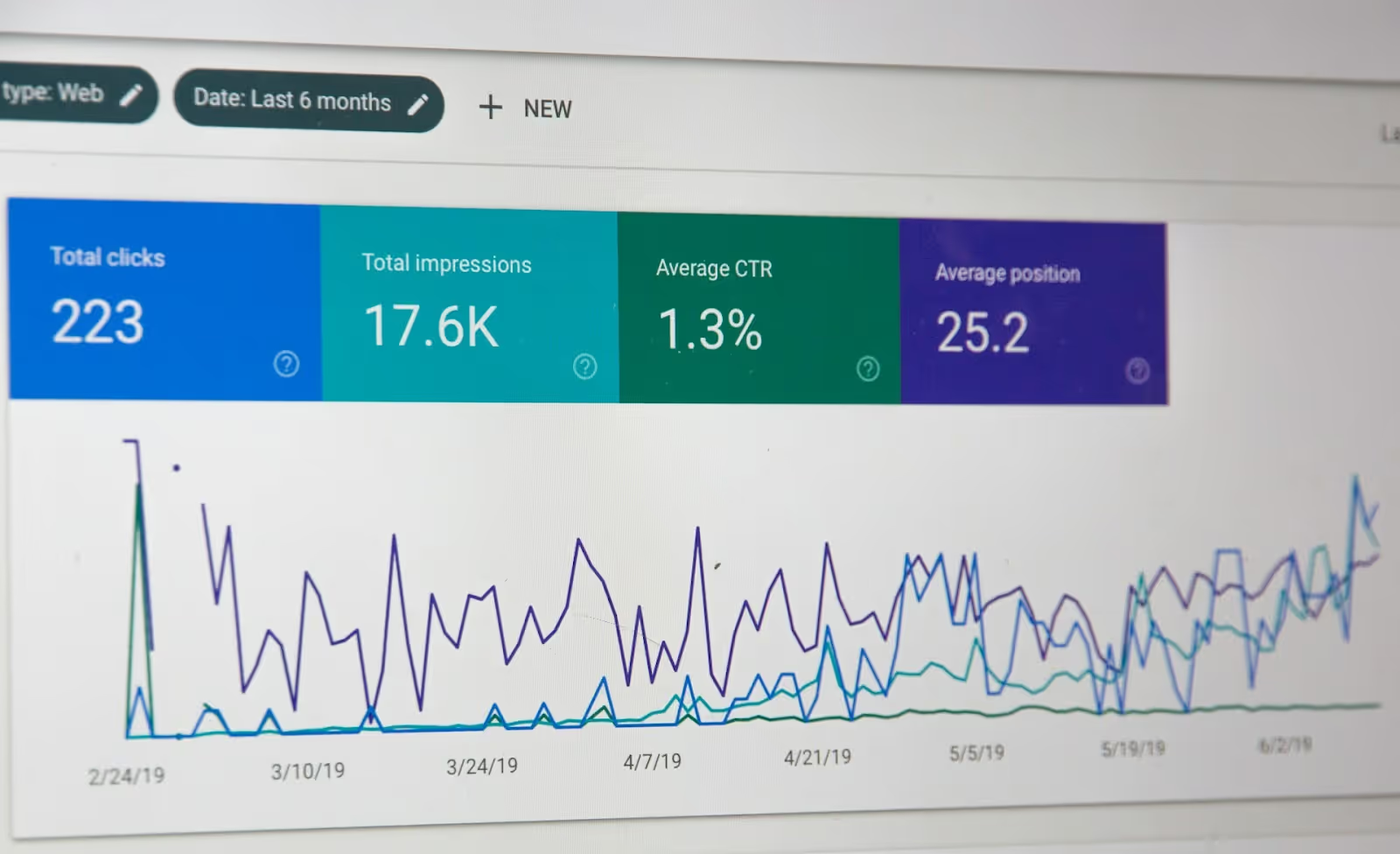
Record a baseline using a period representative of your business. Separate traffic sources and devices, note campaign or seasonal changes, and distinguish qualified enquiries from every form submission. Use search data to investigate discovery problems and a UX audit to diagnose friction in the existing interface. A decline in visits and a failure to submit a form require different investigations.
Create a short issue list with the affected page, evidence, likely cause, proposed fix, owner and success measure. Prioritize failures that block essential tasks, then changes supported by repeated observations. Treat untested aesthetic preferences as hypotheses.
1. Update the content customers use to decide
Begin with the pages people rely on before contacting or buying from you. Service descriptions, product details, pricing explanations where appropriate, delivery information, case studies and the About page should reflect what the business actually offers. A newly styled page will still disappoint if its promise is unclear or its information is wrong.
Review the most important blog posts for accuracy and usefulness. Replace outdated instructions and unsupported claims, answer missing questions and remove repetition. Updating a date or adding keywords alone does not make an article more useful. Keep evidence and historical context intact when describing past work.
Use case studies to explain the customer's problem, the work completed and results you can substantiate. Check permission before adding testimonials or client material. If the website, sales materials and company story disagree, resolve the broader branding process before rewriting each page separately. Assign an owner to keep service and company information current when the business changes.
2. Fix measured performance problems
Test representative pages rather than relying on the homepage alone. Google's Core Web Vitals guidance distinguishes loading performance, interaction responsiveness and visual stability. Use available real-user data alongside diagnostic tests to identify which pages and devices have problems. A single test score does not explain every visitor's experience.
Check whether oversized images, unnecessary scripts, third-party widgets or slow server responses contribute to the issue. Resize images for their displayed use and compress them while checking visual quality. Review caching with a developer, and investigate the cause of a slow response before paying for a larger hosting plan. After each change, retest the affected journey and confirm that forms, analytics and other required functions still work.
Performance work can support search visibility, but it is not a ranking guarantee. Google states that good Core Web Vitals do not guarantee top rankings. Use performance measures to remove obstacles for customers, alongside relevant content and a usable site.
3. Make mobile tasks work from start to finish
A responsive layout should do more than shrink the desktop page. Open a high-priority page on a phone and try its main task. Check whether navigation is understandable, text remains readable, buttons are easy to activate and content stays within the screen. Test menus, product options, booking controls and forms with the on-screen keyboard open.
Look for overlays that hide essential controls and long forms that become difficult to complete. Make errors clear and preserve entered information when practical. Keep important service or product information available on mobile. If a shared component causes the problem across many pages, repair that component and check its other uses before rolling out the change.
.webp)
4. Improve usability and accessibility together
Visitors should be able to identify where they are, understand the next step and recover from mistakes. Review navigation labels, page headings, calls to action and form instructions as one journey. Consistent user experience design helps these elements work together; changing button colour alone will not resolve an unclear offer or a missing explanation.
Use the W3C Web Content Accessibility Guidelines as a technical reference. Include keyboard navigation, visible focus, meaningful image alternatives, readable contrast, labelled inputs and understandable errors in the review. Test key tasks with assistive technology and people with disabilities where possible. An automated scan or this short checklist does not establish conformance.
Fix known barriers directly. A customer who cannot reach the submit button with a keyboard does not need an A/B test to justify a repair. When you revise navigation or forms, test the full path again, including success and error states.
5. Improve search relevance without making unnecessary URL changes
A useful SEO strategy connects what customers search for with pages that answer those needs. Review the queries and landing pages that matter to your business. Make each page's purpose clear, use descriptive headings and link to relevant next steps. Do not add unrelated keywords simply because they attract more searches.
Write distinct page titles and accurate meta descriptions. Google's snippet guidance explains that search descriptions are usually generated from page content and may use the meta description when it is a better summary. The text you enter is not guaranteed to appear for every query, and rewriting descriptions should not be presented as a guaranteed ranking improvement.
Keep useful existing URLs unless there is a clear reason to change them. Check for broken internal links, inaccessible important pages and accidental indexing restrictions. If the problem is technical, identify and repair that mechanism rather than replacing otherwise useful content.
6. Refresh visuals with a consistent purpose
Replace inaccurate or irrelevant photography with images that help explain the business, its products or its work. Keep useful diagrams and evidence. Review colours, typography and imagery as a coordinated visual identity, then apply that system consistently across the site and related materials.
Check readability at different screen sizes and zoom levels. Confirm that new colours preserve contrast and that important information is not communicated by colour alone. Preview real headings, long service names, errors and buttons before approving a design. A sample layout with short placeholder text can hide problems that appear once real content is added.
Build the change around a defined issue, such as inconsistent typography or images that no longer represent the offer. A trend is not, by itself, a reason to replace a recognizable and usable visual system.
7. Test uncertain improvements with a clear decision rule
A/B testing compares a control with a variation by assigning visitors to different versions. It can help evaluate an uncertain change, such as a revised value proposition or enquiry flow. It is not required for correcting factual errors, broken links or known accessibility barriers.
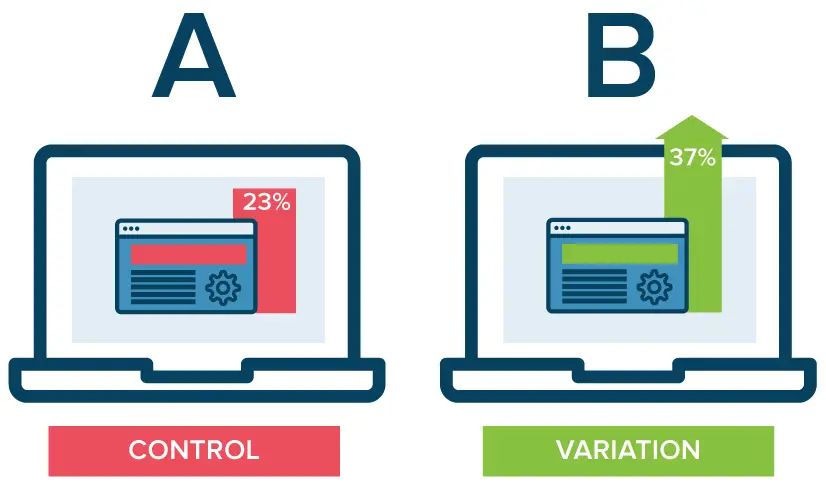
The percentages in this illustration are example values, not performance benchmarks or a forecast for your website.
Before launching a test, define the hypothesis, primary outcome and any guardrails, such as lead quality or checkout errors. Confirm that traffic is assigned appropriately and measurement works. Plan the sample size and analysis with someone who understands the testing method; do not declare a winner from a few early conversions. Optimizely's A/B testing overview explains the sequence from setting goals to random assignment and analysis.
If traffic is too limited for a useful experiment within your decision window, use task observation, customer feedback and monitored releases instead. Before-and-after results can inform the next decision, but changes in campaigns, audience or seasonality make them weaker evidence of cause. Our guide to conversion rate optimization explains how testing fits into a broader improvement process.
8. Add a chatbot only when it solves a support problem
A chatbot is an optional feature, not a requirement for a modern website. First identify questions that visitors repeatedly struggle to answer. Improve the relevant page or FAQ if clearer content would solve the problem. Consider chat when there is a defined need for guided help and a team can maintain the service.
Start with a narrow scope. Test answers against approved information, make the automated nature clear and provide a usable path to human help. Decide what happens outside support hours or when the system cannot answer. Avoid requesting information the task does not need, and review data handling before implementation.
If chat must pass information to a CRM, booking platform or support queue, treat that as website integration work. Test the handoff and failure states, not just the chat window. Measure whether customers resolve their questions or complete the intended task; the number of conversations alone does not establish value.
Turn the findings into a manageable website plan
Group the work into immediate repairs, improvements to test and changes that require a larger project. Give each item an owner, dependency and acceptance check. For example, repair a broken form first, clarify the service page next and evaluate a new navigation structure once the content decisions are settled. This makes progress visible without assuming that every issue needs the same solution.
Compare the scope and ongoing maintenance of targeted repairs with a broader redesign. Include content preparation, integrations, accessibility review, testing, migration, training and support in the brief. Ask proposals to identify assumptions, exclusions and who owns each deliverable. A lower initial quote may cover a different scope; an expensive rebuild still needs a demonstrated reason.
If the work changes URLs, follow Google's site-move guidance. Map old pages to relevant new destinations, implement permanent redirects where appropriate, update internal links and sitemaps, and verify indexing settings at launch. Google advises separating major changes where practical and warns that rankings can fluctuate while it recrawls and reindexes a moved site.
Before release, save a recoverable version, agree on a rollback plan and test the key customer journeys. After release, check live forms, integrations, analytics and important pages. Review the same business outcomes used in the baseline, while accounting for traffic and campaign changes. Keep what demonstrably helps customers, investigate setbacks and use the remaining evidence to decide whether a full website makeover is still needed.
















.webp)