User experience (UX) shapes whether people can understand a digital product, complete important tasks, and move through the experience without unnecessary friction. A successful UX project connects those user needs with business goals through research, design, testing, data, and iteration. The ten practices below provide a practical framework for keeping that work focused from discovery through post-launch improvement.

For users, strong UX means clarity, efficiency, useful feedback, and a reasonable path to the outcome they came for. For a business, the same experience also needs to support objectives such as conversion, retention, support efficiency, and customer trust. Those priorities do not always align automatically. Good UX work makes the trade-offs visible so teams can improve the experience without losing sight of the product's purpose.

1. Start With User-Centric Design
UX begins with an understanding of what people need to do, what gets in their way, and what they expect from the product. User-centric design means grounding decisions in evidence rather than assumptions. Interviews, observation, support feedback, analytics, and task-based research can all help reveal the context behind user behaviour.
Partnering with teams that offer full-service digital design solutions can further strengthen this approach, ensuring research, strategy, and execution are aligned for maximum impact.
2. Set Clear Objectives
Define the product and UX objectives before the team begins polishing screens. Useful objectives describe the outcome the project is meant to influence and how progress will be measured. Depending on the product, that might include task completion, conversion, retention, activation, support volume, or another indicator tied to a real user or business goal.
Clear objectives give designers, developers, and stakeholders a shared reference point when priorities conflict. They also provide a baseline for evaluating the experience after launch.
3. Conduct Comprehensive User Research
Use a mix of qualitative and quantitative research when the project warrants it. Surveys, interviews, usability studies, analytics, and behavioural data answer different questions and are more useful when the team is clear about what it needs to learn. A related Brand Vision article on quantitative UX research covers analytics, usability metrics, card sorting, and testing methods in more detail.
Research should continue as the product changes. Continually soliciting user feedback can help teams detect new pain points and check whether design changes actually solve the intended problem.

4. Prototype and Iterate Early
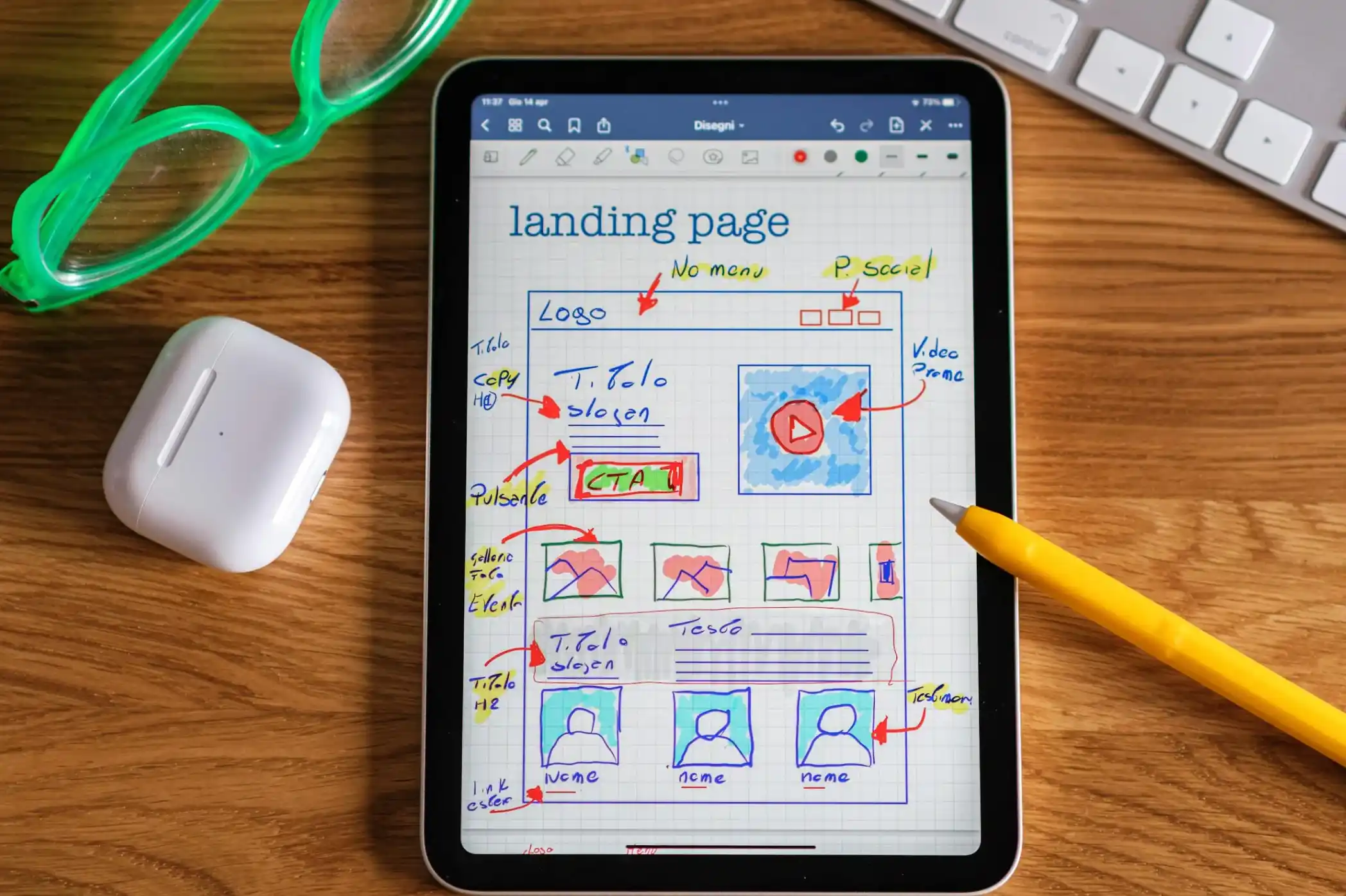
Prototypes help teams test ideas before committing to full development. Start with the level of fidelity needed to answer the current question. A simple wireframe may be enough to test structure and flow, while a higher-fidelity prototype may be useful for detailed interactions.
Test the riskiest or most important parts first. The purpose of prototyping is to learn while changes are still relatively inexpensive, not to make an early concept look finished.
5. Test Usability With Representative Users
Usability testing shows what happens when people try to complete real tasks. Representative users can reveal unclear labels, navigation problems, missing information, confusing feedback, and other issues that are easy for an internal team to overlook.
Testing can be moderated or unmoderated, remote or in person, and qualitative or quantitative. The method should match the question, stage of the product, available participants, and the decision the team needs to make.
6. Make Decisions With Data, Not Data Alone
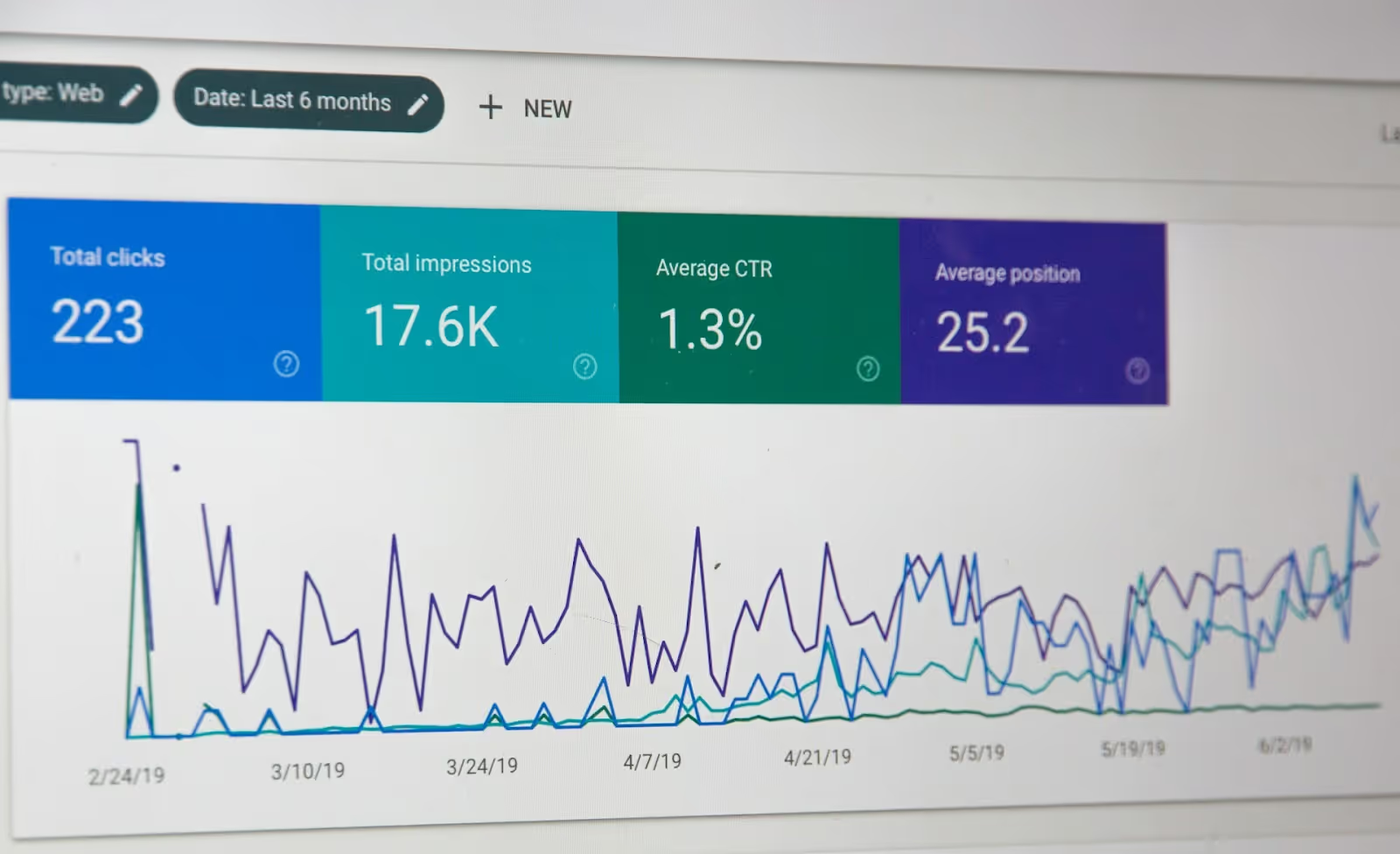
Analytics, heatmaps, journey data, support trends, and conversion behaviour can show where users encounter friction. Qualitative research can then help explain why. Treat the two as complementary rather than expecting one dashboard to provide the complete answer.
Brand Vision's guide to conversion rate optimization covers how behavioural data, user research, and testing can work together when a website or funnel is being improved.
7. Collaborate Across Disciplines
UX decisions affect development, content, marketing, analytics, product management, support, and business operations. Involving those disciplines early helps surface constraints before they become expensive late-stage changes.
Designers should explain the reasoning behind important decisions, while technical and business stakeholders should make dependencies and constraints visible. The goal is not consensus on every detail. It is a coherent product built from shared information.
8. Build Continuous Improvement Into the Process
UX work continues after launch. Monitor the metrics connected to the project's objectives, review support and research findings, and revisit important user journeys as the product, market, and audience change.
Prioritize improvements by evidence, user impact, business value, and implementation cost. A steady learning loop is generally more useful than waiting for a large redesign to address every problem at once.

9. Design for Accessibility and Inclusion
Accessibility should be considered during design and development rather than added as a final audit. Keyboard access, colour contrast, focus visibility, labels, alternative text, target sizes, content structure, and assistive-technology behaviour can all affect whether people can complete a task.
WCAG 2.2 is the current W3C Recommendation, and W3C advises using the most current WCAG version when developing or updating accessibility policies. Brand Vision's guide to accessibility provides additional context for applying accessibility principles to web and brand experiences.
10. Educate and Empower Users
A usable interface should reduce the need for explanation, but some products still require onboarding, documentation, FAQs, tutorials, or contextual help. Those resources should help users recover from uncertainty without forcing them to contact support for routine tasks.
Keep guidance clear, accessible, and close to the moment it is needed. As the product changes, update help content alongside the interface so instructions do not become another source of friction.
Successful UX Is a Learning Process
A successful UX project combines clear objectives, evidence about users, iterative prototyping, usability testing, data-informed decisions, collaboration, accessibility, and ongoing improvement. The strongest process gives teams a repeatable way to learn and make better decisions rather than relying on one polished design moment.
If your team is planning a digital product or redesign and needs help aligning user needs with business priorities, Brand Vision's marketing consultation can help clarify the strategic direction before implementation.













.webp)